DROP MATERIALIZED VIEW in BigQuery
What is DROP MATERIALIZED VIEW in BigQuery?
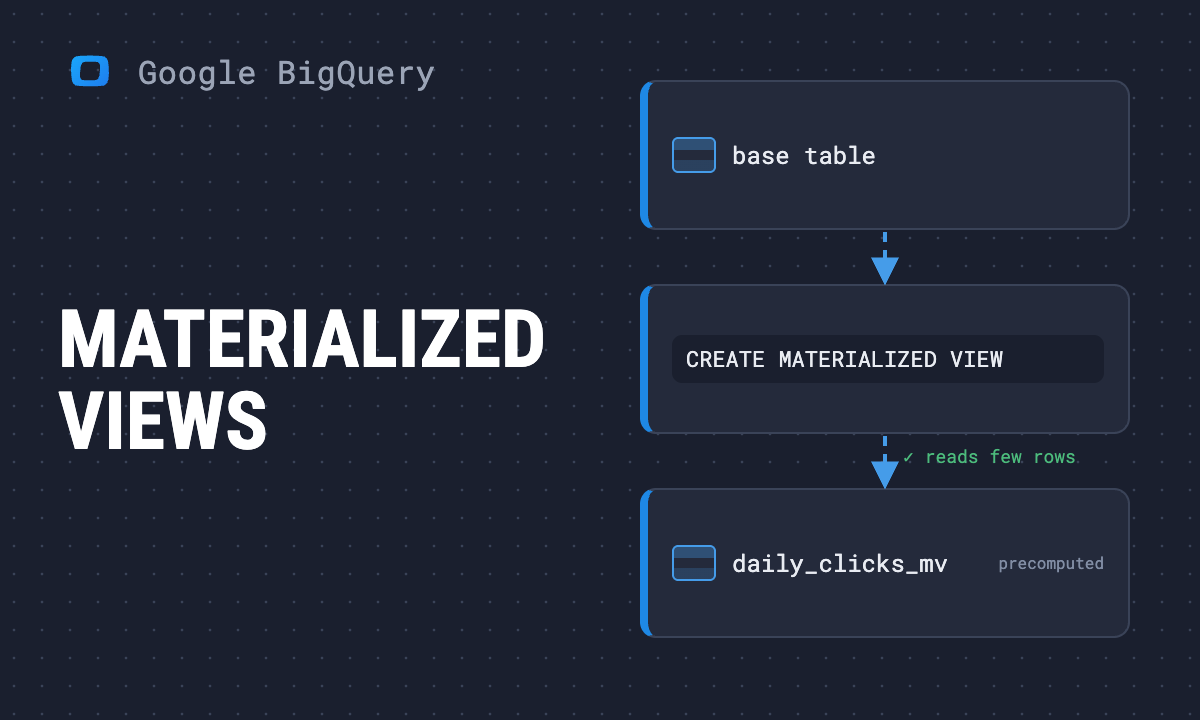
DROP MATERIALIZED VIEW in BigQuery is a SQL statement that permanently removes a materialized view, including its definition and cached results, from a dataset.
DROP MATERIALIZED VIEW in BigQuery deletes both the view definition and cached results, freeing storage and making it unavailable for queries or reports. It is often used during dataset cleanup or when updating business logic, helping analysts maintain efficiency and reduce costs
How to use the DROP MATERIALIZED VIEW command in BigQuery
How to use the DROP MATERIALIZED VIEW command in BigQuery
DROP MATERIALIZED VIEW is straightforward to use and can be executed from the BigQuery Console, the bq command-line tool, or the API.
Key points include:
- Basic syntax: The statement DROP MATERIALIZED VIEW dataset.view_name; permanently deletes the view and its cached results from the dataset.
- Conditional deletion: Adding IF EXISTS ensures scripts don’t fail when the view is missing, improving automation reliability.
- Execution options: The command can be run directly in the SQL editor, integrated into command-line workflows, or embedded in API calls.
- Final impact: Once dropped, the view is completely removed from storage, and any dependent queries or dashboards will stop functioning.
Required permissions for DROP MATERIALIZED VIEW in BigQuery
Required permissions for DROP MATERIALIZED VIEW in BigQuery
DROP MATERIALIZED VIEW requires specific IAM permissions to ensure only authorized users can delete views and maintain governance across projects.
Key permissions include:
- Core permissions: The action requires bigquery.tables.get to view table details and bigquery.tables.delete to remove the materialized view.
- Predefined roles coverage: Roles such as bigquery.dataOwner and bigquery.admin includes these permissions, making them suitable for most administrative tasks.
- Custom roles: For stricter governance, teams can create custom roles with only the necessary permissions, limiting the risk of overexposure.
- Security assurance: Controlling who can drop materialized views protects reporting pipelines from accidental deletion and supports compliance requirements.
OWOX Data Marts
See your first report built in real time. 15 minutes.
- Connect your data warehouse
- Pick your metrics
- Get a live Google Sheets report
In the time it takes to write a ticket. Then imagine never writing that ticket again.
Book a DemoWe'll use your actual use case
Benefits of using DROP MATERIALIZED VIEW in BigQuery
Benefits of using DROP MATERIALIZED VIEW in BigQuery
DROP MATERIALIZED VIEW helps organizations manage BigQuery resources efficiently, reduce costs, and keep environments well-organized.
Key benefits include:
- Efficient storage management: Removing unused materialized views deletes cached results and metadata, freeing up storage space for active datasets and new projects.
- Cost savings: Eliminating refresh operations for views that are no longer used lowers compute expenses and prevents wasteful resource consumption.
- Improved performance: By dropping views that are not contributing to reporting, query execution becomes faster, and workloads are distributed more effectively.
- Cleaner datasets: Deleting outdated or redundant views reduces clutter, allowing analysts to navigate datasets with greater clarity and confidence.
- Flexibility for updates: Clearing old views makes room for new materialized views that incorporate updated SQL logic or refined business metrics.
- Stronger governance: Managing which views remain active helps maintain consistency in reporting logic and supports compliance with data policies.
Challenges of using DROP MATERIALIZED VIEW in BigQuery
Challenges of using DROP MATERIALIZED VIEW in BigQuery
While useful for managing resources, DROP MATERIALIZED VIEW also comes with important challenges and risks.
Key challenges include:
- Irreversible deletion: Once a materialized view is dropped, its definition and cached results cannot be restored, requiring recreation if still needed.
- Broken dependencies: Queries, reports, and dashboards that rely on the deleted view will fail immediately until updated with a new data source.
- Permission reset: Deletion removes all associated access settings, meaning permissions must be reassigned if the view is recreated later.
- Disruption to reporting pipelines: Accidental deletion can interrupt scheduled reports and dashboards, delaying decision-making across teams.
- Governance risks: Without strict access control, unauthorized users may remove critical views, leading to compliance and accountability issues.
- Operational overhead: Recreating dropped views requires additional time to redefine SQL logic and reconfigure downstream dependencies.
Examples of DROP MATERIALIZED VIEW in BigQuery
Examples of DROP MATERIALIZED VIEW in BigQuery
DROP MATERIALIZED VIEW is often used in the lifecycle management of datasets and reporting pipelines.
Key examples include:
- Delete a view directly: Running DROP MATERIALIZED VIEW sales_data.daily_sales_mv; permanently removes the specified materialized view and its cached results from the dataset.
- Conditional deletion: Using DROP MATERIALIZED VIEW IF EXISTS sales_data.monthly_performance_mv; prevents errors in scripts when the view does not exist, ensuring reliable automation.
- Replace outdated views: Teams often drop a view before creating a new one with updated SQL logic, keeping dashboards aligned with current business requirements.
- API-based deletion: The command can be executed through the BigQuery API, making it possible to include view removal in automated data workflows.
- Command-line management: With the bq tool, analysts can script the deletion of multiple materialized views during cleanup or migration tasks.
- Console execution: The Google Cloud Console also allows dropping materialized views directly through the SQL editor, useful for ad-hoc management by admins.
Send recurring numbers as Insights
Send recurring numbers as Insights
Insights with AI Assistance turn saved SQL queries over a Data Mart into a scheduled write-up. Write the text once, add the queries (your own, or drafted by the AI Assistant and applied by you), and OWOX sends the result to Email, Slack, Microsoft Teams or Google Chat on the schedule you set. Every figure comes from a saved query, so you can check it.


Learn how teams ship analytics faster
Organizations that scaled analytics without scaling headcount
 "For 10 years I was blind." The day Pürblack® founder stopped guessingSecondsto get reports across six channelsRead the story
  How OWOX Reports Helped Reformation Make Data-Backed DecisionsMinutesfrom data request to business decisionRead the story
 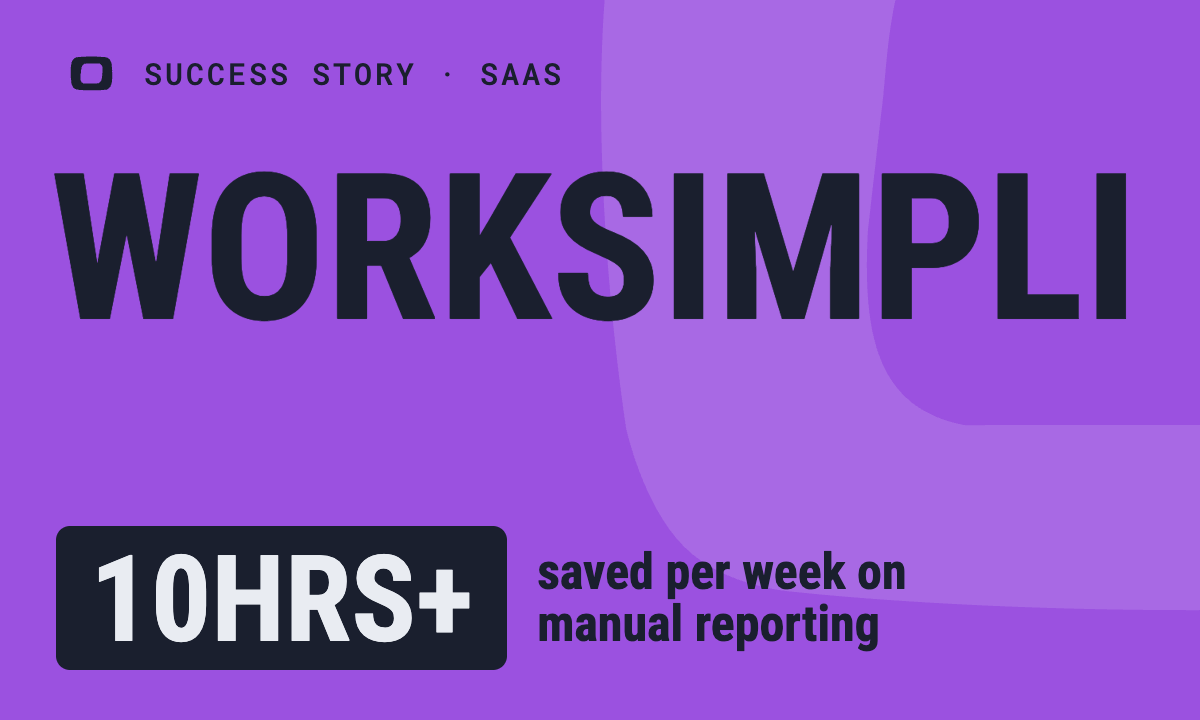 How OWOX Reports Streamlined Operations for WorkSimpli, Saving Over 10 Hours Weekly10hrs+saved per week on manual reportingRead the story
 Not testimonials. Comment threads.
Real things real customers said — each quote pinned to a specific claim, straight from the quotes database.
 Nodari RizunFounder & CEO, Pürblack®
“AI, by the nature of the models, will hallucinate. And because of that, you need something which will create guardrails to ensure that there are no hallucinations, that you can trust your data.”
Nodari RizunFounder & CEO, Pürblack®“I was blind, now I can see. OWOX opened our eyes.”
“We are extremely satisfied with the results achieved through our partnership with OWOX. I'm also impressed by quick and effective support we get from OWOX”
Turn your data into decisions.
Governed data marts give you the clean foundation ML needs to actually work.
- No AI hallucinations
- Analyst-governed definitions
- Every number traces to SQL