

Data Mart Management gives analysts full control over the logic while giving business users instant, governed access to clean datasets across every reporting tool.
Write SQL, re-use existing tables – keep the last mile of self-service analytics all in one place. Every data mart you build becomes a reusable asset the whole company can query safely.
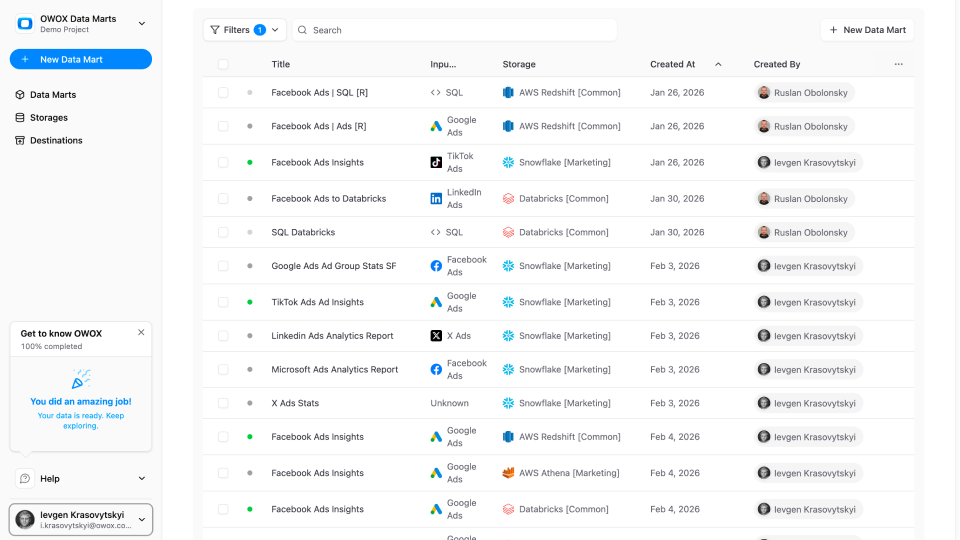
Browse a catalog of ready-to-use datasets. Pull them into Google Sheets, Looker Studio, or ask questions directly in Claude or ChatGPT via OWOX MCP — no need to understand joins, filters, or warehouse schemas.

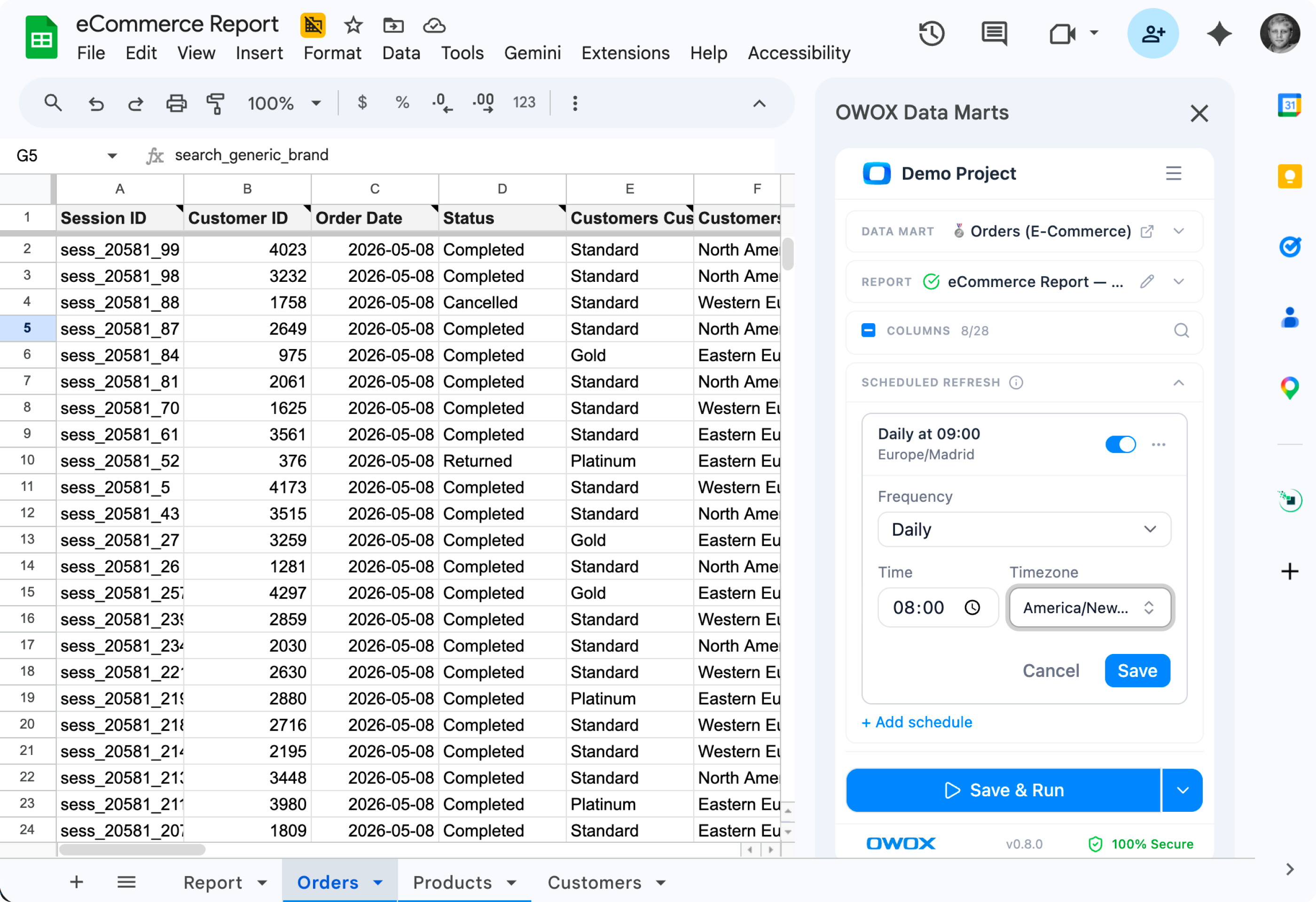
Write SQL, define transformations, version your work — every data mart becomes a governed asset the whole company can query.
Start from a SQL query, a warehouse table, a view, a Pattern, or a connector's output. Whatever data is available, OWOX turns it into a governed, reusable asset.

Rename fields, add descriptions, set business-friendly aliases on top of warehouse columns. Consumers see clean, documented data — not your raw column names.

Control availability per Data Mart: who can use it for reporting, who can edit it, which contexts it belongs to. The data team stays in charge of every governed asset.

Browse ready-to-use datasets and pull them into Sheets, Looker Studio, or ask in Claude or ChatGPT via OWOX MCP — no SQL required.
Marketing sees marketing data, sales sees sales data. Each team's context surfaces the Data Marts that matter to them — no clutter, no hunting through someone else's reports.

Pull two Data Marts into a Sheet and join them as if they were one. Blend orders with products or with sessions without writing SQL – the data team already wired the relationships.
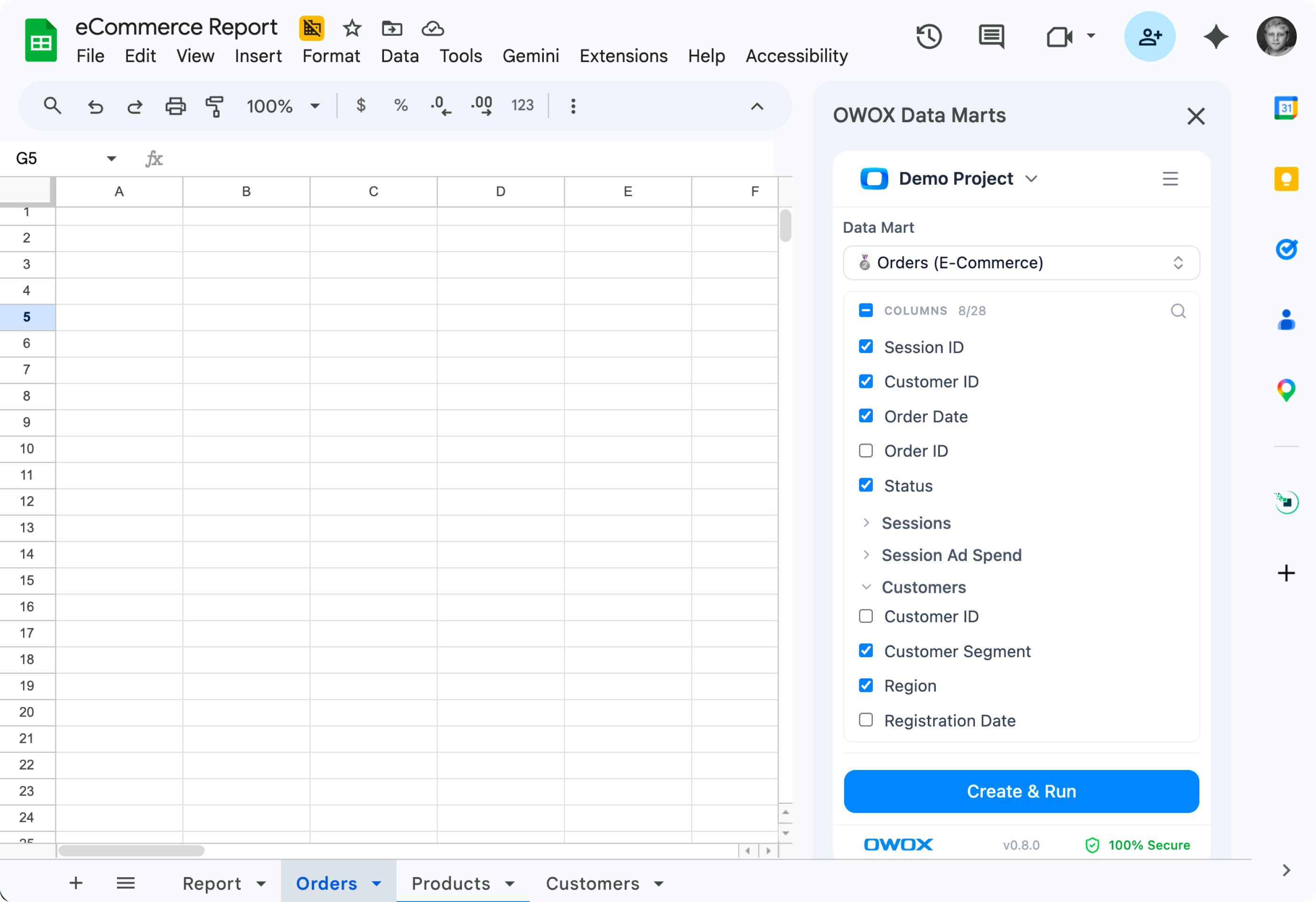
Explore freely – every Data Mart you can access has been governed by your data team. No bad joins, no wrong filters, no stale logic. Trust the numbers, every time.
The easiest to get started
Try before you scale
Starter
Free to start — paid plans from $65/mo
For data professionals & teams starting to automate entire business reporting in spreadsheets
MOST POPULAR
Best for teams
Team
Starts at $875/mo + $35/seat (5 seats included)
For small and mid-size teams looking to automate collaborative reporting & get AI insights
Most flexible & free
Self-managed, full control
Community
Forever free & growing on GitHub
For teams automating reporting in Corporate DWH while valuing data autonomy: gaining full control over data connectivity and enablement
Outcomes your company gets the moment your data marts go live.

Centralize metric logic in one place, so everyone works from the same definitions, without rewriting SQL.

Define KPIs once and reuse them everywhere – across Looker, Sheets, Excel, and dashboards – with full control over changes.

Write your KPI logic once, then apply it across reports, dashboards, and clients – no duplication, no rework.

Explore only verified, fresh, and complete data. Say goodbye to guesswork and second-guessing.
Stats with comment threads attached — like a colleague verifying your numbers in a shared sheet.
Connected BigQuery, set up 37 data marts, built a data model and had live reports in Sheets in under 15 minutes. My team thought I was joking when I showed them how they can now get live reports right in their sheets.

Build reusable data marts once and power every report across your organization.
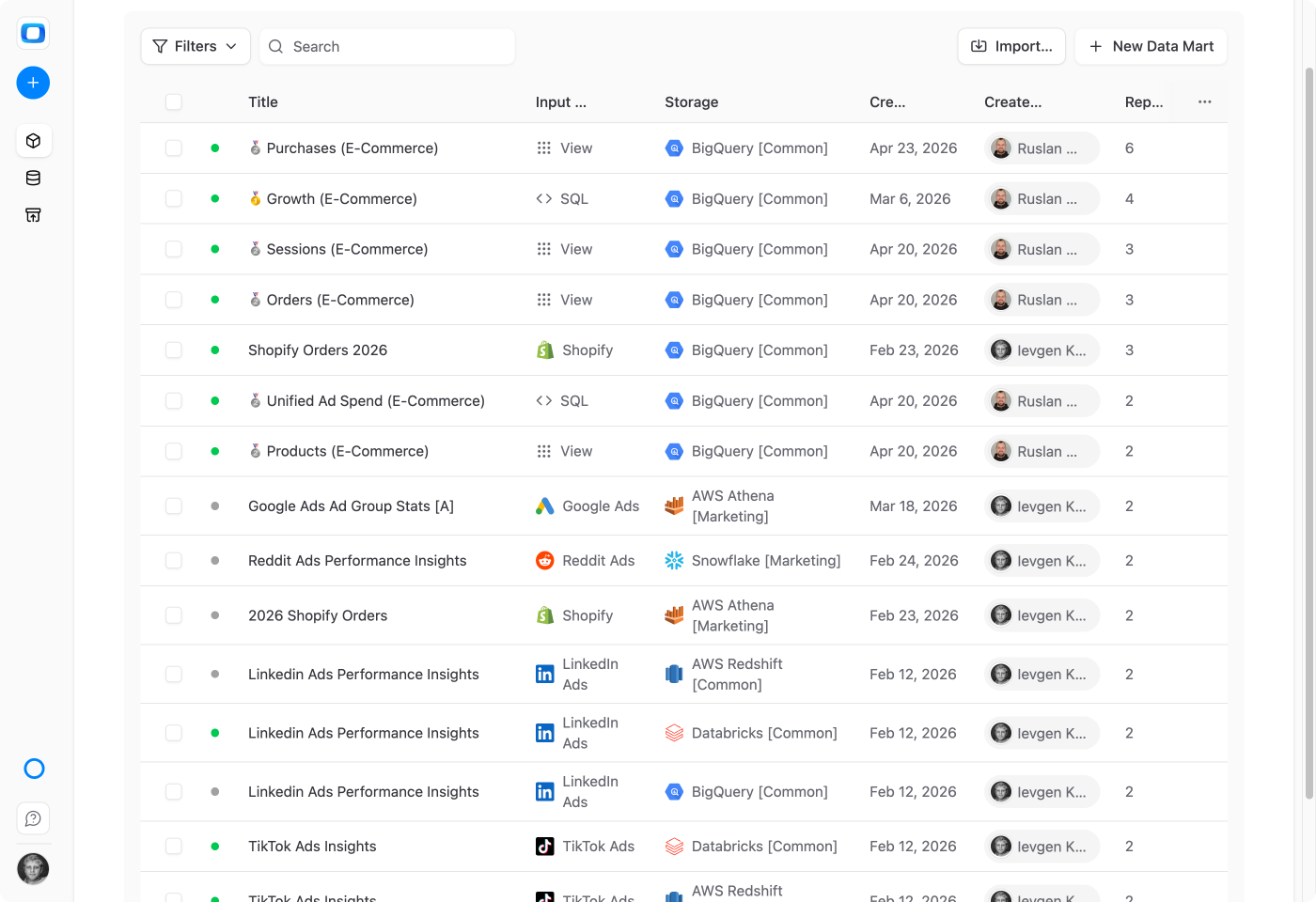


We migrated 200+ reports from Looker to OWOX Data Marts. Our team now self-serves without filing a single Jira ticket. Easily the best infrastructure decision we made this year.