Data Studio Connector
Reuse your Data Marts in Data Studio dashboards
Already invested in Data Studio? Connect a governed Data Mart and reuse the same logic that powers your Sheets reports — joinable columns included.
Request early accessRead the docs →
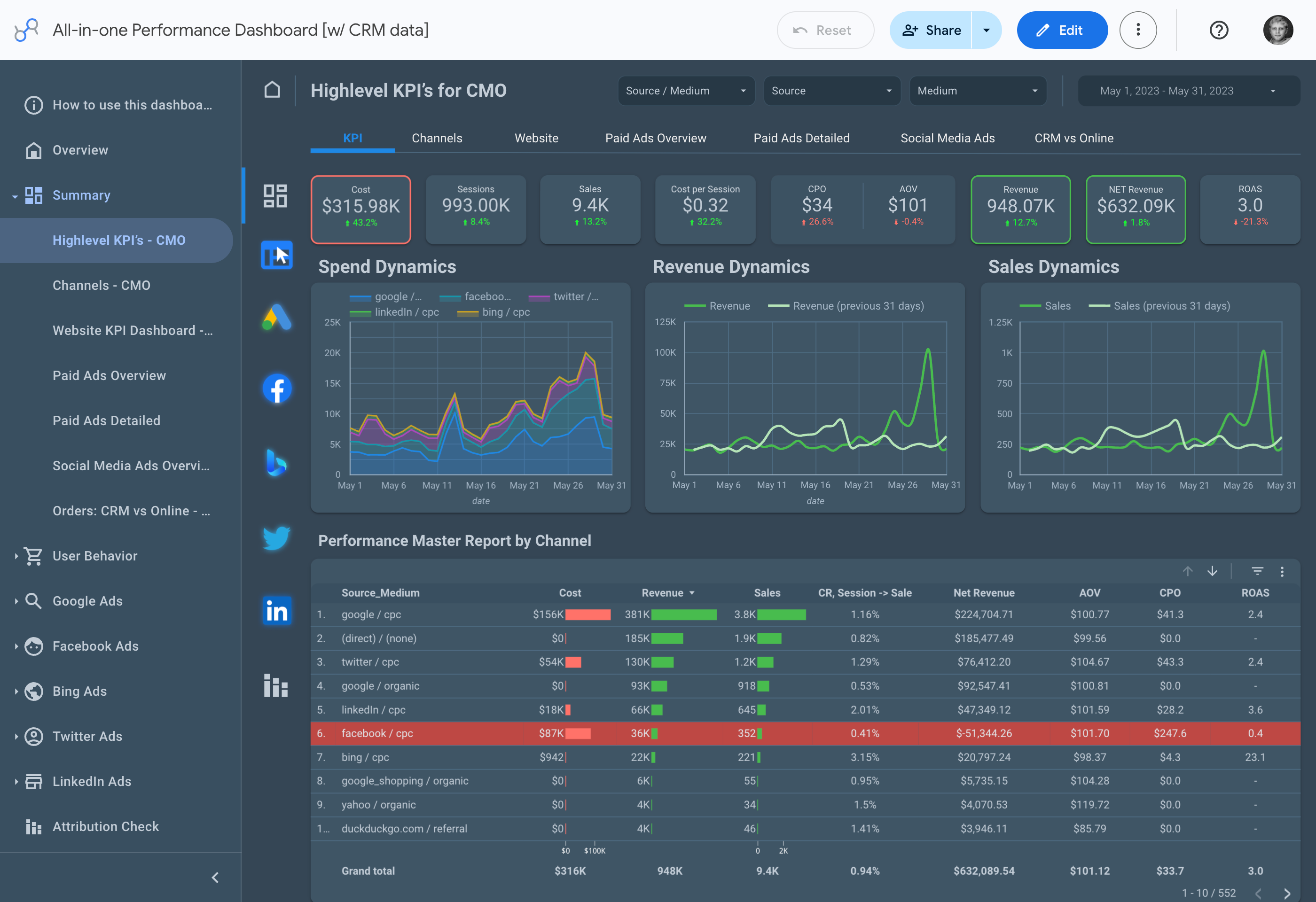
The same governed data, now in your dashboards
The Data Studio Connector turns your Data Marts into a reusable source for any dashboard. Same logic, same joinable columns, same governance as your Sheets reports — without writing SQL per chart.
THE ANALYST
Write the logic once, dashboard forever
Connect Data Studio to a Data Mart instead of writing per-dashboard SQL. Metrics stay consistent, logic stays centralized, and you stop fielding "why don't the numbers match?" tickets.
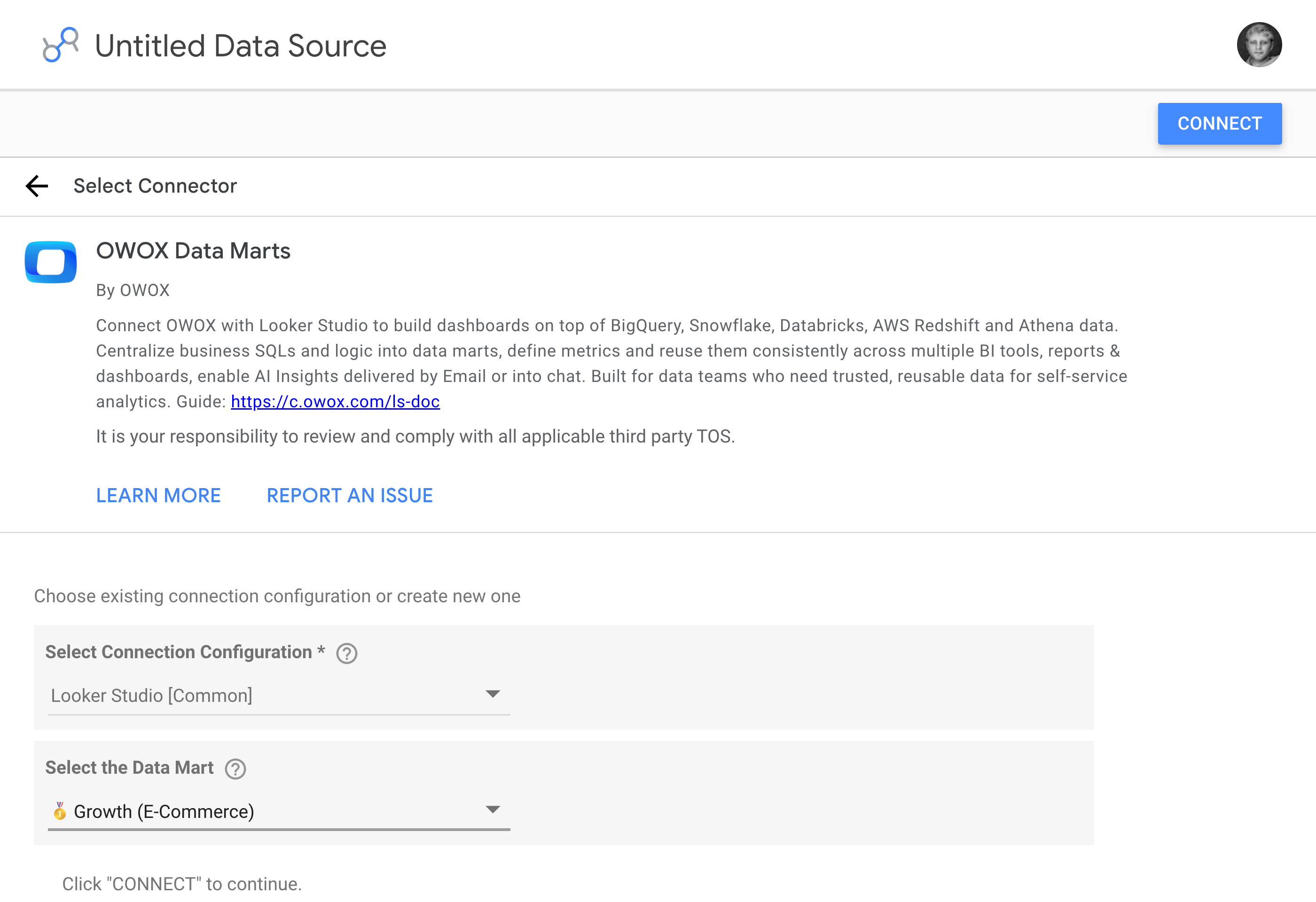
One Data Mart. Ten dashboards. Zero inconsistency.
THE MARKETER
Dashboards that match the spreadsheets & slack
When every dashboard reads from the same Data Mart as Sheets reports and AI Insights, every number agrees. The reconciliation meeting becomes the decision meeting.
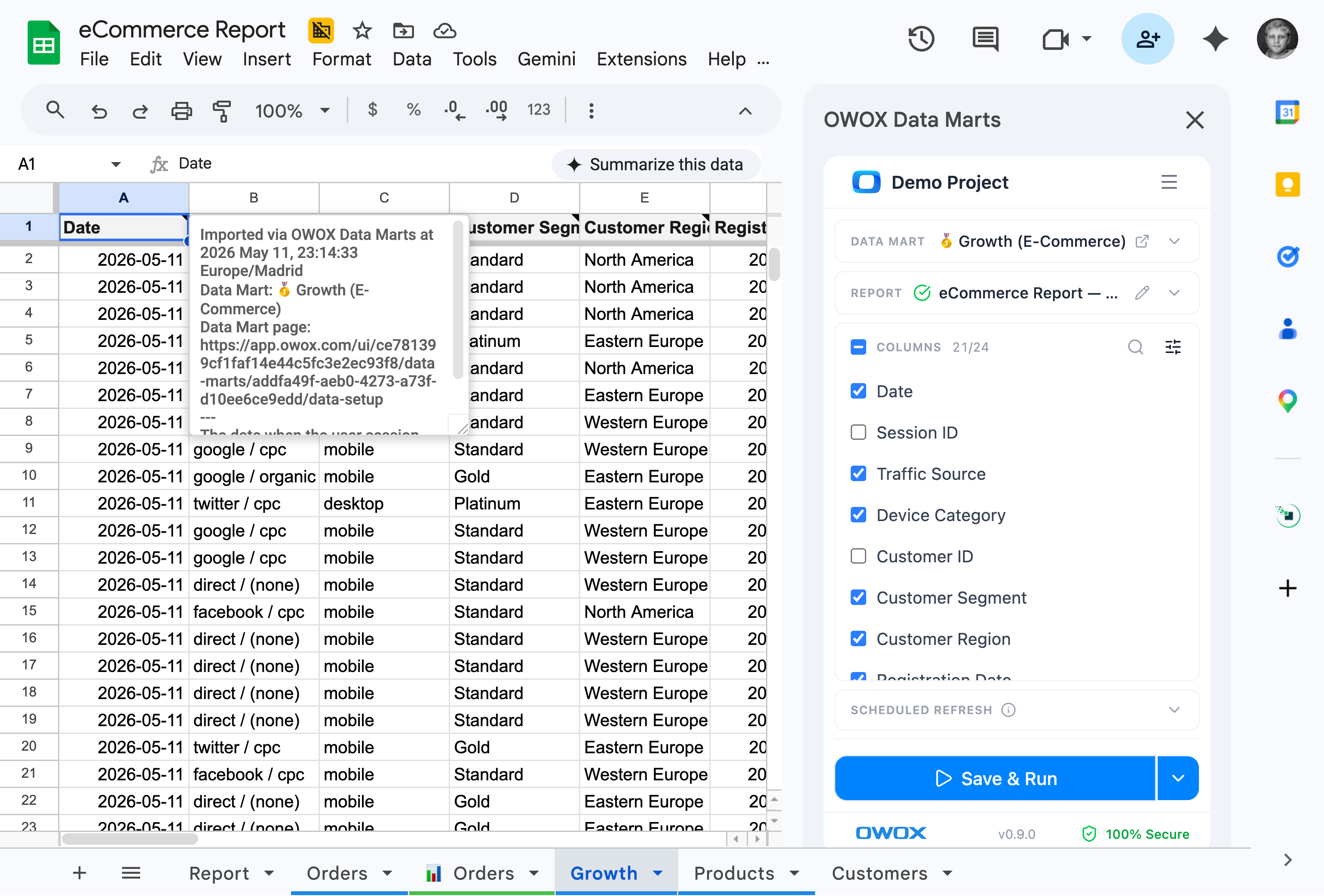
Same source, every tool. Numbers that finally agree.
Reusability is the whole point — The Data Mart you built for Sheets is the same one feeding Data Studio. Update it once, and every connected dashboard updates with it.
For Data Teams
Write the logic once, dashboard forever
Point Data Studio at a Data Mart instead of writing custom SQL per dashboard. Metrics stay consistent, logic stays centralized.
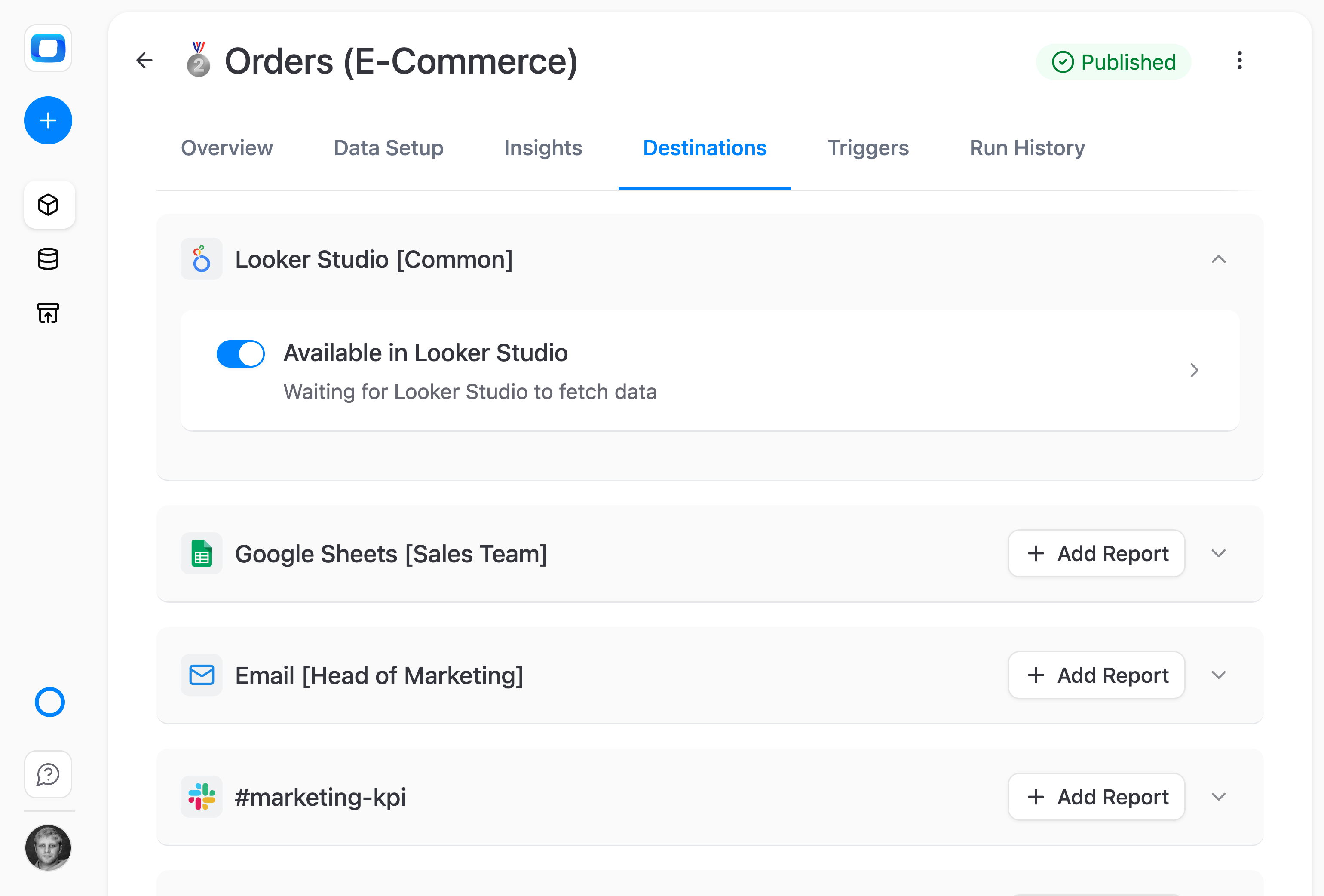
Reuse your Data Marts as Data Studio sources
Connect a governed Data Mart to Data Studio instead of writing custom SQL per dashboard. The business logic is already built — just pick columns and visualize.
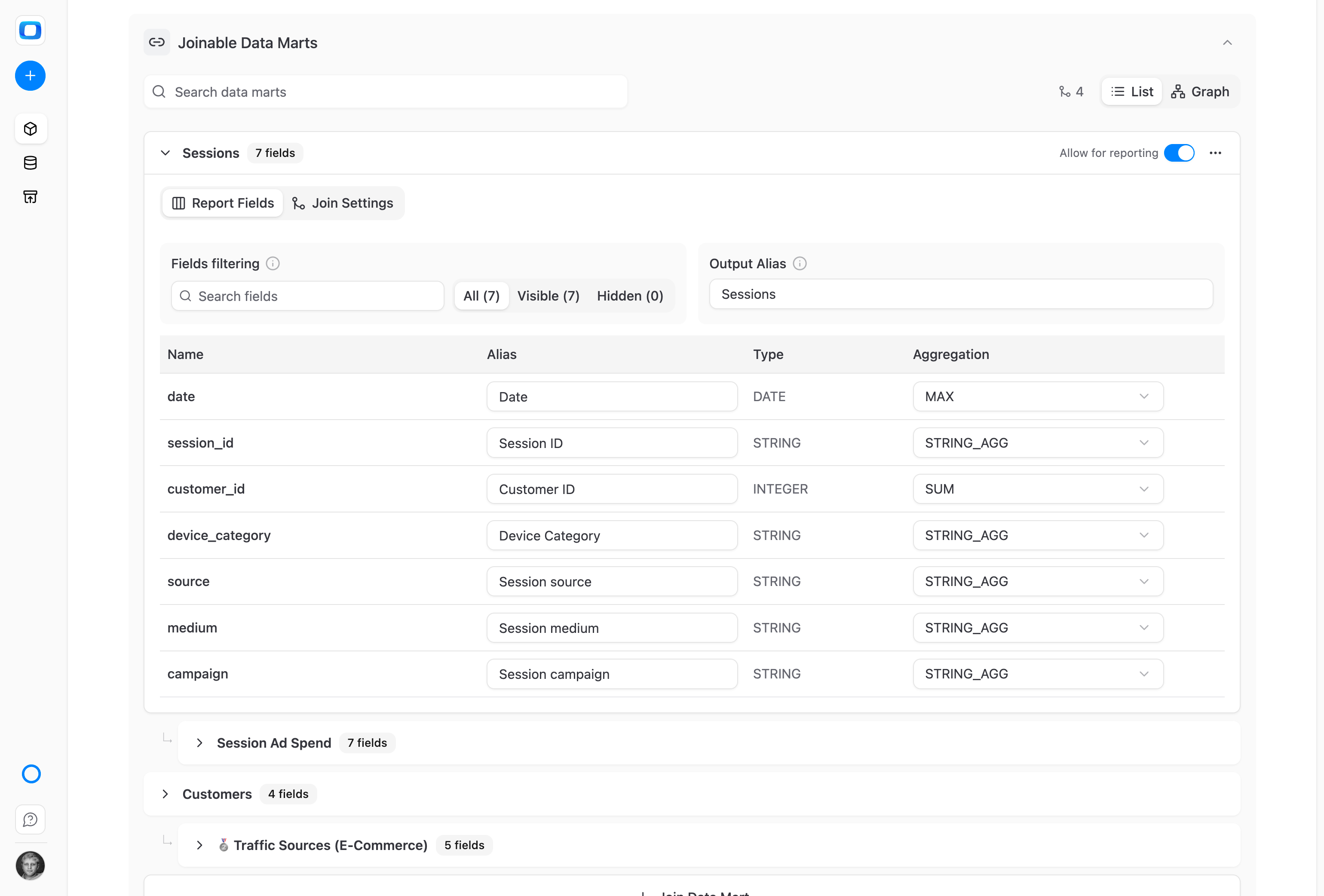
Joined columns work in Data Studio too
Native and joined columns from Joinable Data Marts appear together in Data Studio's field picker. Blend ads, CRM, and product data — without rewriting the join.
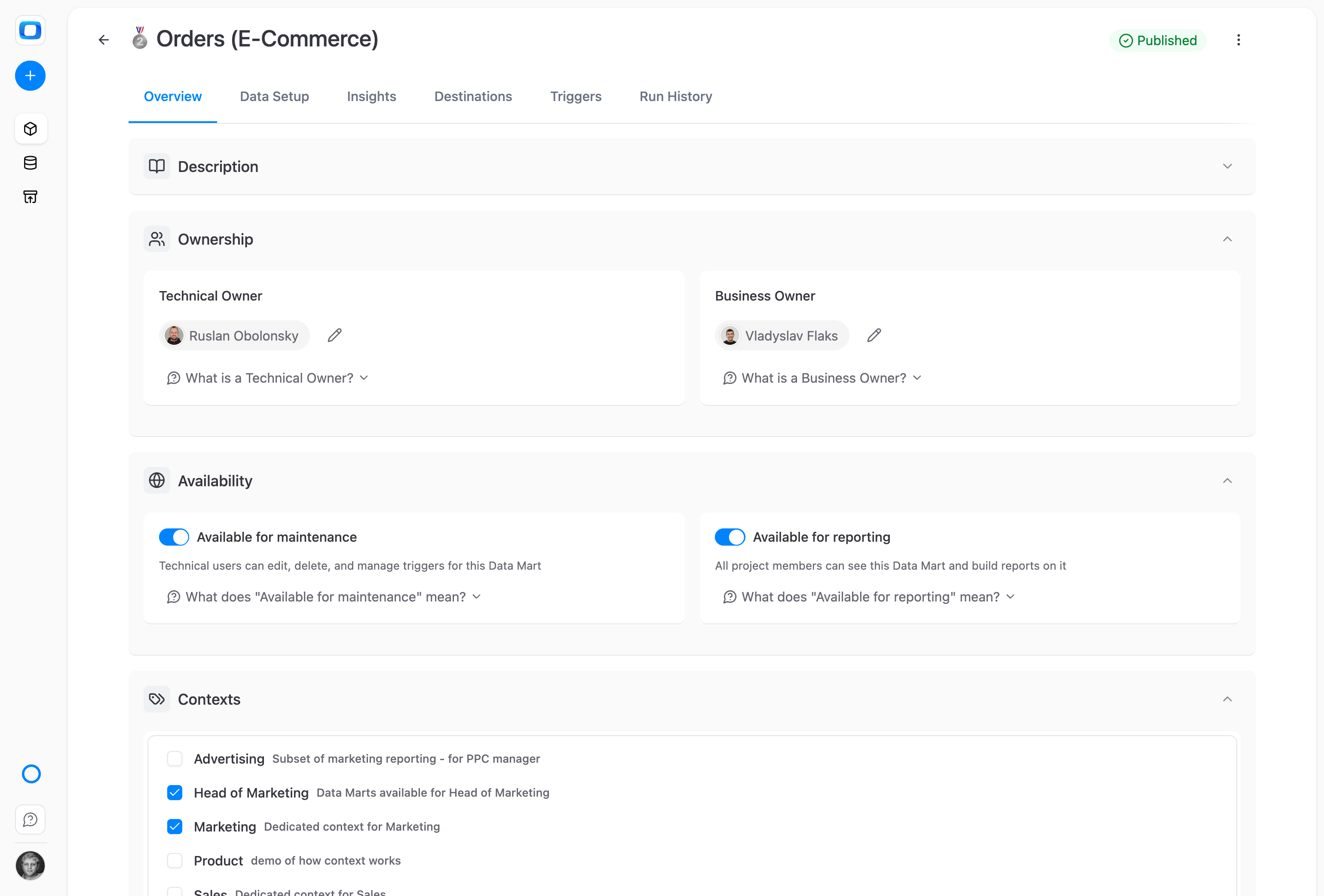
Governed by the same "Available for Reports" toggle
Data Studio only sees Data Marts your team has marked as available — the same governance rule as Sheets. One toggle, one perimeter, every tool.
For Dashboard Consumers
Dashboards that match the spreadsheet
When every dashboard reads from the same Data Mart as Sheets and AI Insights, every number agrees.
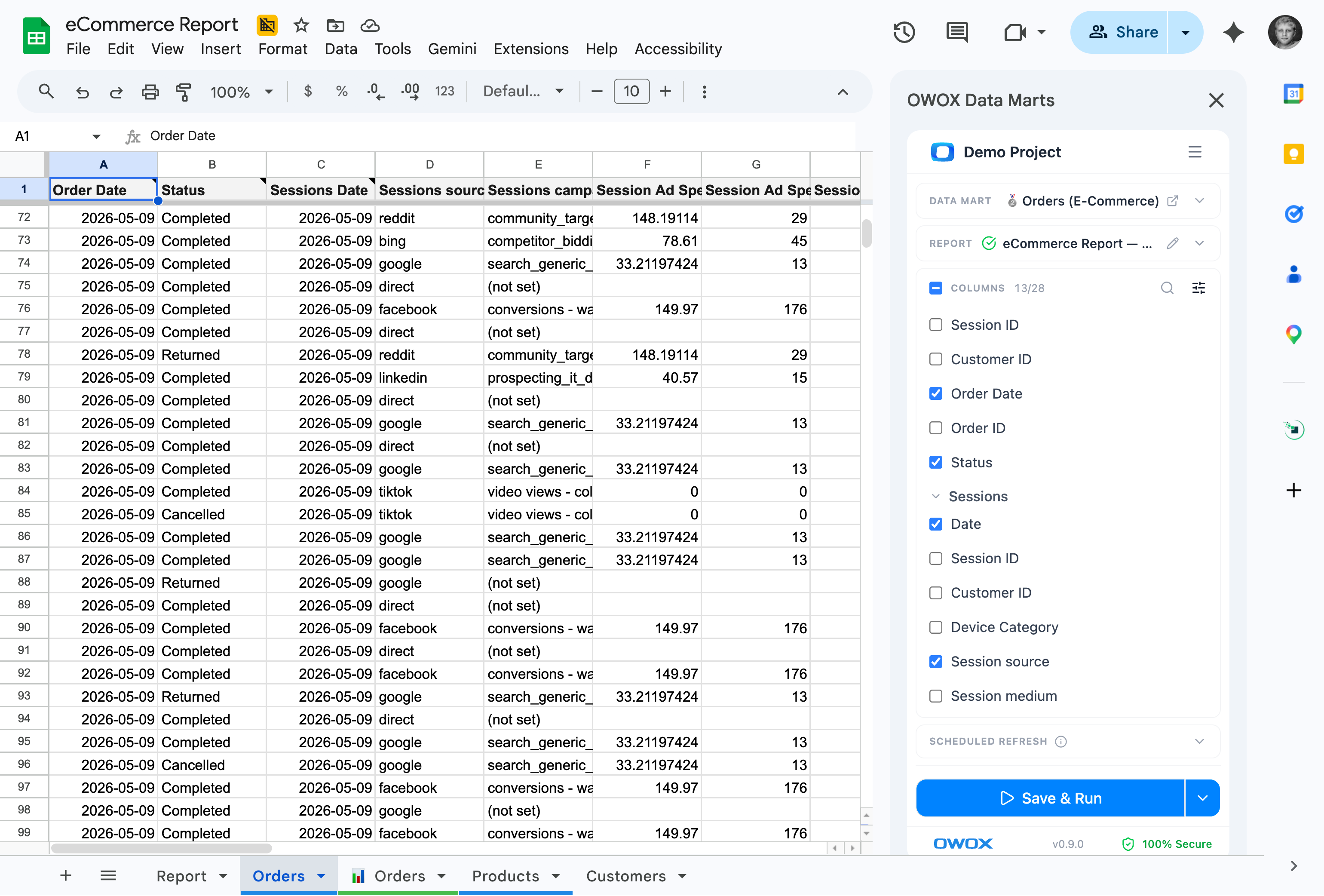
The same number in Sheets and Data Studio
Open a Sheet, open a Data Studio dashboard — same Data Mart, same numbers. Stakeholders stop reconciling versions before the meeting starts.
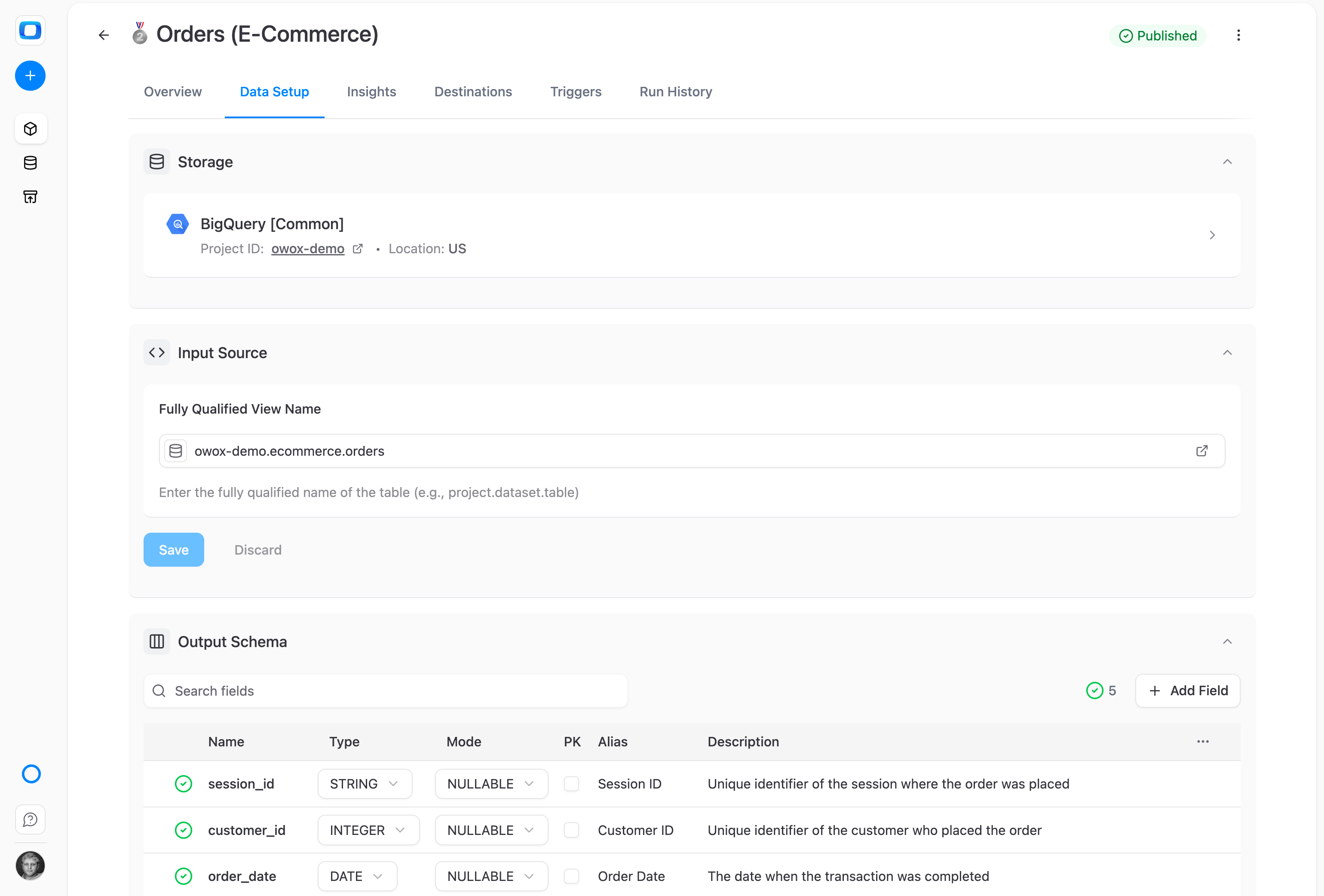
Update the logic once. Every dashboard follows.
Fix a metric in the Data Mart and every connected dashboard reflects the change instantly. No more hunting through Data Studio reports to patch the same logic ten times.
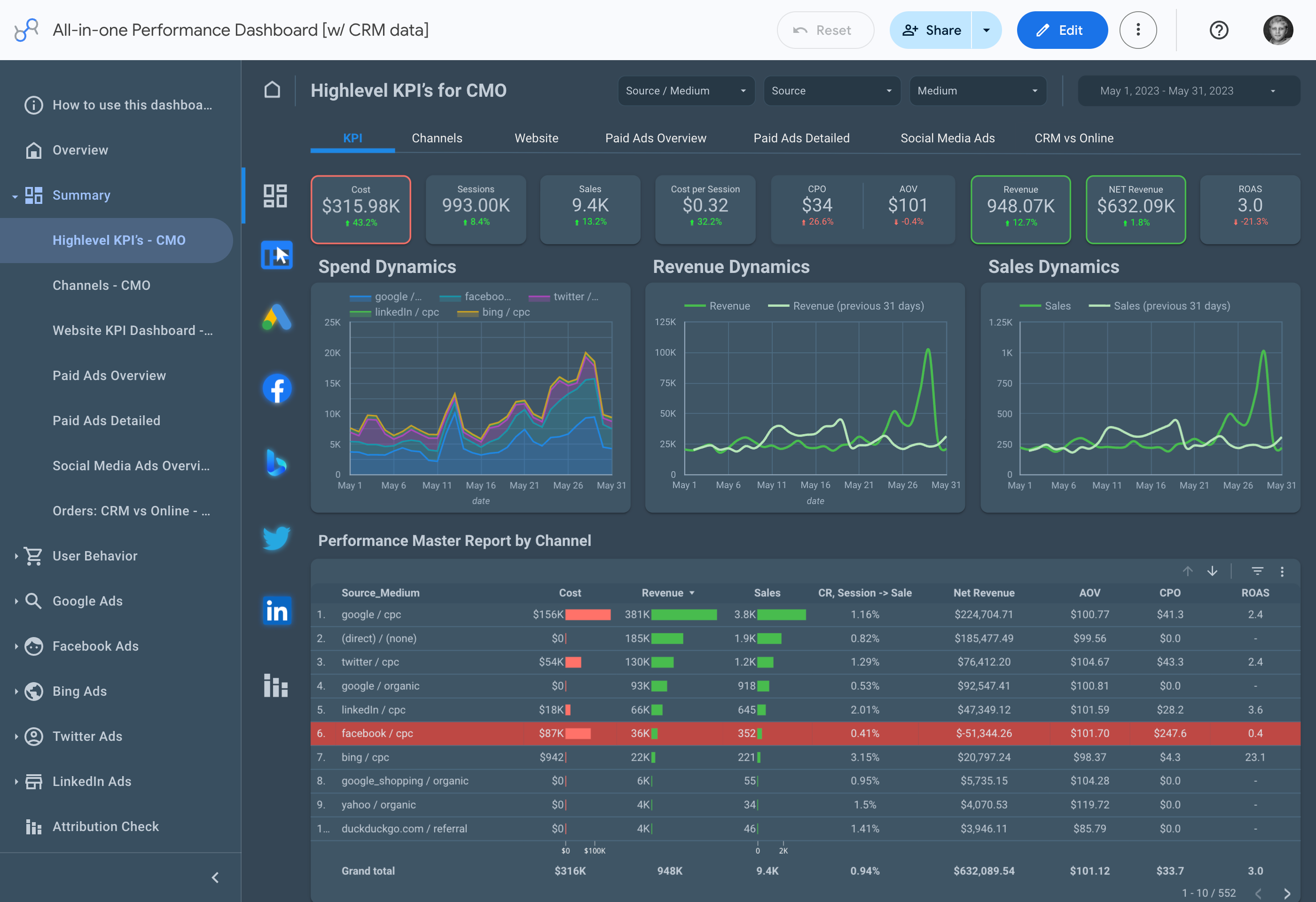
Calculated fields and filters still work
Add Data Studio's native calculated fields, filters, and date ranges on top. The base data stays governed; your customizations layer on safely.
Included in all Cloud editions. Available as add-on to self-hosted plans
Everything business needs

Real-time reporting
No more week-old dashboards. Get the freshest data, directly from your warehouse or source, in seconds.

Consistent metrics everywhere
Ensure everyone uses the same definitions across Looker, Sheets, Excel, and dashboards – no more conflicting numbers.

Trusted by all teams
Align marketing, product, sales, and finance with one version of the truth that everyone can rely on.

Define once, reuse everywhere
Write your KPI logic once, then apply it across reports, dashboards, and clients – no duplication, no rework.
Frequently asked questions
Is this for Looker Studio or Data Studio?
Same product. In April 2026, Google renamed Looker Studio back to Data Studio — the connector works seamlessly with either name. Existing dashboards, embeds, and links transitioned automatically.
How is this different from connecting Data Studio directly to BigQuery?
When you connect directly to BigQuery, each dashboard author writes their own SQL — leading to inconsistent metrics across reports. With the OWOX connector, every dashboard uses the same governed Data Mart, with the business logic, joins, and aliases already defined.
Do joined columns from Joinable Data Marts work in Data Studio?
Yes. Native and joined columns appear together in Data Studio's field picker. You can blend ads spend with CRM revenue, product usage with marketing data — all from the same Data Mart, without rewriting any SQL.
Does the "Available for Reports" governance apply here?
Yes. Data Studio only sees Data Marts your data team has marked as available for reporting — the same toggle that governs Spreadsheet Reporting. One rule, every consumer surface.
Can I still use calculated fields and filters in Data Studio?
Of course. The Data Mart provides the governed base; you layer Data Studio's native calculated fields, filters, and date ranges on top. Your customizations don't affect the underlying logic.
Which editions include the Data Studio Connector?
Included in all OWOX Cloud editions. Available as an add-on for self-managed plans.
Every claim has a receipt.
Real things real customers said — each quote pinned to a specific claim, straight from the quotes database.
 Nodari RizunFounder & CEO, Pürblack®
“AI, by the nature of the models, will hallucinate. And because of that, you need something which will create guardrails to ensure that there are no hallucinations, that you can trust your data.”
 Mark SimmonsCMO, Pürblack®
“We had six or seven different channels and no single source of truth — it was almost impossible, a lot of guesswork.”
Nodari RizunFounder & CEO, Pürblack®“We regained time. And time is the one resource that never comes back.”
Already have Data Studio dashboards?
Plug your Data Marts in and stop rewriting SQL for every new chart.
- Internal OWOX data as of 2026-10-02
- G2 reviews of OWOX
- npm installs stat
You are booked. The invitation is on its way to , with the calendar invite and the meeting link.