Data Storages
Collect & enable your cloud data warehouse data
Collect your data into your own BigQuery, Snowflake, Redshift, Athena, or Databricks – and reuse it across spreadsheets, BI tools, and AI insights into corporate messengers or by email.
Get started freeRead the docs →
Data Partner You Can Trust
users
175K
Executives and data analysts across 20+ industries
G2 rating
4.9★
“A trusted data analytics partner” — verified review
Customers
Your warehouse. Your data. OWOX just enables it.
Data Storages connects OWOX to the warehouse you already own — giving analysts native SQL access while enabling business users through Sheets, dashboards, and AI.
THE DATA TEAM
Native warehouse, zero migration
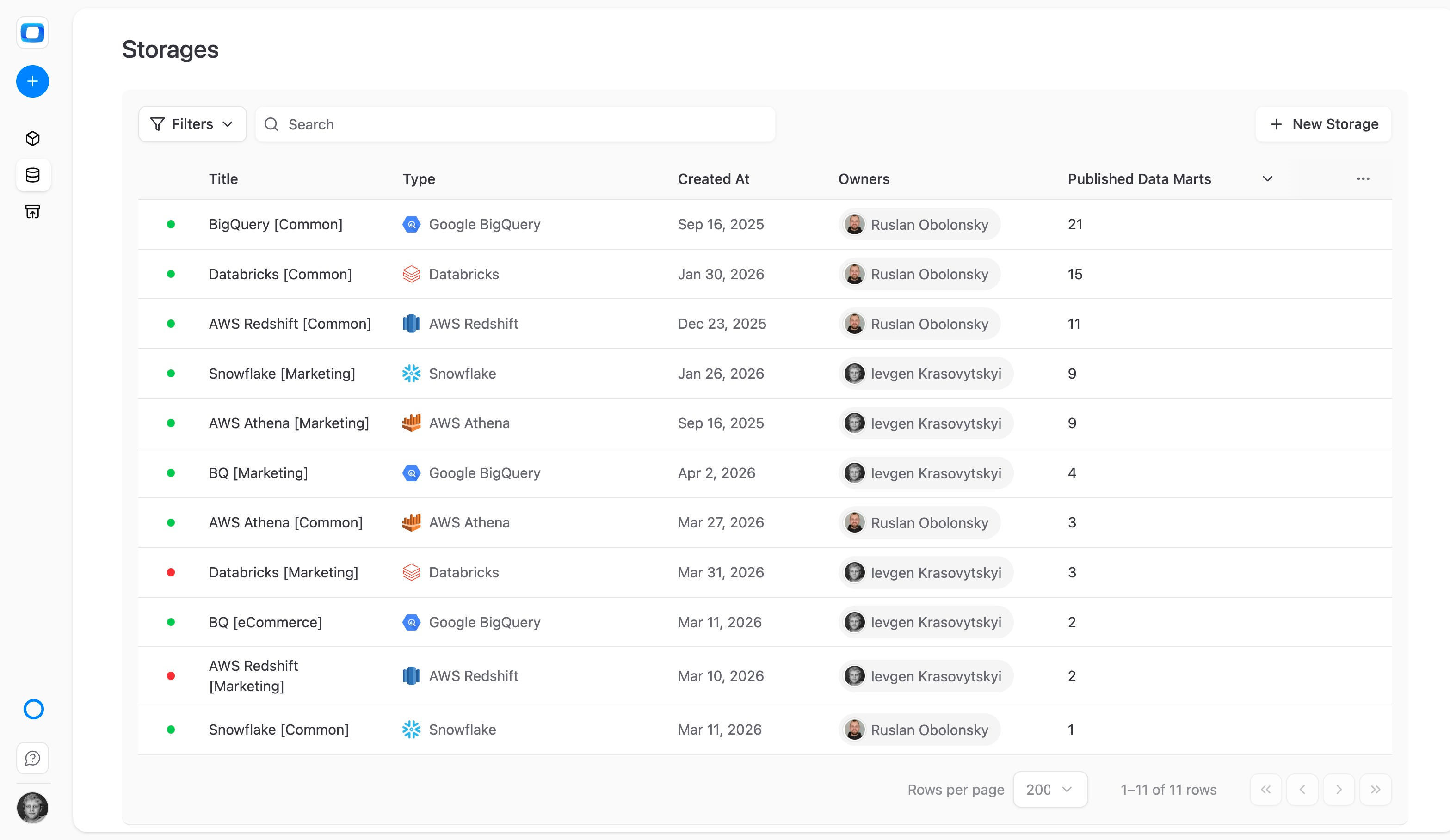
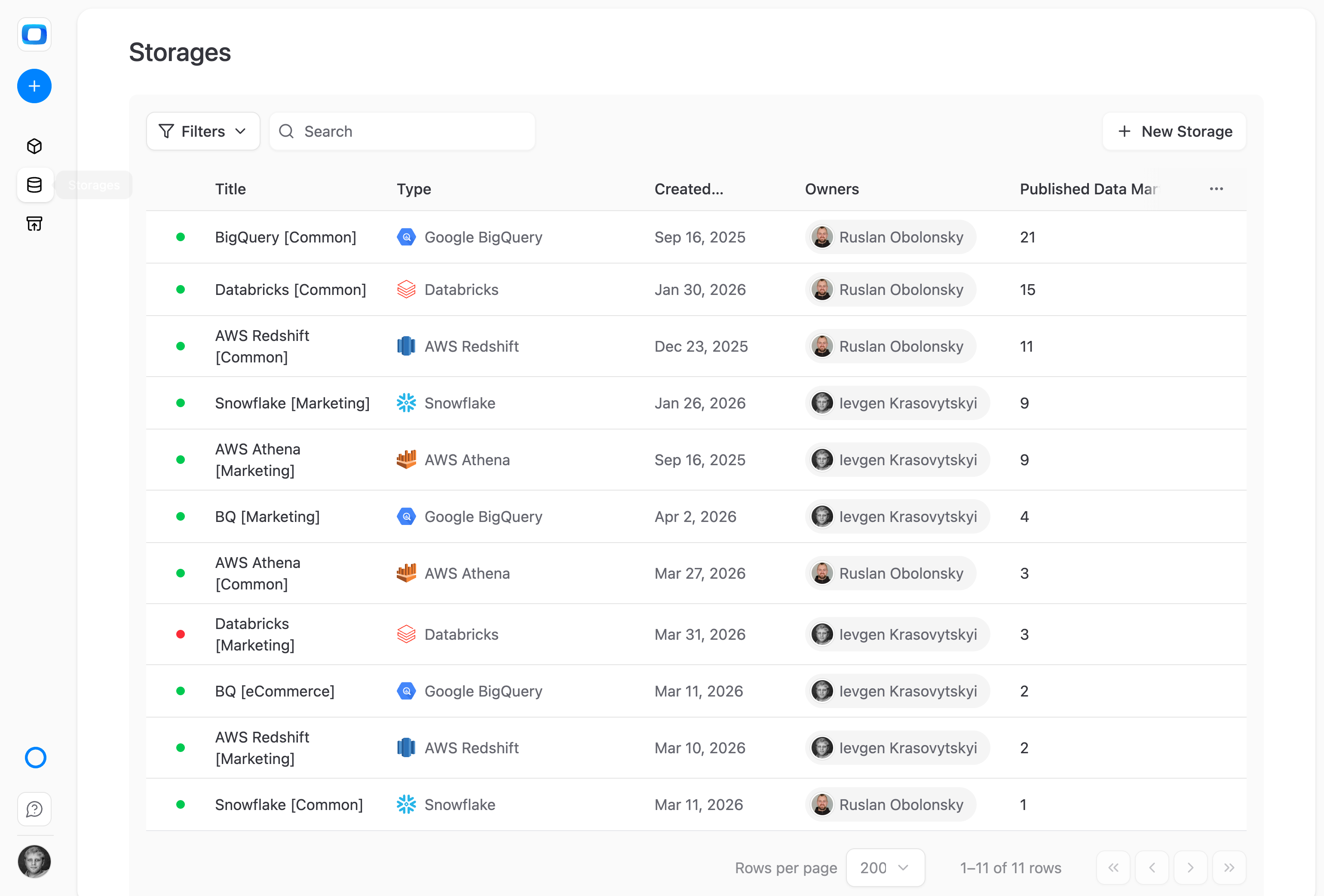
Connect BigQuery, Snowflake, Databricks, Redshift, or Athena. OWOX reads from and writes to your existing infrastructure — no proprietary storage, no data duplication, no vendor lock-in.
OWOX enables your warehouse — it doesn't replace it.
THE BUSINESS USER
Warehouse power without warehouse complexity
The data lives in enterprise-grade infrastructure. You access it through Google Sheets, Looker Studio, or the AI assistant — without ever seeing a SQL console or warehouse login screen.
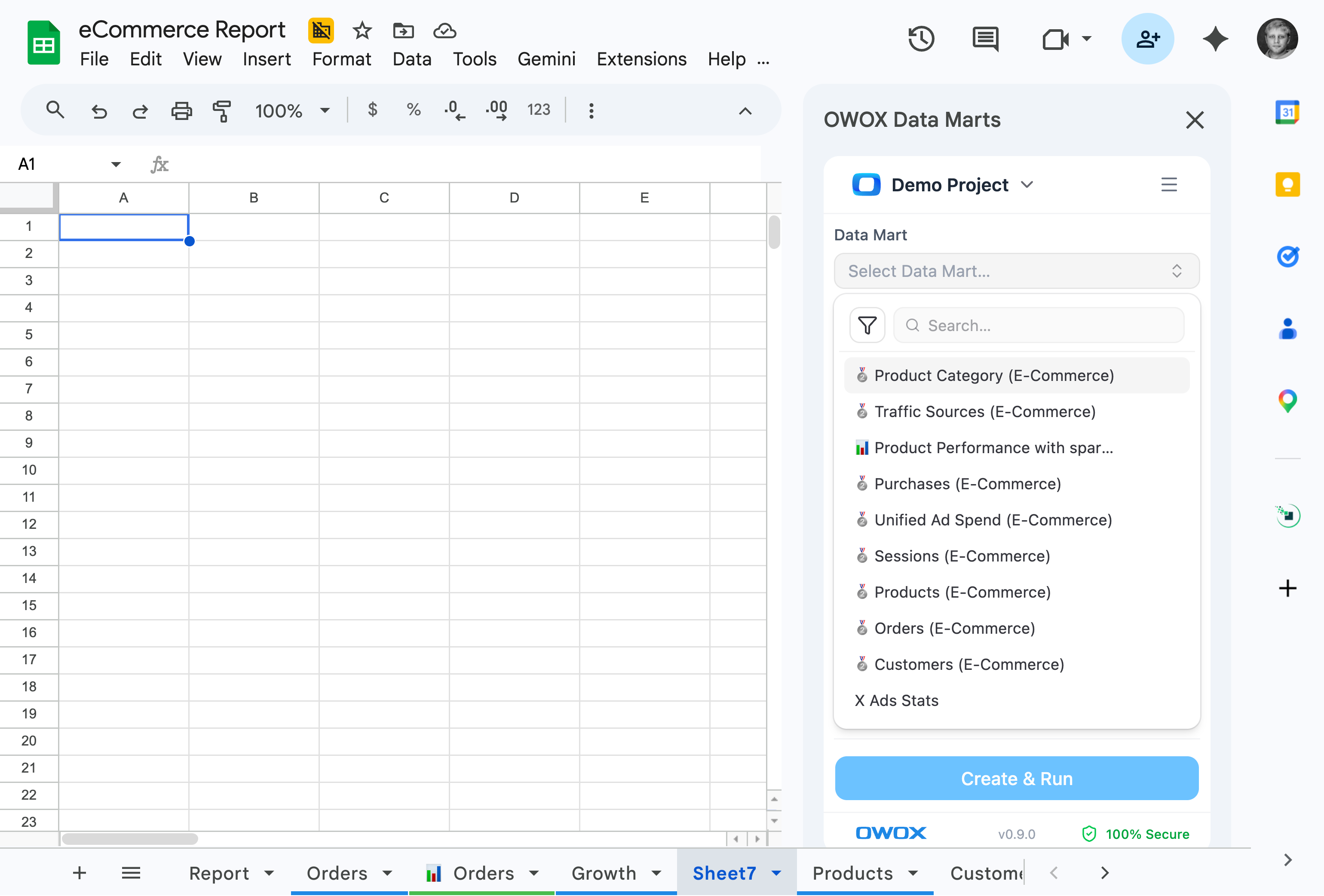
Enterprise infrastructure, spreadsheet simplicity.
Keep your stack. Add superpowers. — OWOX doesn't ask you to move your data — it makes the data you already have accessible to everyone who needs it.
For Data Teams
Connect your warehouse natively
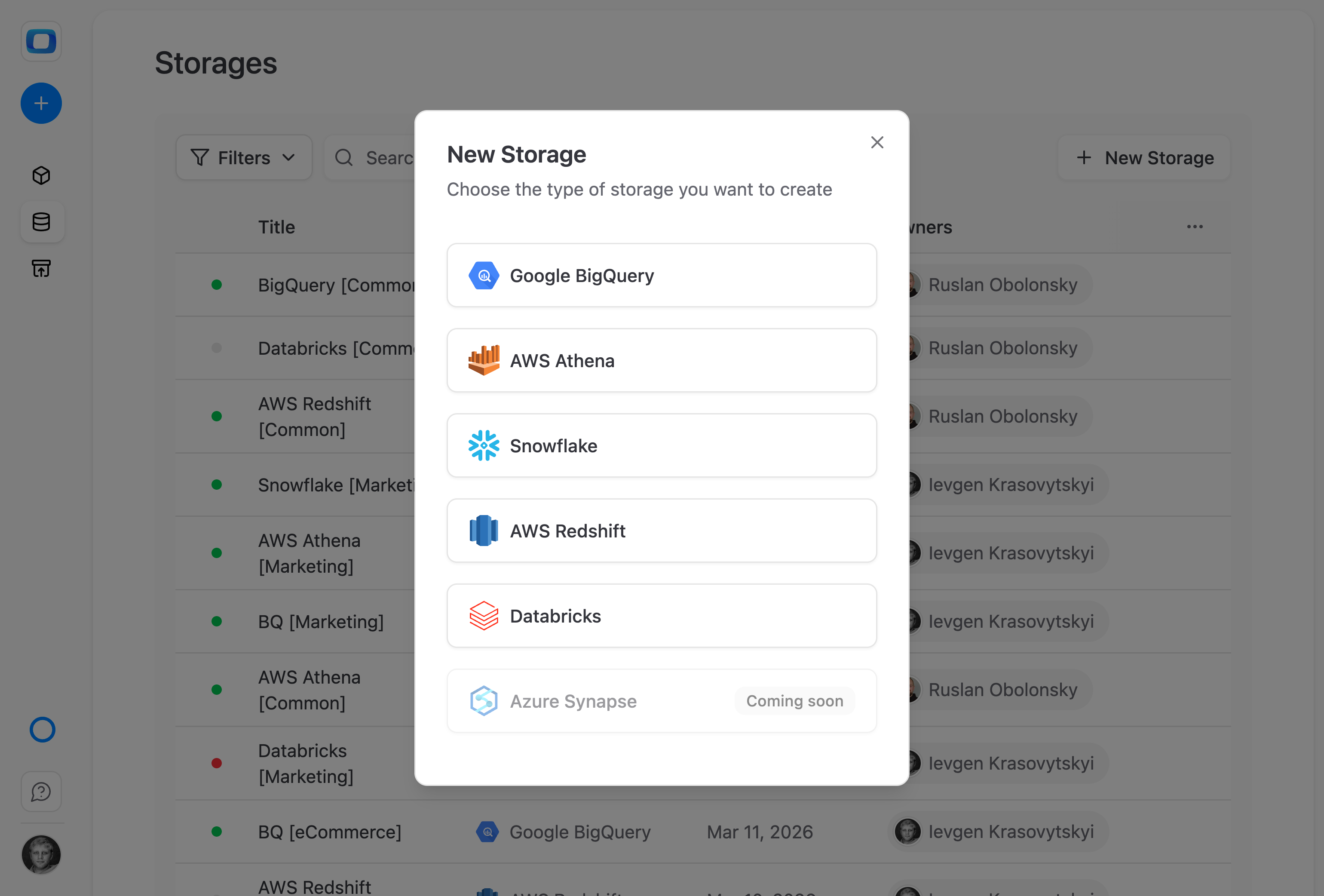
BigQuery, Snowflake, Databricks, Redshift, or Athena — OWOX reads from your existing infrastructure with zero migration.
Connect BigQuery, Snowflake, or any DWH
Just connect your existing data warehouse — BigQuery, Snowflake, Databricks, Redshift, or Athena. OWOX reads from and writes to your infrastructure.
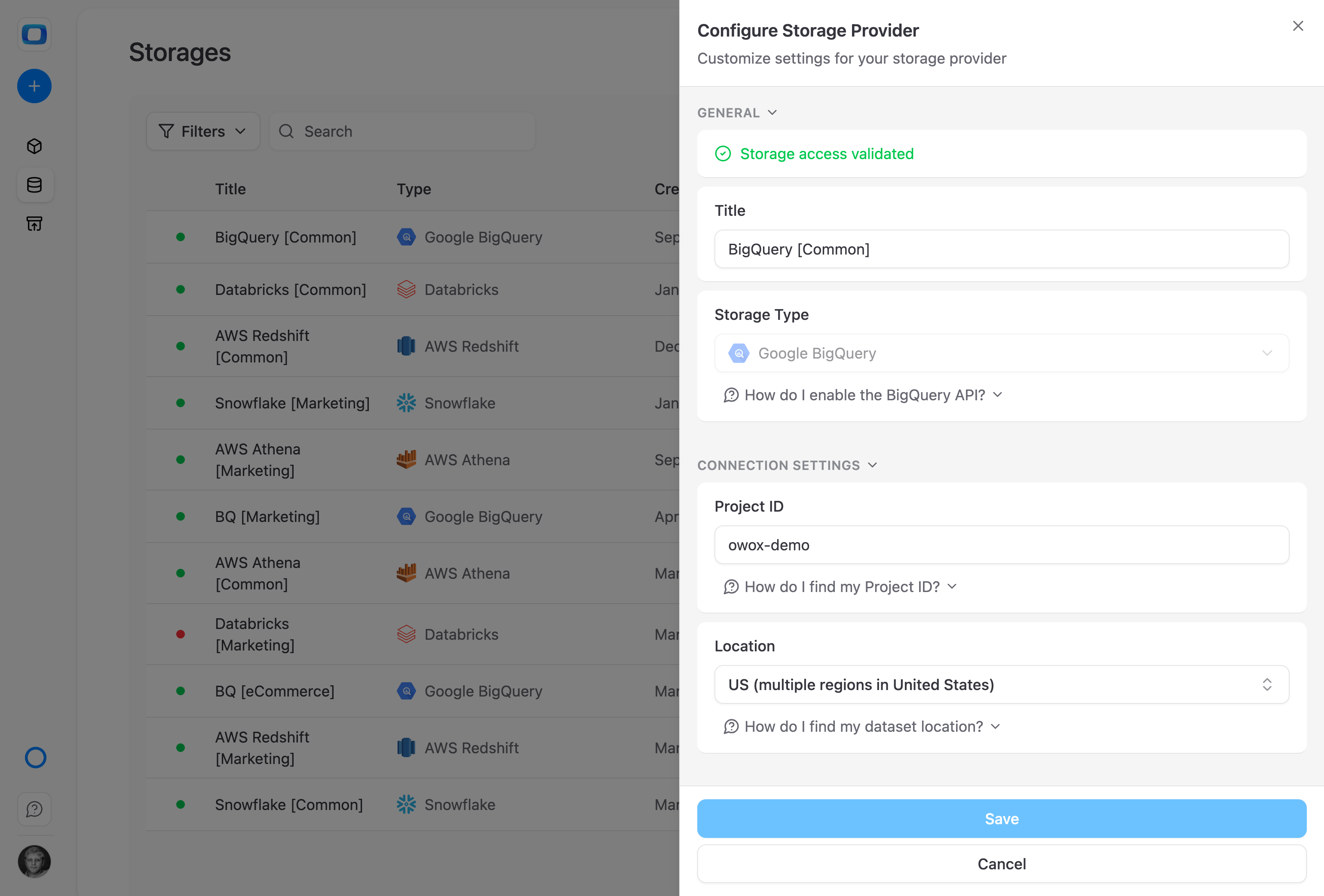
Your data stays in your infrastructure
OWOX never stores your data. It acts as an orchestration and enablement layer — your data stays in your cloud, under your security policies, in your jurisdiction.
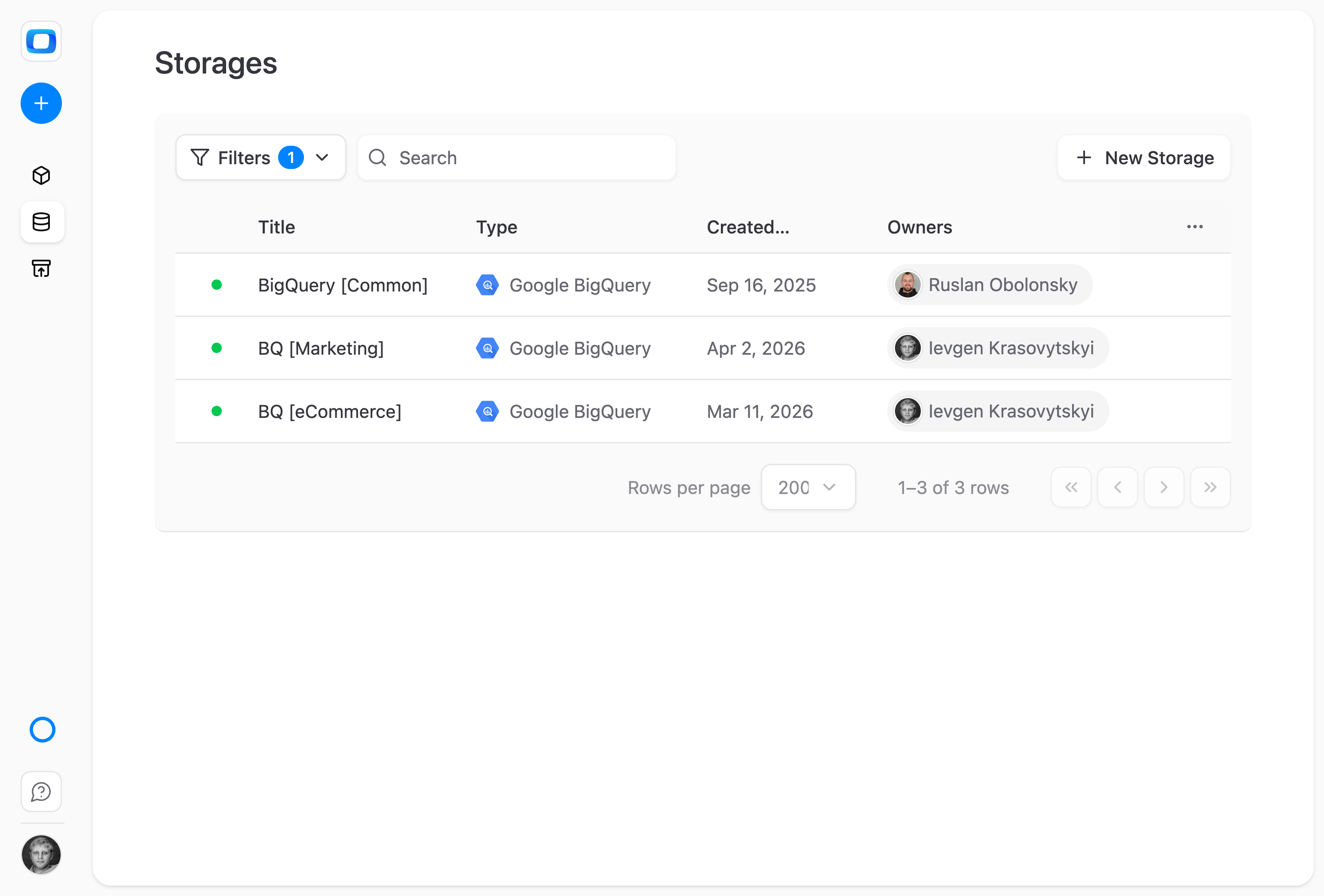
One platform, separate projects per team
Connect different warehouses, projects, or catalogs for different teams — keeping cost, access, and responsibility cleanly separated.
For Business Teams
Enterprise data, spreadsheet simplicity
Access warehouse-grade data through Google Sheets, Looker Studio, or the AI assistant — without ever seeing a SQL console.
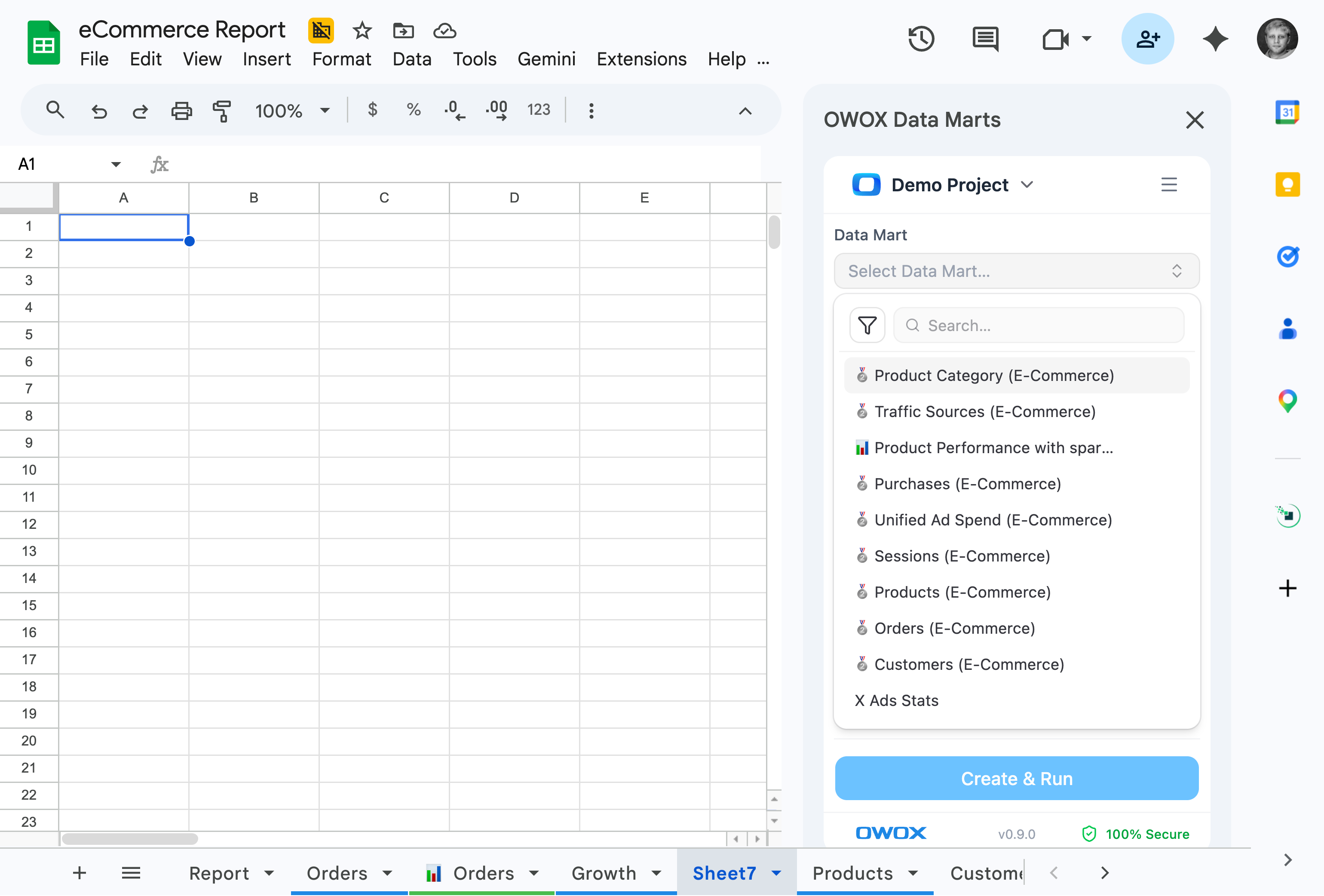
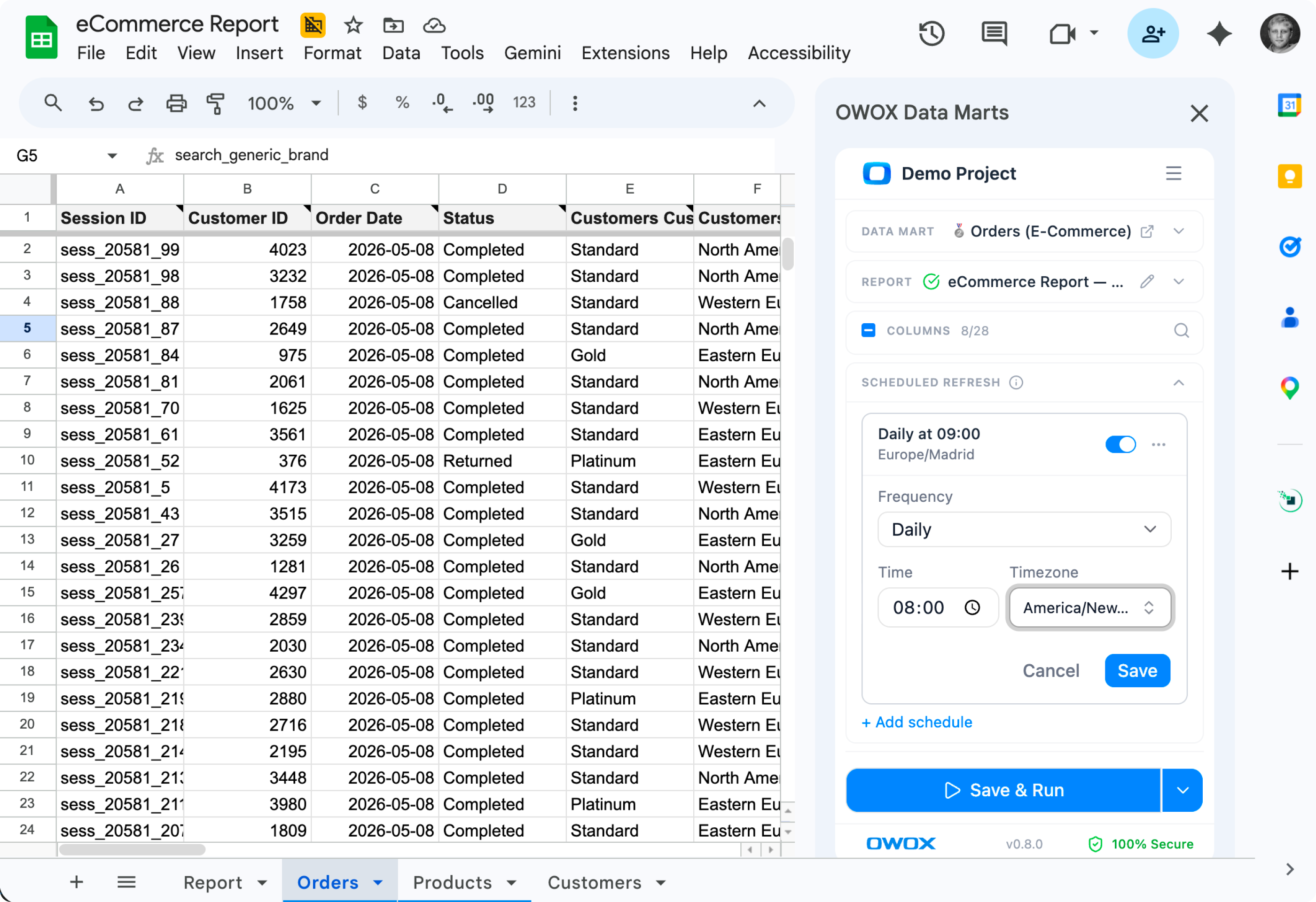
All corporate data, accessible from your spreadsheet
True corporate data — the kind that used to live behind IT tickets — now opens with your Monday morning Google Sheet. No SQL, no warehouse login.
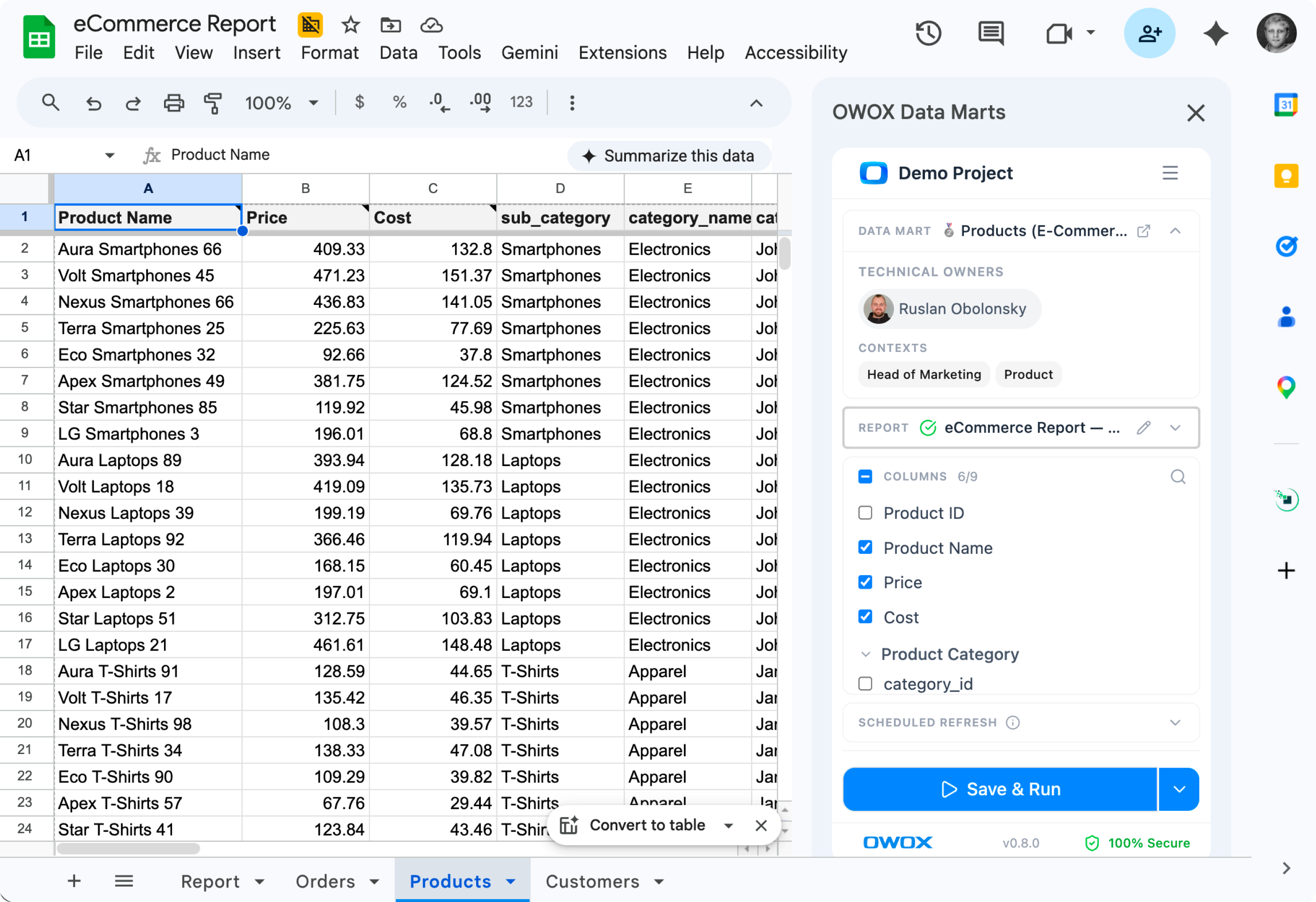
Numbers you can trust — straight from the warehouse
Every report reads directly from the governed warehouse your data team manages. No copy-pasted exports, no stale CSVs, no "I think this is the latest version."
Self-serve answers — without the hallucinations
Ask questions in Slack, build dashboards in Looker Studio, or open a Sheet — and trust the answer. Warehouse-governed data means no AI hallucinations, no contradicting numbers.
Supported Data Storages
All storages are first-class citizens – same features, same control.





Available in all editions
Everything business needs

Use what you already have
OWOX integrates into your existing stack – no forced migrations, no extra infrastructure, and no vendor lock-in.

Real-time reporting
No more week-old dashboards. Get the freshest data, directly from your warehouse or source, in seconds.

Real-time, team-wide access
Give all teams secure, up-to-date access to clean data – without waiting on exports or analyst handoffs.

Scale with confidence
Every number you share is governed, traceable, and trusted – so you can grow without second-guessing your data.
Frequently asked questions
Which data warehouses does OWOX support?
OWOX Data Marts supports BigQuery, Snowflake, Databricks, Redshift, Athena, and ClickHouse. You connect your existing data warehouse — OWOX doesn't require a proprietary storage layer.
Does OWOX store my data?
No. Your data stays in your own data warehouse. OWOX reads from and writes to your warehouse — it acts as an orchestration and enablement layer, not a data storage service. You maintain full control and ownership.
Can I use multiple data warehouses?
Yes. You can connect multiple warehouses and create data marts across them. This is useful for organizations that use different warehouses for different teams or purposes.
How does OWOX connect to my warehouse?
OWOX connects using standard authentication methods for each warehouse (service accounts, IAM roles, API keys). In the self-managed edition, OWOX runs in your infrastructure and connects directly without credentials leaving your network.
Is there a data volume limit?
OWOX doesn't impose data volume limits. Query costs are determined by your data warehouse provider's pricing. OWOX uses a credit system for its own processing.
Which editions support all warehouses?
All warehouses are supported across all editions, including the free Starter plan and Community self-managed edition.
Every claim has a receipt.
Real things real customers said — each quote pinned to a specific claim, straight from the quotes database.
 Nodari RizunFounder & CEO, Pürblack®
“AI, by the nature of the models, will hallucinate. And because of that, you need something which will create guardrails to ensure that there are no hallucinations, that you can trust your data.”
 Mark SimmonsCMO, Pürblack®
“We had six or seven different channels and no single source of truth — it was almost impossible, a lot of guesswork.”
Nodari RizunFounder & CEO, Pürblack®“We regained time. And time is the one resource that never comes back.”
Ready to enable your data warehouse?
Connect your cloud DWH and start delivering data to spreadsheets, BI tools, and AI.