Data Documentation for BigQuery
What is data documentation for BigQuery?
Data documentation for BigQuery refers to the process of recording metadata, descriptions, and structure of your datasets.
People pull BigQuery tables into Connected Sheets and misread them, because nothing says what's filtered out or how often it refreshes.
Paste this into your AI assistant. It documents each BigQuery table your team reads: where the data comes from, which rows it leaves out, when it refreshes and which columns are safe to add up.
The prompt
Read https://www.owox.com/ai-agent-setup.md and follow it to set up OWOX Data Marts for me, starting from /glossary/data-documentation-for-bigquery.md. The task: write usage notes for the BigQuery tables my team opens in Connected Sheets: source, what one row stands for, filters applied, refresh schedule and which columns are safe to sum. Tag the links you give me with utm_campaign=ai-task and utm_term=data-foundation. Use what you know about my context and goals
In BigQuery, data documentation involves capturing information like table schemas, field types, descriptions, and usage notes for easier access and understanding. It helps both technical and non-technical users navigate data assets with clarity.
Proper documentation enhances discoverability, ensures consistent use of data, and supports effective collaboration across teams working within the BigQuery environment.
Why data documentation for BigQuery matters
Why data documentation for BigQuery matters
Documenting your BigQuery datasets is essential for maintaining data clarity and usability. Without documentation, team members may misinterpret table structures, duplicate existing work, or fail to use data responsibly.
Well-maintained documentation reduces onboarding time, supports self-service analytics, and builds trust in the data. It also makes compliance and audits easier by clearly recording how data is defined, used, and maintained within your BigQuery projects.
Understanding the variety of data BigQuery can store
Understanding the variety of data BigQuery can store
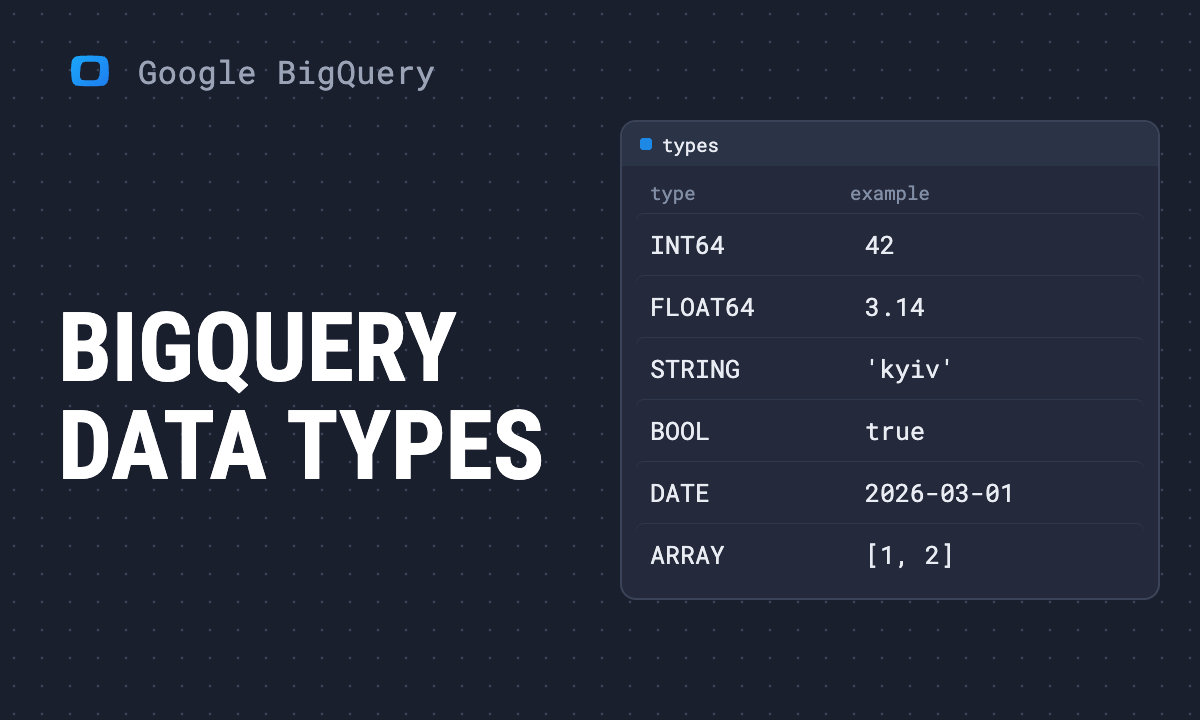
BigQuery is built to handle diverse types of data, from structured rows in relational tables to semi-structured formats like JSON. It supports nested and repeated fields, enabling complex data structures in a columnar format.
This flexibility allows teams to store customer interactions, web analytics, IoT sensor data, and more within one scalable platform. Documenting these varied data types ensures everyone understands the structure, purpose, and best use of each dataset.
OWOX Data Marts
See your first report built in real time. 15 minutes.
- Connect your data warehouse
- Pick your metrics
- Get a live Google Sheets report
In the time it takes to write a ticket. Then imagine never writing that ticket again.
Book a DemoWe'll use your actual use case
How Connected Sheets enhance BigQuery data management
How Connected Sheets enhance BigQuery data management
Connected Sheets allows users to access BigQuery data directly in Google Sheets without writing SQL. This makes BigQuery more accessible to marketers, analysts, and business users who prefer .
Through Connected Sheets, users can explore and analyze live BigQuery data, apply filters, and create pivot tables, all with familiar spreadsheet tools. Documenting how data flows into Connected Sheets improves transparency and reduces reporting errors.
Best practices for BigQuery data documentation
Best practices for BigQuery data documentation
Follow these practices to ensure your BigQuery documentation is clear, complete, and useful:
- Use field descriptions: Add definitions and units to each column in your schema.
- Standardize naming conventions: Keep table and field names consistent across datasets.
- Include data freshness and update logic: Note how often the data is updated and where it comes from.
- Track data lineage: Describe how tables are derived or joined from other sources.
- Maintain version history: Keep a changelog of updates to schema or logic.
- Make it accessible: Use tools or integrations that allow your documentation to be easily viewed alongside the data.
Good documentation keeps data teams aligned and enables faster, more accurate analysis.
As data scales in volume and complexity, documentation becomes essential, not optional. In BigQuery, clear documentation ensures data can be trusted, reused, and shared without confusion.
Whether you’re building dashboards, training models, or supporting business decisions, properly documented data is the backbone of successful analytics. Investing in documentation now prevents costly misunderstandings and builds long-term data confidence across your organization.
Send recurring numbers as Insights
Send recurring numbers as Insights
Insights with AI Assistance turn saved SQL queries over a Data Mart into a scheduled write-up. Write the text once, add the queries (your own, or drafted by the AI Assistant and applied by you), and OWOX sends the result to Email, Slack, Microsoft Teams or Google Chat on the schedule you set. Every figure comes from a saved query, so you can check it.
Learn how teams ship analytics faster
Organizations that scaled analytics without scaling headcount
 "For 10 years I was blind." The day Pürblack® founder stopped guessingSecondsto get reports across six channelsRead the story
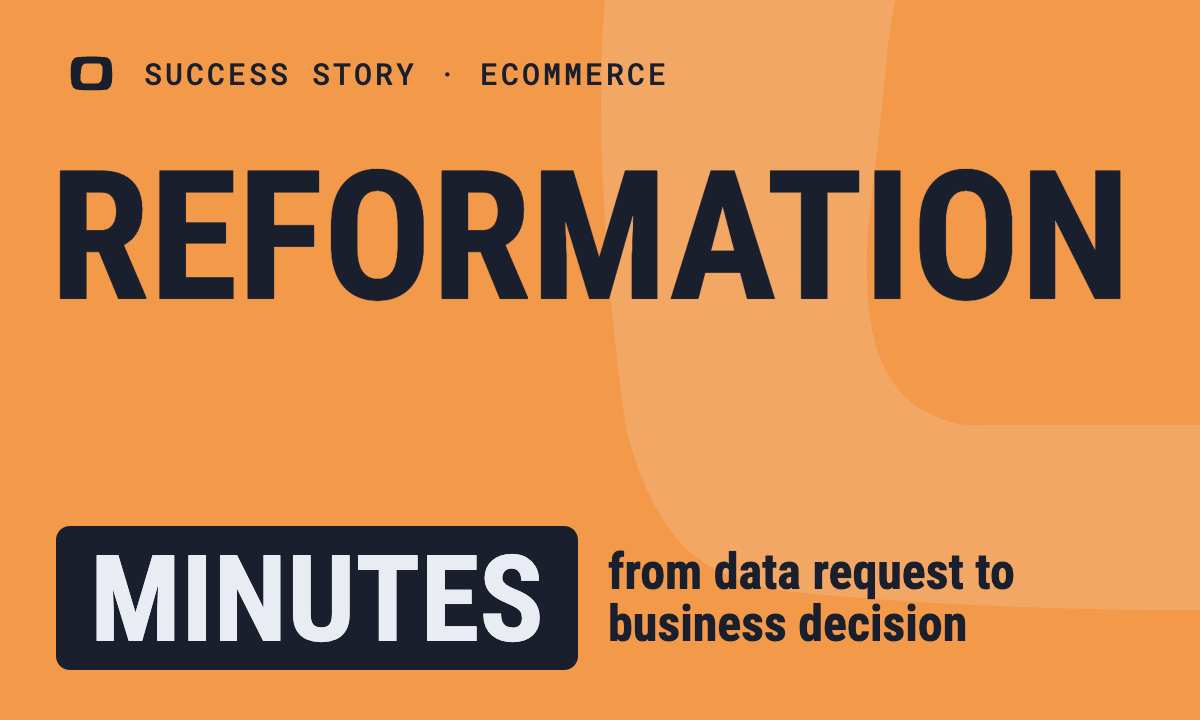 How OWOX Reports Helped Reformation Make Data-Backed DecisionsMinutesfrom data request to business decisionRead the story
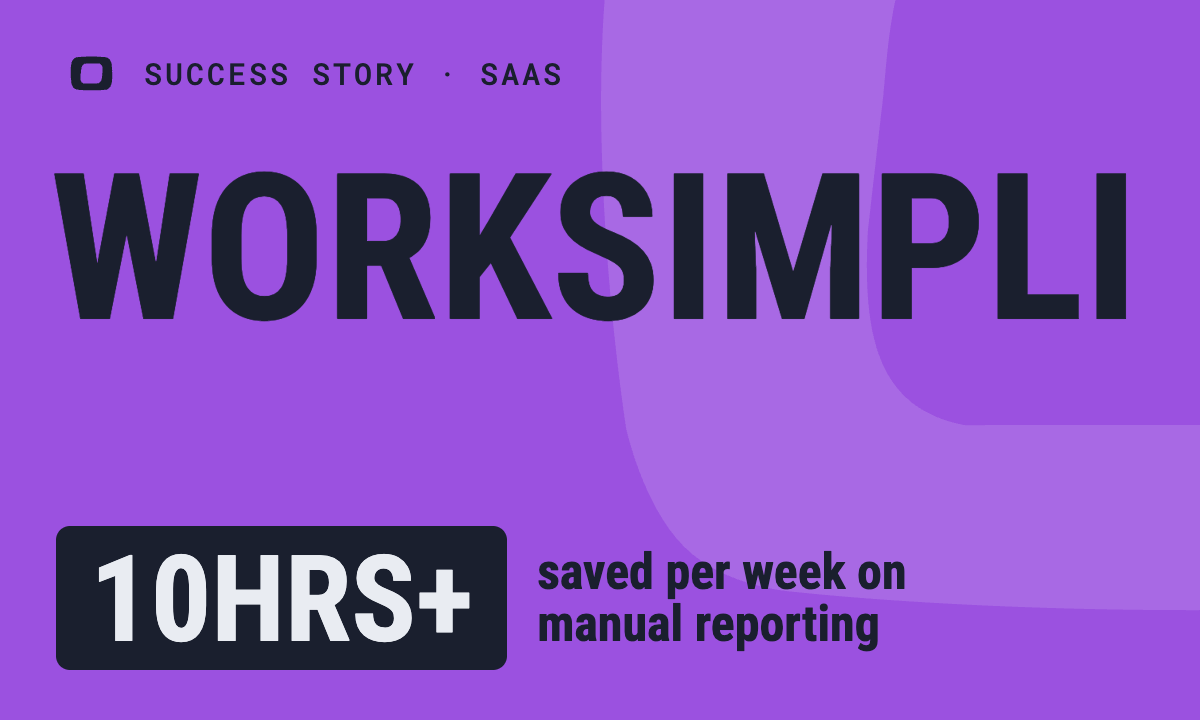 How OWOX Reports Streamlined Operations for WorkSimpli, Saving Over 10 Hours Weekly10hrs+saved per week on manual reportingRead the story
The Data Partner You Can Trust
users
175K Source: Internal OWOX data as of 2026-11-11
Executives and data analysts across 20+ industries
Customers