Time Travel in Data Lakehouses Explained
What Is Time Travel in a Data Lakehouse?
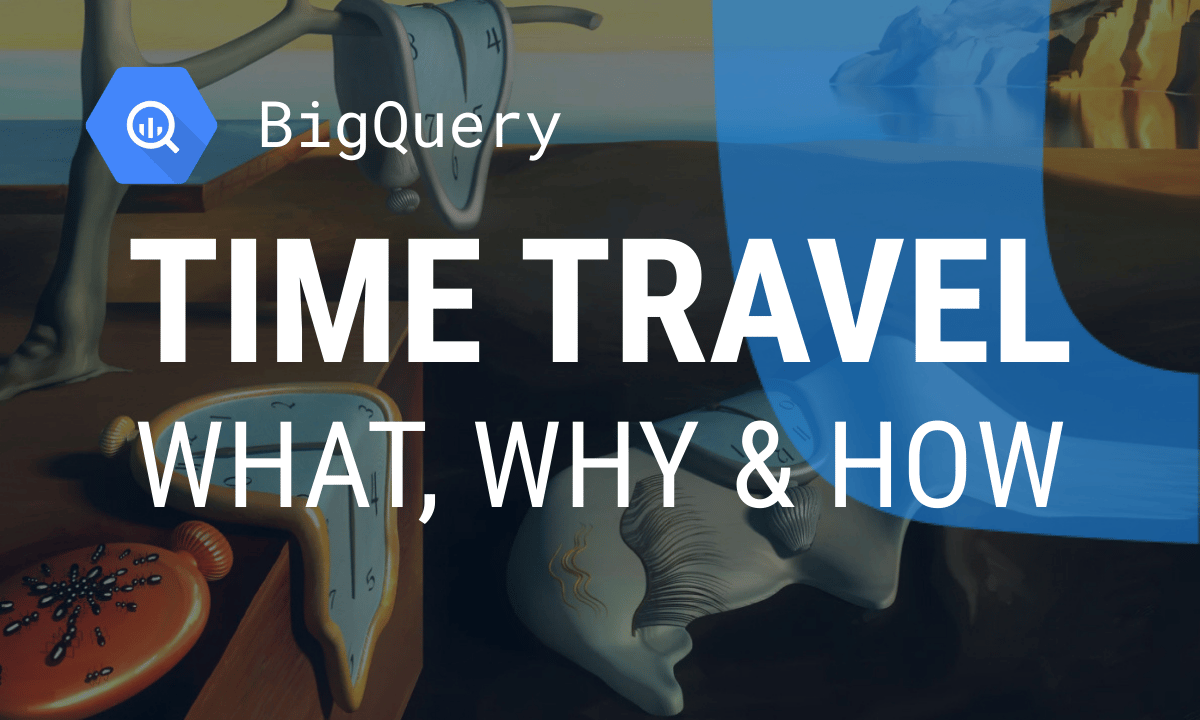
Time Travel in a data lakehouse enables you to query past versions of data, allowing you to review changes, audit historical states, or recover from errors.
Time Travel in a data lakehouse works by capturing snapshots of table data at specific points in time. These snapshots can then be referenced to view or restore earlier versions of a dataset. This capability enhances data reliability, enables debugging, and supports compliance by providing access to historical data without manual versioning.
Use Cases and Benefits of Time Travel in a Data Lakehouse
Use Cases and Benefits of Time Travel in a Data Lakehouse
Time Travel supports a wide range of scenarios that improve data reliability, governance, and efficiency.
Key use cases and benefits include:
- Reproducibility: Rerun queries or models on the exact same data version to ensure consistent results and debug data-related issues accurately.
- Auditing and governance: Track how data has changed over time to meet compliance standards and support regulatory audits.
- Error recovery and rollbacks: Instantly restore tables to a previous state in case of accidental changes or system errors, no full backups needed.
- Incremental processing: Identify and process only the data that changed since a given snapshot, making ETL pipelines faster and more efficient.
- Historical analysis: Compare current and past data to analyze trends or monitor changes over time without reloading datasets.
- Testing and development: Test data transformations or pipeline updates on stable historical snapshots without affecting live data.
How Time Travel Works in a Data Lakehouse
How Time Travel Works in a Data Lakehouse
Time Travel in a data lakehouse is powered by open table formats that track and manage versions of data and metadata.
Key steps include:
- Versioned table metadata: Every data-changing operation creates a new snapshot, recording which data files make up the table at that point in time.
- Immutable data files: When updates or deletes occur, new files are written instead of modifying existing ones. Older files are retained for a defined period.
- Snapshot isolation: Queries can reference past states using either a timestamp or a specific snapshot ID, ensuring accurate and isolated views of historical data.
- Metadata-driven queries: The query engine uses the snapshot’s metadata to determine which files to read, making historical access seamless and efficient.
OWOX Data Marts
See your first report built in real time. 15 minutes.
- Connect your data warehouse
- Pick your metrics
- Get a live Google Sheets report
In the time it takes to write a ticket. Then imagine never writing that ticket again.
Book a DemoWe'll use your actual use case
Implementing Time Travel in Data Lakehouse Table Formats
Implementing Time Travel in Data Lakehouse Table Formats
Open table formats make Time Travel possible by managing data versioning and snapshot metadata in distinct ways.
Key formats include:
- Apache Iceberg: Uses a layered metadata system. Each snapshot includes a manifest list, which links to manifest files listing actual data files. Both timestamps and snapshot IDs are recorded for precise Time Travel queries.
- Delta Lake: Relies on a transaction log (_delta_log) that captures all table changes as atomic commits. Each commit corresponds to a new table version, enabling easy rollbacks or historical reads.
- Apache Hudi: Offers table types like Copy-on-Write and Merge-on-Read, which balance write and read performance. It supports snapshot isolation and allows querying data as it existed at specific points in time.
Considerations for Using Time Travel in a Data Lakehouse
Considerations for Using Time Travel in a Data Lakehouse
Time Travel adds significant flexibility to analytics, but it also introduces practical considerations around storage, tooling, and long-term data management.
Key considerations include:
- Storage overhead: Retaining old data files and metadata increases storage usage. Table formats offer vacuuming or compaction features to clean up unused snapshots and control costs.
- Retention policies: Teams should define clear rules for how long to keep historical versions, balancing compliance needs with storage efficiency.
- Query engine compatibility: Engines like Spark, Trino, Presto, and Flink must support the chosen table format and its time travel syntax to ensure smooth querying.
- System design: Time Travel is typically applied to batch or at-rest data. For streaming-first platforms like RisingWave, time travel is supported indirectly via integration with table formats like Iceberg that store the processed results.
Enable Time Travel in Your Data Lakehouse with OWOX Data Marts
Enable Time Travel in Your Data Lakehouse with OWOX Data Marts
Tracking historical changes in a Data Lakehouse can be complex without a structured modeling layer. With OWOX Data Marts, you can easily implement time travel by storing and versioning datasets over time, allowing analysts to query data as it existed at any point. This supports auditing, debugging, and historical trend analysis with full transparency.
Learn how teams ship analytics faster
Organizations that scaled analytics without scaling headcount
 "For 10 years I was blind." The day Pürblack® founder stopped guessingSecondsto get reports across six channelsRead the story
  How OWOX Reports Helped Reformation Make Data-Backed DecisionsMinutesfrom data request to business decisionRead the story
  How OWOX Reports Streamlined Operations for WorkSimpli, Saving Over 10 Hours Weekly10hrs+saved per week on manual reportingRead the story
 Not testimonials. Comment threads.
Real things real customers said — each quote pinned to a specific claim, straight from the quotes database.
 Nodari RizunFounder & CEO, Pürblack®
“AI, by the nature of the models, will hallucinate. And because of that, you need something which will create guardrails to ensure that there are no hallucinations, that you can trust your data.”
Nodari RizunFounder & CEO, Pürblack®“I was blind, now I can see. OWOX opened our eyes.”
“We are extremely satisfied with the results achieved through our partnership with OWOX. I'm also impressed by quick and effective support we get from OWOX”
Turn your data into decisions.
Governed data marts give you the clean foundation ML needs to actually work.
- No AI hallucinations
- Analyst-governed definitions
- Every number traces to SQL