What Is the Data Mart Layer?
The data mart layer is a subset of a data warehouse focused on serving specific business functions or departments.
The data mart layer provides streamlined access to curated, domain-specific data, such as marketing, finance, or sales, making it easier for teams to analyze and report on the metrics that matter most to them. The data mart layer reduces complexity and improves performance by organizing data around specific use cases, often integrating with a semantic layer to enhance data consistency and understanding.
Key Differences Between Data Marts and Data Warehouses
Key Differences Between Data Marts and Data Warehouses
While both data marts and data warehouses are critical for storing and analyzing data, they differ in scope, scale, and purpose:
- Data marts are specialized, subject-specific subsets of a data warehouse, typically focused on one department like sales or marketing. They provide quicker, more targeted access to relevant data and support faster decision-making for specific business units.
- Data warehouses are centralized repositories that integrate data from multiple sources across the organization. They offer a complete view of enterprise data, supporting organization-wide reporting, strategic planning, and cross-functional analysis.
Data marts are ideal for focused operational analytics, while data warehouses enable broader, long-term insights across departments.
Types of Data Marts
Data marts come in three main forms, each serving different organizational needs:
- Dependent data marts: These draw data from a central data warehouse and are managed centrally. They’re best for maintaining consistency and standardization across departments.
- Independent data marts: Standalone systems that pull data from internal or external sources. They offer agility but can result in siloed or inconsistent data practices if not integrated properly.
- Hybrid data marts: Combine the control of dependent marts with the flexibility of independent ones. They allow for customized analytics while still aligning with broader enterprise data governance policies.
Choosing the right type depends on data architecture, business goals, and resource availability.
OWOX Data Marts
See your first report built in real time. 15 minutes.
- Connect your data warehouse
- Pick your metrics
- Get a live Google Sheets report
In the time it takes to write a ticket. Then imagine never writing that ticket again.
Book a DemoWe'll use your actual use case
Understanding Data Mart Architecture
Understanding Data Mart Architecture
Data marts are built on relational databases using structured tables for organized data access. The architecture typically follows one of three multidimensional schemas:
- Star schema: A central fact table connected to multiple dimension tables. It simplifies queries, requires fewer joins, and is widely used due to its performance advantages in large datasets.
- Snowflake schema: An extension of the star schema with normalized dimension tables. It reduces data redundancy and storage but can be harder to maintain and slower in query performance.
- Vault schema: A newer model designed for agility and scalability in enterprise environments. It supports historical tracking and is best suited for evolving data warehouses.
These architectures form the blueprint for how data is stored, related, and queried in a data mart.
How Semantic Layers Enhance Data Mart Functionality
How Semantic Layers Enhance Data Mart Functionality
Semantic layers enrich data marts by providing a user-friendly abstraction that translates technical data structures into accessible business terms. When integrated with logical data warehouses or data marts, they enable:
- Self-service analytics: Business users can perform analysis without deep SQL knowledge, using pre-defined dimensions and metrics.
- Centralized definitions: Ensures consistency across departments by standardizing metrics like revenue or conversion rate.
- Cross-tool compatibility: Allows data to be used in various BI tools while preserving meaning and structure.
- Modeling agility: Supports complex scenarios like many-to-many relationships and lets users enrich data with hierarchies and calculations.
By layering semantics over data marts, organizations enable faster, more accurate, and scalable analytics for diverse user groups.
Explore Data Marts in More Depth
Explore Data Marts in More Depth
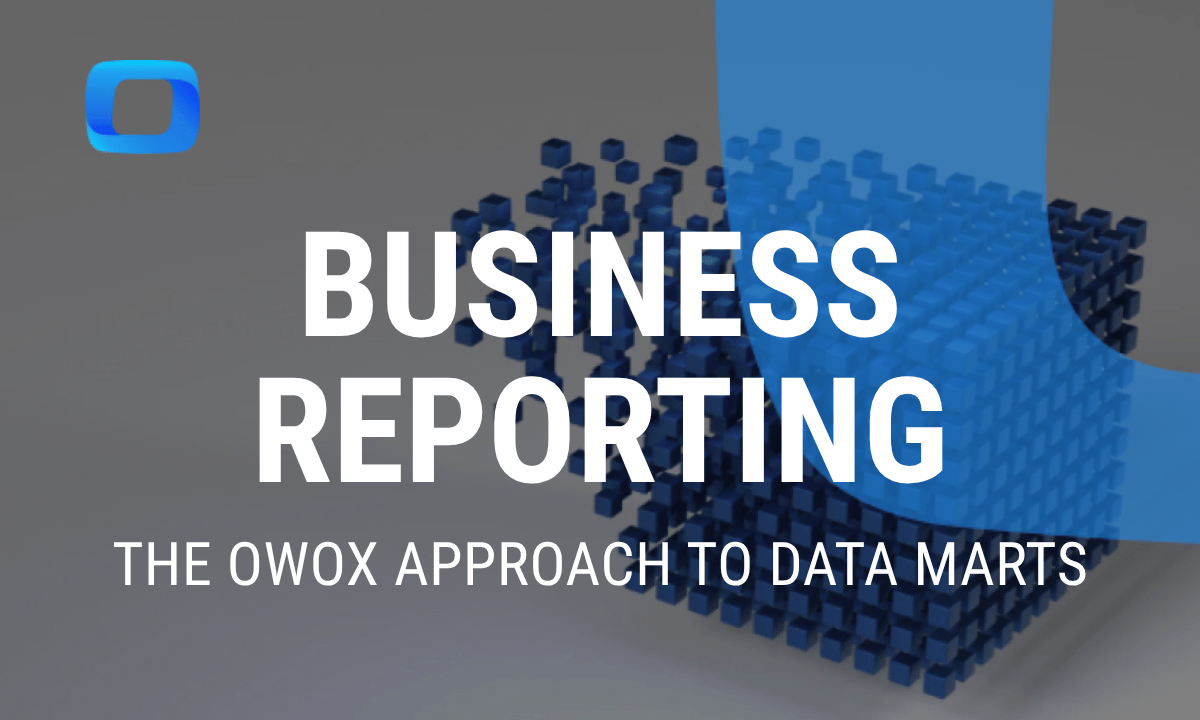
Data marts streamline analytics by providing fast, relevant data tailored to business needs. They reduce pressure on central warehouses and support agile, department-specific decision-making in areas like marketing and finance. To learn how to design and use data marts for reporting and analytics, we recommend reading this detailed guide on business reporting with data marts.
Discover the Power of OWOX BI SQL Copilot in BigQuery Environments
Discover the Power of OWOX BI SQL Copilot in BigQuery Environments
OWOX BI SQL Copilot simplifies BigQuery workflows by providing AI-powered query suggestions, cost optimization tips, and real-time error detection. It helps data teams explore data marts faster, write cleaner SQL, and reduce resource usage, all while maintaining query accuracy and speed.
Learn how teams ship analytics faster
Organizations that scaled analytics without scaling headcount
 "For 10 years I was blind." The day Pürblack® founder stopped guessingSecondsto get reports across six channelsRead the story
  How OWOX Reports Helped Reformation Make Data-Backed DecisionsMinutesfrom data request to business decisionRead the story
  How OWOX Reports Streamlined Operations for WorkSimpli, Saving Over 10 Hours Weekly10hrs+saved per week on manual reportingRead the story
 Not testimonials. Comment threads.
Real things real customers said — each quote pinned to a specific claim, straight from the quotes database.
 Nodari RizunFounder & CEO, Pürblack®
“AI, by the nature of the models, will hallucinate. And because of that, you need something which will create guardrails to ensure that there are no hallucinations, that you can trust your data.”
Nodari RizunFounder & CEO, Pürblack®“I was blind, now I can see. OWOX opened our eyes.”
“We are extremely satisfied with the results achieved through our partnership with OWOX. I'm also impressed by quick and effective support we get from OWOX”
Turn your data into decisions.
Governed data marts give you the clean foundation ML needs to actually work.
- No AI hallucinations
- Analyst-governed definitions
- Every number traces to SQL