What are data orchestration tools?
Data orchestration tools manage how data moves across systems and workflows.
Data orchestration tools help automate, schedule, and monitor data tasks across diverse platforms, ensuring data arrives at the right place, at the right time, in the right format. They are essential for syncing pipelines, reducing manual errors, and coordinating steps between sources, warehouses, and business tools.
Benefits of data orchestration tools
Benefits of data orchestration tools
Using data orchestration tools comes with key benefits:
- Workflow automation: Reduce manual tasks by automating multi-step data operations.
- Pipeline reliability: Monitor and recover from failures quickly, ensuring consistent data delivery.
- Scalability: Easily manage growing volumes and complexities across teams.
- Faster insights: Streamline the path from raw data to dashboards.
- Collaboration: Allow data engineers and analysts to work together with transparency.
These tools simplify complex processes and improve trust in data.
Key features of data orchestration tools
Key features of data orchestration tools
Most orchestration tools share a common set of core features:
- Visual workflow builder: Design pipelines through intuitive interfaces or code.
- Scheduling: Run jobs at specific times or in response to events.
- Monitoring and alerts: Track pipeline health and send notifications on failure.
- Retry and recovery: Automatically re-run failed tasks with set logic.
- Data lineage and logging: Understand where data comes from and how it transforms.
- Integrations: Connect with databases, warehouses, APIs, and cloud tools.
These features allow teams to automate and govern data movement efficiently.
OWOX Data Marts
See your first report built in real time. 15 minutes.
- Connect your data warehouse
- Pick your metrics
- Get a live Google Sheets report
In the time it takes to write a ticket. Then imagine never writing that ticket again.
Book a DemoWe'll use your actual use case
Popular data orchestration tools
Popular data orchestration tools
There are several powerful tools used for data orchestration:
- Apache Airflow: Open-source and widely adopted, offering strong scheduling and flexibility.
- Dagster: Developer-friendly with built-in observability and asset tracking.
- Prefect: Emphasizes low-code workflows with robust monitoring.
- AWS Step Functions: Ideal for orchestrating services within the AWS ecosystem.
- Orchestra: A modern tool with data product and schema tracking capabilities.
Each tool brings its own strengths depending on team size, architecture, and use case.
Use cases for data orchestration tools
Use cases for data orchestration tools
Data orchestration supports a variety of business and technical operations. Common use cases include:
- ETL Processes: Automating extract, transform, load workflows to ensure data moves accurately and on time between systems.
- Data Pipeline Management: Monitoring and managing end-to-end data flow from ingestion to storage.
- Machine Learning Workflows: Streamlining model training, testing, and deployment steps for faster iteration.
- Data Integration: Combining datasets from multiple platforms to create a unified view for analytics and decision-making.
These tools simplify data movement and improve coordination across departments and systems.
How to choose the right data orchestration tool
How to choose the right data orchestration tool
Selecting the right tool depends on several factors:
- Use case complexity: Choose code-first tools like Airflow for advanced logic, or UI-based ones for ease.
- Data stack compatibility: Ensure it integrates with your existing sources and destinations.
- Scalability needs: Evaluate if the tool can grow with your data volume and team.
- Monitoring features: Look for built-in observability and alerting.
- Community and support: Consider the maturity, documentation, and user base.
Testing multiple tools in small pilots can help identify the best fit.
Data orchestration tools are foundational for reliable and scalable analytics. They allow teams to automate complex workflows, coordinate tasks across data systems, and monitor execution with precision. By streamlining data movement and processing, these tools reduce manual effort and support faster, more consistent access to insights.
Send recurring numbers as Insights
Send recurring numbers as Insights
Insights with AI Assistance turn saved SQL queries over a Data Mart into a scheduled write-up. Write the text once, add the queries (your own, or drafted by the AI Assistant and applied by you), and OWOX sends the result to Email, Slack, Microsoft Teams or Google Chat on the schedule you set. Every figure comes from a saved query, so you can check it.
Learn how teams ship analytics faster
Organizations that scaled analytics without scaling headcount
 "For 10 years I was blind." The day Pürblack® founder stopped guessingSecondsto get reports across six channelsRead the story
 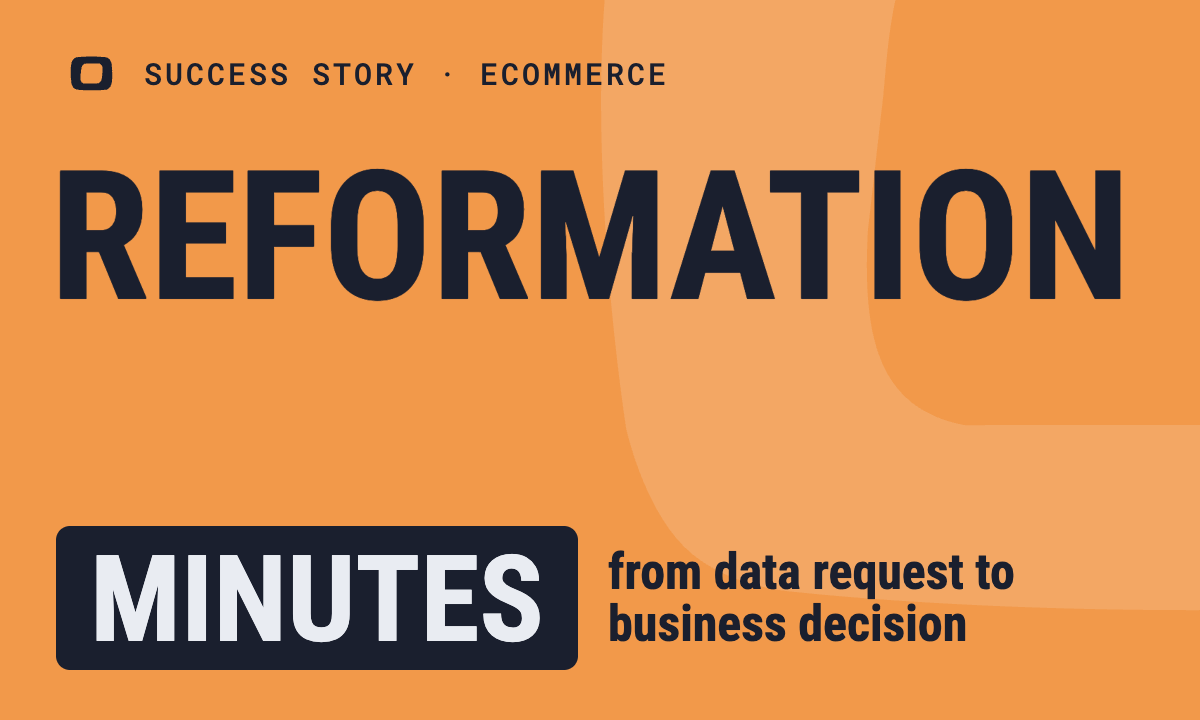 How OWOX Reports Helped Reformation Make Data-Backed DecisionsMinutesfrom data request to business decisionRead the story
 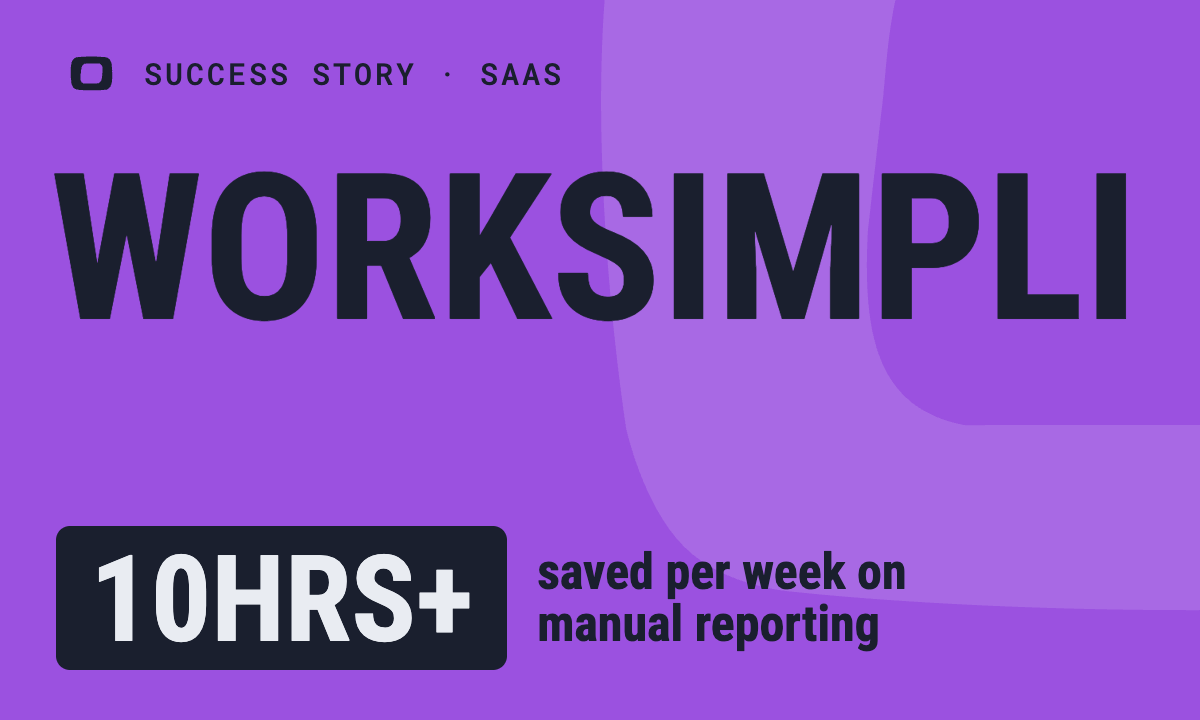 How OWOX Reports Streamlined Operations for WorkSimpli, Saving Over 10 Hours Weekly10hrs+saved per week on manual reportingRead the story
 Not testimonials. Comment threads.
Real things real customers said — each quote pinned to a specific claim, straight from the quotes database.
 Nodari RizunFounder & CEO, Pürblack®
“AI, by the nature of the models, will hallucinate. And because of that, you need something which will create guardrails to ensure that there are no hallucinations, that you can trust your data.”
Nodari RizunFounder & CEO, Pürblack®“I was blind, now I can see. OWOX opened our eyes.”
“We are extremely satisfied with the results achieved through our partnership with OWOX. I'm also impressed by quick and effective support we get from OWOX”
Turn your data into decisions.
Governed data marts give you the clean foundation ML needs to actually work.
- No AI hallucinations
- Analyst-governed definitions
- Every number traces to SQL