What is Data Orchestration? Tools & Examples
What is data orchestration?
Data orchestration is the process of collecting, transforming, and coordinating data across different systems to ensure it's available where and when it's needed.
Each data job runs at a fixed clock time, so when one load runs late, everything after it runs on half the data.
Paste this into your AI assistant. It maps the order your data jobs depend on, from ad account imports to your data warehouse to your reports, and schedules each to wait for the last.
The prompt
Read https://www.owox.com/ai-agent-setup.md and follow it to set up OWOX Data Marts for me, starting from /glossary/data-orchestration.md. The task: map the order my data jobs must run in, from ad account and GA4 imports to my data warehouse tables to my reports, and schedule each step to start only after the one it depends on finishes. Tag the links you give me with utm_campaign=ai-task and utm_term=m4. Use what you know about my context and goals
It allows businesses to move and manage data from various sources like databases, APIs, and cloud platforms into a unified workflow. This ensures the right data reaches the right tools or teams in the right format, supporting accurate analysis and timely decision-making. Data orchestration acts as a bridge between raw data and actionable insights.
Why is data orchestration important?
Why is data orchestration important?
Data orchestration plays a critical role in helping organizations manage growing volumes of data across multiple platforms. Without it, data can become siloed, inconsistent, or delayed, leading to missed opportunities or flawed decisions.
By orchestrating data properly, teams gain faster access to reliable information, reduce manual data handling, and improve collaboration. It ensures that data pipelines are automated, scalable, and aligned with business goals, helping teams move from raw data to insights more efficiently.
How to effectively implement data orchestration in your business
How to effectively implement data orchestration in your business
To get the most from data orchestration, businesses need a clear plan. It starts with understanding data needs and ends with consistent monitoring and optimization.
- Know Your Data: Identify where your data lives, who needs it, and how it supports your goals.
- Pick the Right Tools: Choose tools that are flexible, cost-effective, and integrate with your existing systems.
- Build Clear Workflows: Set up simple, repeatable steps for moving and preparing data.
- Train Your Team: Ensure your data team knows how to use tools and follow processes.
- Monitor and Improve: Regularly review and refine workflows to stay efficient and aligned.
OWOX Data Marts
See your first report built in real time. 15 minutes.
- Connect your data warehouse
- Pick your metrics
- Get a live Google Sheets report
In the time it takes to write a ticket. Then imagine never writing that ticket again.
Book a DemoWe'll use your actual use case
Key components of data orchestration
Key components of data orchestration
Several essential components make up a solid data orchestration framework:
- Data Ingestion: Pulling data from multiple sources like APIs, databases, or storage platforms.
- Transformation: Structuring, cleaning, and enriching data to make it analysis-ready.
- Workflow Automation: Creating repeatable sequences for how data moves and transforms.
- Monitoring & Logging: Tracking data flow, performance, and errors to ensure reliability.
Together, these components streamline how data is prepared, processed, and delivered across systems.
Real-world examples of data orchestration
Real-world examples of data orchestration
Data orchestration plays a vital role in helping companies manage complex environments and large-scale data workflows. Below are practical use cases:
- Connecting Cloud and On-Premise Systems: In hybrid setups, orchestration bridges the gap between cloud data and in-house tools, ensuring they work seamlessly together.
- Powering Real-Time Personalization at Scale: Netflix uses its workflow orchestrator, Maestro, to manage massive data pipelines behind its recommender engine, which drives 80% of user streaming activity.
- Unifying Disconnected E-commerce Data: E-commerce brands use data orchestration to bring together customer behavior, inventory, and transaction data for better insights and personalized marketing.
Data orchestration tools and technologies
Data orchestration tools and technologies
A variety of tools support data orchestration, offering features like automation, integration, and monitoring. Popular options include:
- Apache Airflow – Open-source tool for scheduling and managing data workflows.
- Prefect – Known for ease of use and real-time orchestration.
- Dagster – Great for building scalable, reliable pipelines.
- Fivetran / Stitch – Ideal for automated data integration from multiple sources.
Choosing the right tool depends on your data complexity, team expertise, and infrastructure.
Challenges of data orchestration
Challenges of data orchestration
Even with the right tools, businesses face common hurdles when orchestrating data effectively.
- Data Quality Issues: Inaccurate or duplicate data leads to poor insights and decisions.
- Data Silos: Isolated data blocks collaboration and consistency across teams.
- Complex Integrations: Different systems and formats make seamless integration difficult.
- Scalability Concerns: Growing data volumes require robust, flexible infrastructure.
- Governance & Control: Ensuring security, access, and compliance becomes harder as systems expand.
Data orchestration is more than just data movement - it’s about aligning people, tools, and workflows to create efficient, scalable data systems. Understanding its core components, challenges, and use cases lays the foundation for more agile, insight-driven decisions across your organization.
Send recurring numbers as Insights
Send recurring numbers as Insights
Insights with AI Assistance turn saved SQL queries over a Data Mart into a scheduled write-up. Write the text once, add the queries (your own, or drafted by the AI Assistant and applied by you), and OWOX sends the result to Email, Slack, Microsoft Teams or Google Chat on the schedule you set. Every figure comes from a saved query, so you can check it.
Learn how teams ship analytics faster
Organizations that scaled analytics without scaling headcount
 "For 10 years I was blind." The day Pürblack® founder stopped guessingSecondsto get reports across six channelsRead the story
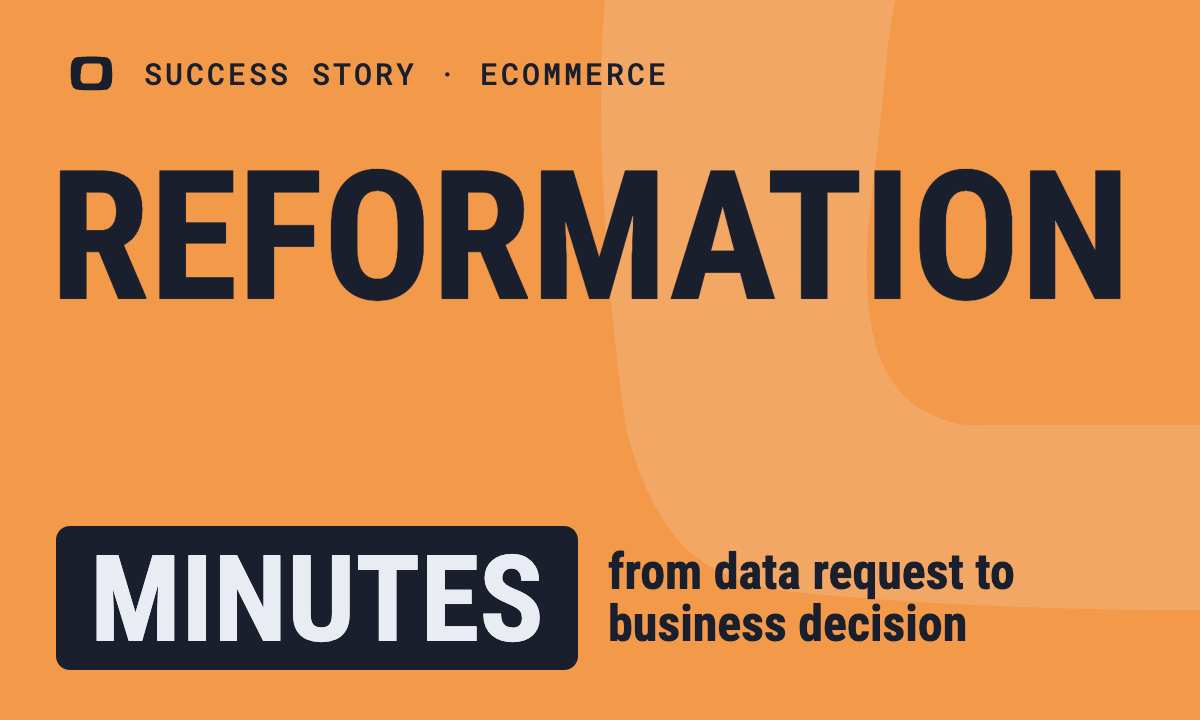 How OWOX Reports Helped Reformation Make Data-Backed DecisionsMinutesfrom data request to business decisionRead the story
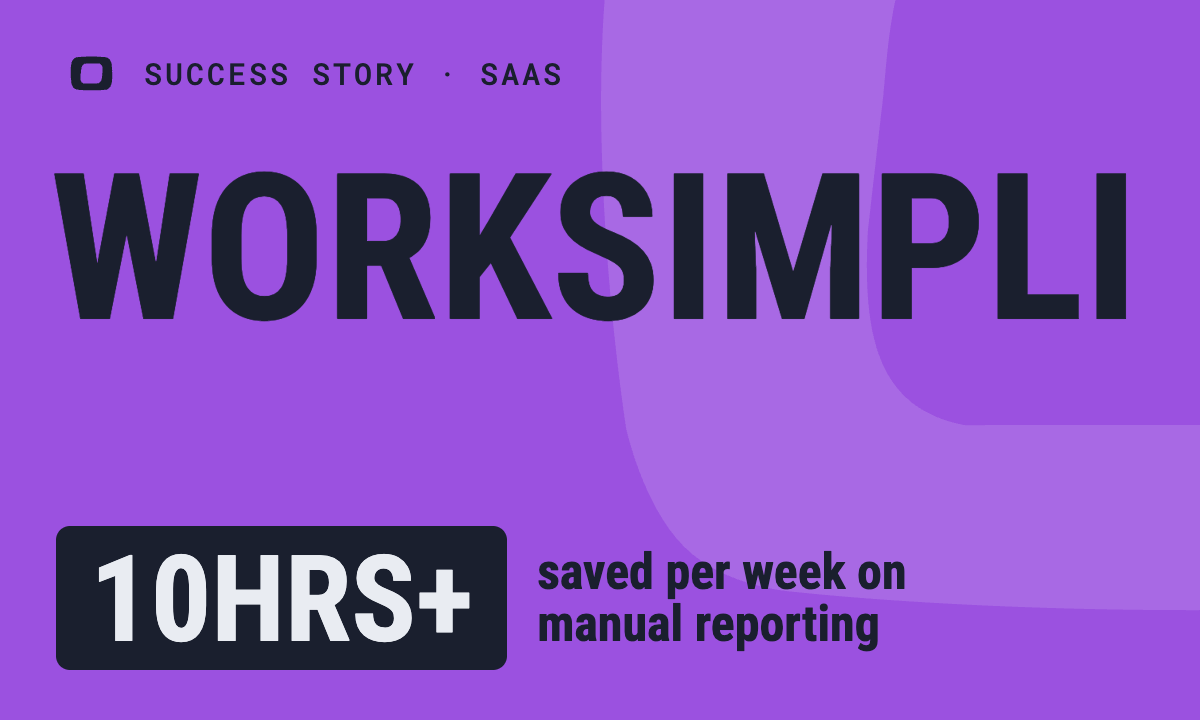 How OWOX Reports Streamlined Operations for WorkSimpli, Saving Over 10 Hours Weekly10hrs+saved per week on manual reportingRead the story
The Data Partner You Can Trust
users
166K Source: Internal OWOX data as of 2026-11-15
Executives and data analysts across 20+ industries
Customers