Get X Ads Insights Delivered to Slack
Use OWOX Data Marts to turn X Ads data into AI-powered insights delivered directly to Slack. Monitor performance, spot anomalies, and get answers – without opening dashboards.
X Ads Endpoints
10 X Ads endpoints you can import. Each lands in its own table in your warehouse.
Accounts
Advertising accounts — name, business, country, timezone, and approval status.
12 fieldsAd Performance
Daily ad performance by placement — impressions, clicks, spend, engagements, and social actions.
20 fieldsTime seriesAd Performance by Country
Daily ad performance broken down by country — impressions, clicks, spend, engagements, and social actions.
21 fieldsTime seriesAll Cards
All card types with full creative details — type, title, destination URL, call to action, and media.
28 fieldsCampaigns
Your campaigns — status, budget optimization, daily and total budget, and currency.
19 fieldsCards
Website and app cards — type, URI, and components.
8 fieldsLine Items
Line items within campaigns — bid strategy, goal, product type, budget, and schedule.
33 fieldsPromoted Tweets
Tweets promoted as ads — status, approval, and links to their tweets and line items.
8 fieldsTargeting Locations
Reference table of location IDs with names and country codes — join targeting_value with the country field in Ad Performance by Country.
4 fieldsTweets
Original tweets used as ad creatives — text, type, language, engagement counts, and card URI.
34 fields
Step 1: Collect X Ads data
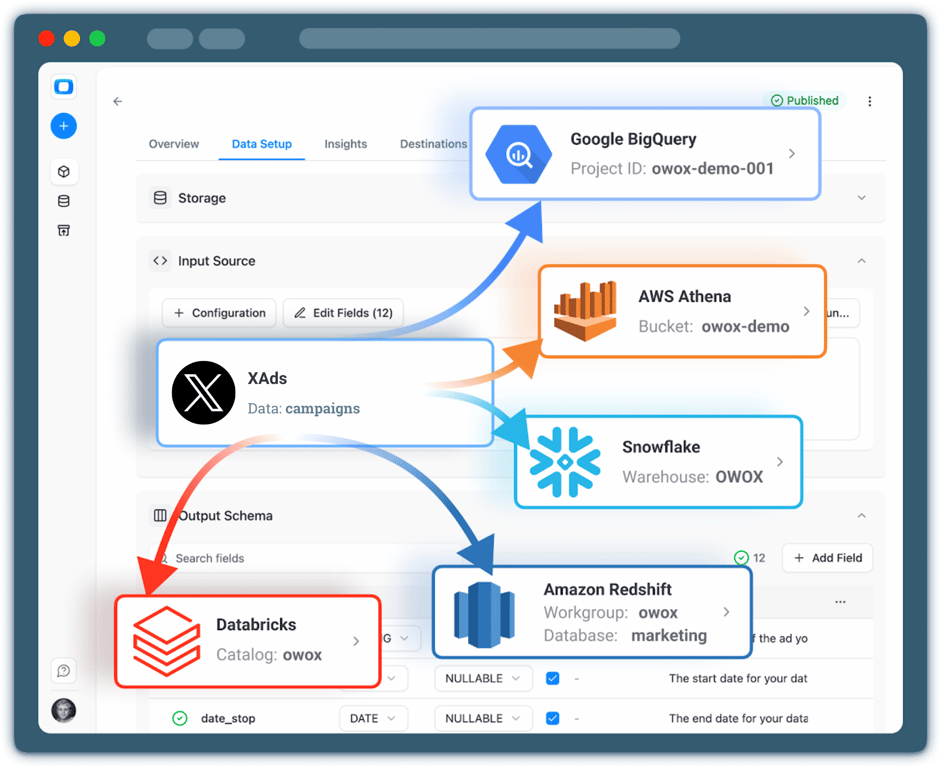
Start by collecting raw X Ads data into a storage using OWOX Data Marts.
- Choose a data warehouse such as BigQuery, Snowflake or AWS Redshift
- Collect spend, impressions, clicks, engagements, and campaign structure
- Keep full ownership and transparency over your ads data
Step 2: Define metrics & business logic
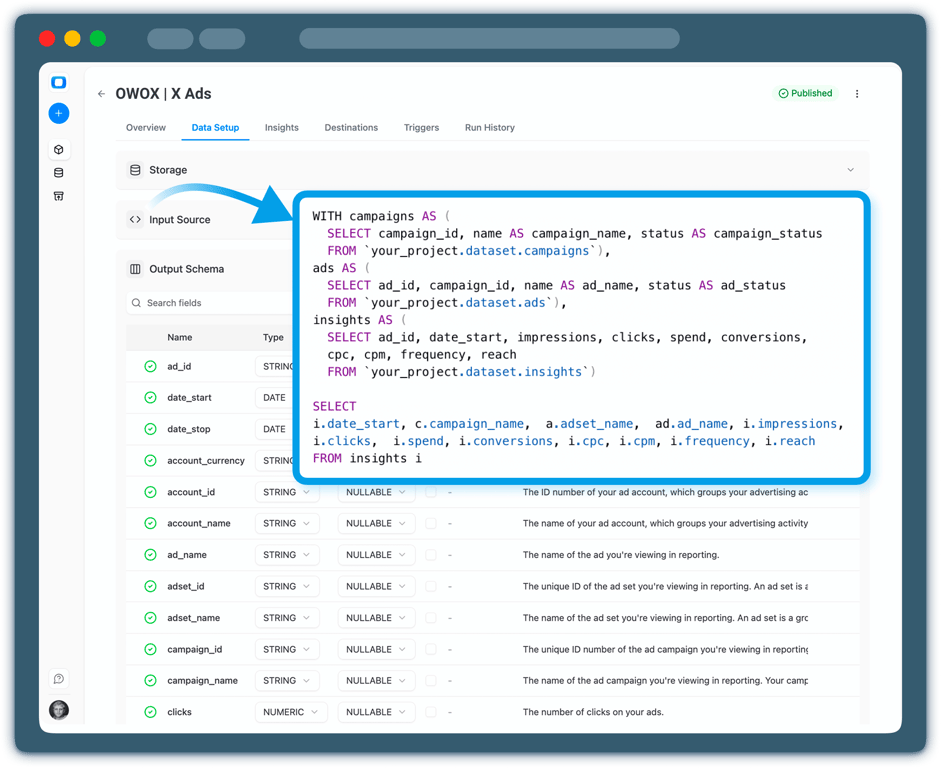
Define how X Ads performance should be calculated and interpreted.
- Create or reuse an X Ads Data Mart
- Define metrics like CPC, CPA, CTR, engagement rate, or custom KPIs
- Ensure consistent logic across teams and reports
Step 3: Configure AI Insights
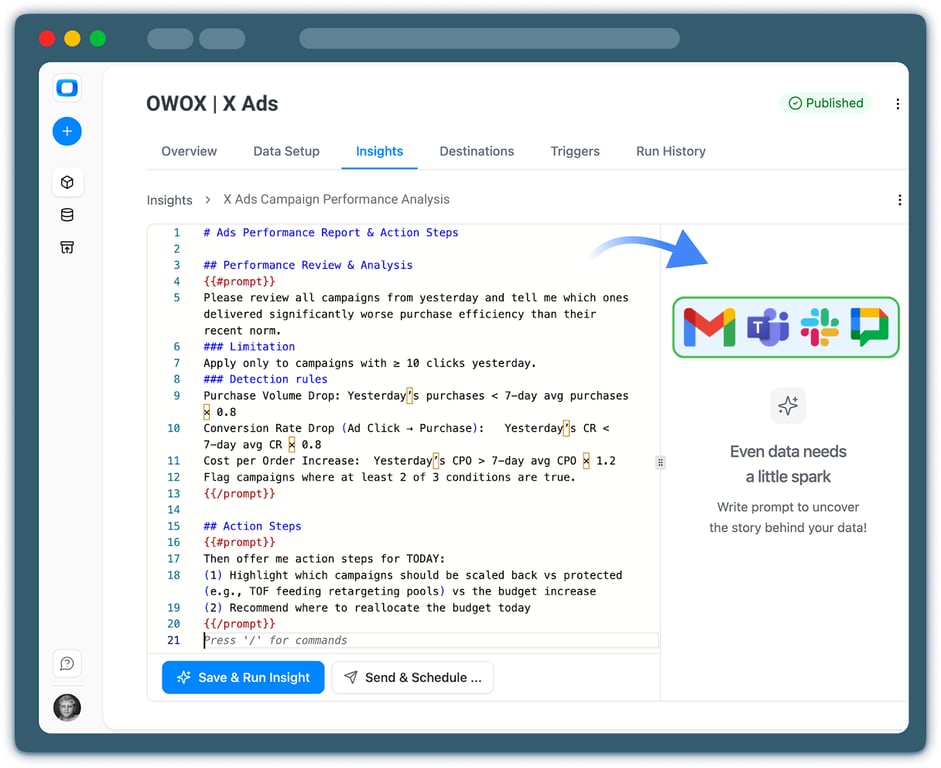
Choose which X Ads insights you want to receive.
- Daily or weekly performance summaries
- Spend spikes, drops, or engagement anomalies
- Campaigns, creatives, or audiences that overperform or underperform expectations
Step 4: Deliver Insights to Slack
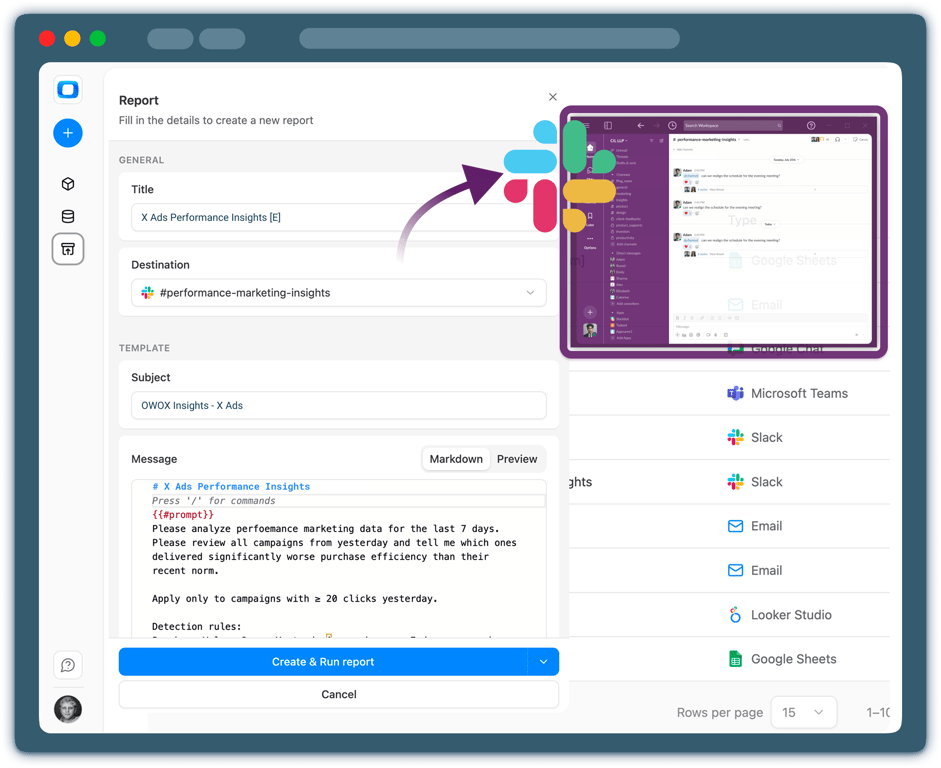
Send X Ads insights directly to your corporate Slack.
- Choose Slack channels or direct message emails
- Schedule automated delivery or receive alerts in real time
- Keep teams aligned without opening dashboards
Step 5: Go beyond alerts & summaries
Your X Ads insights don’t have to live only in Slack.
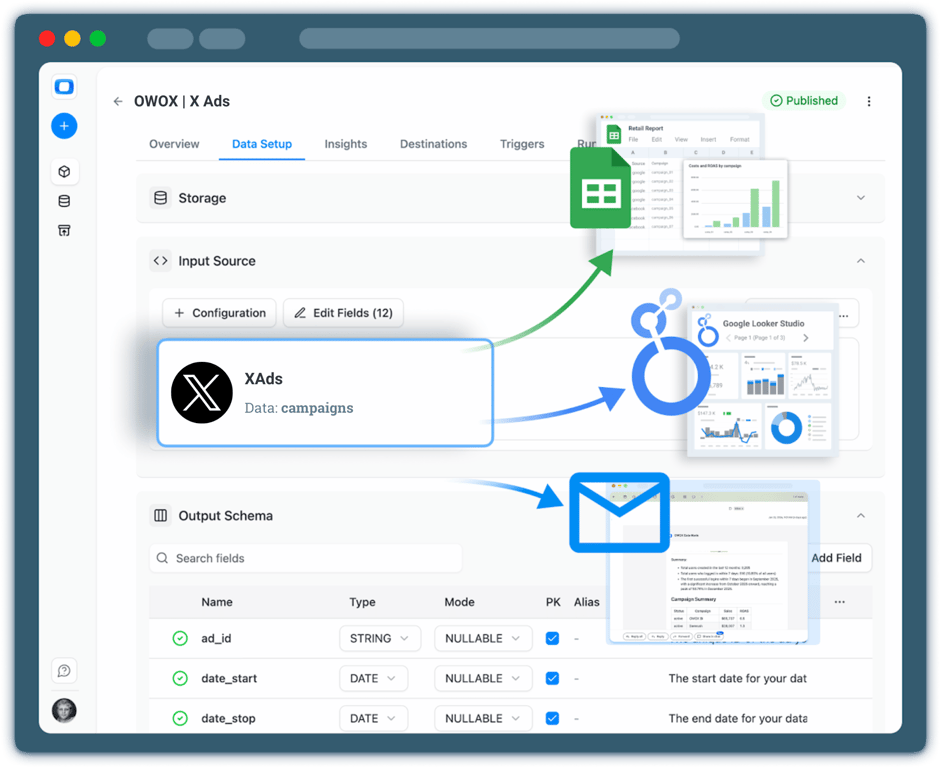
- Reuse the same data mart in Google Sheets or Data Studio
- Blend X Ads data with GA4, CRM, or revenue data
- Extend AI Insights delivery to Email for broader stakeholder access




Every claim has a receipt.
Real things real customers said — each quote pinned to a specific claim, straight from the quotes database.
 Nodari RizunFounder & CEO, Pürblack®
“AI, by the nature of the models, will hallucinate. And because of that, you need something which will create guardrails to ensure that there are no hallucinations, that you can trust your data.”
 Mark SimmonsCMO, Pürblack®
“We had six or seven different channels and no single source of truth — it was almost impossible, a lot of guesswork.”
Nodari RizunFounder & CEO, Pürblack®“We regained time. And time is the one resource that never comes back.”
- 0.39.0Backfill any past period
- 0.39.0Facebook Ads imports now retry a corrupted response instead of failing
- 0.38.0Shopify connector: more orders fields, including line-item discounts
- 0.37.0Short links resolve only on known short link services and domains you allow
- 0.37.0Clearer connector errors, and custom connectors that handle more APIs
Turn X Ads Data into Daily Decisions
See how OWOX Data Marts helps you move from X Ads data to AI-powered insights delivered to Slack – without dashboards, manual checks, or broken metrics.
Get Started FreeYou are booked. The invitation is on its way to , with the calendar invite and the meeting link.
Schedule in person meeting at Tip Top Toronto
You are booked. The invitation is on its way to , with the calendar invite and the meeting link.