Get LinkedIn Ads Insights Delivered to Slack
Use OWOX Data Marts to turn LinkedIn Ads data into AI-powered insights delivered directly to Slack. Monitor performance, spot anomalies, and get answers – without opening dashboards.
LinkedIn Ads Endpoints
5 LinkedIn Ads endpoints you can import. Each lands in its own table in your warehouse.
Ad Accounts
Your ad account settings, billing details, currency, and account status.
14 fieldsAd Analytics
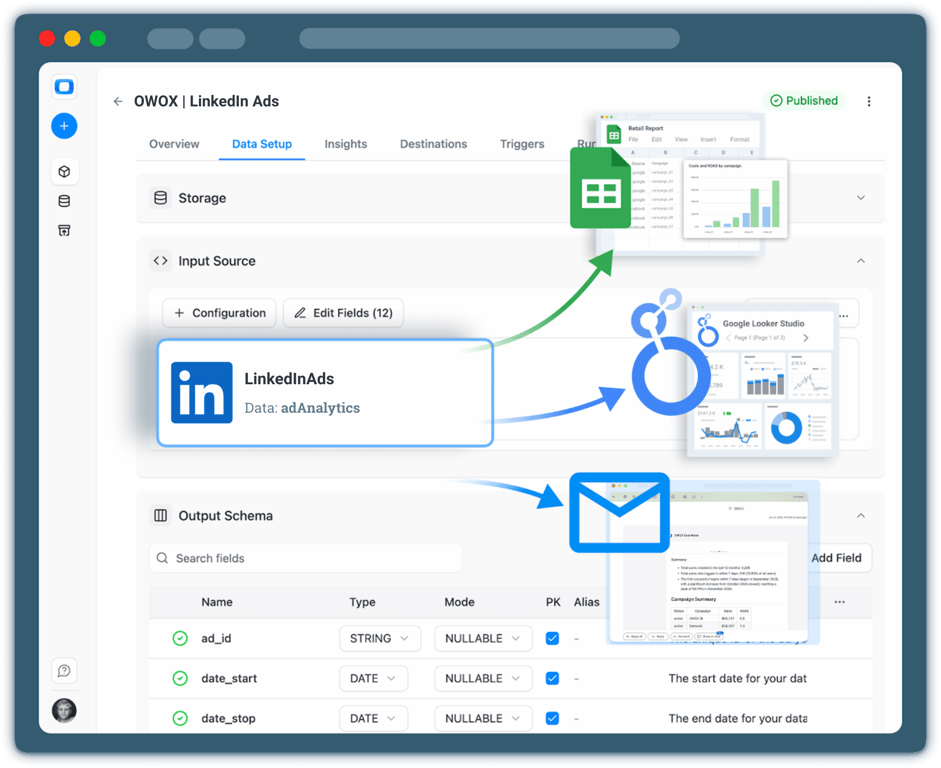
Daily performance metrics for your campaigns — impressions, clicks, spend, and conversions.
104 fieldsTime seriesCampaign Groups
Top-level containers that group campaigns with shared objectives, budgets, and scheduling.
14 fieldsCampaigns
Individual campaigns defining your targeting, ad format, bid strategy, and budget.
29 fieldsCreatives
The visual and copy elements of your ads shown to members across LinkedIn.
14 fields
Step 1: Collect LinkedIn Ads data
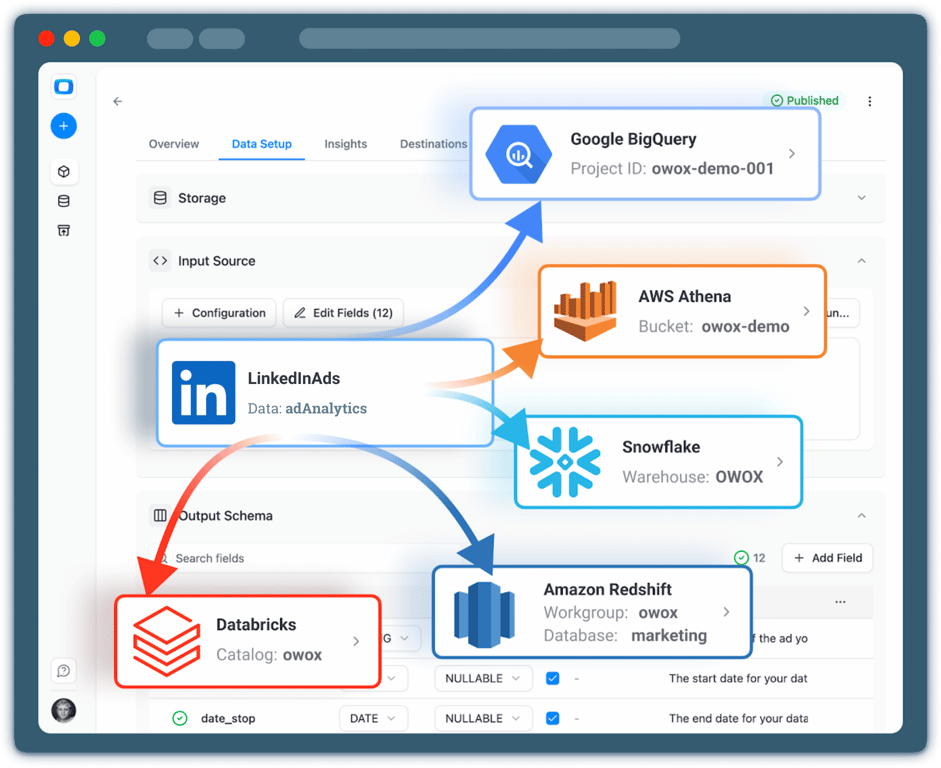
Start by collecting raw LinkedIn Ads data into a storage using OWOX Data Marts.
- Choose a data warehouse such as BigQuery, Snowflake or AWS Redshift
- Collect spend, impressions, clicks, conversions, and campaign structure
- Keep full ownership and transparency over your ads data
Step 2: Define metrics & business logic
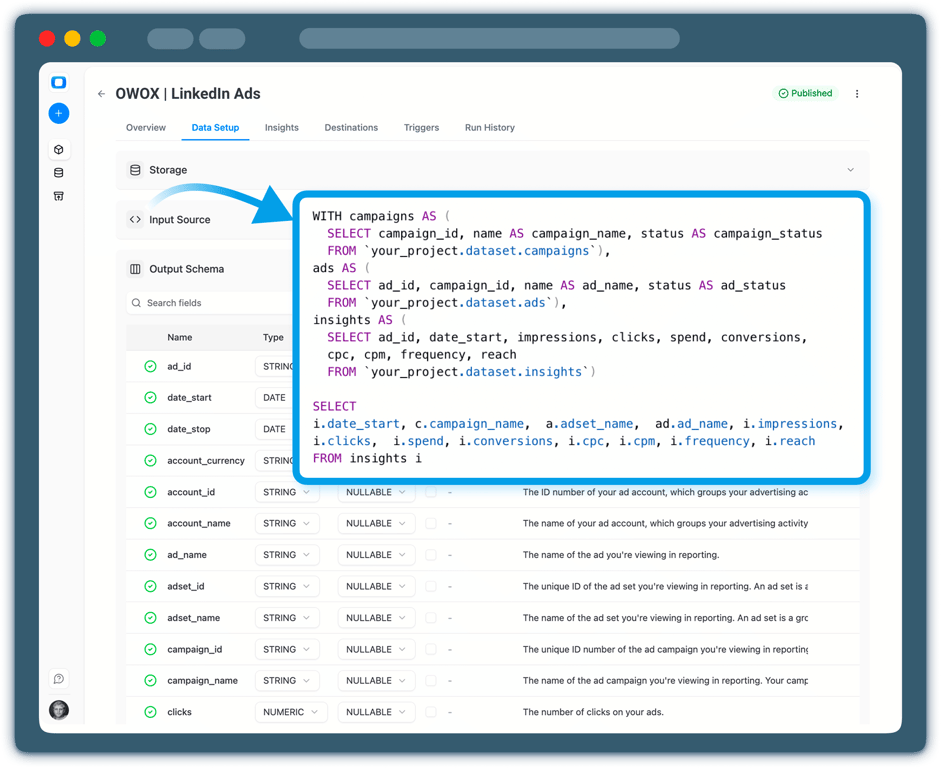
Define how LinkedIn Ads performance should be calculated and interpreted.
- Create or reuse a LinkedIn Ads Data Mart
- Define metrics like CPL, CPA, CTR, or custom B2B KPIs
- Ensure consistent logic across teams and reports
Step 3: Configure AI Insights
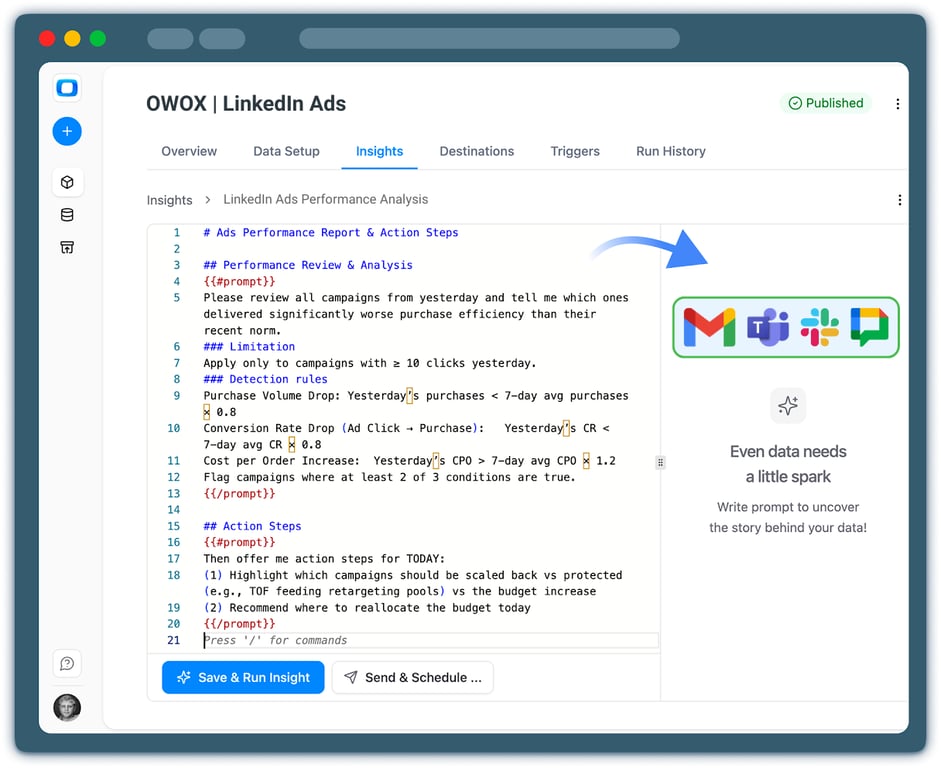
Choose which LinkedIn Ads insights you want to receive.
- Daily or weekly performance summaries
- Spend spikes, drops, or anomalies
- Campaigns, creatives, or audiences that overperform or underperform expectations
Step 4: Deliver Insights to Slack
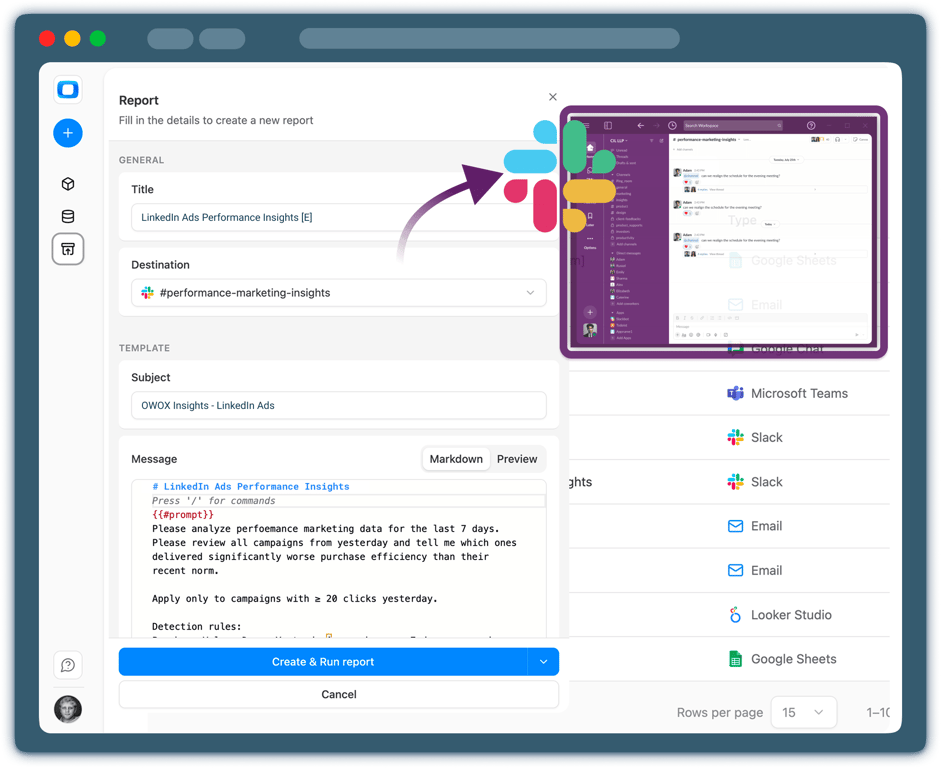
Send LinkedIn Ads insights directly to your corporate Slack.
- Choose Slack channels or direct message emails
- Schedule automated delivery or receive alerts in real time
- Keep teams aligned without opening dashboards
Step 5: Go beyond alerts & summaries
Your LinkedIn Ads insights don’t have to live only in Slack.
- Reuse the same data mart in Google Sheets or Data Studio
- Blend LinkedIn Ads data with CRM, GA4, or revenue data
- Extend AI Insights delivery to Email for broader stakeholder access




Every claim has a receipt.
Real things real customers said — each quote pinned to a specific claim, straight from the quotes database.
 Nodari RizunFounder & CEO, Pürblack®
“AI, by the nature of the models, will hallucinate. And because of that, you need something which will create guardrails to ensure that there are no hallucinations, that you can trust your data.”
 Mark SimmonsCMO, Pürblack®
“We had six or seven different channels and no single source of truth — it was almost impossible, a lot of guesswork.”
Nodari RizunFounder & CEO, Pürblack®“We regained time. And time is the one resource that never comes back.”
- 0.39.0Backfill any past period
- 0.39.0Facebook Ads imports now retry a corrupted response instead of failing
- 0.38.0Shopify connector: more orders fields, including line-item discounts
- 0.37.0Short links resolve only on known short link services and domains you allow
- 0.37.0Clearer connector errors, and custom connectors that handle more APIs
Turn LinkedIn Ads Data into Daily Decisions
See how OWOX Data Marts helps you move from LinkedIn Ads data to AI-powered insights delivered to Slack – without dashboards, manual checks, or broken metrics.
Get Started FreeYou are booked. The invitation is on its way to , with the calendar invite and the meeting link.
Schedule in person meeting at Tip Top Toronto
You are booked. The invitation is on its way to , with the calendar invite and the meeting link.