Data Modeling
Data Modeling features
F01
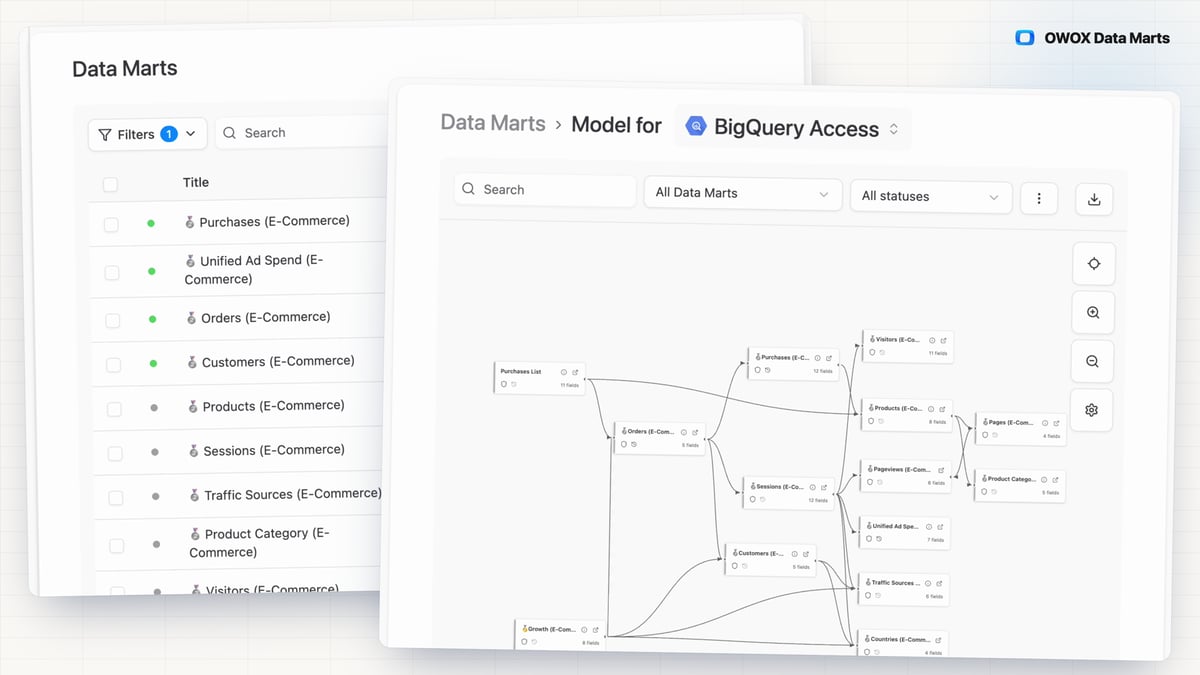
Data Mart Management
When every report carries its own copy of the logic, numbers drift between teams and tools. A Data Mart is that logic defined once by the analyst — SQL, Table, View, Pattern, Connector or Joinable — with an output schema that says what each field means.
- Every report built on a mart shows the SQL behind its numbers, re-runnable in your own warehouse.
- Nothing reaches a spreadsheet, a dashboard or an AI assistant until the analyst publishes the mart.
- Start from a query, table, view or pattern you already have; the AI helper drafts field names and descriptions.
F02
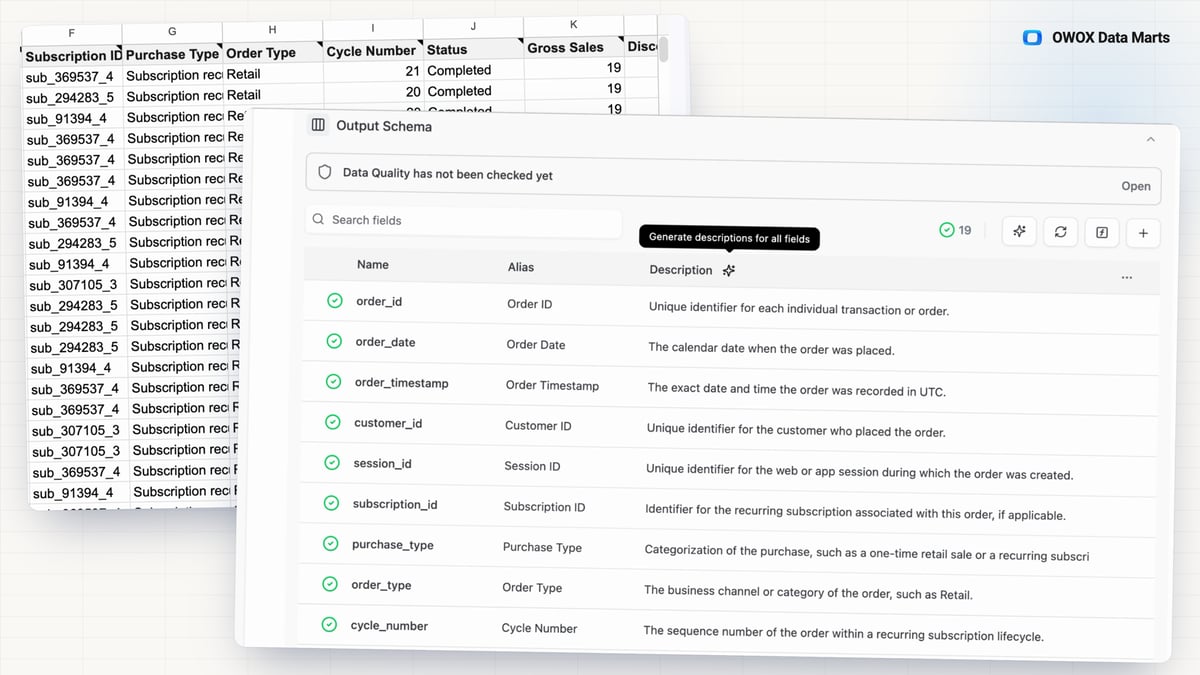
Metadata Autofill
A business user or an AI assistant can only use a Data Mart it understands, and metadata typed by hand is the task every analyst defers. Metadata Autofill drafts it for the analyst to approve.
- Every draft is written from the schema and a sample of up to 30 real rows, so it describes what the data actually contains.
- Autofill drafts, the analyst edits and saves — the descriptions an AI answer is grounded in stay the analyst's.
- One click fills aliases and descriptions for every field and the Data Mart's own title and description; field descriptions reach the spreadsheet's column picker and header-cell notes.
F03
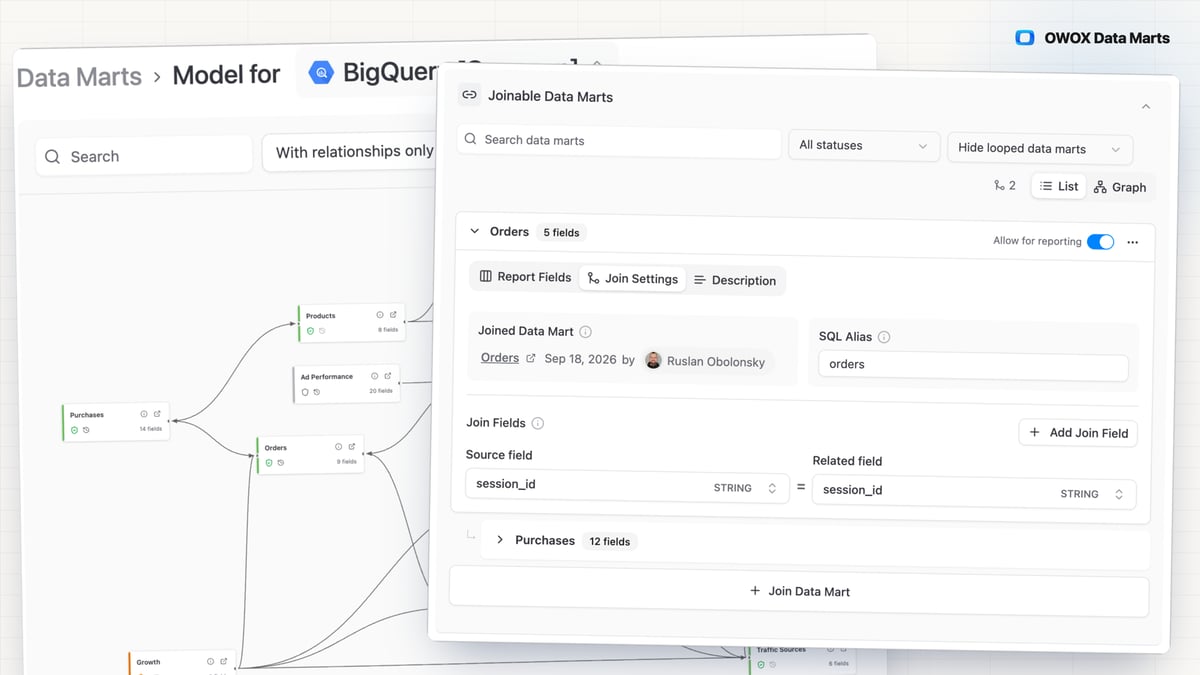
Joinable Data Marts
Blending Ads, CRM and product data usually waits on SQL or a months-long semantic layer project. Declare join keys between Data Marts once, and business users combine them on their own — no SQL, and no semantic-layer project first.
Learn more