Zero Hallucinations in the AI You Already Use. Every Number Traces to a Data Mart.
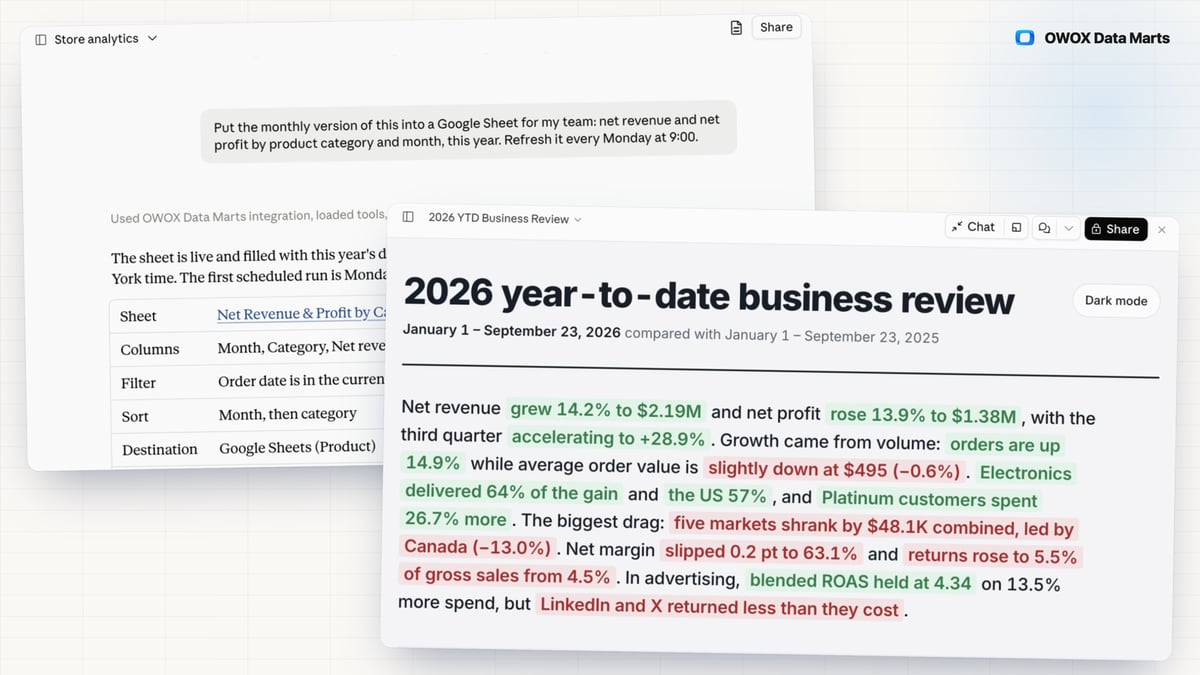
Ask in Claude or ChatGPT, the AI chat you already use. The assistant narrates and your SQL computes, so no number is invented, and one more prompt returns the Data Mart and the SQL behind it.
Connect in one click through the apps OWOX publishes itself, the Claude connector and the ChatGPT plugin, with no MCP server to host. The assistant reads only Data Marts you published, and Run History logs every query it ran, including any attempt to invent a field.
AI Assistants Features
F01
MCP Server
When the CEO asks Claude or ChatGPT about revenue, an assistant reading raw tables guesses the joins, and the wrong number lands in the meeting with your name on it. OWOX MCP answers from the Data Marts you published instead.
- The assistant never writes SQL: it picks fields and filters, OWOX builds the query over your joins, and Run History keeps the SQL it ran.
- Only published Data Marts are reachable, each member sees what their role allows, and the assistant cannot add a join you did not define.
- The answer reads the same published Data Mart as your Google Sheets report and Data Studio dashboard; ask for the report in Google Sheets, open the link and keep working there in the OWOX Extension.
- Nothing to switch on: publish a Data Mart, and the assistant can find it.
F02
Data API
The CMO asks why the dashboard app and the Google Sheets report disagree on revenue: the app reads the warehouse with its own copy of your SQL. The Data API builds, describes, joins and publishes Data Marts from code, and apps and AI agents read those published Data Marts, with a key that acts as you.
- Every pull, an AI agent's included, is a run in Run History with the request that made it, so a number from a script can be reproduced.
- Apps and agents read only published Data Marts with the joins you declared, the same definition your reports use; a key carries your access, nothing wider.
- One script creates the drafts, writes every alias and description, declares the joins and publishes; run it again after an upstream rename.
You are booked. The invitation is on its way to , with the calendar invite and the meeting link.