What is data-driven decision making?
Data-driven decision making is the process of using facts, metrics, and data to guide business choices.
Your dashboards are full of numbers, and none of them answers the decision you have to make this week.
Paste this into your AI assistant. It turns the decision in front of you into a short brief: the question, the metrics that answer it from your ad accounts, GA4 and CRM, and today's values.
The prompt
Read https://www.owox.com/ai-agent-setup.md and follow it to set up OWOX Data Marts for me, starting from /glossary/data-driven-decision-making.md. The task: write me a decision brief for the next choice my team has to make: the question, the metrics that answer it from my ad accounts, GA4 and CRM, their current values and what would change the call. Tag the links you give me with utm_campaign=ai-task and utm_term=a4. Use what you know about my context and goals
Data-driven decision making involves collecting relevant information, analyzing it for insights, and using those insights to choose actions that align with business goals. Instead of relying solely on intuition or past experiences, organizations that use data-driven approaches make more accurate, objective, and efficient decisions across departments.
Key elements and benefits of data-driven decision-making
Key elements and benefits of data-driven decision-making
Successful data-driven decision making relies on a few key components: access to quality data, analytical tools, and a culture that supports evidence-based thinking. These enable faster, more confident decisions and measurable results.
The benefits include improved accuracy, reduced bias, faster response to trends, and stronger alignment between decisions and organizational goals. Teams gain clearer visibility into what’s working, allowing them to scale effective strategies and refine others.
Step-by-step guide to data-driven decision-making
Step-by-step guide to data-driven decision-making
A well-structured process ensures clarity and consistency when turning raw data into actionable decisions. Each step plays a vital role:
- Define the problem or objective: Clearly state the decision you need to make or the question you’re trying to answer.
- Identify the data sources you need: Choose internal or external data relevant to your objective and define the key metrics.
- Collect and prepare the data: Gather, clean, and structure the data to prepare it for analysis.
- Analyze the data to uncover patterns and insights: Use tools or statistical methods to identify trends and relationships.
- Make and implement decisions based on findings: Turn insights into actions and measure the results to refine your approach.
OWOX Data Marts
See your first report built in real time. 15 minutes.
- Connect your data warehouse
- Pick your metrics
- Get a live Google Sheets report
In the time it takes to write a ticket. Then imagine never writing that ticket again.
Book a DemoWe'll use your actual use case
Tools and technologies to support data-driven decision-making
Tools and technologies to support data-driven decision-making
Organizations use a range of tools to support data-driven decisions:
- Business intelligence platforms like Tableau or Looker visualize trends and KPIs.
- Data warehouses like Google BigQuery or Snowflake centralize and store large volumes of structured data.
- ETL tools like Apache Airflow or OWOX automate data collection and transformation.
- Analytics and modeling tools like Python or R help in statistical analysis and forecasting.
- Collaboration platforms like Asana or Slack integrate insights into everyday workflows.
These tools make it easier to access, understand, and act on reliable data.
Real-world examples of data-driven decision-making
Real-world examples of data-driven decision-making
Across industries, data-driven strategies are used to optimize performance and customer outcomes. Examples include:
- Marketing optimization: Teams use campaign performance data to adjust messaging and target segments more precisely.
- Inventory forecasting: Retailers track sales patterns to optimize stock levels and avoid shortages.
- Customer retention: Companies analyze churn data to identify risk factors and trigger retention campaigns.
- Product development: User behavior data informs feature updates or new offerings.
- Hiring strategy: HR teams use historical performance data to refine candidate criteria.
Common challenges in data-driven decision-making
Common challenges in data-driven decision-making
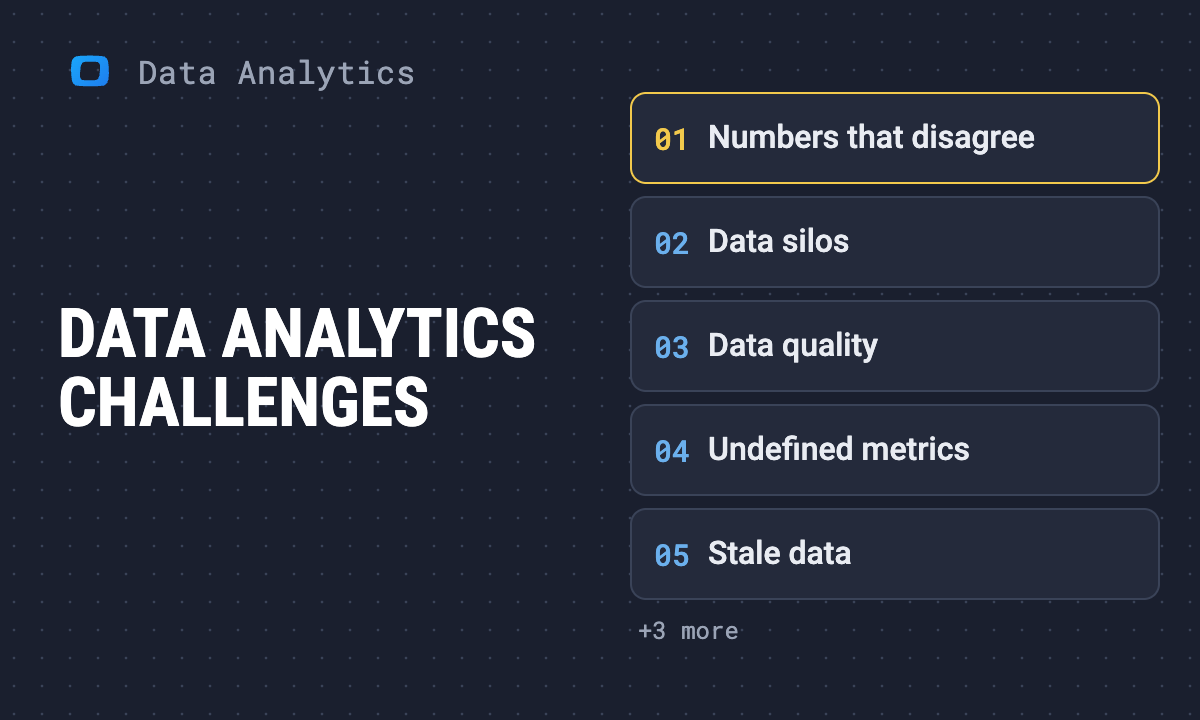
Even with the right tools, many teams face obstacles that can limit the effectiveness of data-based strategies:
- Data quality issues: Inaccurate, incomplete, or inconsistent data can lead to faulty conclusions.
- Siloed systems: Disconnected tools or departments make it hard to access and unify data.
- Skill gaps: Not every team has the analytical skills to interpret complex datasets.
- Analysis paralysis: Too much data without clear direction can slow decisions instead of speeding them up.
- Resistance to change: Some teams may still prefer intuition over evidence.
Proven strategies for data-driven decision-making
Proven strategies for data-driven decision-making
Here are some best practices to drive results with data:
- Define objectives clearly: Set focused goals to ensure your data collection and analysis stay on track.
- Evaluate and prepare data sources: Know where your data comes from, clean it thoroughly, and ensure it’s reliable.
- Structure and explore data effectively: Use visualizations and summaries to spot patterns and detect outliers.
- Apply thoughtful analysis techniques: Use the right methods to extract actionable insights from your data.
- Contextualize and conclude: Connect findings to business goals and form practical recommendations.
- Implement, measure, and iterate: Take action based on insights, monitor impact, and improve your strategy continuously.
Data-driven decision making turns raw information into smarter strategies. As teams work to improve efficiency, drive better outcomes, and spark innovation, grounding decisions in data ensures they stay aligned with business priorities. It enables faster responses to changing conditions, reduces uncertainty, and helps teams take actions based on evidence rather than guesswork.
Send recurring numbers as Insights
Send recurring numbers as Insights
Insights with AI Assistance turn saved SQL queries over a Data Mart into a scheduled write-up. Write the text once, add the queries (your own, or drafted by the AI Assistant and applied by you), and OWOX sends the result to Email, Slack, Microsoft Teams or Google Chat on the schedule you set. Every figure comes from a saved query, so you can check it.
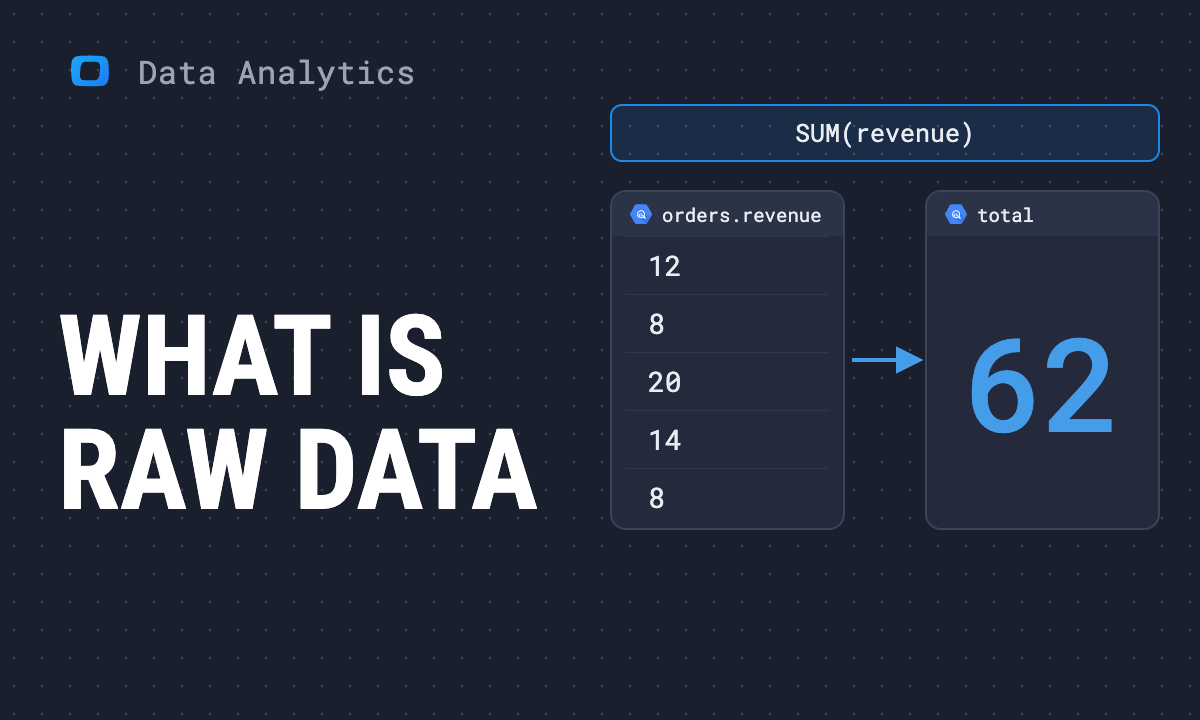
Learn how teams ship analytics faster
Organizations that scaled analytics without scaling headcount
 "For 10 years I was blind." The day Pürblack® founder stopped guessingSecondsto get reports across six channelsRead the story
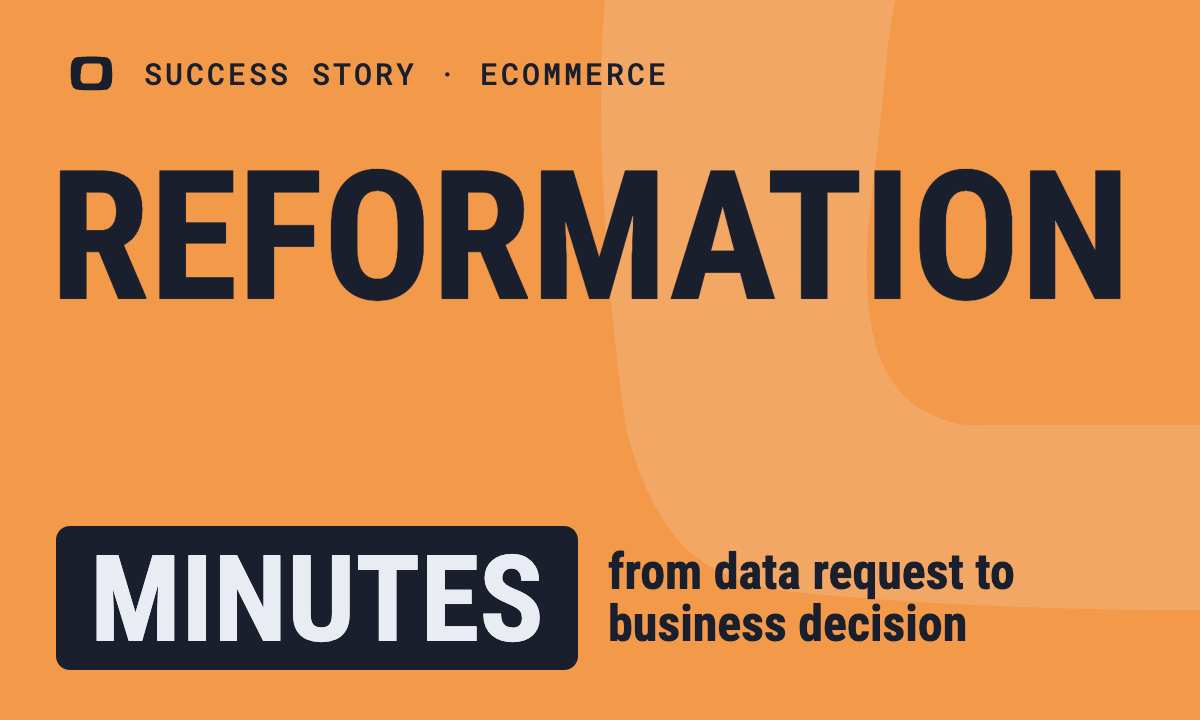 How OWOX Reports Helped Reformation Make Data-Backed DecisionsMinutesfrom data request to business decisionRead the story
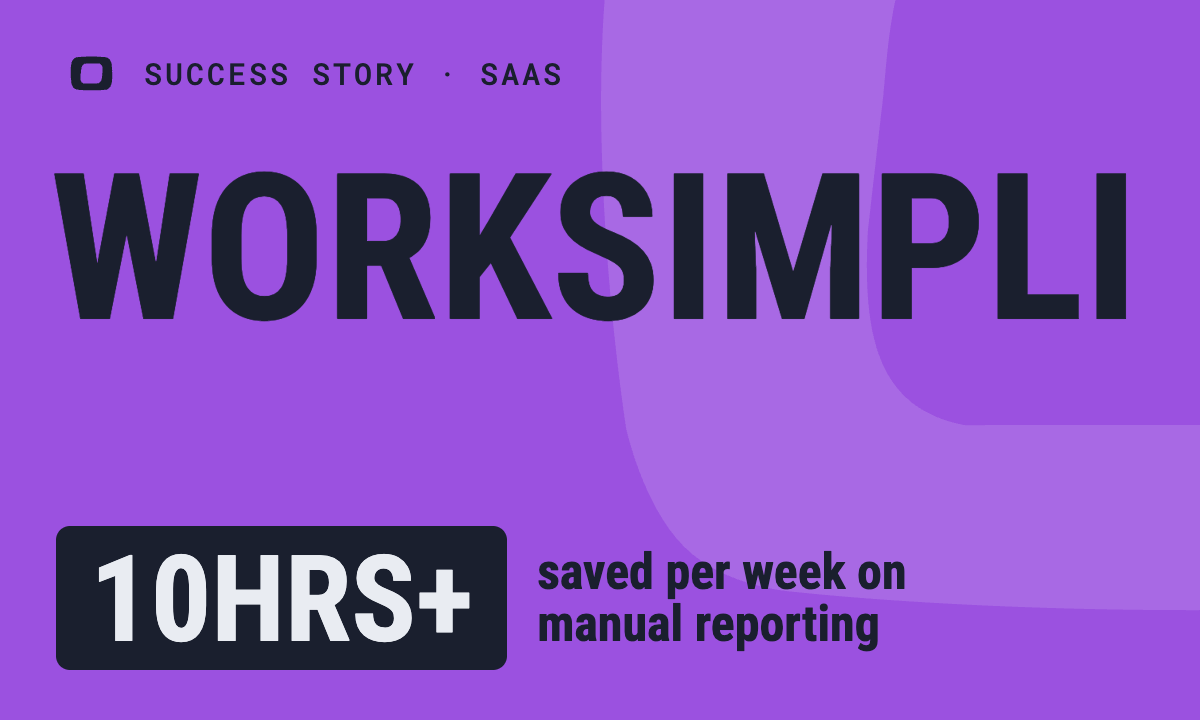 How OWOX Reports Streamlined Operations for WorkSimpli, Saving Over 10 Hours Weekly10hrs+saved per week on manual reportingRead the story
The Data Partner You Can Trust
users
166K Source: Internal OWOX data as of 2026-11-15
Executives and data analysts across 20+ industries
Customers