Collect X Ads Data into Databricks

Own your X Ads data in Databricks with OWOX Data Marts. Collect granular, analytics-ready X Ads data into Databricks, control schema and refresh logic, and reuse the data across BI tools and AI Insights.
Collect X Ads Data into Databricks
Own Your X Ads Data

Own Your X Ads Data

Load X Ads data directly into Databricks and keep full control over structure, access, and updates.

Step 1: Create a Databricks Data Storage

Start by connecting Databricks as your data storage in OWOX Data Marts.
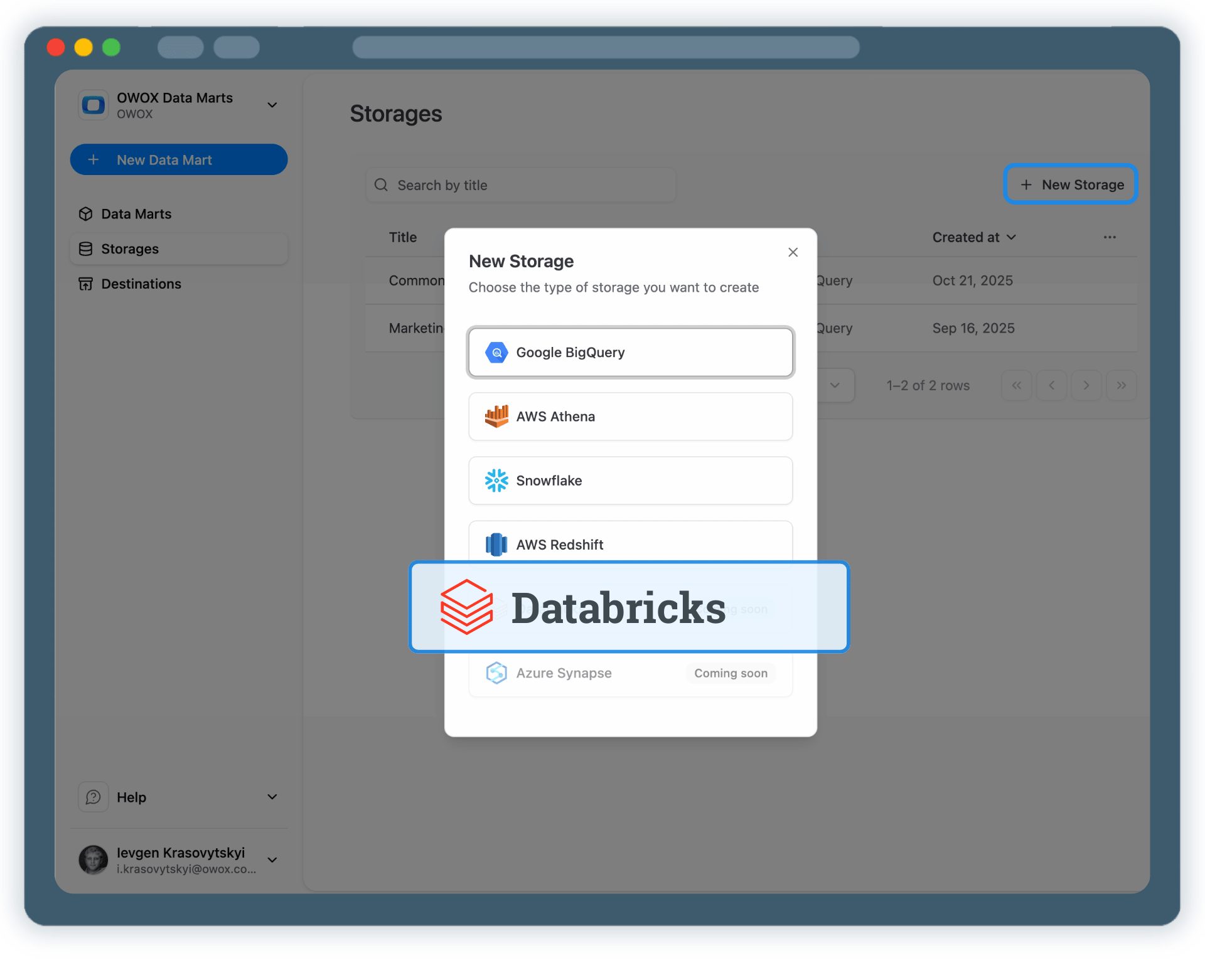
  • Provide the Databricks Workspace URL
  • Specify the HTTP Path for your SQL Warehouse
  • Add a Personal Access Token for Databricks authentication

Databricks becomes your scalable analytics layer for X Ads data.

Step 1: Create a Databricks Data Storage
Connect Databricks
Step 1: Create a Databricks Data Storage
Step 2: Create an X Ads Data Mart

Step 2: Create an X Ads Data Mart

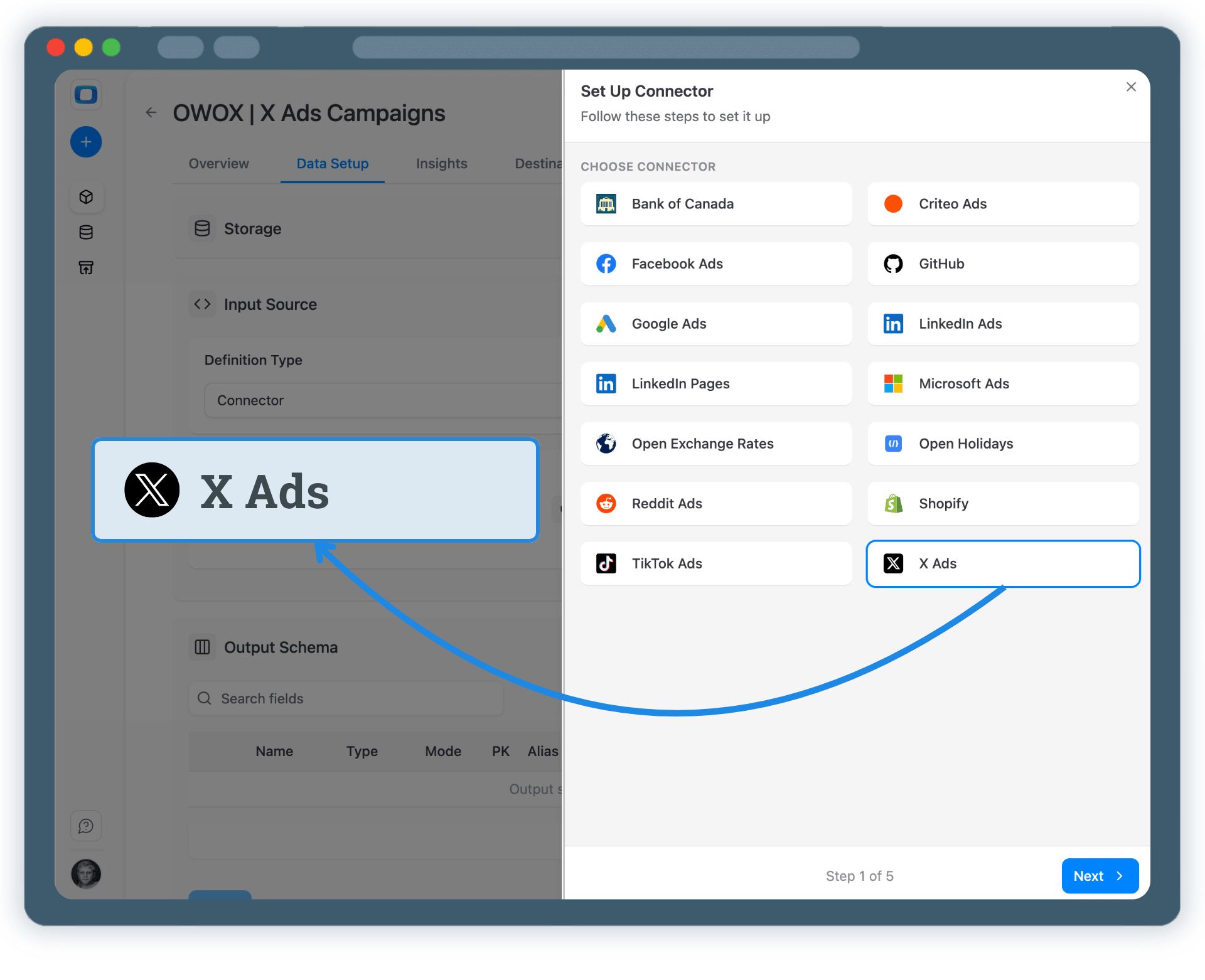
Create a new Data Mart and choose Connector as the definition type.

  • Select X Ads as the data source
  • Authorize access to your X Ads advertising account
  • No API coding or engineering required

This defines what X Ads data you collect.

Step 2: Create an X Ads Data Mart
Add X Ads
Request a demo

Step 3: Select Fields & Configure Data Import

Choose exactly which X Ads data you want to land in Databricks.
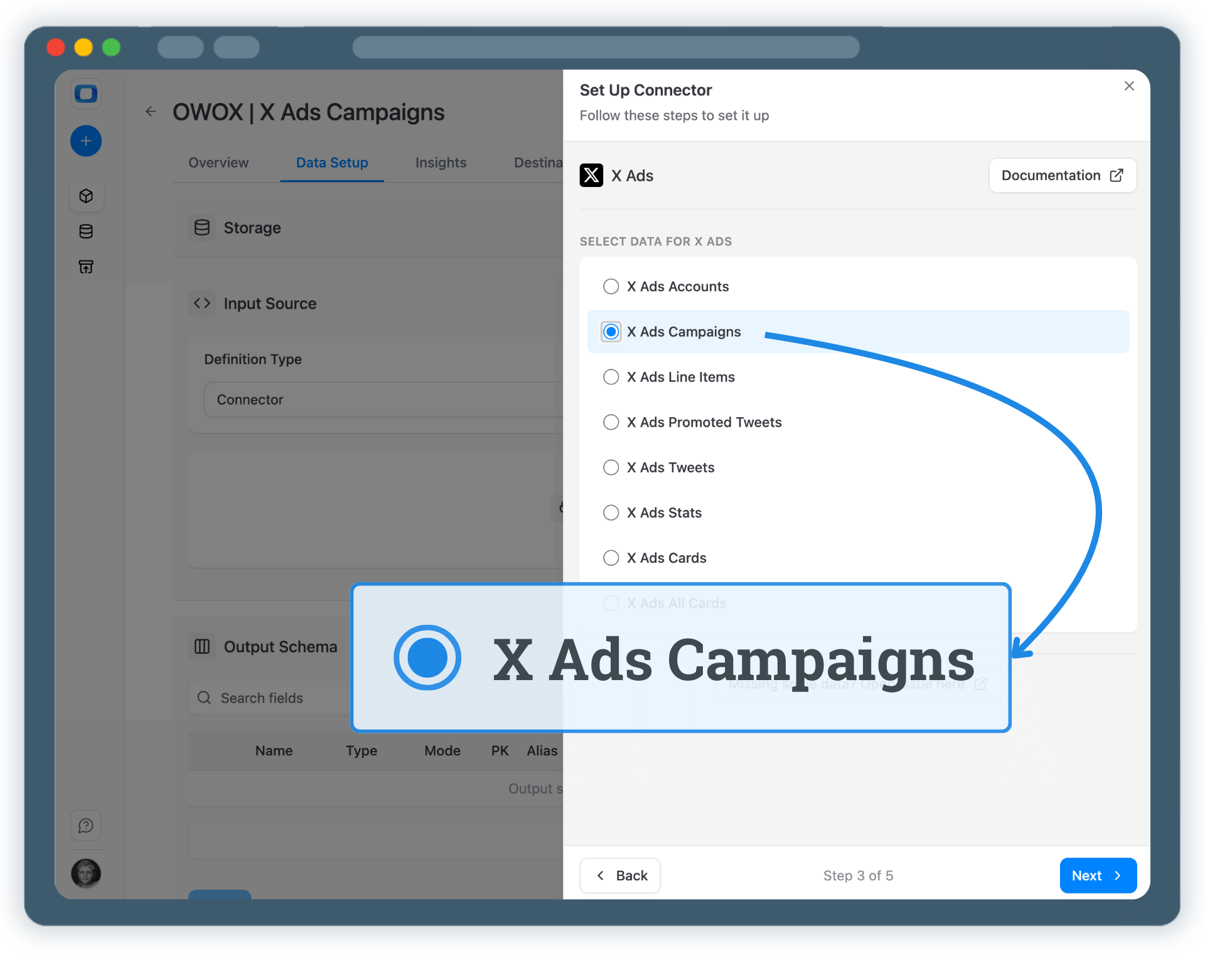
  • Select the required X Ads API endpoint
  • Choose fields like impressions, engagements, clicks, spend, and campaign attributes
  • Define destination schema and table settings, or keep defaults

Finish configuration and Publish Data Mart.

Step 3: Select Fields & Configure Data Import
Choose Fields
Step 3: Select Fields & Configure Data Import
Step 4: Run & Schedule X Ads Data Collection

Step 4: Run & Schedule X Ads Data Collection

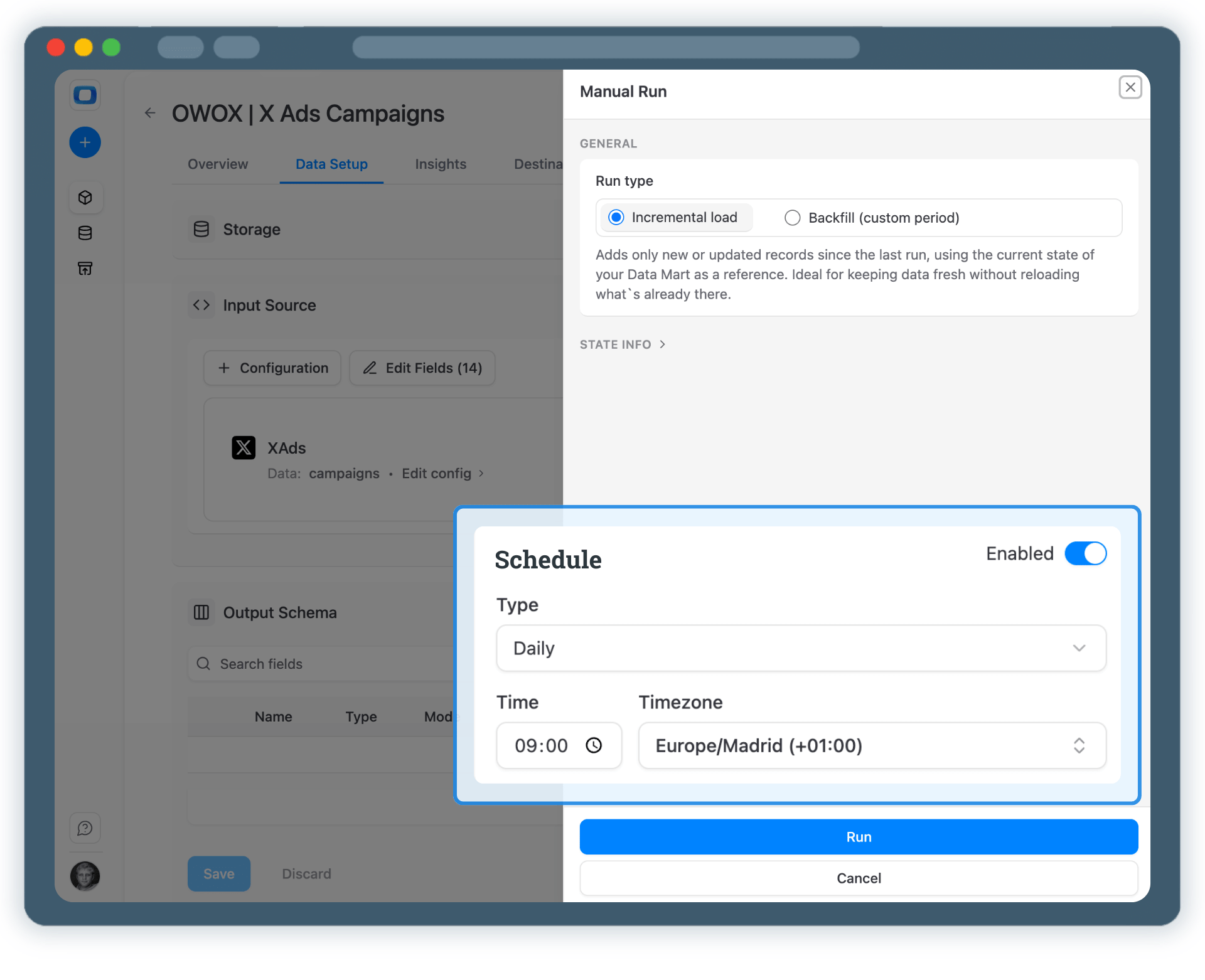
Once published, control how X Ads data is imported.

  • Incremental load for current-day data
  • Backfill (custom period) for historical X Ads data
  • Monitor execution in Run History

Schedule runs to keep Databricks tables up to date.

Step 4: Run & Schedule X Ads Data Collection
Run First Import
Request a demo

Step 5: Use X Ads Data Across BI Tools & AI Insights

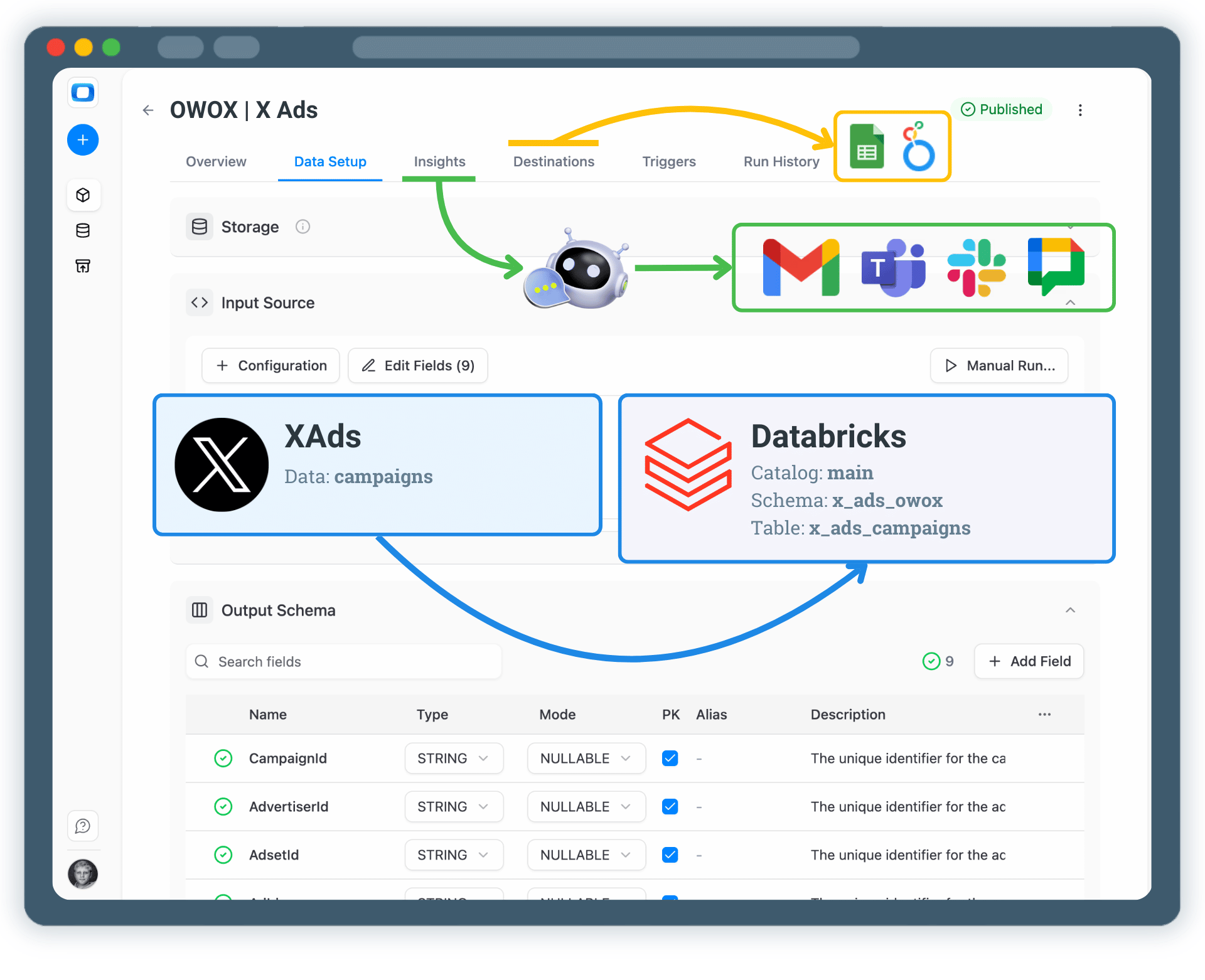
Your X Ads data is now available through Databricks.

  • Analyze data in Google Sheets or Looker Studio
  • Join X Ads data with GA4, CRM, or revenue datasets
  • Enable AI Insights for summaries and alerts
  • Deliver insights to Slack, Teams, Google Chat, or email

One dataset. Multiple activation paths.

Step 5: Use X Ads Data Across BI Tools & AI Insights
Activate Reporting
Step 5: Use X Ads Data Across BI Tools & AI Insights

Turn X Ads Data into Business Decisions

Schedule a quick walkthrough to see how OWOX Data Marts helps you:

  • Collect X Ads Data into Databricks
  • Deliver trusted insights to business teams
  • Reduce reporting chaos & manual work
  • Scale analytics without adding complexity
Also, on this call, you’ll learn how data teams utilize AI Insights to always deliver what matters the most
Turn X Ads Data into Business Decisions