What is data batch processing?
Data batch processing is a computing method that handles high-volume, repetitive data tasks by grouping and processing them at scheduled intervals.
Data batch processing collects data over time and processes it all at once, making it ideal for large-scale, compute-heavy tasks like backups, sorting, and filtering. Unlike real-time streaming, batch processing runs asynchronously, often offline, maximizing resource efficiency and throughput for complex jobs and analytics.
Why businesses rely on batch processing
Why businesses rely on batch processing
Businesses rely on batch processing because it simplifies complex, repetitive tasks with minimal manual effort. Once scheduled, jobs involving millions of records can run automatically during off-peak hours, reducing strain on systems and optimizing resource use.
Modern batch processing tools require little supervision - errors trigger automatic alerts to the right teams. This hands-off approach boosts operational efficiency, reduces human error, and saves time. For many organizations, batch data processing is essential to scaling operations and maintaining reliable, streamlined workflows.
How batch processing works
Batch processing groups tasks into jobs that run during a scheduled time, known as a batch window. Users define key parameters like the job name, input/output locations, and batch sizes - such as records, transactions, or messages.
Jobs may run sequentially or in parallel, depending on dependencies. Modern systems handle large-scale batch jobs efficiently, both on-premises and in the cloud. Tools like cron commands help automate recurring batch jobs, such as monthly invoicing or daily data imports, without manual intervention.
OWOX Data Marts
See your first report built in real time. 15 minutes.
- Connect your data warehouse
- Pick your metrics
- Get a live Google Sheets report
In the time it takes to write a ticket. Then imagine never writing that ticket again.
Book a DemoWe'll use your actual use case
Batch vs. stream processing: Key differences
Batch vs. stream processing: Key differences
Batch processing handles large volumes of data at scheduled times, making it ideal for tasks like financial reporting or inventory updates. It focuses on accuracy and completeness, processing data in defined chunks. This approach is efficient for analyzing historical data and optimizing system resources.
Stream processing analyzes data in real-time as it arrives. It’s used in time-sensitive scenarios like fraud detection or live monitoring. While it offers immediate insights, it may sacrifice depth compared to batch analysis.
Practical applications of batch processing
Practical applications of batch processing
Batch processing is essential for industries that handle high volumes of data and require automation, scalability, and accuracy. Here are some common use cases:
- Financial Services: Used for risk modeling, fraud detection, and end-of-day transaction processing.
- SaaS Platforms: Helps scale customer demand and automate job scheduling with minimal manual effort.
- Medical Research: Powers genomic analysis, clinical modeling, and drug discovery through high-volume data processing.
- Digital Media: Automates file rendering, video processing, and content packaging for large media workloads.
Limitations and considerations in batch processing
Limitations and considerations in batch processing
While batch processing is powerful, it comes with a few challenges to consider:
- Training Needs: Staff must learn scheduling, triggers, and how to handle exceptions and errors.
- Complex Debugging: Troubleshooting issues may require specialized in-house expertise or outside consultants.
- High Initial Costs: Smaller businesses may find hardware and setup costs too steep without dedicated IT teams.
- Not Always Real-Time: Batch jobs run on schedules, so it’s not ideal for time-sensitive data processing.
- Solution: Provide clear training resources and conduct ROI analysis before implementation to ensure feasibility.
Batch processing continues to be a reliable and efficient method for managing large volumes of data across various industries. Its ability to automate repetitive tasks, optimize resource usage, and ensure accuracy at scale makes it a core component of modern data systems. Businesses rely on it for everything from reporting and analytics to system maintenance and data transformation.
From data to decisions: OWOX BI SQL Copilot for optimized queries
From data to decisions: OWOX BI SQL Copilot for optimized queries
OWOX BI SQL Copilot helps streamline batch analytics by simplifying complex SQL queries and automating data transformation. It enables faster, more accurate reporting by optimizing query performance at scale. For teams working with large batch data sets, it turns raw data into actionable insights—quickly and efficiently.


Learn how teams ship analytics faster
Organizations that scaled analytics without scaling headcount
 "For 10 years I was blind." The day Pürblack® founder stopped guessingSecondsto get reports across six channelsRead the story
 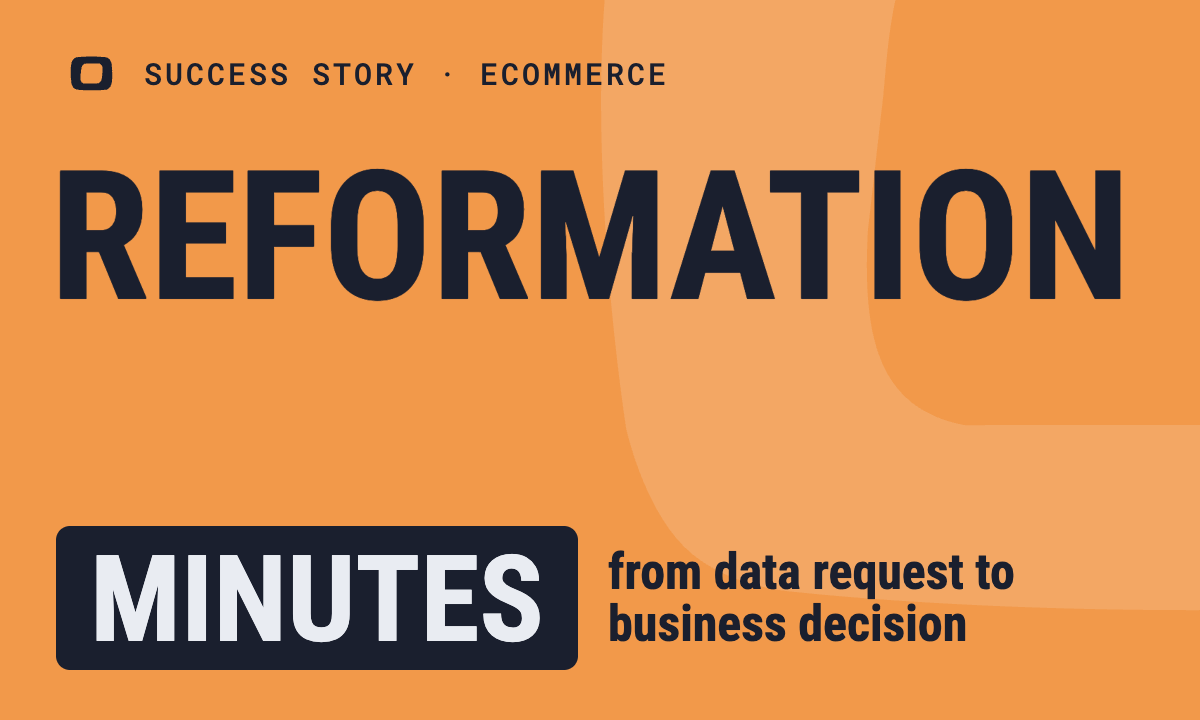 How OWOX Reports Helped Reformation Make Data-Backed DecisionsMinutesfrom data request to business decisionRead the story
 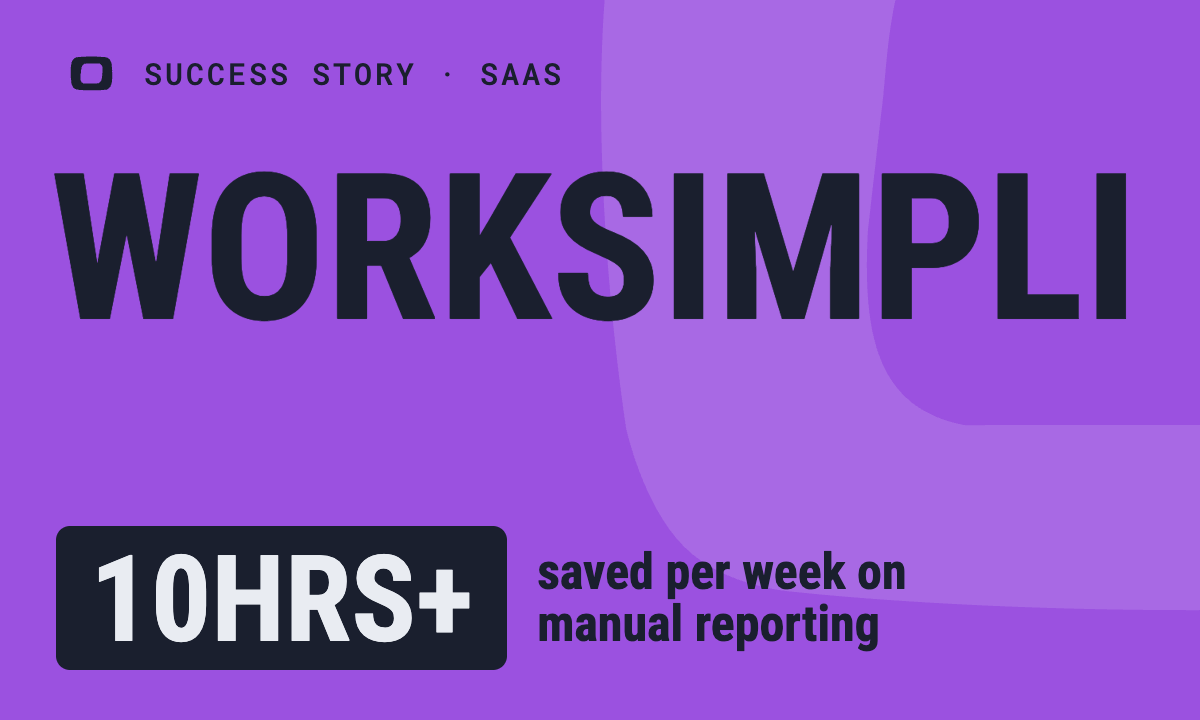 How OWOX Reports Streamlined Operations for WorkSimpli, Saving Over 10 Hours Weekly10hrs+saved per week on manual reportingRead the story
 Not testimonials. Comment threads.
Real things real customers said — each quote pinned to a specific claim, straight from the quotes database.
 Nodari RizunFounder & CEO, Pürblack®
“AI, by the nature of the models, will hallucinate. And because of that, you need something which will create guardrails to ensure that there are no hallucinations, that you can trust your data.”
Nodari RizunFounder & CEO, Pürblack®“I was blind, now I can see. OWOX opened our eyes.”
“We are extremely satisfied with the results achieved through our partnership with OWOX. I'm also impressed by quick and effective support we get from OWOX”
Turn your data into decisions.
Governed data marts give you the clean foundation ML needs to actually work.
- No AI hallucinations
- Analyst-governed definitions
- Every number traces to SQL