

What Is an SRID Mismatch?
An SRID Mismatch occurs when two geographic datasets use different spatial reference systems, making them incompatible for comparison or spatial operations.
The term SRID (Spatial Reference System Identifier) defines how coordinates correspond to points on Earth. When SRIDs differ, geographic calculations like distance or intersection produce inaccurate or invalid results. This issue is common in geospatial analysis across platforms such as BigQuery, PostGIS, and GIS tools.
Key Causes of SRID Mismatch
Spatial Reference ID (SRID) mismatches happen when geometries in BigQuery use inconsistent coordinate systems. Because functions like ST_DISTANCE or ST_UNION rely on matching SRIDs, mismatches cause inaccurate results or query failures, often due to importing data from different geographic systems.
- Mixed Coordinate Systems: Combining geometries from datasets that use different projections (for example, WGS84 vs NAD83).
- Incorrect SRID Assignment: Missing or improperly assigned SRIDs during data import or transformation.
- Unaligned Transformations: Running spatial functions without converting coordinates to a shared SRID.
- Cross-System Integration: Moving data between tools like PostGIS, BigQuery, or ArcGIS that use different SRID configurations.
Recognizing these root causes helps maintain spatial consistency and accuracy across analytical and mapping workflows.
Impact of SRID Mismatch in BigQuery
In Google BigQuery, an SRID mismatch can cause functions like ST_DISTANCE, ST_INTERSECTS, or ST_WITHIN to fail or return inaccurate results. The issue arises when geometries from different SRIDs are used in the same query without alignment. This disrupts spatial joins, clustering, or distance-based predictions. Ensuring consistent SRIDs is essential for accurate location intelligence, proximity analysis, and territory mapping in marketing, logistics, or urban analytics workflows.
Best Practices for Avoiding SRID Mismatch
To prevent SRID-related errors, analysts should follow these best practices:
- Standardize SRIDs: Use a common system such as WGS84 (SRID 4326) for global datasets.
- Check Metadata Early: Verify SRID definitions immediately after importing or joining datasets.
- Use Transformation Functions: Convert inconsistent geometries using functions like ST_TRANSFORM() or SAFE.ST_GEOGFROMTEXT().
- Validate Data Integrity: Run periodic checks to ensure SRIDs remain consistent throughout data pipelines.
- Document Spatial Standards: Maintain clear guidelines for SRID use across data sources and teams.
By enforcing consistent spatial standards, teams can reduce mismatches and maintain data accuracy across geospatial models.
Real-World Examples of Resolving SRID Mismatch
In practice, SRID mismatches appear across industries that depend on location-based data. Analysts often resolve these issues to improve spatial accuracy and performance in queries.
- Marketing Analysis: A retail team corrected mismatched SRIDs between customer store coordinates and delivery zones, enabling accurate catchment area mapping.
- Logistics Planning: A transportation firm unified different coordinate systems across city regions to improve route optimization accuracy.
- Urban Development: Analysts standardized geographic references for zoning and property datasets, ensuring accurate overlay operations.
- Environmental Research: Reprojecting datasets allowed consistent spatial analysis of climate and biodiversity patterns.
These examples show how SRID alignment ensures dependable insights and geospatial precision.
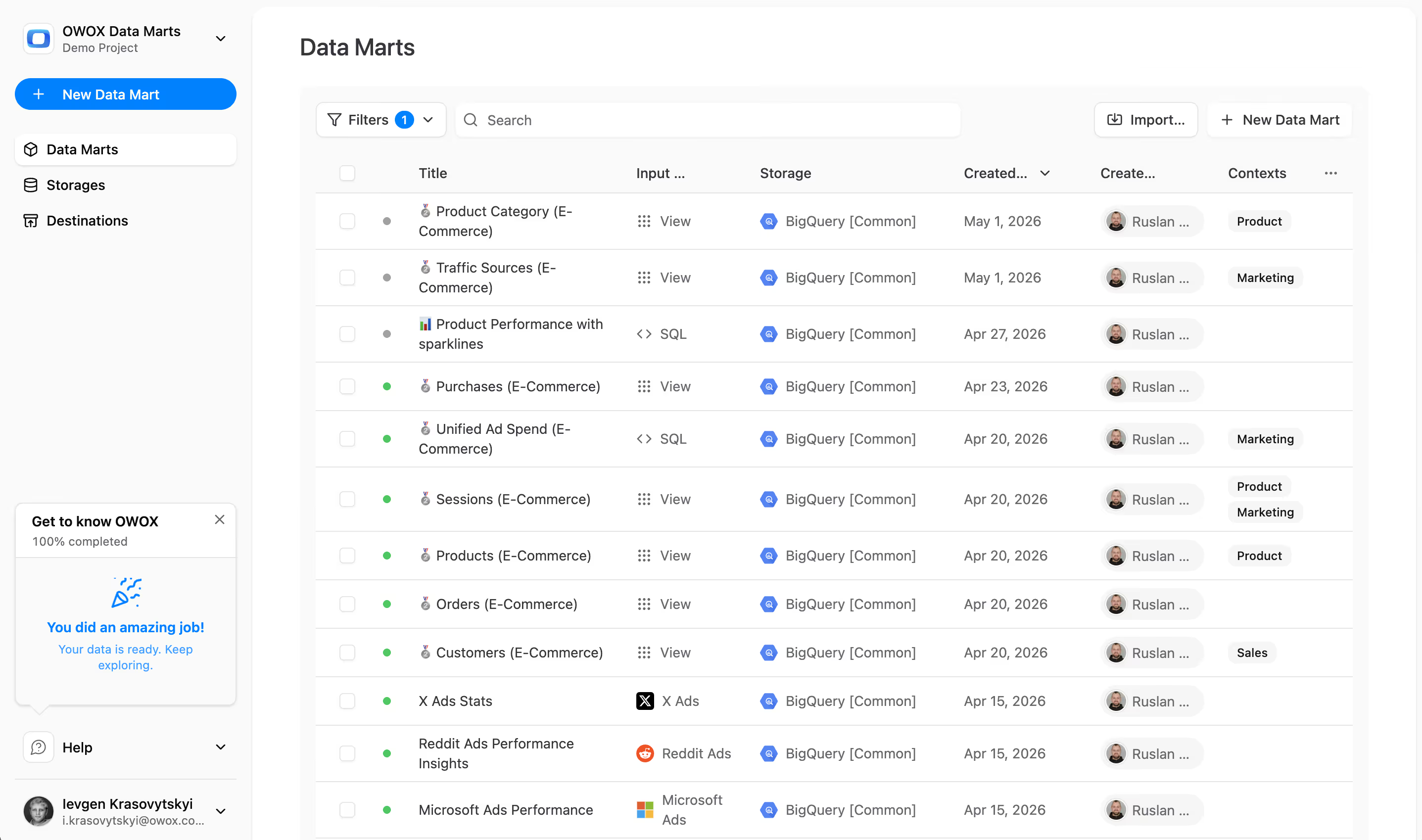
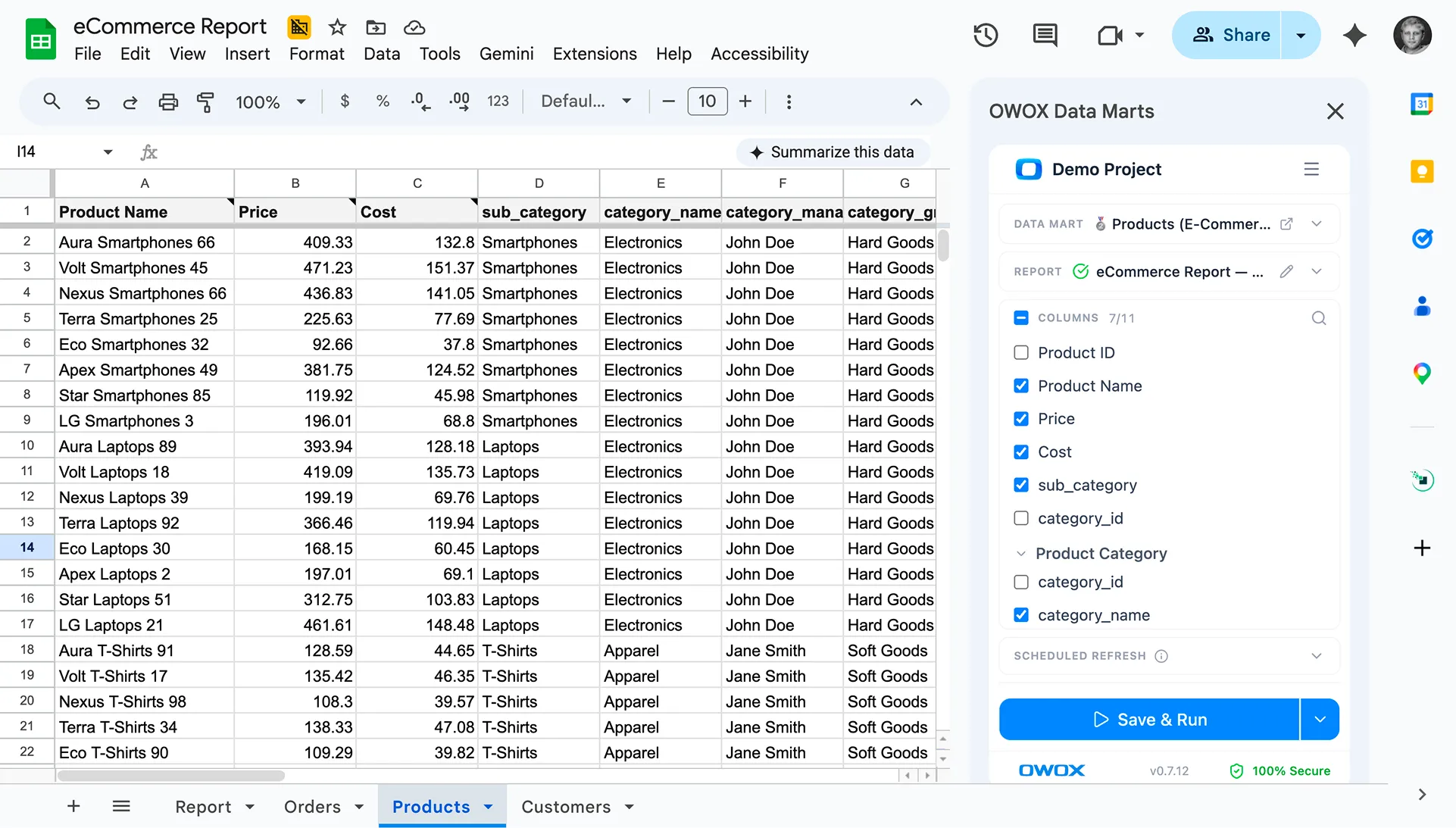
Resolve Spatial Conflicts with OWOX Data Marts
OWOX Data Marts Cloud helps data analysts manage geospatial data more reliably by centralizing logic and ensuring uniform coordinate systems across datasets. Analysts can define SRID standards, automate data validation, and apply transformation logic before analysis. Whether you’re calculating distances or building predictive location models, OWOX Data Marts ensures consistency, scalability, and trust in every spatial report.








.png)
.png)


"AI by its nature will hallucinate. You need guardrails so you can trust your data."
"We had six or seven different channels and no single source of truth. It was almost impossible"
"We regained time. And time is the one resource that never comes back."