How to Build a GA4 User Acquisition Standard Report in BigQuery
🔍 Build GA4 User Acquisition Reporting in BigQuery! Learn how to build a User Acquisition report in BigQuery and visualize it in Google Sheets, providing you with a deeper understanding of how users find your website.
In this detailed tutorial, I’ll show you step-by-step
🛠️ How to query GA4 user acquisition data in BigQuery,
🧩 How to structure and combine data for meaningful insights,
📊 Techniques for visualizing this data in Google Sheets for easy analysis.
📈 Collection of Queries to GA4 BigQuery Data
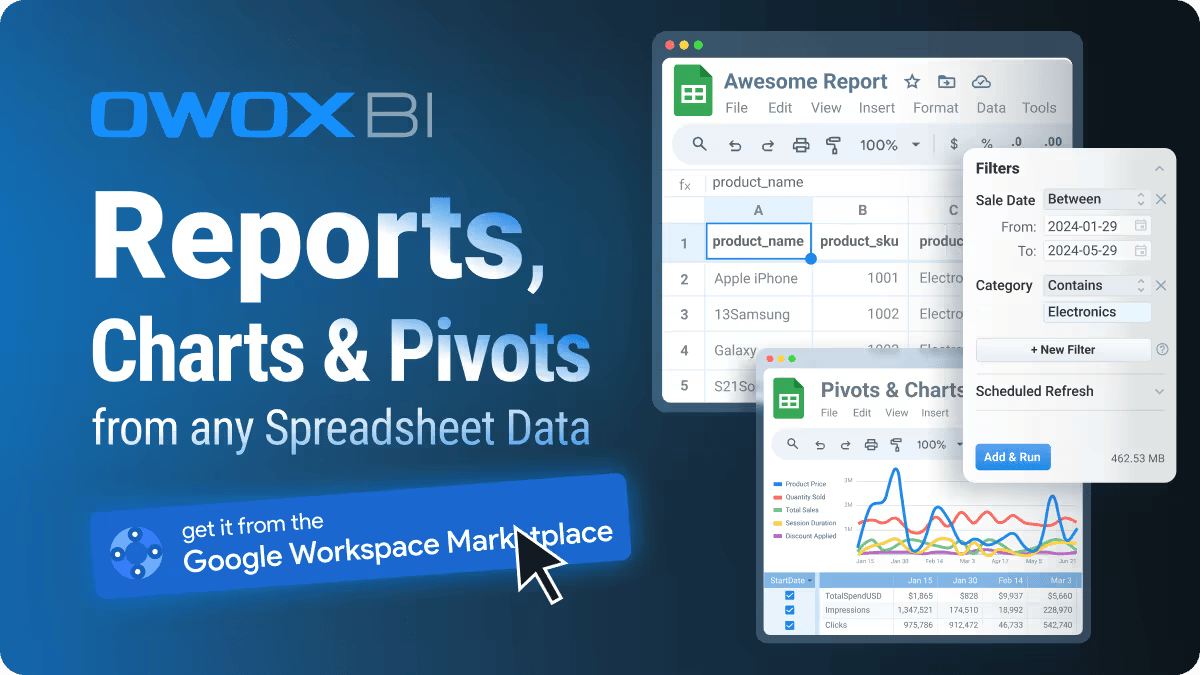
🔍 OWOX BigQuery Reports Extension
🔗 How to Set up GA4 BigQuery Export
🎥 8 Reasons to Export GA4 Data to BigQuery
🎥 GA4 Events Data Schema in BigQuery
🎥 How to Query GA4 Event Data in BigQuery
👨💼 Who should watch this video
Ideal for digital marketers, data analysts, and business owners who wish to enhance their understanding of traffic sources and improve decision-making through precise data analytics.
🤝 Looking for expert help? Let our team help you tailor data strategies
What changed since this video was recorded?
The problem you just saw didn't disappear — it has even evolved. Teams added more dashboards, more connectors, more AI tools. But the underlying issue stayed the same: analytics logic kept living in too many places.
Teams that scale analytics today fix it by building a reusable analytics system — where definitions live once and power everything else. That's why we built OWOX Data Marts: a reporting system on top of the trusted data in your warehouse, delivering answers safely to dashboards, spreadsheets, and AI.
Stop being the reporting bottleneck
OWOX Data Marts turns your warehouse SQL into governed, reusable reports business teams self-serve in Sheets.
Get started free