Work with Trusted Business Data in Google Sheets Using OWOX Data Marts

Work with Trusted Business Data in Google Sheets Using OWOX Data Marts

Make sense of your marketing, sales, product, and business data directly in Google Sheets. Build Gold-layer, reporting-ready data marts once and reuse them across Google Sheets, Looker Studio, & and power AI Insights into Slack, Teams, or email. One source of truth for every spreadsheet.

Trusted Data Marts
One Source of Truth
AI Ready
Re-usable Across BI Tools
Analyst-Owned
One Source of Truth
AI Insights Ready
Re-usable Across BI Tools
Trusted Data Marts
No Hallucinations
Proactive
Scheduled

What Google Sheets is all about?

Google Sheets allows users to create, edit, and collaborate on spreadsheets in real-time. Google Sheets offers a range of features, including formula calculations, chart creation, and data visualization. It is a popular tool for data analysis, budget planning, and project management. Google Sheets is free to use.

Data Sources for Building Google Sheets–Ready Data Marts

Use OWOX connectors to collect raw data into your data warehouse, model it into reusable data marts, and then work with trusted datasets in Google Sheets and other BI tools.

01

What does Google Sheets integration mean in OWOX Data Marts?

Good analytics doesn’t start in spreadsheets — it starts with data ownership and the warehouse.

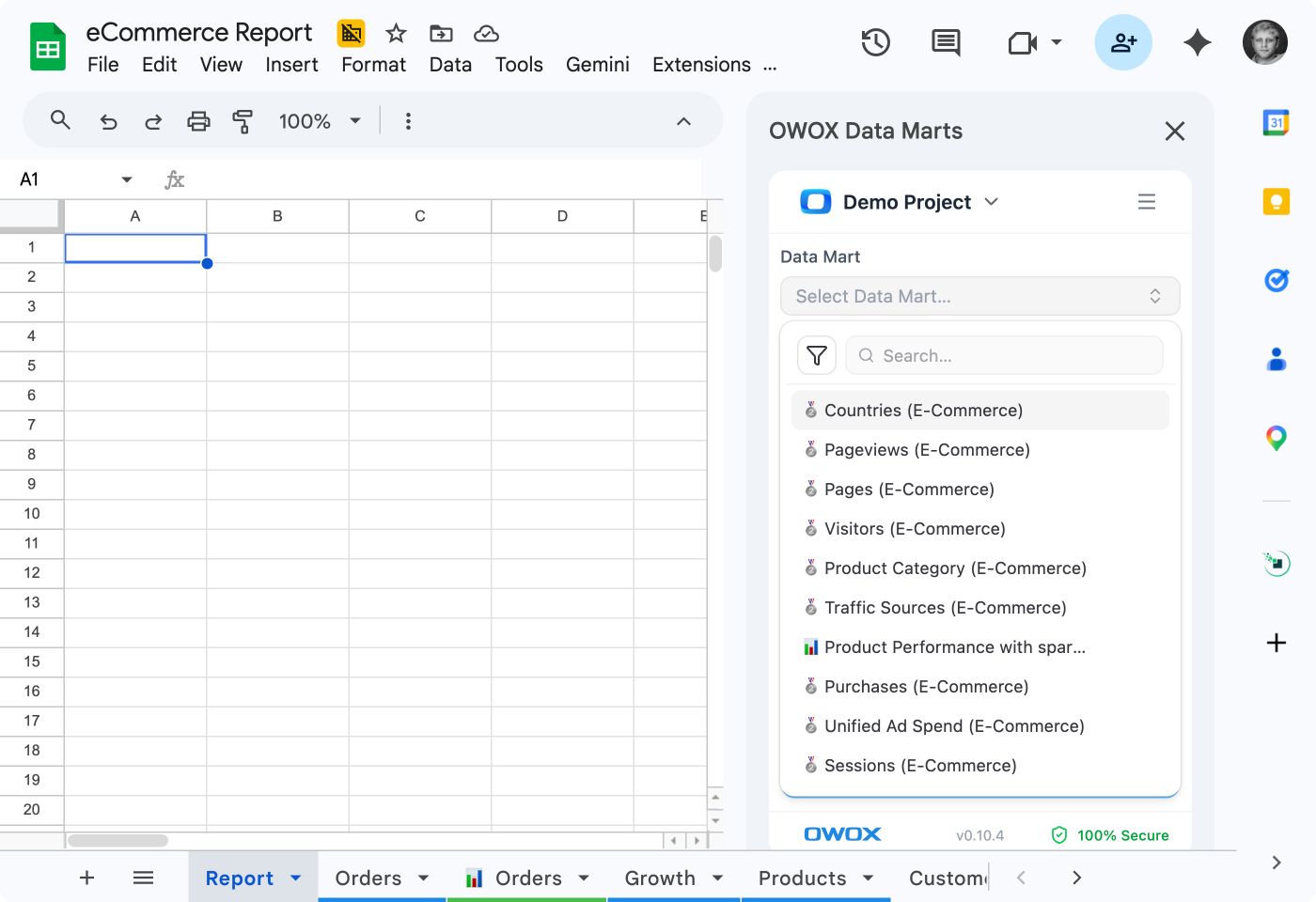
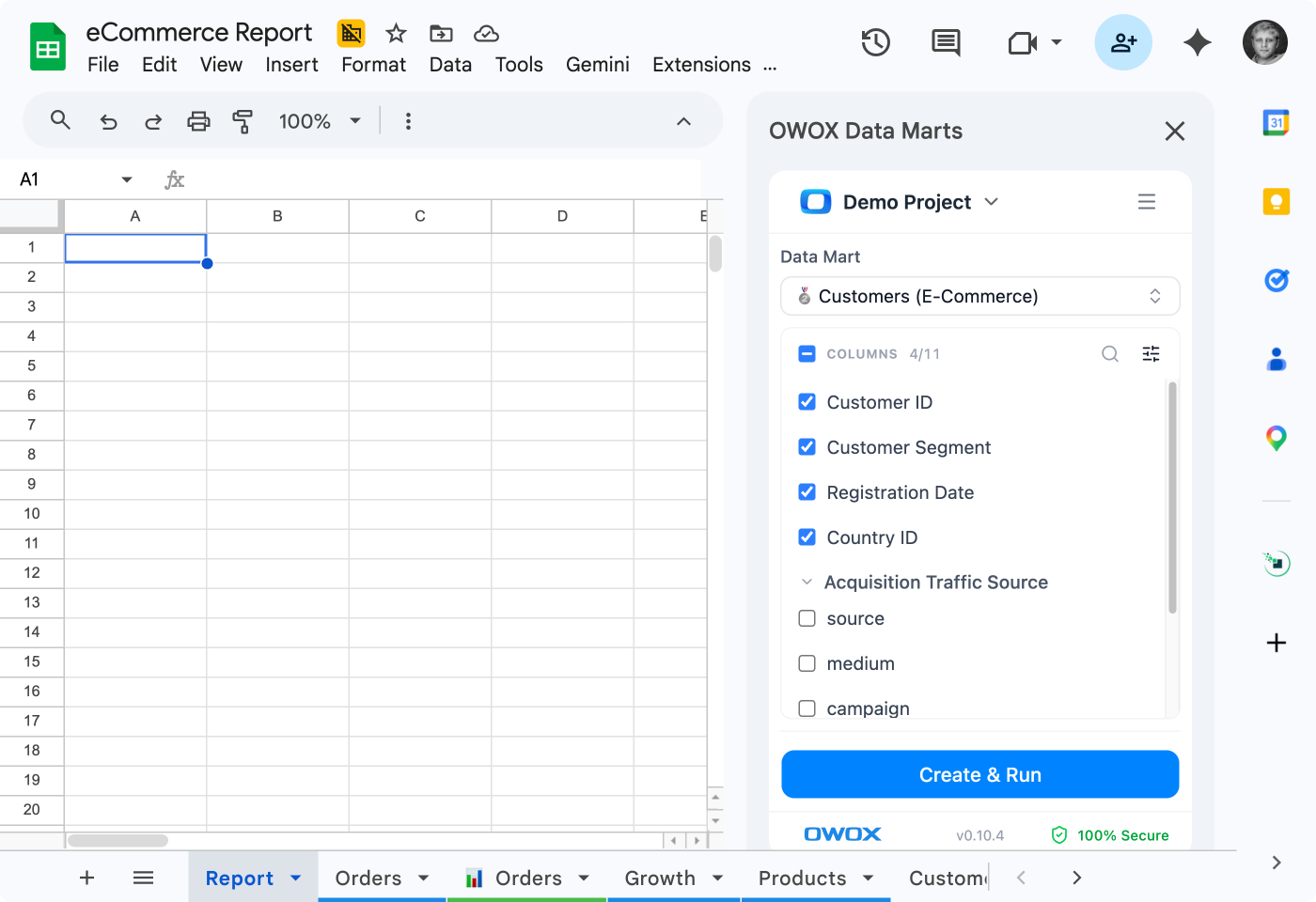
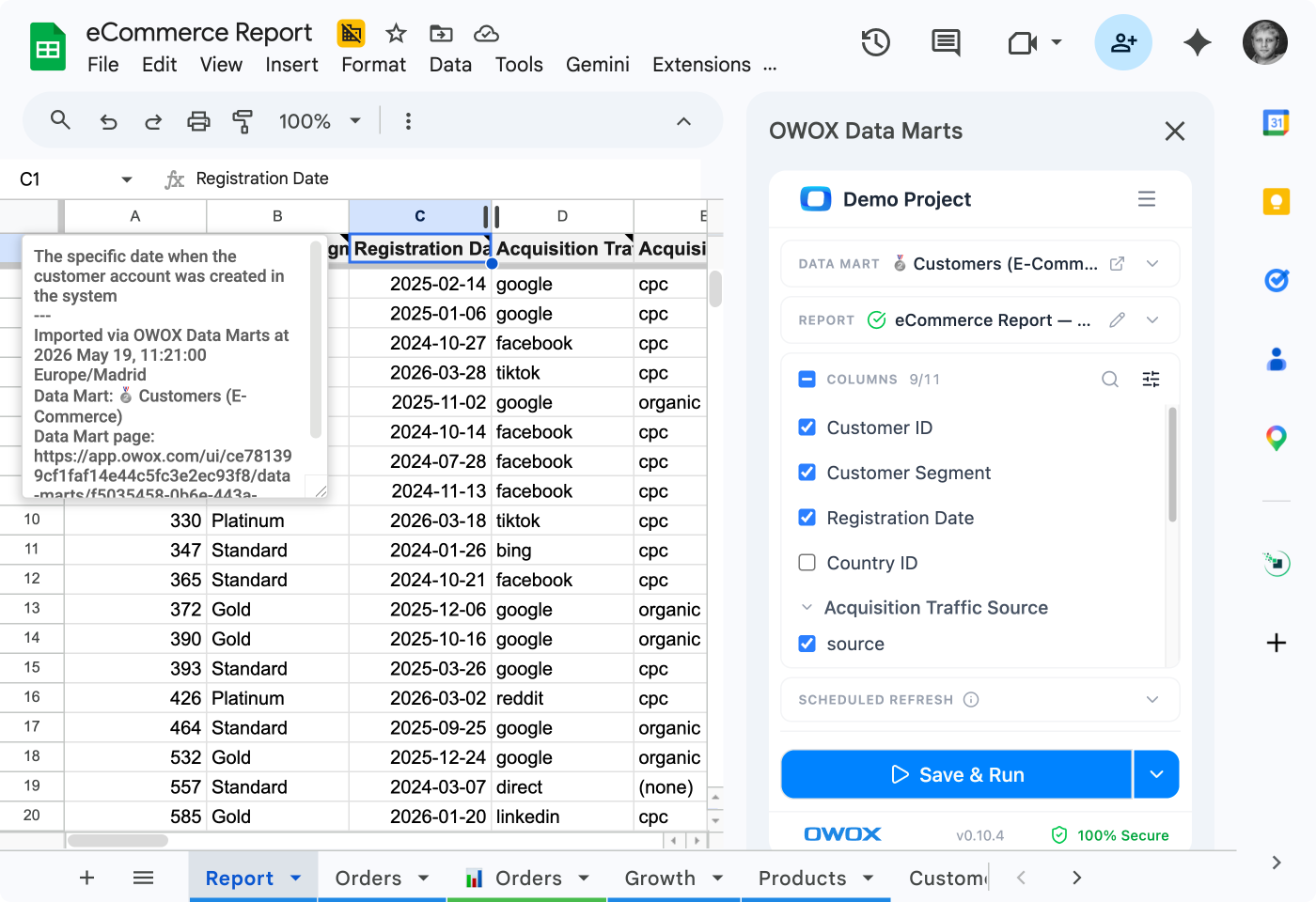
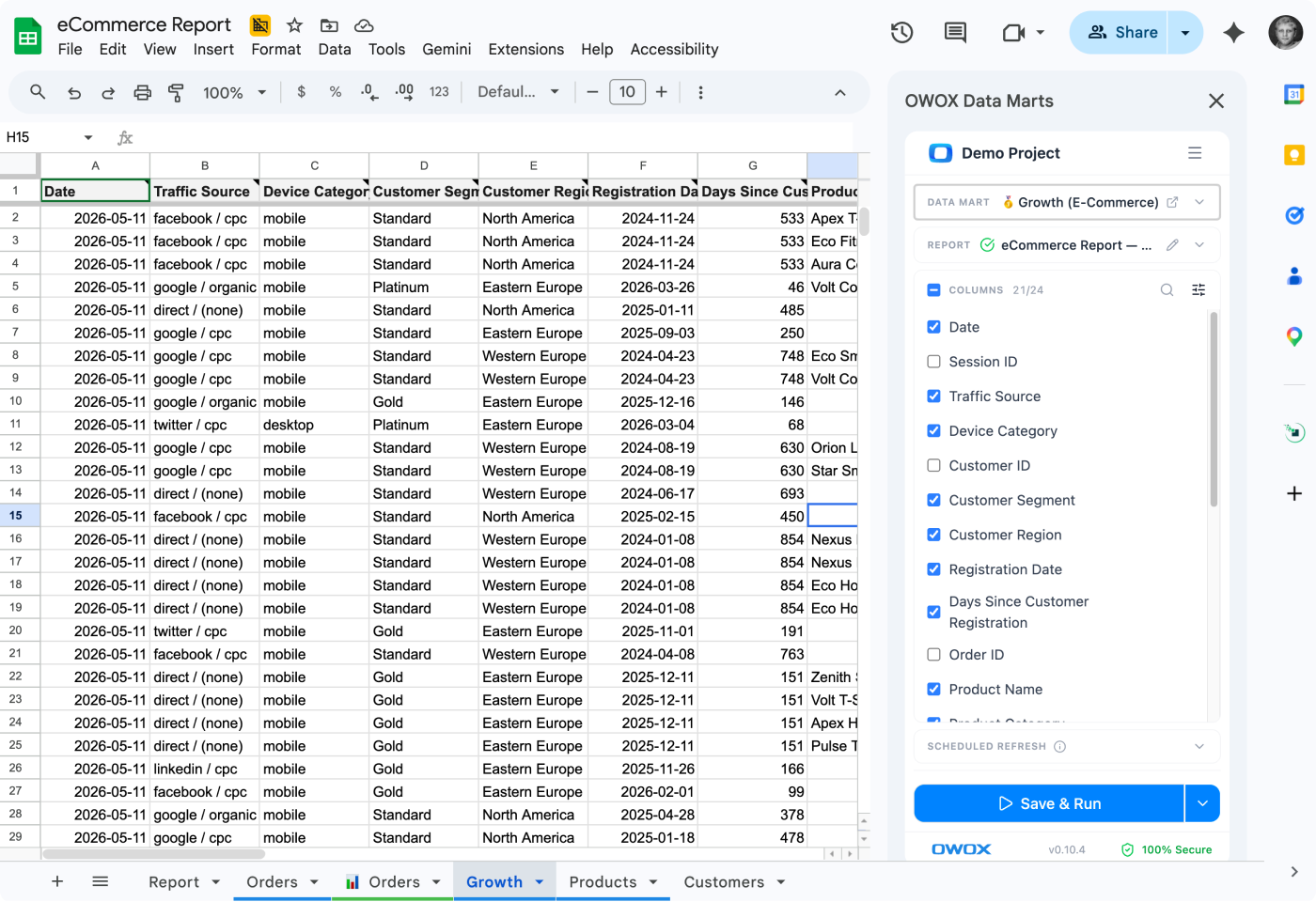
With OWOX Data Marts, Google Sheets is a destination for trusted data marts defined by your data team.

OWOX helps you:

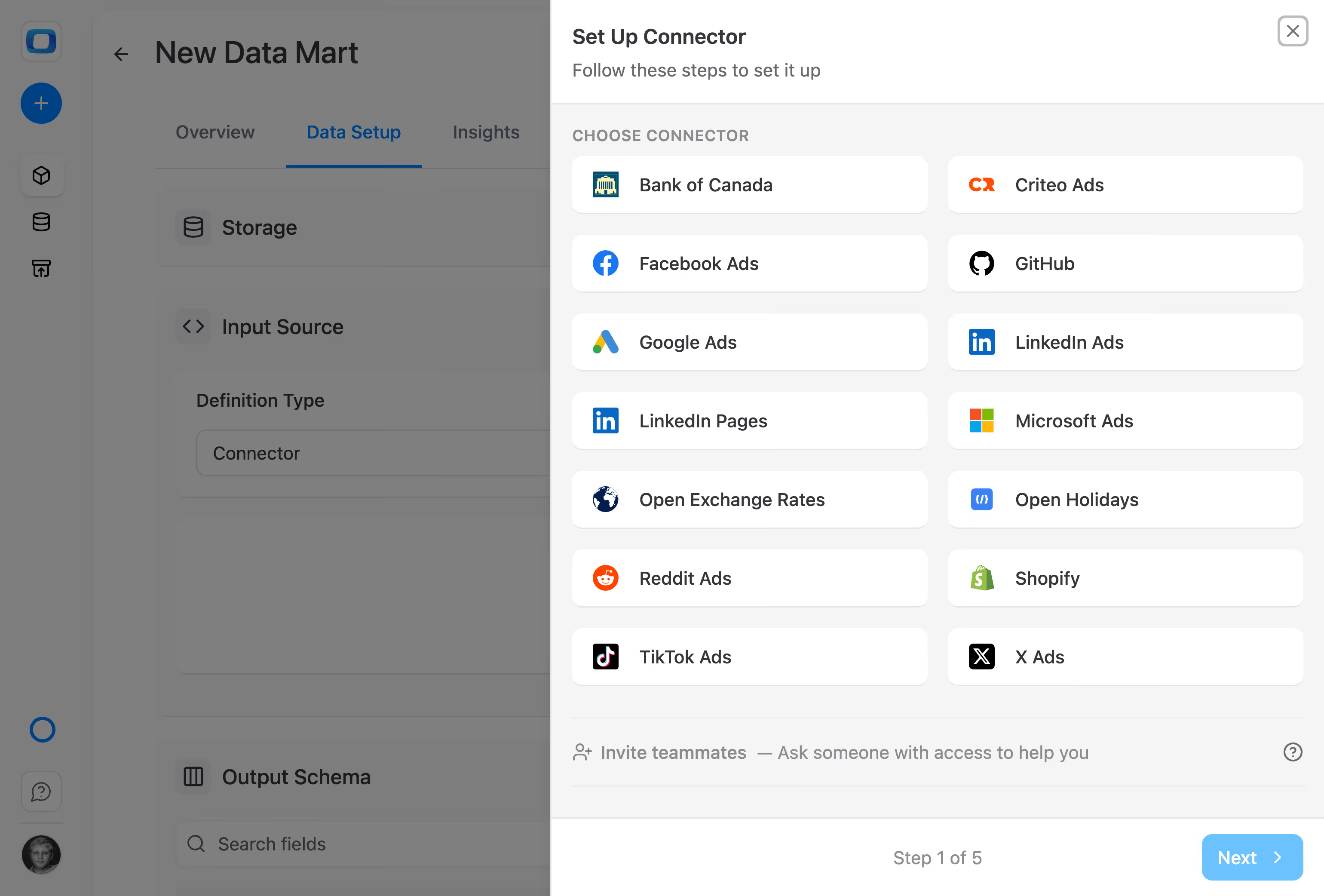
  • Collect raw data from multiple sources into your data warehouse
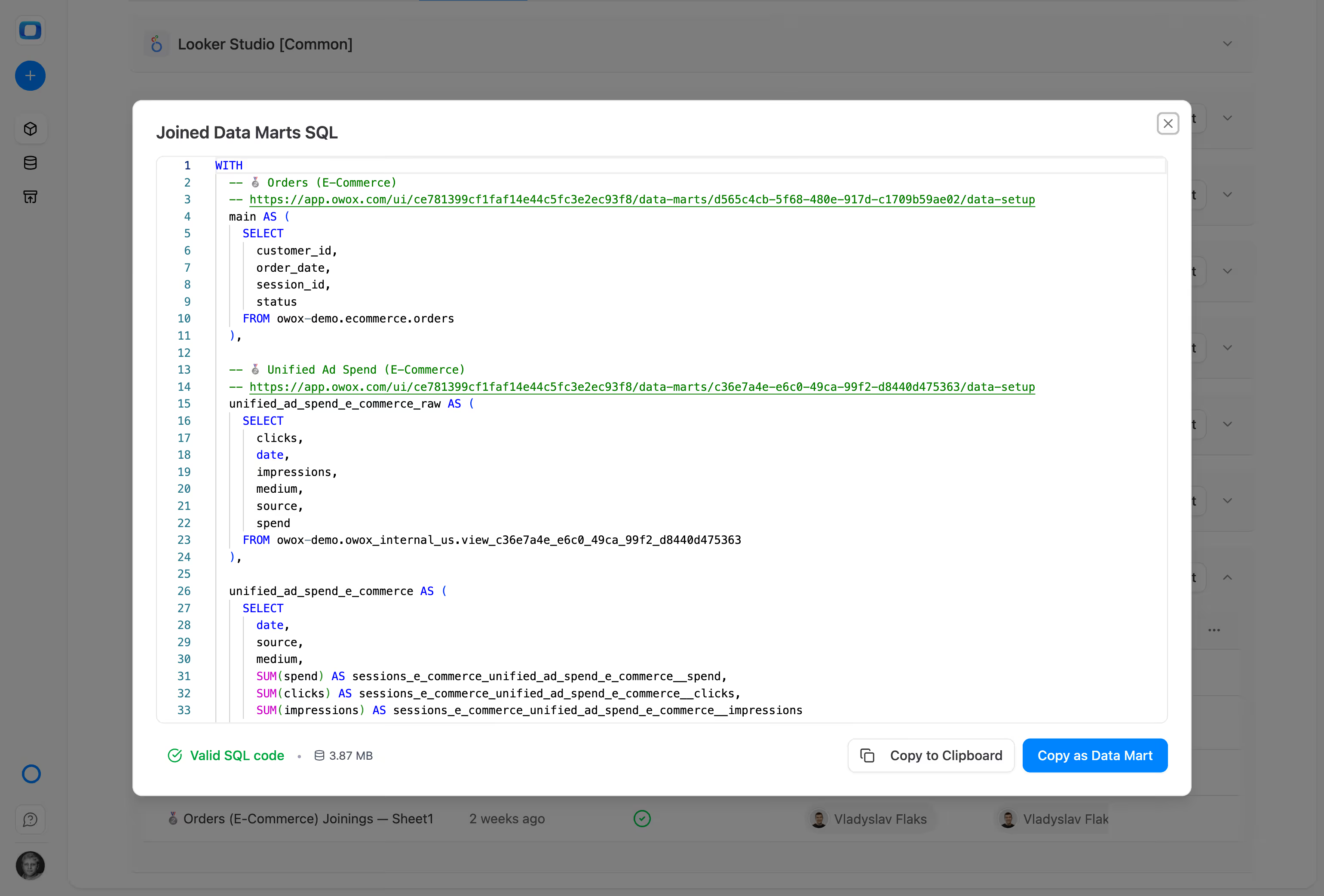
  • Build Gold-layer, reporting-ready data marts (using SQL, tables, or connectors)
  • Reuse the same data marts across Google Sheets, Looker Studio, and other BI tools
  • Enable AI Insights delivered directly to Slack, Teams, or email

Business users work freely in Google Sheets, while analysts stay in control of logic, definitions, and consistency.

Get Started Free
Request a demo
What does Google Sheets integration mean in OWOX Data Marts?
How teams use OWOX Data Marts with Google Sheets?
02

Who is this Google Sheets integration for?

OWOX Data Marts with Google Sheets is built for teams that want spreadsheet flexibility without data chaos.

This setup is ideal for:

  • Data & BI teams who want to centralize and govern metric definitions
  • Marketing, finance, operations, and growth teams who live in Google Sheets

OWOX Data Marts move complexity out of spreadsheets into reusable, documented data marts — so Google Sheets becomes fast, flexible, and trustworthy again.

Get Started Free
Request a demo
03

How teams use OWOX Data Marts with Google Sheets?

  • Define business-ready data marts in your data warehouse (BigQuery, Snowflake, Athena, etc.)
  • Centralize metric definitions, joins, filters, and transformations in one place
  • Reuse the same data marts across multiple Google Sheets files
  • Share trusted datasets without copying queries or logic
  • Update definitions once — all connected spreadsheets stay consistent
  • Combine spreadsheet flexibility with governed, analyst-owned data
Get Started Free
Request a demo
What does Google Sheets integration mean in OWOX Data Marts?

Why teams use OWOX Data Marts with Google Sheets

Single source of Truth

Define metrics and logic once as data marts — and reuse them across every Google Sheet without duplicated formulas or broken queries.

Extraordinary data granularity

OWOX keeps raw and detailed data in the warehouse and exposes it through data marts — no aggregation loss, no sampling, no black boxes.

Automatic data updates

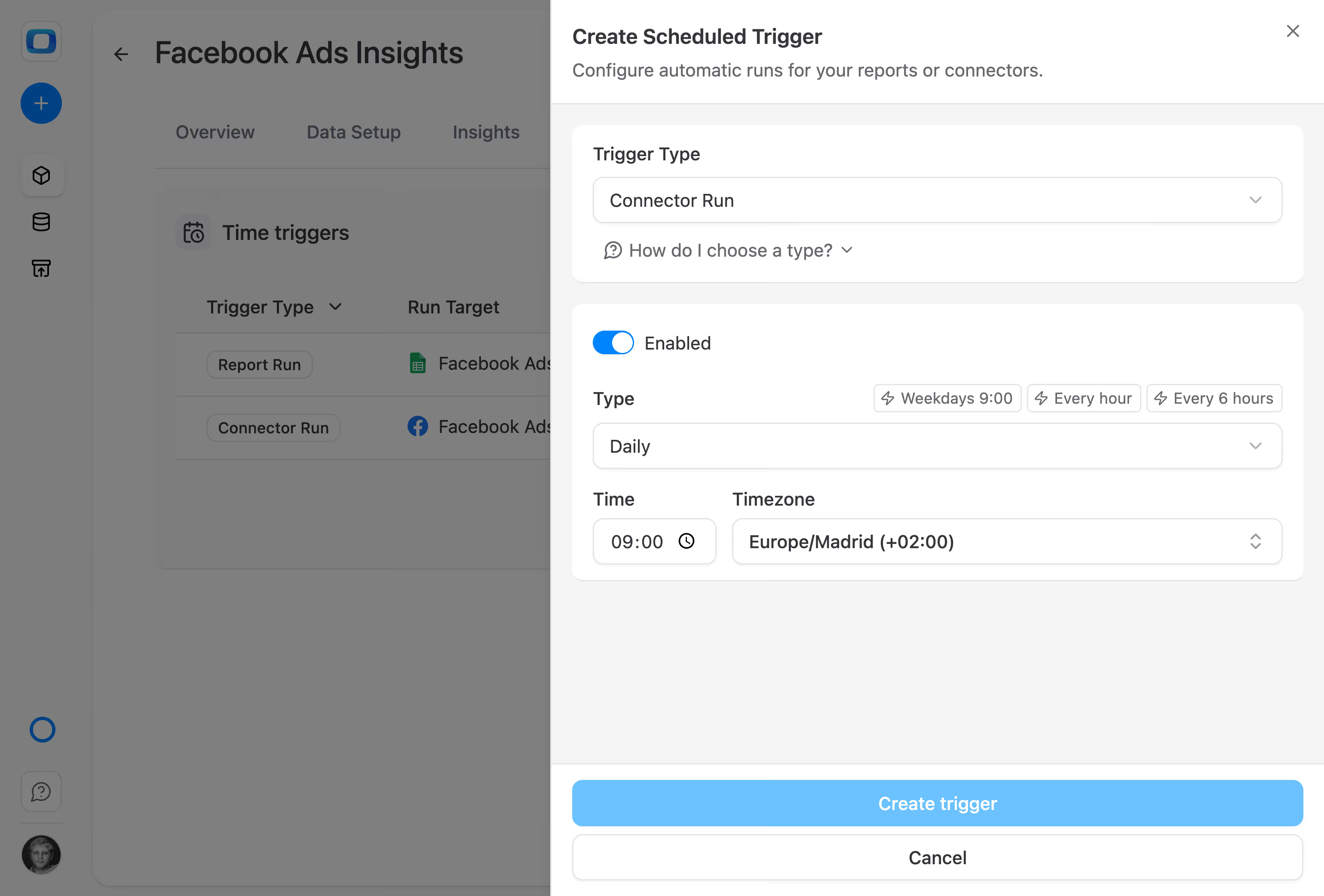
Schedule data mart updates on your terms. Google Sheets always pulls trusted, up-to-date data — without manual exports or refresh hacks.

Data Enablement

Share trusted datasets without copying queries or logic

Automated visualization

Business teams analyze data freely in Google Sheets, while analysts retain control over definitions, joins, and transformations.

Better business decisions

When every spreadsheet runs on the same governed data marts, teams stop reconciling numbers and start acting on insights.

Why teams use OWOX Data Marts with Google Sheets

Single source of truth

Define metrics and logic once as data marts — and reuse them across every Google Sheet without duplicated formulas or broken queries.

Full data granularity

OWOX keeps raw and detailed data in the warehouse and exposes it through data marts — no aggregation loss, no sampling, no black boxes.

Control & stability

Schedule data mart updates on your terms. Google Sheets always pulls trusted, up-to-date data — without manual exports or refresh hacks.

Lower maintenance cost

Share trusted datasets without copying queries or logic

Self-service with governance

Business teams analyze data freely in Google Sheets, while analysts retain control over definitions, joins, and transformations.

Decisions teams can trust

When every spreadsheet runs on the same governed data marts, teams stop reconciling numbers and start acting on insights.

Why teams use OWOX Data Marts with Google Sheets

no hallucinations

Define metrics and logic once as data marts — and reuse them across every Google Sheet without duplicated formulas or broken queries.

Proactive insights

OWOX keeps raw and detailed data in the warehouse and exposes it through data marts — no aggregation loss, no sampling, no black boxes.

Analyst-owned logic

Schedule data mart updates on your terms. Google Sheets always pulls trusted, up-to-date data — without manual exports or refresh hacks.

fewer interruptions

Share trusted datasets without copying queries or logic

Scales Across Company

Business teams analyze data freely in Google Sheets, while analysts retain control over definitions, joins, and transformations.

higher trust

When every spreadsheet runs on the same governed data marts, teams stop reconciling numbers and start acting on insights.

What Our Clients Say

See how teams run Google Sheets on trusted data marts

Schedule a quick call to see how OWOX Data Marts can:

  • Help you become the central person of analytics
  • Deliver more insights to business users
  • Clean up your task backlog
  • and finally, increase the culture of data-backed decision-making across your whole organization
Also, on this call, you’ll learn how modern business teams utilize trusted data more productive.