DATE vs DATETIME vs TIMESTAMP: how to choose the right SQL date type
DATE is a calendar day. DATETIME is a date and a clock time with no time zone. TIMESTAMP is one exact moment, the same everywhere. This guide shows how the three behave in BigQuery, which to choose for which column, and how to convert between them without shifting a day.
DATE is a calendar day. DATETIME is a day and a clock reading, with no time zone attached. TIMESTAMP is one exact moment, the same for everyone on Earth. Choose by what the value means, not by how much detail you want to keep.
| Type | Holds | Time zone | Example |
|---|---|---|---|
DATE |
year, month, day | none | 2026-10-06 |
DATETIME |
day and time as read off a clock | none | 2026-10-06 09:00:00 |
TIMESTAMP |
an absolute point in time | stored as UTC | 2026-10-06 13:00:00 UTC |
The short rule: if the value answers “when did it happen”, use TIMESTAMP. If it answers “what did the clock on the wall say”, use DATETIME. If only the day matters, use DATE.
The examples below are BigQuery SQL and were run on 6 October 2026. Other databases use the same three ideas under slightly different names, so check your own engine’s reference before copying a type name.
Note: Originally published in April 2024. Fully updated in October 2026 with re-run examples, including what happens across a daylight saving change.
DATETIME vs TIMESTAMP: the difference that matters
DATETIME vs TIMESTAMP: the difference that matters
A TIMESTAMP is a moment. Nine in the morning in New York and three in the afternoon in Paris are the same TIMESTAMP:
SELECT
  TIMESTAMP '2026-10-06 09:00:00 America/New_York'
  = TIMESTAMP '2026-10-06 15:00:00 Europe/Paris';
-- true
BigQuery does not store the zone you typed. It converts the value to UTC, keeps that, and shows it back in UTC unless you ask for another zone.
A DATETIME is what a clock showed, and nothing else. 2026-10-06 09:00:00 as a DATETIME is nine o’clock somewhere. Until you say where, it is not a moment at all:
SELECT
  TIMESTAMP(DATETIME '2026-10-06 09:00:00',
            'America/New_York'),
  -- 2026-10-06 13:00:00 UTC
  TIMESTAMP(DATETIME '2026-10-06 09:00:00');
  -- 2026-10-06 09:00:00 UTC
The same DATETIME becomes two moments four hours apart, depending on the zone you supply. Leave the zone out and BigQuery assumes UTC, which is rarely what the person who entered “9:00” meant.
The daylight saving test
Clocks in New York go back one hour on 1 November 2026. Count the hours from noon on 31 October to noon on 1 November, both ways:
SELECT
  TIMESTAMP_DIFF(
    TIMESTAMP '2026-11-01 12:00:00 America/New_York',
    TIMESTAMP '2026-10-31 12:00:00 America/New_York',
    HOUR),
  -- 25
  DATETIME_DIFF(
    DATETIME '2026-11-01 12:00:00',
    DATETIME '2026-10-31 12:00:00',
    HOUR);
  -- 24
Twenty-five real hours passed. DATETIME says twenty-four, because it only knows the clock readings. Any duration, delay or “time since” belongs in TIMESTAMP.
DATE vs DATETIME
A DATE has no time of day. Converting it to a DATETIME gives midnight:
SELECT CAST(DATE '2026-10-06' AS DATETIME);
-- 2026-10-06T00:00:00
Use DATE when the time would be noise or a lie: a birthday, an invoice date, a reporting day, the day a campaign ran. Storing those as DATETIME adds a midnight that every later comparison has to work around.
OWOX Data Marts
See your first report built in real time. 15 minutes.
- Connect your data warehouse
- Pick your metrics
- Get a live Google Sheets report
In the time it takes to write a ticket. Then imagine never writing that ticket again.
Book a DemoWe'll use your actual use case
DATE vs TIMESTAMP: one moment, two days
DATE vs TIMESTAMP: one moment, two days
The same moment falls on different calendar days in different places. This is the conversion that shifts numbers between days in a report:
SELECT
  DATE(TIMESTAMP '2026-10-06 23:30:00+00'),
  -- 2026-10-06
  DATE(TIMESTAMP '2026-10-06 23:30:00+00',
       'Asia/Tokyo');
  -- 2026-10-07
An order placed at 23:30 UTC belongs to the 6th in UTC and to the 7th in Tokyo. Whenever you turn a TIMESTAMP into a DATE, name the time zone. Without it BigQuery uses UTC, and a business that closes its day in another zone gets daily totals that never match finance.
How to choose, column by column
How to choose, column by column
| The column is | Type | Why |
|---|---|---|
| an event time: click, order, login | TIMESTAMP |
it happened at one moment |
| a load or update time | TIMESTAMP |
you will compute delays from it |
| a reporting day, already assigned to a zone | DATE |
the zone decision has been made |
| a birthday, a due date, a holiday | DATE |
no time of day exists |
| a local schedule: “store opens 09:00” | DATETIME or TIME |
it means 09:00 wherever the store is |
| a local time from a system that never recorded the zone | DATETIME |
do not pretend to know the moment |
The last row is the honest use of DATETIME. If a source gives you 2026-10-06 09:00:00 and no zone, loading it as TIMESTAMP asserts it was UTC. Keep it as DATETIME, and convert it with an explicit zone once you know which one applies.
A common and sound pattern is to store the TIMESTAMP and derive the DATE in the query that prepares the data for reporting, with the business time zone written once in that query.
Converting between the three
SELECT
  -- TIMESTAMP to local clock time
  DATETIME(TIMESTAMP '2026-10-06 23:30:00+00',
           'America/New_York'),
  -- 2026-10-06T19:30:00

  -- TIMESTAMP to local day
  DATE(TIMESTAMP '2026-10-06 23:30:00+00',
       'America/New_York'),
  -- 2026-10-06

  -- local clock time to TIMESTAMP
  TIMESTAMP(DATETIME '2026-10-06 19:30:00',
            'America/New_York'),
  -- 2026-10-06 23:30:00 UTC

  -- DATE to TIMESTAMP: midnight UTC
  CAST(DATE '2026-10-06' AS TIMESTAMP);
  -- 2026-10-06 00:00:00 UTC
Every conversion that crosses the line between “a moment” and “a clock reading” takes a time zone argument. If you did not write one, UTC was used.
To show a timestamp in a local zone as text:
SELECT FORMAT_TIMESTAMP(
  '%Y-%m-%d %H:%M %Z',
  TIMESTAMP '2026-10-06 23:30:00+00',
  'Europe/Kyiv');
-- 2026-10-07 02:30 UTC+3
Each type has its own set of functions: date functions, datetime functions and timestamp functions. For casting from strings, see CAST and SAFE_CAST.
Range, precision and storage in BigQuery
Range, precision and storage in BigQuery
- All three cover years 0001 to 9999.
DATETIMEandTIMESTAMPkeep microseconds.- Each value takes 8 logical bytes, whichever of the three you choose. There is no storage reason to prefer
DATEoverTIMESTAMP.
Sizes are from Google’s data type reference, checked October 2026.
A type does affect cost in another way: a table can be partitioned by a DATE, DATETIME or TIMESTAMP column, and a filter on that column limits how much data a query scans.
Mistakes these types cause
Comparing a DATE to a TIMESTAMP. BigQuery refuses with “No matching signature for operator =”. Convert one side, with a zone: DATE(ts, 'Europe/Paris') = d.
Filtering a TIMESTAMP with BETWEEN two dates. The upper bound is midnight at the start of the last day, so that day’s events are dropped. Use >= start AND < day_after_end.
Loading local times as TIMESTAMP. Every value is off by the UTC offset, and by a different amount in summer and winter.
Joining a table in UTC days to a table in local days. Both columns are DATE, the join works, and rows near midnight land on the wrong day. Nothing errors.
Using DATETIME to measure duration. Correct on most days, wrong by an hour twice a year.
The type is a decision someone made
The type is a decision someone made
Most of those mistakes share a cause: the time zone decision was made silently, inside a query, by one function call without a second argument. The column that comes out is a perfectly valid DATE, and nothing in it says “UTC” or “New York”.
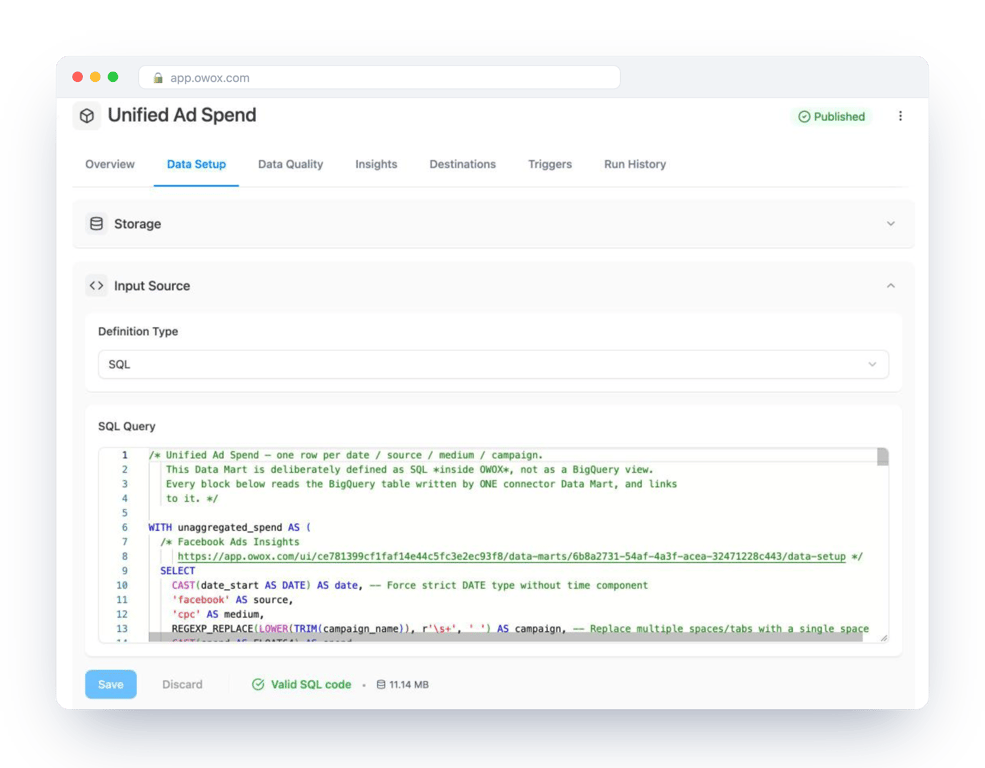
That is why the conversion should happen once and be written down. In OWOX Data Marts the query that turns event timestamps into reporting days is a Data Mart: your SQL, with the zone in it, saved with a description and an owner and run in your warehouse. Reports read the day from that one definition. OWOX does not pick the time zone or convert anything on its own. It keeps your choice in one place where the next person can read it.
Turn your data into decisions.
Governed data marts give you the clean foundation ML needs to actually work.
- No AI hallucinations
- Analyst-governed definitions
- Every number traces to SQL
Frequently Asked Questions
Which type should a reporting date column be?
DATE, derived from the event TIMESTAMP with the business time zone written explicitly in the query that prepares the data. Keep the TIMESTAMP as well, so the day can be recomputed if the zone decision changes.
How much storage do DATE, DATETIME and TIMESTAMP use in BigQuery?
8 logical bytes each, according to Google's data type reference (checked October 2026). There is no storage saving in choosing DATE over TIMESTAMP.
How do I keep dates consistent across time zones?
Store event times as TIMESTAMP, and name the time zone every time you convert one to a DATE or DATETIME: DATE(ts, 'Asia/Tokyo'). Without the argument BigQuery uses UTC.
Does BigQuery store the time zone in a TIMESTAMP?
No. BigQuery converts the value to UTC when it is written and keeps only that. The zone you typed is not kept. To show the value in a local zone, pass the zone to DATETIME(), DATE() or FORMAT_TIMESTAMP().
What is the difference between DATE, DATETIME and TIMESTAMP?
DATE is a calendar day with no time. DATETIME is a day and a clock time with no time zone. TIMESTAMP is one absolute moment, stored in UTC, that is the same everywhere.
When should I use TIMESTAMP instead of DATETIME?
Whenever the value records when something happened: a click, an order, a load time. TIMESTAMP is the only one of the two that measures duration correctly. Across the daylight saving change in New York on 1 November 2026, TIMESTAMP_DIFF counts 25 hours between two noons and DATETIME_DIFF counts 24.