BigQuery partitioned tables: how to create, query and manage them
A partitioned table is split by a date, timestamp or integer column so a query can skip the parts it does not need. This guide covers the three partitioning types, the DDL for each, expiration, partitioning an existing table, the limits, and a measured example of what a partition filter saves.
A partitioned table in BigQuery is one table stored in segments, split by the value of one column. When a query filters on that column, BigQuery reads only the matching segments and skips the rest. Google calls this pruning, and it is the main way to make queries on a large table cheaper.
You can partition by:
- a
DATE,TIMESTAMPorDATETIMEcolumn, by hour, day, month or year - ingestion time, the moment BigQuery received the row
- an
INTEGERcolumn, in ranges you define
You cannot partition by a string, and you cannot partition by more than one column. For those cases the answer is clustering, covered below.
Note: Originally published in April 2024. Fully updated in October 2026 against Google’s current documentation, with a measured pruning example.
What a partition filter saves, measured
What a partition filter saves, measured
Here is a real table: a Search Console export with 58.8 million rows and 10.35 GiB, in 882 daily partitions on data_date. Three versions of the same sum, with the bytes BigQuery reported it would process:
| Query | Bytes processed |
|---|---|
SELECT SUM(clicks), no filter |
470 MB |
... WHERE data_date = '2026-09-30' |
0.41 MB |
... WHERE FORMAT_DATE('%Y-%m-%d', data_date) = '2026-09-30' |
940 MB |
The filter on the partition column cut the scan by a factor of more than a thousand. The third query asks for the same day and costs twice as much as no filter at all: wrapping the partition column in a function stopped the pruning, and the query now reads a second column on top.
That is the one rule to remember about querying partitioned tables: filter on the bare partition column, with a constant on the other side.
Create a table partitioned by date or timestamp
Create a table partitioned by date or timestamp
The most common setup: one partition per day, on a date column.
CREATE TABLE mydataset.orders (
  order_id INT64,
  customer STRING,
  amount NUMERIC,
  order_date DATE
)
PARTITION BY order_date;
On a TIMESTAMP column, wrap it to choose the granularity:
CREATE TABLE mydataset.events (
  event_id STRING,
  event_ts TIMESTAMP
)
PARTITION BY DATE(event_ts);
For month or hour partitions, use DATE_TRUNC(order_date, MONTH) or TIMESTAMP_TRUNC(event_ts, HOUR) in the PARTITION BY clause.
How to choose the granularity, from Google’s introduction to partitioned tables (checked October 2026):
- Daily is the default and suits data spread over a wide range of dates.
- Hourly suits high volume over a short range, typically under six months.
- Monthly or yearly suits little data per day over a long range, combined with clustering on the same column.
Partition boundaries are in UTC. A row timestamped 23:30 in New York on the 6th lands in the partition for the 7th. If your reporting day is in another zone, keep that in mind when you filter. See DATE vs DATETIME vs TIMESTAMP.
OWOX Data Marts
See your first report built in real time. 15 minutes.
- Connect your data warehouse
- Pick your metrics
- Get a live Google Sheets report
In the time it takes to write a ticket. Then imagine never writing that ticket again.
Book a DemoWe'll use your actual use case
Partition by ingestion time
If the data has no usable date column, BigQuery can partition by arrival time:
CREATE TABLE mydataset.raw_events (
  payload STRING
)
PARTITION BY _PARTITIONDATE;
The table gets two pseudocolumns, _PARTITIONTIME and _PARTITIONDATE. They do not appear in SELECT *, and you filter on them like any column:
SELECT payload
FROM mydataset.raw_events
WHERE _PARTITIONDATE = '2026-10-06';
Use this for raw landing tables. For anything you report on, a real date column is better, because arrival time is not when the event happened.
Partition by an integer range
CREATE TABLE mydataset.customers (
  customer_id INT64,
  name STRING
)
PARTITION BY RANGE_BUCKET(
  customer_id, GENERATE_ARRAY(0, 100, 10));
This creates ranges of 10 from 0 to 99. Values outside the range go to a partition named __UNPARTITIONED__, and rows with NULL go to __NULL__. Those two special partitions exist for date partitioning as well.
Partition expiration and required filters
Partition expiration and required filters
Two table options do most of the housekeeping:
CREATE TABLE mydataset.events (
  event_id STRING,
  event_ts TIMESTAMP
)
PARTITION BY DATE(event_ts)
OPTIONS (
  partition_expiration_days = 90,
  require_partition_filter = TRUE
);partition_expiration_daysdeletes each partition that many days after its date. Old data leaves on its own, and so does its storage cost.require_partition_filterrejects any query that does not filter on the partition column. It is the cheapest protection against an accidental full scan.
Both can be changed later:
ALTER TABLE mydataset.events
SET OPTIONS (partition_expiration_days = 365);
More on changing tables in modifying BigQuery tables with DDL.
Partition an existing table
You cannot add partitioning to a table that was created without it. You create a new, partitioned table from the old one:
CREATE TABLE mydataset.orders_partitioned
PARTITION BY order_date
AS
SELECT * FROM mydataset.orders;
Then check the row counts match, drop the old table, and rename the new one. The copy is a query over the whole table, so it is billed once as a full scan.
Date-sharded tables, the events_20261006 kind, are a separate case. Google recommends partitioning over sharding, because each shard carries its own schema and metadata. Until you convert them, wildcard tables are how you query them together.
Partitioning by string or by several columns: use clustering
Partitioning by string or by several columns: use clustering
Neither is possible with partitioning. Clustering covers both: it sorts the data inside each partition by up to four columns, of nearly any type, so a filter on those columns also reads less.
CREATE TABLE mydataset.orders (
  order_id INT64,
  country STRING,
  customer STRING,
  amount NUMERIC,
  order_date DATE
)
PARTITION BY order_date
CLUSTER BY country, customer;
A sensible default for an events or orders table is exactly this: partition by date, cluster by the columns you filter and join on most. Clustering is also the way out when a table would need more partitions than the limit allows.
Limits
From Google’s quotas and limits page, checked October 2026:
- 10,000 partitions per table. Daily partitions reach that after about 27 years; hourly partitions after about 14 months.
- 4,000 partitions modified by a single job. A backfill that writes more than 4,000 days in one query is rejected. Split it.
- One partitioning column per table.
Inspect the partitions of a table
Inspect the partitions of a table
SELECT
  partition_id,
  total_rows,
  ROUND(total_logical_bytes / POW(1024, 2), 1)
    AS mb
FROM mydataset.INFORMATION_SCHEMA.PARTITIONS
WHERE table_name = 'orders'
ORDER BY partition_id DESC
LIMIT 10;
This shows whether the data is spread the way you expected. A very large __NULL__ or __UNPARTITIONED__ partition means many rows have a missing or out-of-range partition value, and no filter will ever prune them.
Delete or replace one partition
Delete or replace one partition
DELETE FROM mydataset.orders
WHERE order_date = '2026-10-06';
A DELETE that covers whole partitions is efficient, because BigQuery can drop them without rewriting data. To reload one day, delete it and insert the corrected rows, or overwrite the partition from a load job. More in the DML guide.
Mistakes that cancel the benefit
Mistakes that cancel the benefit
- A function around the partition column, as measured above.
- A filter that is not constant. Comparing the partition column to a value from a subquery or another table can prevent pruning. Compute the date first, or pass it as a parameter.
- Filtering on a different date column. A table partitioned by
created_atgets no help from a filter onupdated_at. SELECT *. Partitioning limits rows; BigQuery still bills by column. Select only what you need.- Too many small partitions. If most partitions hold little data, use monthly partitions and cluster by the date.
To see what a query will scan before running it, use the dry-run estimate in the console, or review past queries in the query history. For how scanned bytes become cost, see BigQuery pricing.
Who makes sure the filter is there
Who makes sure the filter is there
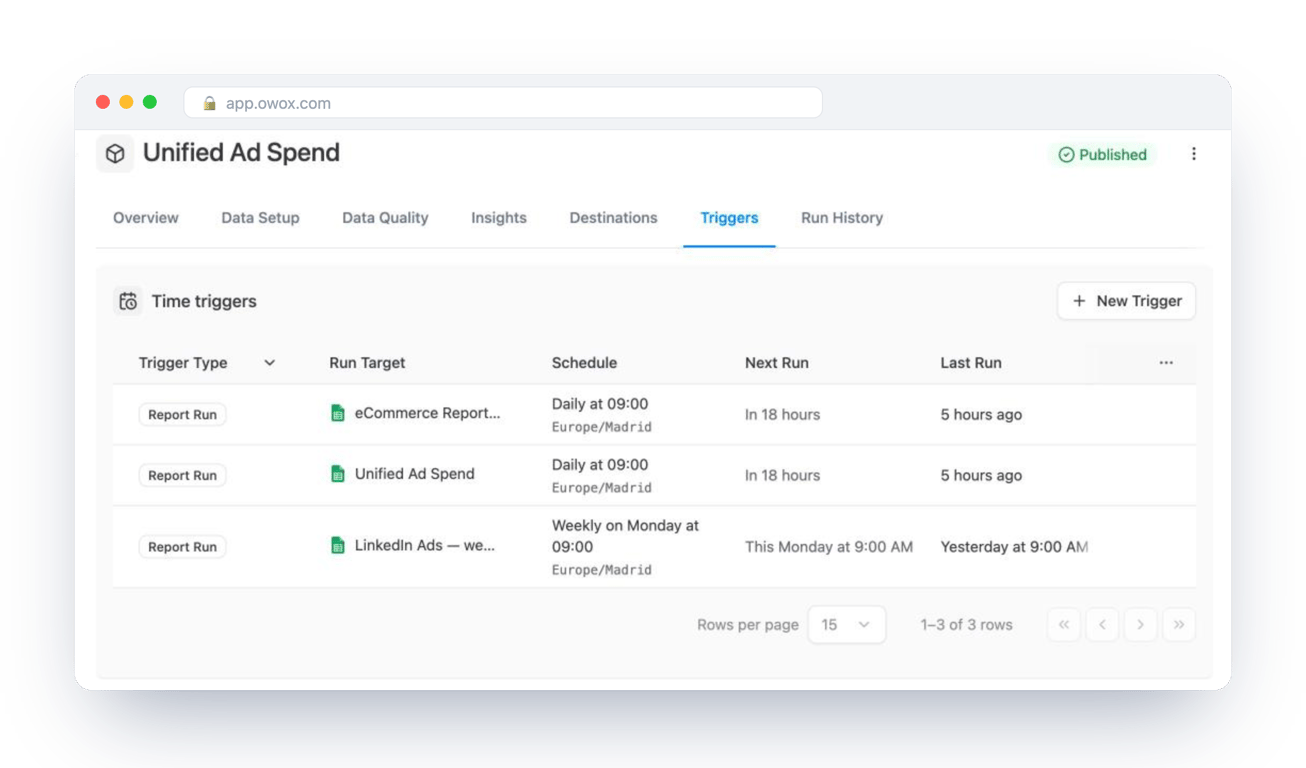
Partitioning only pays off when every query that touches the table filters on the partition column. The table owner can force that with require_partition_filter. What they cannot control is the dashboards and spreadsheets that run their own queries on a schedule, each written by someone else.
That is easier when those reports read from one governed query. In OWOX Data Marts a Data Mart is your SQL, with the partition filter already in it, saved with a description and an owner; reports in spreadsheets and dashboards are built on it and run in your warehouse on the schedule you set. OWOX does not partition tables or tune queries for you. It makes the query you tuned the one that actually runs.
Turn your data into decisions.
Governed data marts give you the clean foundation ML needs to actually work.
- No AI hallucinations
- Analyst-governed definitions
- Every number traces to SQL
Frequently Asked Questions
How many partitions can a BigQuery table have?
10,000 per table, and a single job can modify at most 4,000 partitions, according to Google's quotas page (checked October 2026). Partitioning itself has no extra charge; storage and queries are billed as usual.
How do I partition an existing BigQuery table?
You cannot add partitioning in place. Create a new table with CREATE TABLE ... PARTITION BY ... AS SELECT * FROM the old table, check the row counts, then drop the old table and rename the new one.
How do I query a partitioned table so it scans less data?
Filter on the bare partition column with a constant: WHERE order_date = '2026-10-06'. Wrapping the column in a function, such as FORMAT_DATE, stops pruning. In a measured example on a 10 GiB table, the plain filter read 0.41 MB and the wrapped one 940 MB.
Can I partition a BigQuery table by more than one column?
No. A table has one partitioning column. To narrow scans on other columns, add CLUSTER BY with up to four columns; clustering sorts the data inside each partition so filters on those columns also read less.
How do I delete a partition with SQL?
Use DELETE with a filter on the partition column: DELETE FROM mydataset.orders WHERE order_date = '2026-10-06'. A delete that covers whole partitions is efficient because BigQuery can drop them without rewriting data.
How do I set partition expiration in BigQuery?
With the partition_expiration_days option, at creation or later: ALTER TABLE mydataset.events SET OPTIONS (partition_expiration_days = 90). Each partition is deleted that many days after its date.
What can I partition a BigQuery table by?
A DATE, TIMESTAMP or DATETIME column (by hour, day, month or year), ingestion time, or an INTEGER column in ranges. You cannot partition by a STRING or by more than one column; use clustering for those.
What are partitioned tables in BigQuery?
Tables stored in segments split by the value of one column. When a query filters on that column, BigQuery reads only the matching partitions and skips the rest, which reduces the bytes scanned.