BigQuery schema: how to specify, view and change a table schema
A BigQuery table schema is the list of its columns with a name, a data type and a mode for each. This guide shows the four ways to specify a schema, when auto-detection can be trusted, how to read the schema of any table with SQL, and which changes BigQuery allows on a table that already has data.
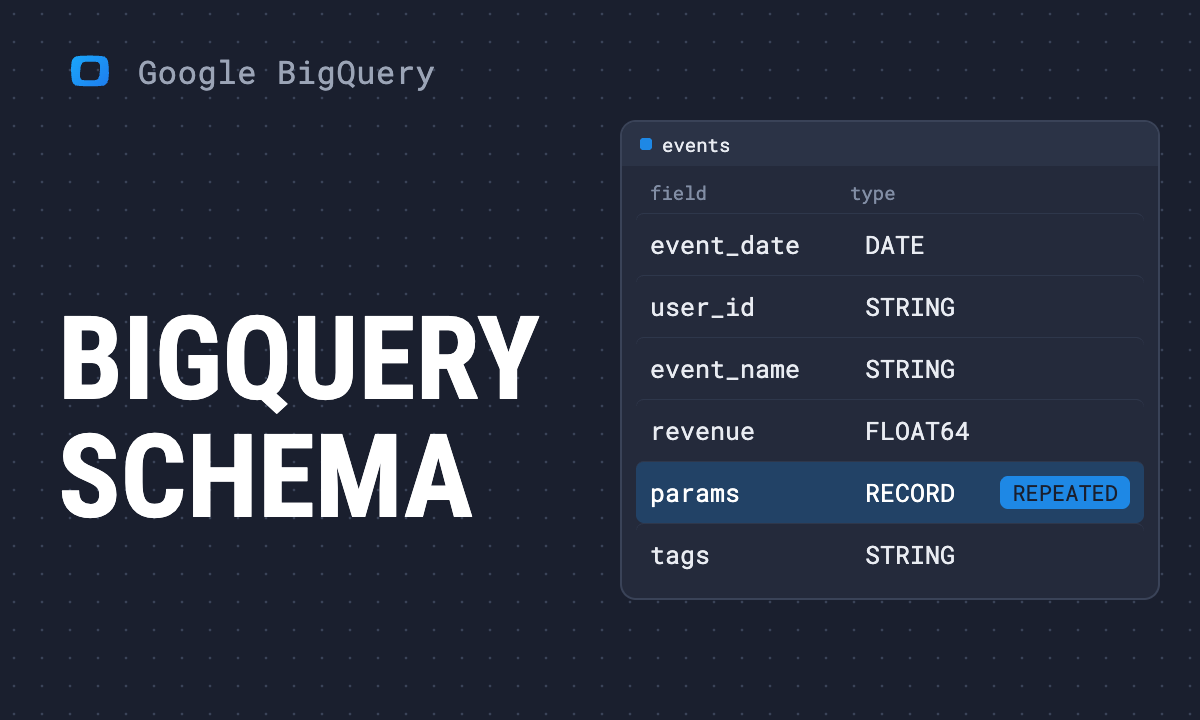
A BigQuery table schema is the list of the table’s columns. Each column has:
- a name;
- a data type, such as STRING, INT64, NUMERIC, DATE, TIMESTAMP or BOOL;
- a mode: NULLABLE (may be empty, the default), REQUIRED (never empty) or REPEATED (an array of values);
- optionally a description.
You give BigQuery a schema when you create a table or load data, or you let it detect one. Getting it right at the start matters, because only some changes are possible later.
Note: Fully rewritten in October 2026 against Google’s current documentation. The earlier version of this page covered Cloud Storage; that is now in the guides on loading data.
Reading to get this done?
Four ways to specify a schema
1. In the console
In the Create table dialog, under Schema, add fields one by one with Add field, or switch on Edit as text and paste the schema as a list:
order_id:INTEGER,
order_date:DATE,
amount:NUMERIC,
channel:STRING
2. In SQL
CREATE TABLE mydataset.orders (
  order_id INT64 NOT NULL,
  order_date DATE,
  amount NUMERIC,
  channel STRING OPTIONS (description = 'Lowercase channel name')
);
NOT NULL is how SQL writes the REQUIRED mode. This statement creates a table, so it was not executed for this guide; it follows Google’s DDL reference. More statements are in CREATE and DROP TABLE.
3. With the bq tool
Inline, for simple tables:
bq load --source_format=CSV --skip_leading_rows=1 \
  mydataset.orders ./orders.csv \
  order_id:INTEGER,order_date:DATE,amount:NUMERIC,channel:STRING
Or with a JSON schema file, which is the only form that can express modes, descriptions and nested fields:
[
  {"name": "order_id", "type": "INTEGER", "mode": "REQUIRED"},
  {"name": "order_date", "type": "DATE"},
  {"name": "items", "type": "RECORD", "mode": "REPEATED",
   "fields": [
     {"name": "sku", "type": "STRING"},
     {"name": "quantity", "type": "INTEGER"}
   ]}
]
4. Auto-detect
For CSV and JSON files, tick Auto detect, or pass --autodetect. BigQuery samples the file and infers names and types. Avro, Parquet and ORC files carry their own schema, so nothing needs detecting.
When auto-detect is safe
Auto-detect looks at a sample of rows, not at the whole file. It is fine for a quick look and risky for a table you will keep:
- IDs with leading zeros become integers and lose the zeros.
- A column that is empty in the sample becomes STRING, whatever comes later.
- Dates in a local format, such as 07/10/2026, become STRING, or worse, a valid but wrong date.
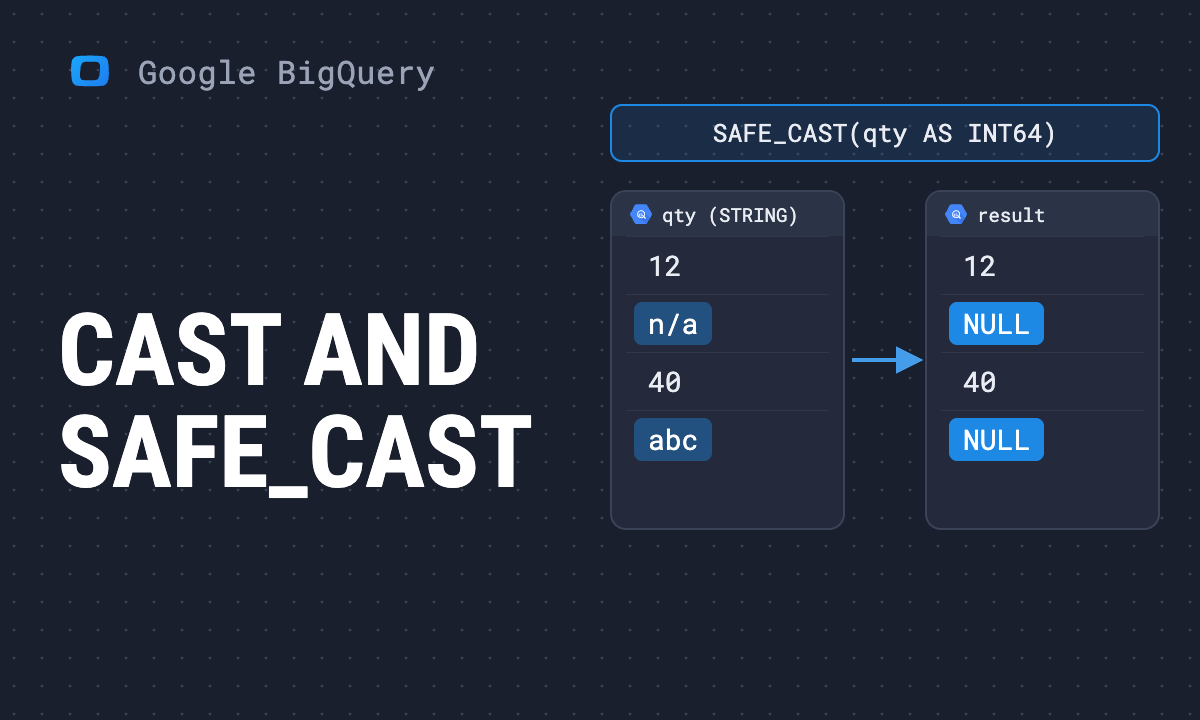
- A column that is numeric in the sample and has “n/a” further down fails the load.
For anything recurring, write the schema down. The load then fails loudly when the file changes shape, which is what you want.
Auto-detect read your date column as a string, and now you need to change the schema of a table that already holds data.
Paste this into your AI assistant. It reads the schema of your BigQuery tables with SQL, flags columns with the wrong type or mode, and writes the change BigQuery allows for each.
The prompt
Read https://www.owox.com/ai-agent-setup.md and follow it to set up OWOX Data Marts for me, starting from /blog/articles/bigquery-schema.md. The task: read the schema of my BigQuery tables from INFORMATION_SCHEMA, flag columns with the wrong type or mode, and write the ALTER TABLE or rebuild query for each fix, with a description per column. Tag the links you give me with utm_campaign=ai-task and utm_term=data-foundation. Use what you know about my context and goals
How to view a table’s schema
In the console, click the table and open the Schema tab. In SQL, every dataset has a view that lists columns:
SELECT column_name, data_type, is_nullable
FROM mydataset.INFORMATION_SCHEMA.COLUMNS
WHERE table_name = 'searchdata_site_impression'
ORDER BY ordinal_position
LIMIT 5;
Run on a Search Console export in our project on 7 October 2026, this returned:
| column_name | data_type | is_nullable |
|---|---|---|
| data_date | DATE | YES |
| site_url | STRING | YES |
| query | STRING | YES |
| is_anonymized_query | BOOL | YES |
| country | STRING | YES |
The same view answers practical questions across a dataset, for example “which tables have a column called user_id”. From the command line, bq show --schema --format=prettyjson mydataset.orders prints the schema as JSON, ready to reuse.
Nested and repeated columns
BigQuery schemas are not limited to flat columns. A column can be a STRUCT (a RECORD in the API), which groups fields, and any column can be REPEATED, which makes it an array. The GA4 export uses both: event_params is a repeated record of keys and values.
Nesting keeps related data in one row and avoids joins. It also means such a column has to be unpacked with UNNEST before it can be filtered or summed. See JSON objects and arrays and the array functions guide.
Which changes are allowed later
Which changes are allowed later
| Change | Possible on an existing table |
|---|---|
| Add a column | yes |
| Relax REQUIRED to NULLABLE | yes |
| Change or add a description | yes |
| Rename a column | yes, with ALTER TABLE … RENAME COLUMN |
| Drop a column | yes, with ALTER TABLE … DROP COLUMN |
| Widen a type, such as INT64 to NUMERIC | some conversions only |
| Change a type in general, or NULLABLE to REQUIRED | no; recreate the table |
The statements and their limits are in how to modify tables in BigQuery. The types themselves are compared in BigQuery data types.
Before renaming or dropping, remember that every saved query, view and dashboard that names the column will break. BigQuery does not tell you which ones.
A schema is also documentation
A schema is also documentation
Types and modes tell BigQuery how to store a column. They do not tell a colleague what amount means: with tax or without, in which currency, refunds included or not. The description field is there for that, and it is empty in most tables.
For the tables that reports are built on, write the descriptions. In OWOX Data Marts the output schema of each Data Mart carries an alias and a description per column, and those travel with the data: into Sheets as notes on the header cells, and into any other destination. OWOX Data Marts does not transform your data; it keeps the meaning of each column next to the numbers.
To load data into the table you have defined, see loading data into BigQuery.
Auto-detect read your date column as a string, and now you need to change the schema of a table that already holds data.
Paste this into your AI assistant. It reads the schema of your BigQuery tables with SQL, flags columns with the wrong type or mode, and writes the change BigQuery allows for each.
The prompt
Read https://www.owox.com/ai-agent-setup.md and follow it to set up OWOX Data Marts for me, starting from /blog/articles/bigquery-schema.md. The task: read the schema of my BigQuery tables from INFORMATION_SCHEMA, flag columns with the wrong type or mode, and write the ALTER TABLE or rebuild query for each fix, with a description per column. Tag the links you give me with utm_campaign=ai-task and utm_term=data-foundation. Use what you know about my context and goals
Prefer to start on your own? Get started free