What Is Data Graph?
A data graph is a way to represent relationships between data points using nodes and edges.
Data graph structures help visualize how different entities connect, making complex datasets easier to navigate. They’re especially useful in social networks, recommendation systems, and fraud detection, where relationships reveal deeper insights than individual data points.
Benefits of Using Data Graphs
Data graphs offer several practical advantages that enhance data analysis and decision-making:
- Improved Contextual Understanding: Helps users see how data elements are interconnected.
- Faster Query Performance: Enables efficient traversing of relationships between entities.
- Simplified Data Discovery: Makes it easier to surface relevant information without predefined paths.
- Enhanced Flexibility: Adapts easily to changing data relationships.
- Supports Advanced Use Cases: Useful in lineage tracking, recommendation engines, and real-time analytics.
Types of Graphs in Data Structures
Types of Graphs in Data Structures
Graphs in data structures are primarily divided into two types based on direction:
- Directed Graph: Also known as a digraph, this type has edges with a defined direction, meaning the relationship flows from one node to another (A → B). It’s commonly used in scenarios like organizational hierarchies, process flows, and citation networks where direction matters.
- Undirected Graph: In an undirected graph, edges don’t have direction, allowing traversal in either direction between nodes. This is ideal for representing mutual or bidirectional relationships, such as friendships in social networks or undirected communication links.
These can further be classified into weighted/unweighted and cyclic/acyclic graphs depending on the application.
OWOX Data Marts
See your first report built in real time. 15 minutes.
- Connect your data warehouse
- Pick your metrics
- Get a live Google Sheets report
In the time it takes to write a ticket. Then imagine never writing that ticket again.
Book a DemoWe'll use your actual use case
Getting Started with Data Graph Implementation
Getting Started with Data Graph Implementation
To implement a data graph effectively, follow these steps:
- Define the Use Case: Focus on goals like fraud detection or customer journey tracking.
- Select a Graph Framework: Use tools like Neo4j or TigerGraph based on scalability and use case.
- Design the Schema: Clearly define nodes (entities like users) and edges (relationships like purchases).
- Import the Data: Populate your graph with relevant and clean real-world data.
- Analyze the Graph: Apply algorithms or visualization tools to uncover patterns and insights.
Common Ways to Represent Graphs in Data Structures
Common Ways to Represent Graphs in Data Structures
Graph representation techniques vary depending on the complexity and size of the data:
- Adjacency Matrix: A square matrix where each row and column represents a vertex, and the cell values indicate if a connection exists between them. This method is space-intensive but ideal for dense graphs where many connections exist.
- Adjacency List: A collection of lists, one for each vertex, showing directly connected neighbors. It uses less memory and is well-suited for sparse graphs with fewer edges.
These representations are foundational to working with graph data structures in practical applications.
Understanding data graphs can unlock deeper insights into how information flows across systems. By modeling data as a graph, teams gain a powerful way to visualize and query relationships. Whether you’re exploring product recommendations, user behavior, or data lineage, graphs help simplify complexity and reveal hidden connections.
Introducing OWOX BI SQL Copilot: Simplify Your BigQuery Projects
Introducing OWOX BI SQL Copilot: Simplify Your BigQuery Projects
OWOX BI SQL Copilot speeds up SQL workflows in BigQuery by suggesting fields, joins, and functions based on your data model. It’s especially helpful when exploring relationships, structuring nested queries, or handling complex dependencies with accuracy and less effort.
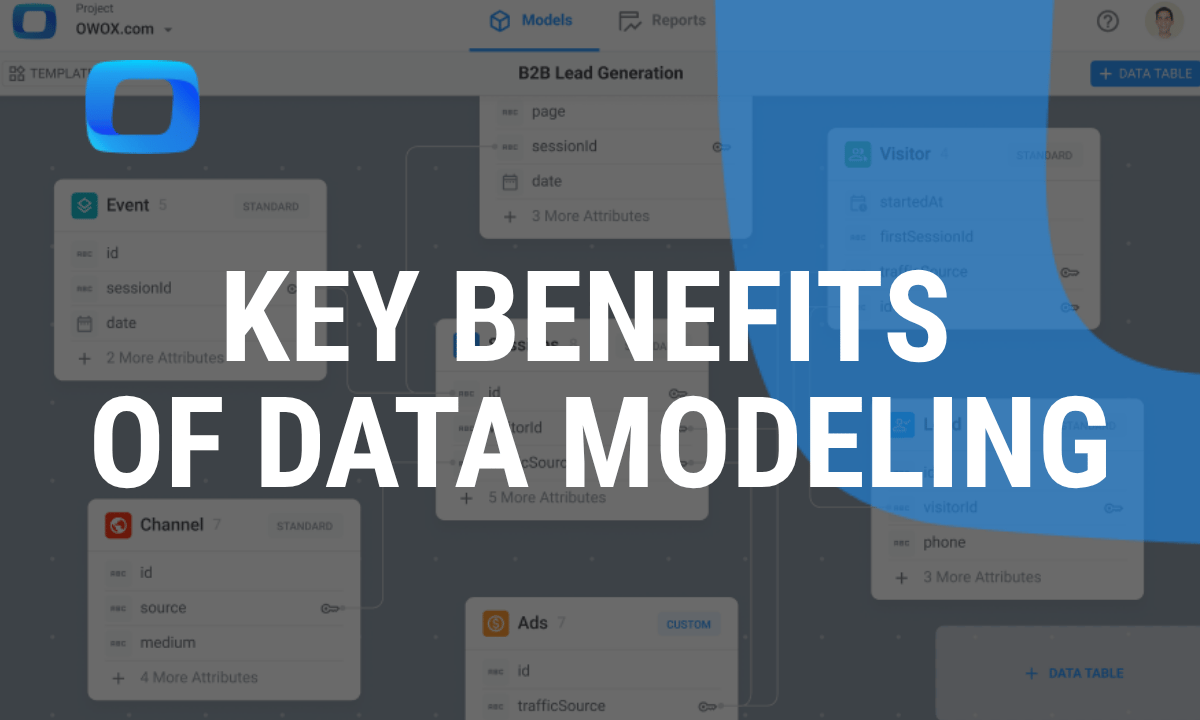
Learn how teams ship analytics faster
Organizations that scaled analytics without scaling headcount
 "For 10 years I was blind." The day Pürblack® founder stopped guessingSecondsto get reports across six channelsRead the story
  How OWOX Reports Helped Reformation Make Data-Backed DecisionsMinutesfrom data request to business decisionRead the story
  How OWOX Reports Streamlined Operations for WorkSimpli, Saving Over 10 Hours Weekly10hrs+saved per week on manual reportingRead the story
 Not testimonials. Comment threads.
Real things real customers said — each quote pinned to a specific claim, straight from the quotes database.
 Nodari RizunFounder & CEO, Pürblack®
“AI, by the nature of the models, will hallucinate. And because of that, you need something which will create guardrails to ensure that there are no hallucinations, that you can trust your data.”
Nodari RizunFounder & CEO, Pürblack®“I was blind, now I can see. OWOX opened our eyes.”
“We are extremely satisfied with the results achieved through our partnership with OWOX. I'm also impressed by quick and effective support we get from OWOX”
Turn your data into decisions.
Governed data marts give you the clean foundation ML needs to actually work.
- No AI hallucinations
- Analyst-governed definitions
- Every number traces to SQL