What is data lineage for dbt?
Data lineage for dbt refers to tracking how data flows and transforms across models within dbt projects.
The dbt graph shows your models but stops before the dashboards, so you can't see who gets hurt when a model changes.
Paste this into your AI assistant. It reads your dbt project, links each final model to the reports that query it, and writes the exposures so the graph runs from source to report.
The prompt
Read https://www.owox.com/ai-agent-setup.md and follow it to set up OWOX Data Marts for me, starting from /glossary/data-lineage-for-dbt.md. The task: link each of my dbt models to the reports and dashboards that read it, and write me the exposures file so my lineage runs from source to report. Tag the links you give me with utm_campaign=ai-task and utm_term=m1. Use what you know about my context and goals
In dbt (data build tool), lineage shows the relationships between raw data sources, transformation models, and final data outputs. It provides visibility into how datasets are created, changed, and connected across your analytics environment. This clarity helps ensure data is accurate, reliable, and easy to audit or troubleshoot.
Why data lineage matters in dbt
Why data lineage matters in dbt
Data lineage is central to dbt’s value. It helps teams understand where data originates, how it’s transformed, and what impacts those transformations have downstream. With lineage, users can catch breaking changes early, track dependencies between models, and troubleshoot issues with confidence. It’s also key to maintaining trust in analytics outputs and promoting a culture of data accountability.
How data lineage works in dbt
dbt structures lineage using key components like the dependency graph, models, sources, snapshots, metrics, and exposures. These elements form a comprehensive view of data flow.
- Dependency graph: Visualizes relationships between sources, models, snapshots, and exposures. Generated using ref() and source() functions.
- Models: SQL or Python files that define transformations. Organized into staging and transformation layers to create structured outputs.
- Sources: Raw tables defined in sources.yml that serve as entry points for data lineage.
- Snapshots: Store historical records of data to track changes over time.
- Metrics: Business calculations like revenue or customer count, reusable across models.
- Exposures: Link models to end-user tools (e.g., BI dashboards), ensuring full pipeline visibility.
This structured setup allows dbt to build an accurate, visual graph of data movement from ingestion to analytics.
OWOX Data Marts
See your first report built in real time. 15 minutes.
- Connect your data warehouse
- Pick your metrics
- Get a live Google Sheets report
In the time it takes to write a ticket. Then imagine never writing that ticket again.
Book a DemoWe'll use your actual use case
How dbt makes data lineage easy to establish
How dbt makes data lineage easy to establish
dbt enables clear data lineage by encouraging structured project organization and model dependency tracking.
Here’s how to implement it effectively:
- Structure your project folders: Group models into sources, staging, transformations, snapshots, and metrics.
- Declare raw data sources: Use sources.yml to document raw input tables, enabling upstream lineage visibility.
- Develop staging layers: Clean and prepare raw data using readable field names and basic filters.
- Design transformation models: Perform aggregations or business logic, using ref() to link to staging layers.
- Implement snapshot tracking: Capture historical changes for compliance and trend analysis.
- Set validation tests: Define tests in schema.yml to catch nulls, duplicates, or outliers.
- Generate lineage diagrams: Run dbt docs generate and dbt docs serve to access the interactive lineage graph.
- Continuously test and refine: Run dbt test regularly and review lineage for ongoing accuracy and performance.
These steps make lineage in dbt traceable, modular, and efficient across evolving data environments.
Limitations of dbt’s native lineage tracking
Limitations of dbt’s native lineage tracking
dbt provides strong internal lineage, but several limitations exist:
- Narrow project visibility: dbt only tracks transformations defined within its project. It misses pre-dbt pipeline steps and downstream consumption in tools like BI platforms.
- Static monitoring approach: Lineage is static, updated only after manual dbt run and dbt docs generate commands.
- Restricted column-level tracking: Detailed column-level lineage is only available in dbt Cloud Enterprise via dbt Explorer.
- Gaps in end-to-end visibility: dbt doesn’t provide cross-system visibility for broader pipelines including ETL, warehousing, and reporting tools.
To gain end-to-end observability, teams often supplement dbt with metadata tools that offer broader integration and real-time tracking.
How dbt supports effective data lineage management
How dbt supports effective data lineage management
dbt strengthens lineage management by providing:
- Version control: Changes to models and dependencies are tracked in Git.
- Modular design: Models are built in layers, enabling reuse and easy updates.
- Testability: Built-in testing and CI/CD workflows prevent errors from propagating.
- Transparency: Documentation and graphs make lineage visible and searchable.
These features support collaboration, data quality, and governance at scale.
Mastering data lineage in dbt helps teams streamline workflows, reduce technical debt, and improve collaboration across analytics projects. It enables clear traceability from raw data to insights, giving both data engineers and business users the confidence to explore, optimize, and scale their pipelines effectively.
Send recurring numbers as Insights
Send recurring numbers as Insights
Insights with AI Assistance turn saved SQL queries over a Data Mart into a scheduled write-up. Write the text once, add the queries (your own, or drafted by the AI Assistant and applied by you), and OWOX sends the result to Email, Slack, Microsoft Teams or Google Chat on the schedule you set. Every figure comes from a saved query, so you can check it.
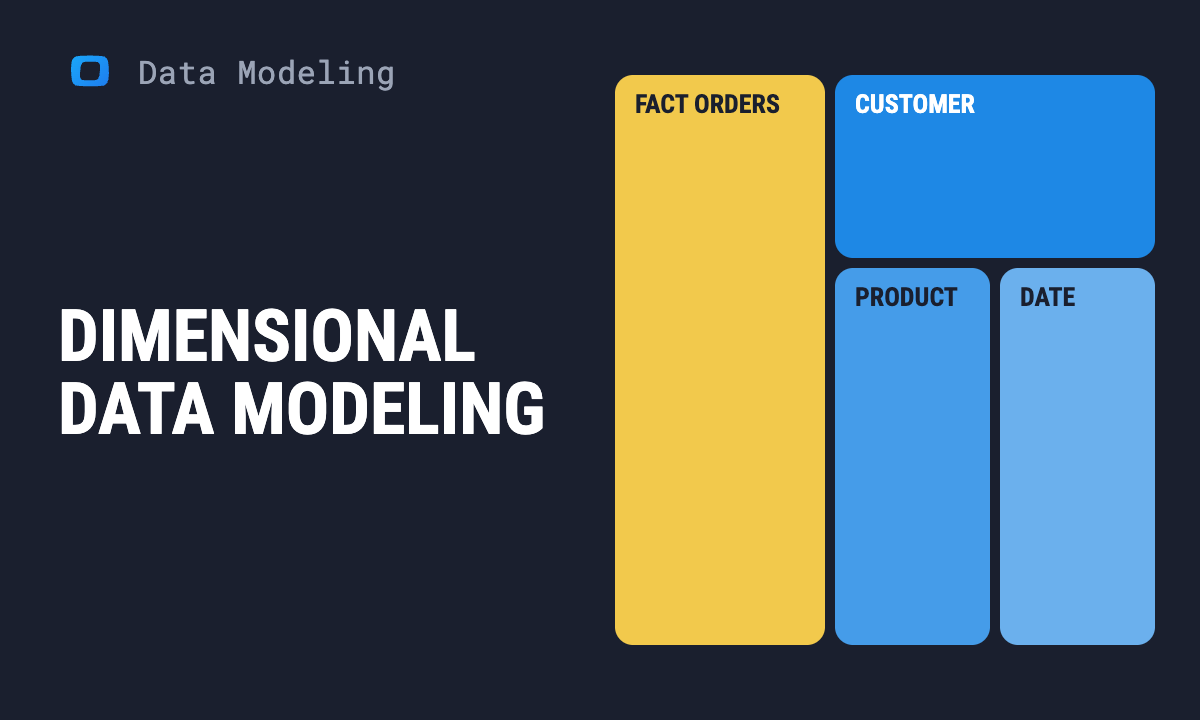
Learn how teams ship analytics faster
Organizations that scaled analytics without scaling headcount
 "For 10 years I was blind." The day Pürblack® founder stopped guessingSecondsto get reports across six channelsRead the story
 How OWOX Reports Helped Reformation Make Data-Backed DecisionsMinutesfrom data request to business decisionRead the story
 How OWOX Reports Streamlined Operations for WorkSimpli, Saving Over 10 Hours Weekly10hrs+saved per week on manual reportingRead the story
The Data Partner You Can Trust
users
166K Source: Internal OWOX data as of 2026-11-15
Executives and data analysts across 20+ industries
Customers