

The data team pushes governed Data Marts to a Sheet on a schedule. Business users open Sheets and pull what they need on demand. Both work from the same source, with joined columns included.
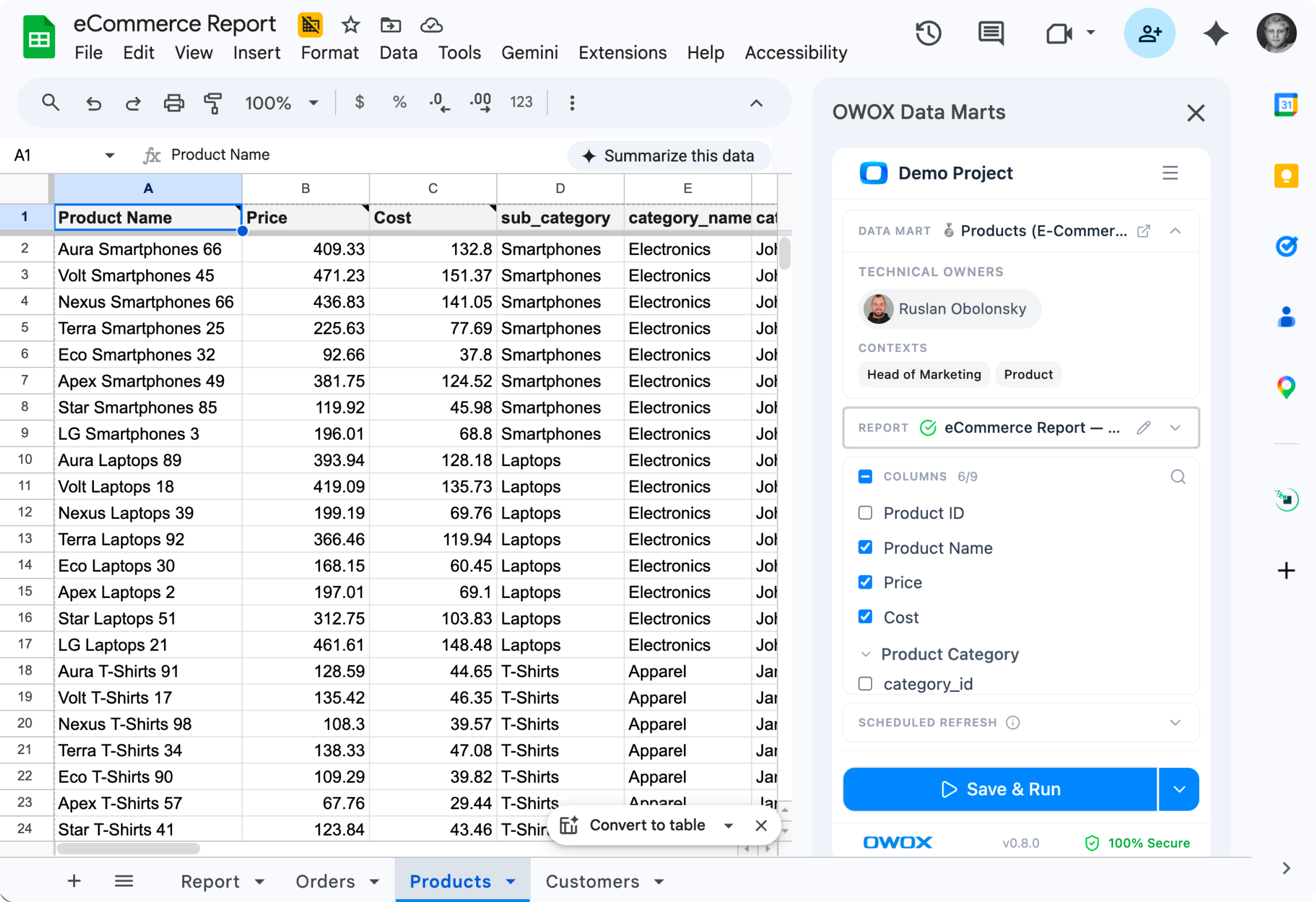
Pick a Data Mart, choose columns (including joined ones from Joinable Data Marts), set a schedule. The destination Sheet stays fresh — no manual exports, no copy-pasting.
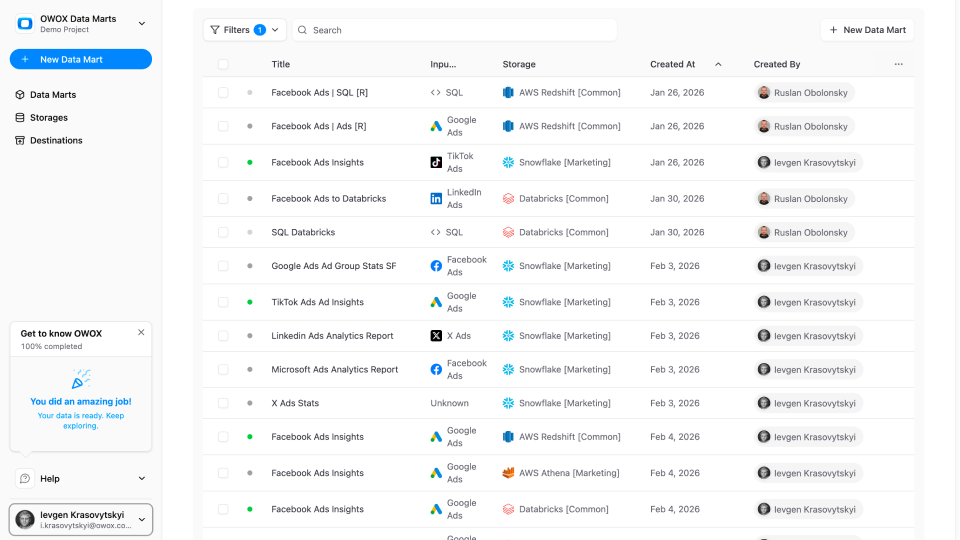
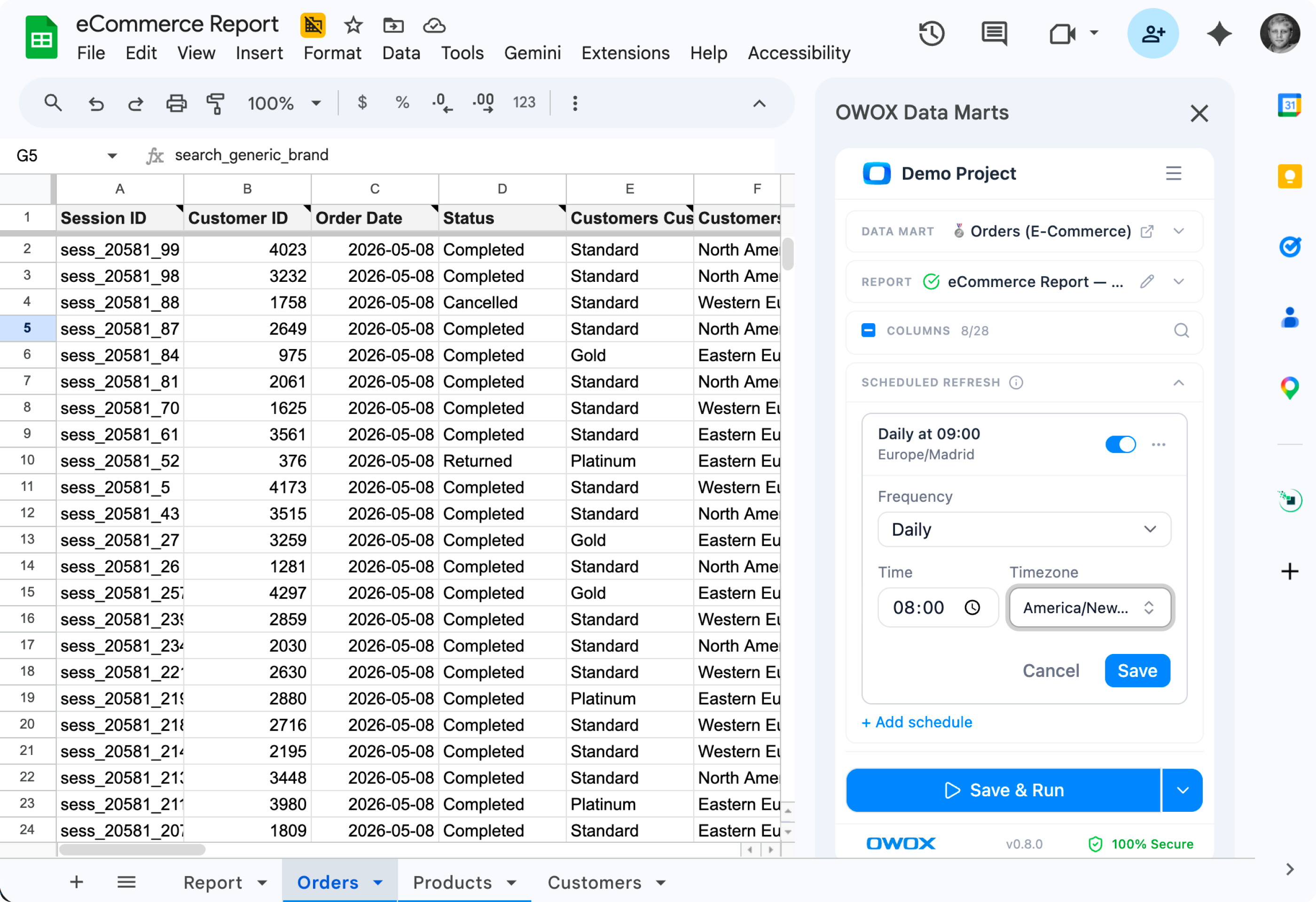
Open the OWOX extension, browse the marts your data team has approved, and pull them in. Joined columns appear right next to native ones — the data team already wired the relationships.

Pick a Data Mart, choose columns including joined ones, set a schedule — governed logic flows into Sheets with zero manual exports.
Pick a governed Data Mart from the OWOX UI, choose the destination Sheet, and OWOX writes the data on a schedule. No CSV exports, no copy-paste, no manual refresh.
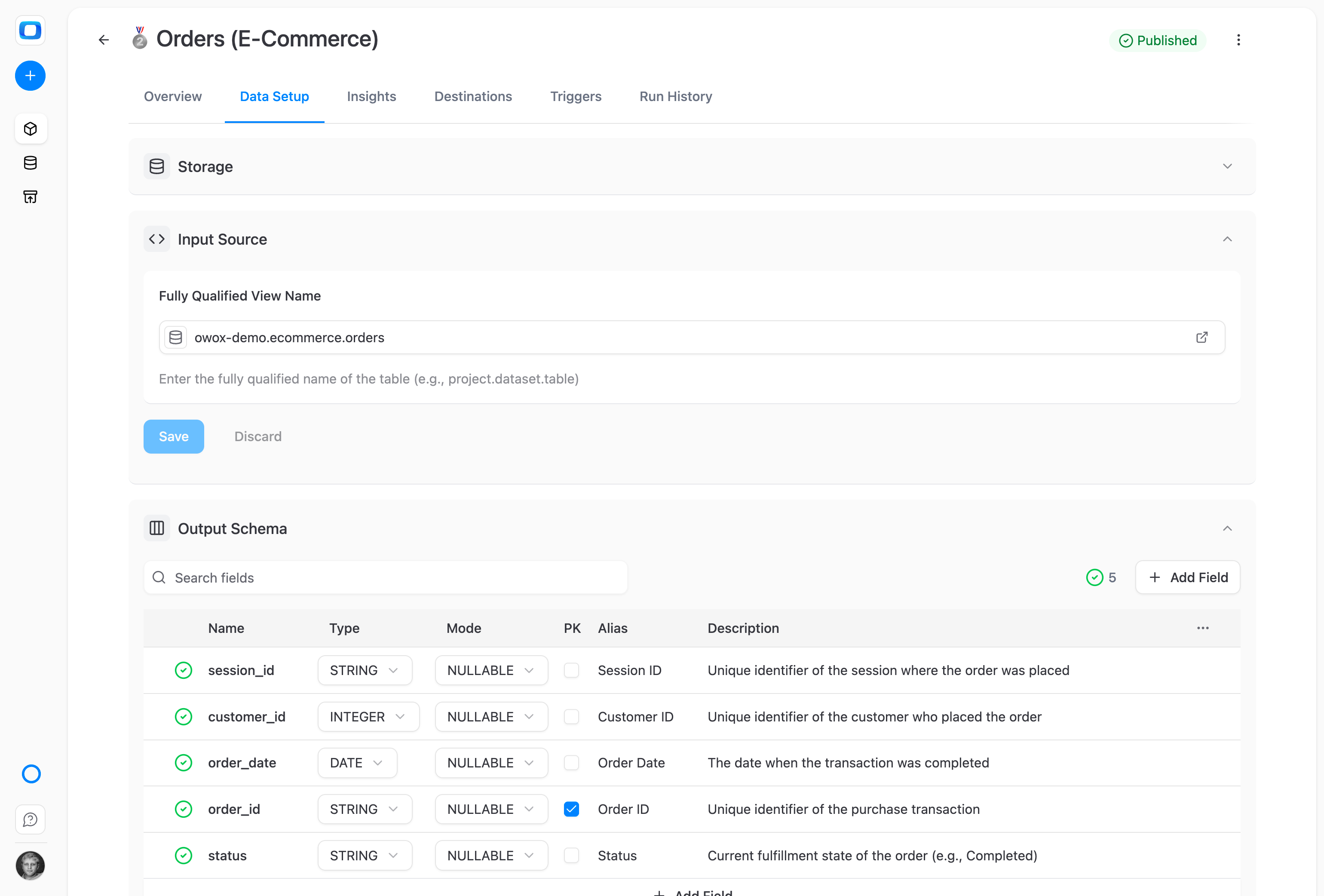
Pull native and joined fields into the same Sheet, in one click. Blend Ads spend with CRM revenue or marketing data with product usage — without writing the join yourself.
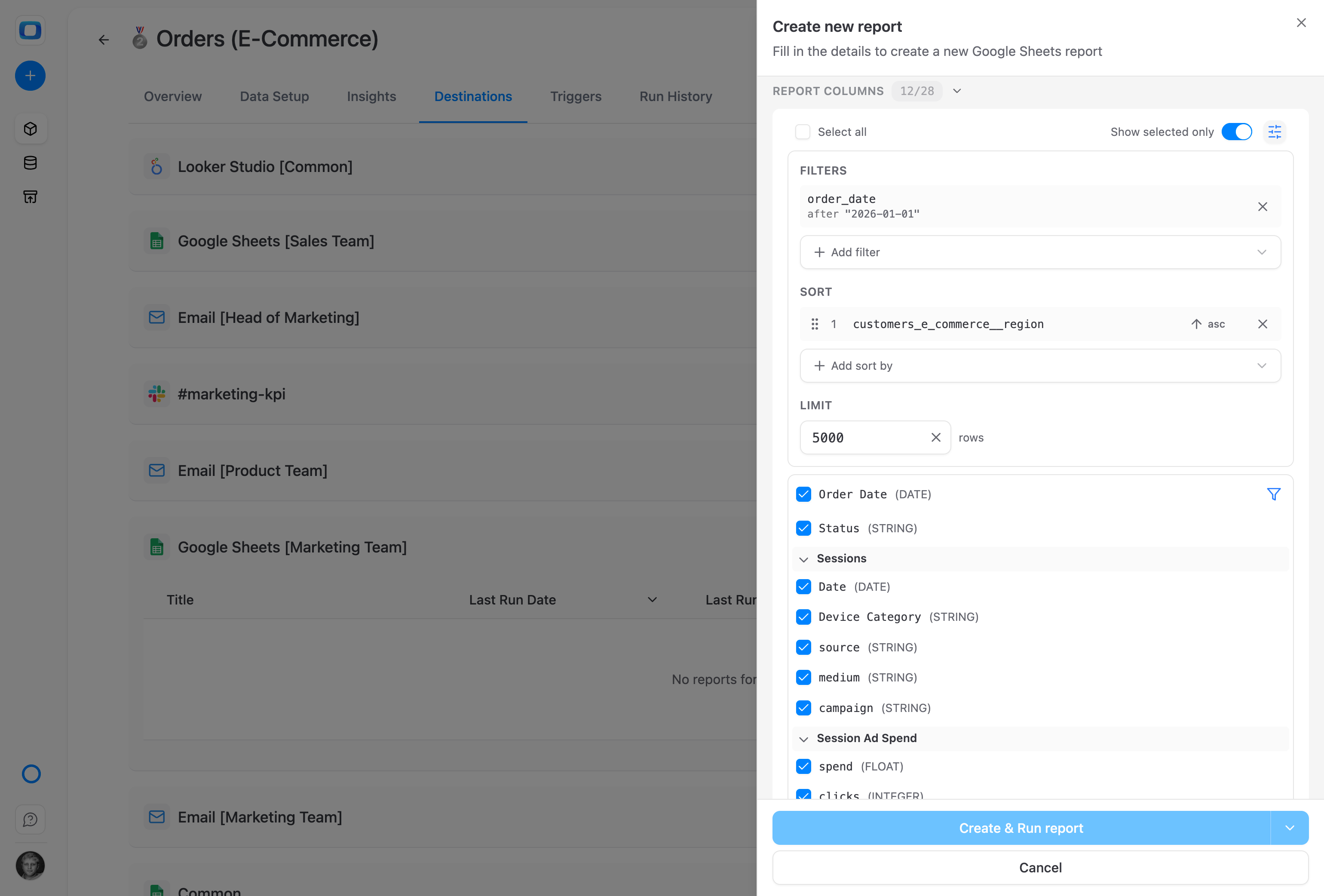
Set hourly, daily, weekly, or custom refresh schedules. Your Sheet updates overnight; stakeholders open it in the morning and the numbers are already current.
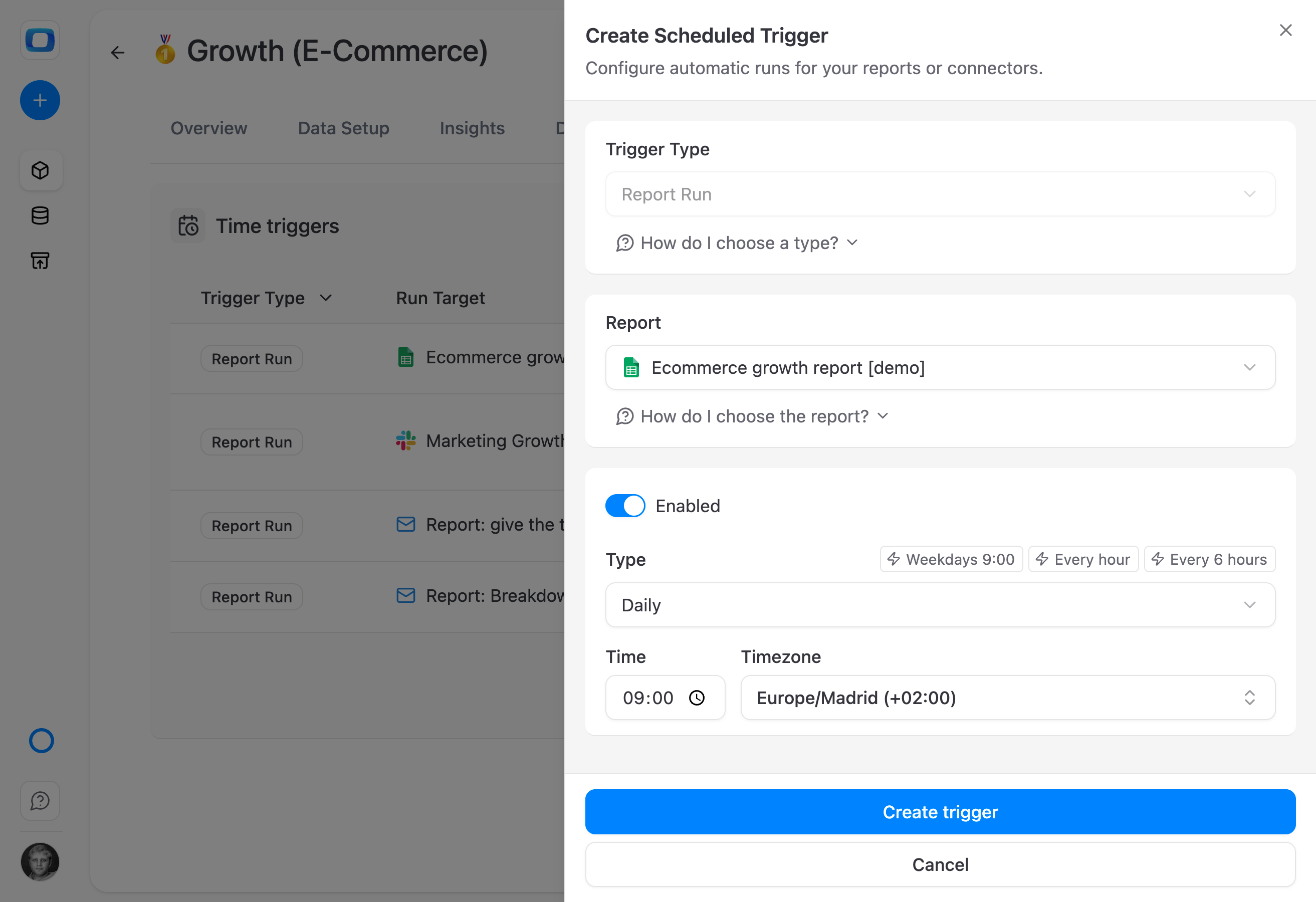
Open the OWOX extension, browse approved Data Marts, and pull native or joined columns into your Sheet — no SQL, no tickets.
Open the OWOX extension, browse the Data Marts your data team has made available, and pull them into your Sheet – no warehouse login, no SQL, no ticket.
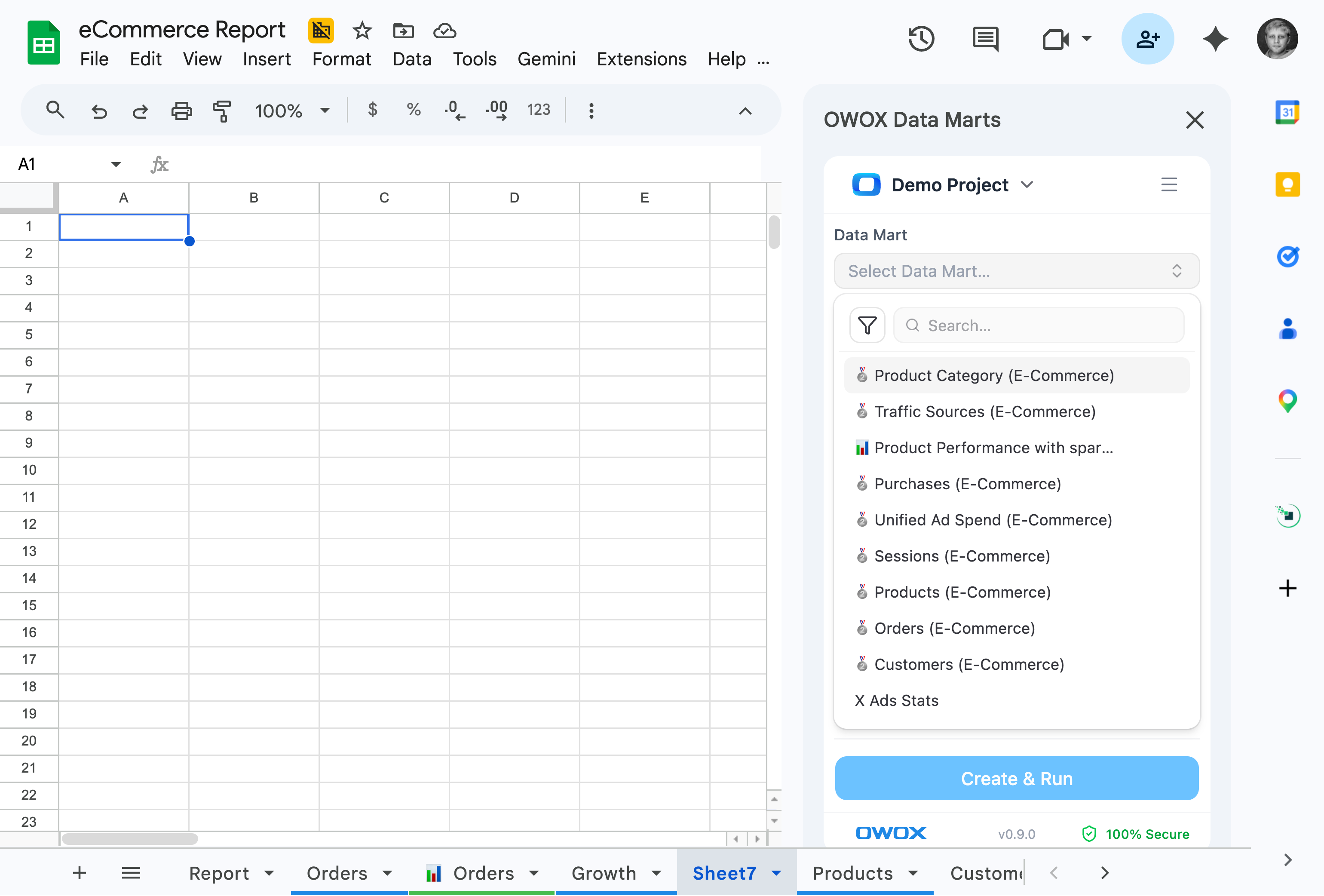
Native and joined columns appear in the same picker. Combine ads, CRM, and product data without writing a single query — and never wait on the data team for a blend.
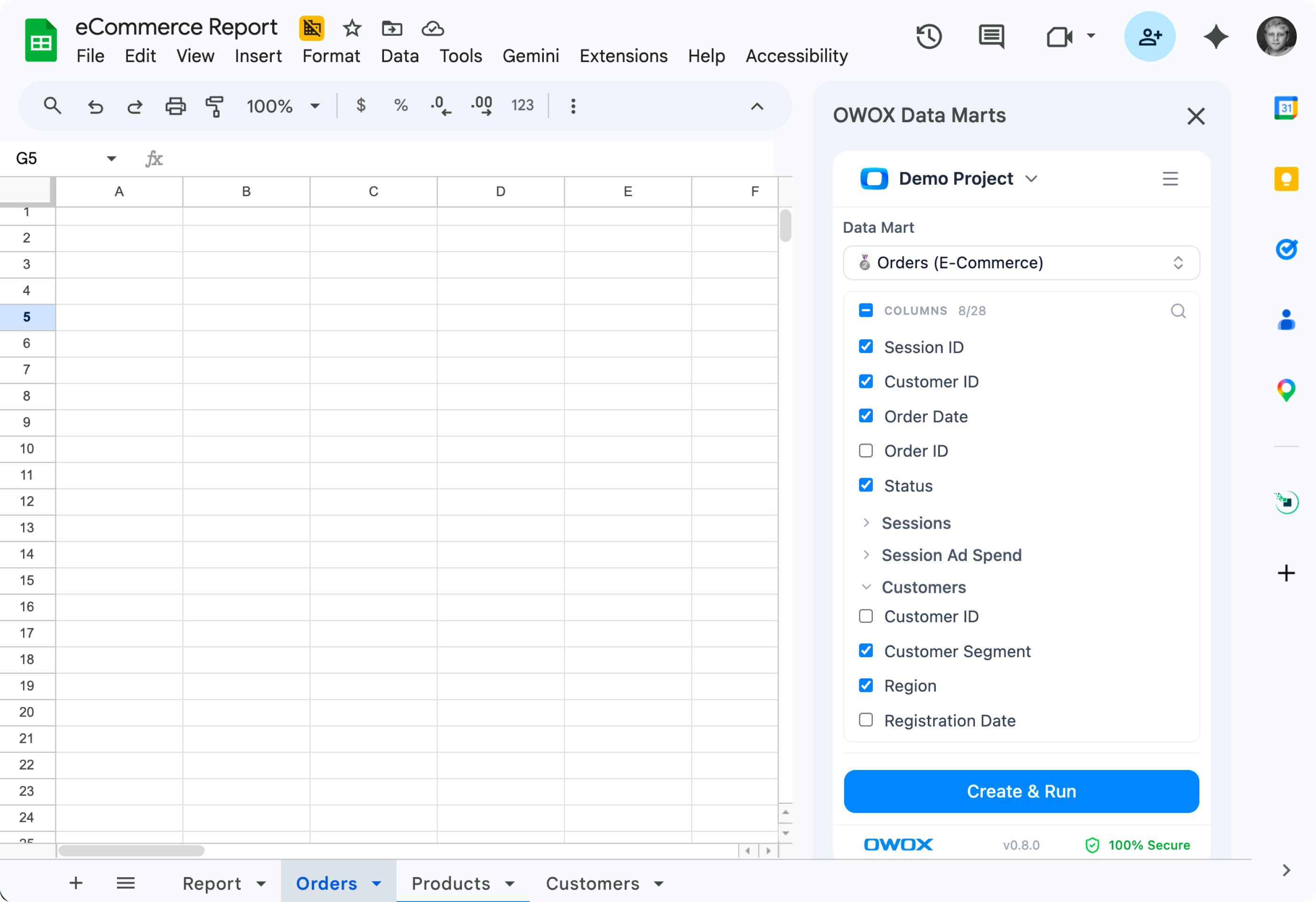
Schedule updates exactly when you need the data to arrive. No slack pings, no tickets, no waiting. Just fresh data arriving to your meeting.
The easiest to get started
Try before you scale
Starter
Free to start — paid plans from $65/mo
For data professionals & teams starting to automate entire business reporting in spreadsheets
MOST POPULAR
Best for teams
Team
Starts at $875/mo + $35/seat (5 seats included)
For small and mid-size teams looking to automate collaborative reporting & get AI insights
Ultimate control in the cloud
Enterprise
Custom contract - talk to our experts
For organizations looking for a tailored solution with an extra layer of flexibility, security & support included
Outcomes your company gets the moment your data marts go live.

Empower business users to explore and build reports on their own – no code, no bottlenecks.

Give client-facing teams instant access to dashboards – without needing analyst help or waiting in line.

Ask questions and get answers right away – in Sheets, in dashboards, or via AI Copilot.

Let clients generate reports by simply asking in plain English. No training, no technical setup required.
Every number below comes straight from our customers — on camera. Click any card to watch them say it.
Hours → minutes
Something that used to take a couple of hours – pulling five or six reports from Shopify, Google Analytics, Klaviyo – I now do in minutes, and I know it's the correct answer.

Push governed Data Marts to Sheets on a schedule — or let business users self-serve from inside the spreadsheet.


For 10 years, we couldn't get a source of truth. Now we make very high-quality decisions quickly. Literally in five minutes.