Collect Microsoft Ads Data into AWS Redshift
Own your Microsoft Ads data in AWS Redshift with OWOX Data Marts. Collect granular, analytics-ready Microsoft Ads data directly into Redshift, control schema and refresh logic, and reuse it across BI tools and AI Insights.
Microsoft Ads Endpoints
3 Microsoft Ads endpoints you can import. Each lands in its own table in your warehouse.
Ad Performance Report
Daily ad performance — impressions, clicks, spend, and conversions segmented by device, network, and match type.
92 fieldsTime seriesCampaigns
Your campaign and ad group structure — type, status, bid strategy, budget, and keyword settings.
52 fieldsUser Location Performance Report
Daily performance by user physical location — impressions, clicks, spend, and conversions broken down by country, state, and city.
81 fieldsTime series
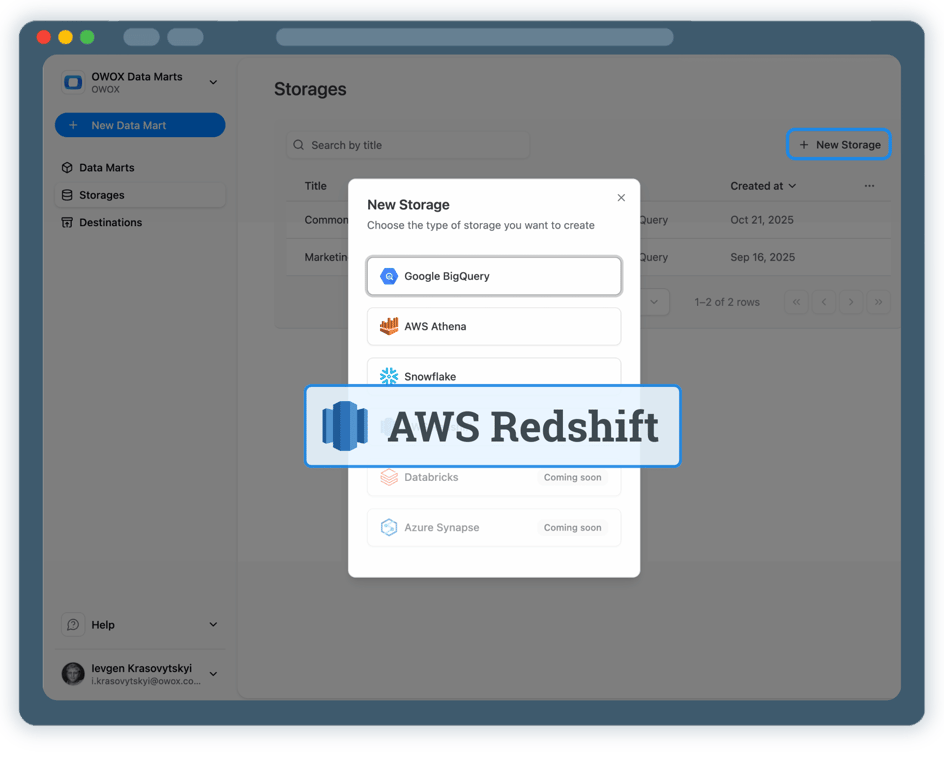
Step 1: Create an AWS Redshift data storage
Start by connecting your AWS Redshift environment as a storage.
- Choose your AWS region and Redshift database
- Connect either a Redshift Serverless workgroup or a provisioned cluster
- Authenticate securely using AWS IAM credentials
Step 2: Create a Microsoft Ads Data Mart
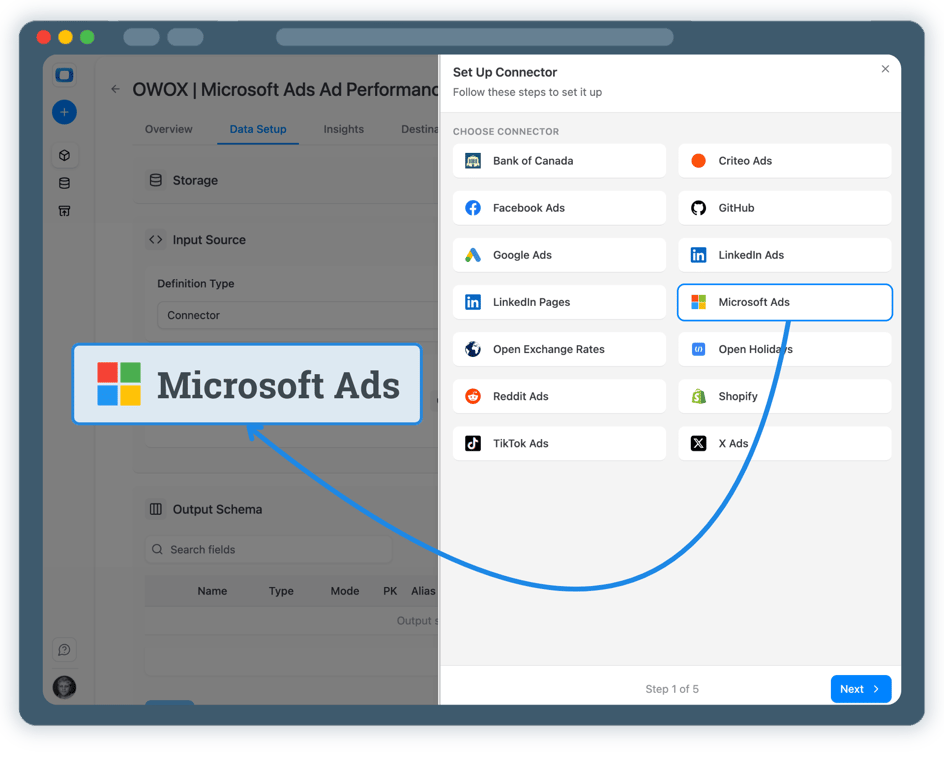
Create a new Data Mart and choose Connector as the definition type.
- Select Microsoft Ads as the data source
- Connect your Microsoft Ads advertising account
- No API coding or engineering required
Step 3: Select fields & configure data import
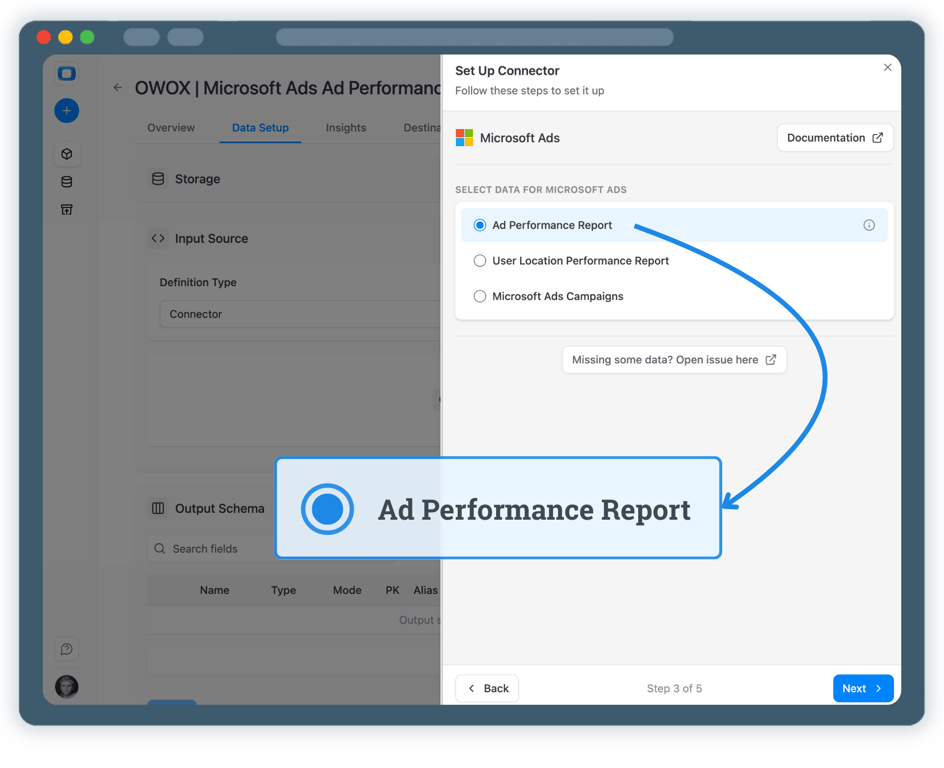
Choose exactly which Microsoft Ads data you want to store in AWS Redshift.
- Select the appropriate Microsoft Ads API endpoint
- Choose fields such as impressions, clicks, spend, conversions, and campaign attributes
- Define the destination schema and table in Redshift
Step 4: Run & schedule Microsoft Ads data collection
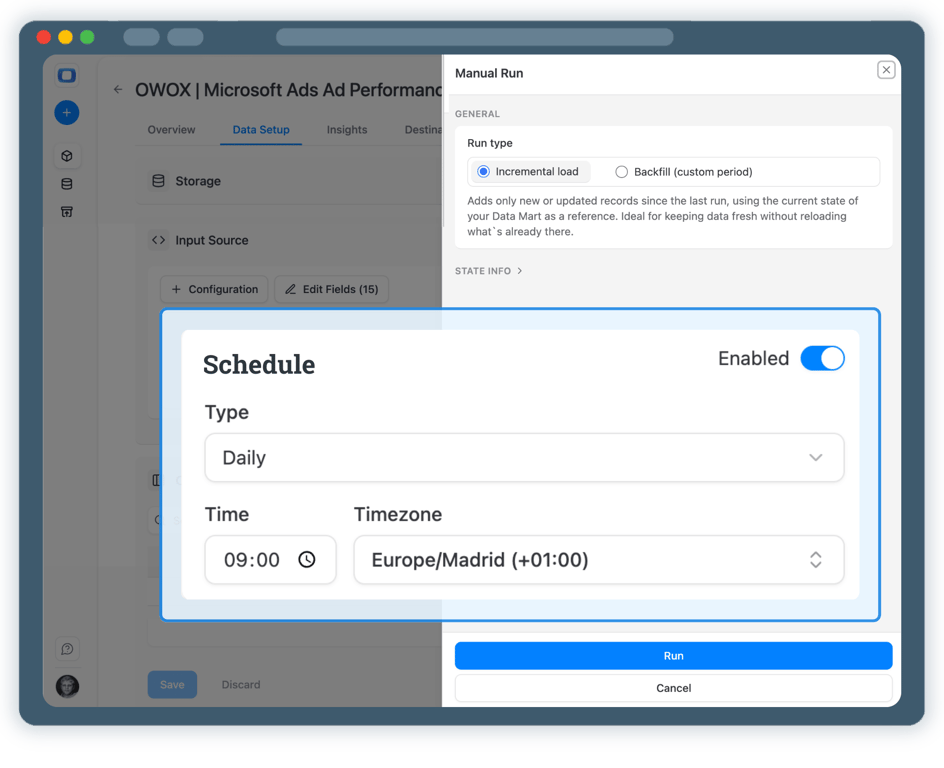
Once published, control how and when Microsoft Ads data is imported.
- Incremental load to import the current day’s data
- Backfill (custom period) to load historical Microsoft Ads data
- All runs are logged and visible in Run History
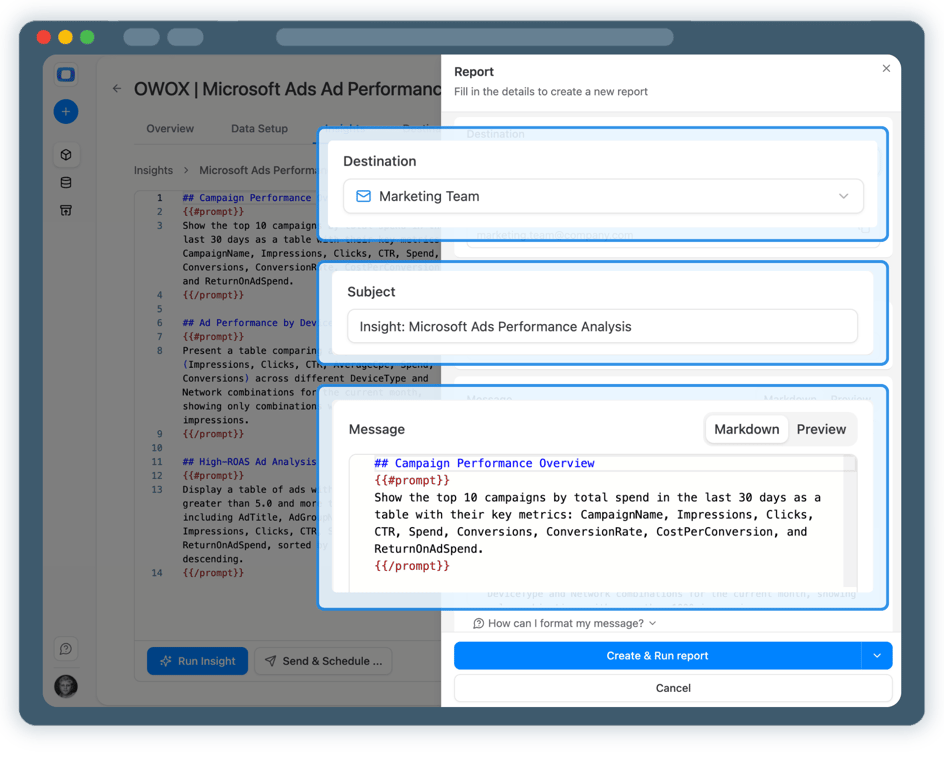
Step 5: Use Microsoft Ads data across BI tools & AI Insights
Your Microsoft Ads data is now available in AWS Redshift.
- Analyze performance in Google Sheets or Data Studio
- Join Microsoft Ads data with GA4, CRM, or revenue datasets
- Enable AI Insights for alerts, summaries, or performance questions




Every claim has a receipt.
Real things real customers said — each quote pinned to a specific claim, straight from the quotes database.
 Nodari RizunFounder & CEO, Pürblack®
“AI, by the nature of the models, will hallucinate. And because of that, you need something which will create guardrails to ensure that there are no hallucinations, that you can trust your data.”
 Mark SimmonsCMO, Pürblack®
“We had six or seven different channels and no single source of truth — it was almost impossible, a lot of guesswork.”
Nodari RizunFounder & CEO, Pürblack®“We regained time. And time is the one resource that never comes back.”
- 0.39.0Backfill any past period
- 0.39.0Facebook Ads imports now retry a corrupted response instead of failing
- 0.38.0Shopify connector: more orders fields, including line-item discounts
- 0.37.0Short links resolve only on known short link services and domains you allow
- 0.37.0Clearer connector errors, and custom connectors that handle more APIs
Turn Microsoft Ads Data into Business Decisions
Schedule a quick walkthrough to see how OWOX Data Marts helps you collect Microsoft Ads data in AWS Redshift, reduce reporting complexity, and scale analytics with confidence.
Get Started FreeYou are booked. The invitation is on its way to , with the calendar invite and the meeting link.
Schedule in person meeting at Tip Top Toronto
You are booked. The invitation is on its way to , with the calendar invite and the meeting link.