BigQuery pricing: what queries and storage cost, with examples
BigQuery bills two things: compute for queries and storage for data. On demand, a query costs $6.25 per TiB scanned with the first TiB free each month; storage is about $0.023 per GiB per month, with 10 GiB free. This guide shows how each part is calculated, what is free, and how to see and lower your own costs.
BigQuery bills two things: compute, for running queries, and storage, for keeping data. The short version, from Google’s BigQuery pricing page for the Iowa region (us-central1), checked on 6 October 2026:
- Queries, on demand: $6.25 per TiB scanned. The first 1 TiB each month is free.
- Queries, capacity: from $0.04 per slot-hour on the Standard edition, $0.06 on Enterprise, $0.10 on Enterprise Plus.
- Active storage: $23.55 per TiB per month, about $0.023 per GiB. The first 10 GiB is free.
- Long-term storage: by the listed rates, about 30% less for logical bytes and 50% less for physical bytes, for data not modified in 90 days.
- Loading and exporting in batch: free.
Prices vary by region, so check the page for yours. The rest of this guide explains how each line turns into a bill.
Note: Originally published in April 2024. Fully updated in October 2026 with Google’s current list prices and examples from a real project.
What a query costs on demand
On-demand pricing charges for the bytes a query reads, not for how long it runs or how many rows it returns.
cost = TiB scanned × $6.25A query that scans 100 GiB costs about $0.61. One that scans 2 TiB costs $12.50. And the first TiB of the month is free, so a small project often pays nothing for queries.
The rules that decide how many bytes are read, from the pricing page:
- You are charged for the columns you select, in full. BigQuery is a columnar store:
SELECT *reads every column,SELECT order_idreads one. LIMITdoes not reduce the cost. The page says so directly: you are charged for the data processed in the selected columns “even if you set an explicit LIMIT”.- A query that returns an error is not charged, and neither is one answered from the cache.
- There is a minimum of 10 MB per table referenced and per query.
- Cancelling a running query can still cost up to the full price.
A measured example
A Search Console export table with 58.8 million rows, 10.35 GiB in total, partitioned by date. The same sum, three ways:
| Query | Bytes scanned | On-demand cost |
|---|---|---|
SUM(clicks), no filter |
448 MiB | $0.0027 |
SUM(clicks) for one day, filter on the partition column |
0.4 MiB (billed as 10 MiB) | $0.00006 |
| A 12-month report over four columns | 1.98 GiB | $0.012 |
Two things to read from it. The whole table is 10 GiB and a single-column query reads 448 MiB of it, because only that column is scanned. And one query costs a fraction of a cent. A BigQuery bill is rarely about one expensive query. It is about a cheap one that runs every fifteen minutes from a dashboard.
See the cost before you run
The console shows an estimate in the top right of the editor before you run: “This query will process 448.35 MB when run”. That is a dry run, and it is free. Multiply by $6.25 per TiB.
To see what queries already cost, by user, for the last 30 days:
SELECT
  user_email,
  COUNT(*) AS queries,
  ROUND(SUM(total_bytes_billed) / POW(1024, 4), 3)
    AS tib_billed,
  ROUND(SUM(total_bytes_billed) / POW(1024, 4)
    * 6.25, 2) AS usd_on_demand
FROM `region-us`.INFORMATION_SCHEMA.JOBS
WHERE creation_time >= TIMESTAMP_SUB(
    CURRENT_TIMESTAMP(), INTERVAL 30 DAY)
  AND job_type = 'QUERY'
  AND statement_type != 'SCRIPT'
GROUP BY user_email
ORDER BY tib_billed DESC;
In the project used for this article, that query showed 0.475 TiB billed to one person over 30 days and 0.133 TiB to a service account: all within the free tier. The service account is usually the line worth reading, because nobody is watching it. More ways to read this view are in BigQuery query history.
Capacity pricing: paying for slots
Capacity pricing: paying for slots
The alternative to paying per TiB is paying for compute capacity, measured in slots (virtual CPUs) per hour, through BigQuery editions.
| Edition | Pay as you go, per slot-hour |
|---|---|
| Standard | $0.04 |
| Enterprise | $0.06 |
| Enterprise Plus | $0.10 |
One- and three-year commitments lower the Enterprise and Enterprise Plus rates. Capacity is billed per second with a one-minute minimum, and the autoscaler adds and removes slots as queries arrive.
Under capacity pricing the number of bytes scanned no longer sets the bill. Slot-hours do. That changes what is worth optimizing: a query that scans little and computes a lot, with heavy joins or window functions, is cheap on demand and costly on slots.
Which to choose. On demand suits irregular workloads and anything under or near the free TiB. Capacity suits steady, heavy use where the monthly per-TiB total would exceed the cost of the slots you need. To compare, take your monthly total_slot_ms from the query above, convert to slot-hours, and price it against your per-TiB total.
OWOX Data Marts
See your first report built in real time. 15 minutes.
- Connect your data warehouse
- Pick your metrics
- Get a live Google Sheets report
In the time it takes to write a ticket. Then imagine never writing that ticket again.
Book a DemoWe'll use your actual use case
What storage costs
Storage is billed per GiB, prorated per second, in one of two billing models that you choose per dataset:
| Active, per GiB per hour | Long-term, per GiB per hour | |
|---|---|---|
| Logical bytes | $0.000031507 | $0.000021918 |
| Physical bytes | $0.000054795 | $0.000027397 |
Google’s own worked example: 1 TiB of active logical storage for a full month costs $23.552. The first 10 GiB each month is free.
- Active is any table or partition modified in the last 90 days.
- Long-term is one that has not been modified for 90 consecutive days. The lower rate applies automatically, with no change in performance.
- Logical bytes are the uncompressed size; physical bytes are the compressed size on disk. Physical costs more per byte, and you pay for time travel and fail-safe storage on top. It pays off when your data compresses well.
What resets the 90-day clock: loading, appending, DML, streaming, or CREATE OR REPLACE TABLE. What does not: querying, exporting, copying the table, creating a view over it.
Each partition of a partitioned table ages separately. A table partitioned by day that only receives today’s data moves its history to the long-term rate one day at a time.
For the 10.35 GiB table above, active logical storage comes to about $0.24 a month before the free 10 GiB. For most analytics projects storage is the small part of the bill.
What is free
- The first 1 TiB of query data per month, on demand.
- The first 10 GiB of storage per month.
- Batch loading data, from Cloud Storage or local files.
- Batch exports, up to 50 TiB a day.
- Queries that fail, and results served from cache.
- Dry runs.
- The BigQuery sandbox, which works without a billing account inside those limits.
What costs extra
- Streaming: $0.01 per 200 MiB for streaming inserts; $0.025 per GiB for the Storage Write API over gRPC, after 2 TiB free each month.
- Storage Read API: $1.10 per TiB read, after 300 TiB free each month.
- Data Transfer Service: free for Google sources such as Google Ads and Google Analytics 4; paid connectors are billed in slot-hours.
- BigQuery ML, BI Engine and BigQuery Omni have their own price lists on the same page.
How to lower the bill
In order of effect for a typical on-demand project:
- Select only the columns you need. This is the single largest lever.
- Partition large tables by date and filter on the partition column. In the example above that took a query from 448 MiB to 0.4 MiB. Wrapping the column in a function undoes it.
- Cluster by the columns you filter on most.
- Stop the repeated query. Find scheduled jobs and dashboards that scan the same data many times a day, and point them at a small pre-aggregated table or a materialized view.
- Set a ceiling.
maximum bytes billedon a query makes it fail instead of running over; custom quotas cap a user or a project per day. - Let old data expire, with table or partition expiration.
LIMIT is not on the list. It reduces the rows returned, not the bytes read.
Who is running the queries
Every item above is about a query someone wrote. The costs that surprise people come from queries nobody remembers writing: a dashboard that refreshes for forty viewers, a spreadsheet that reloads a full table every hour, five reports that each compute the same join from raw data.
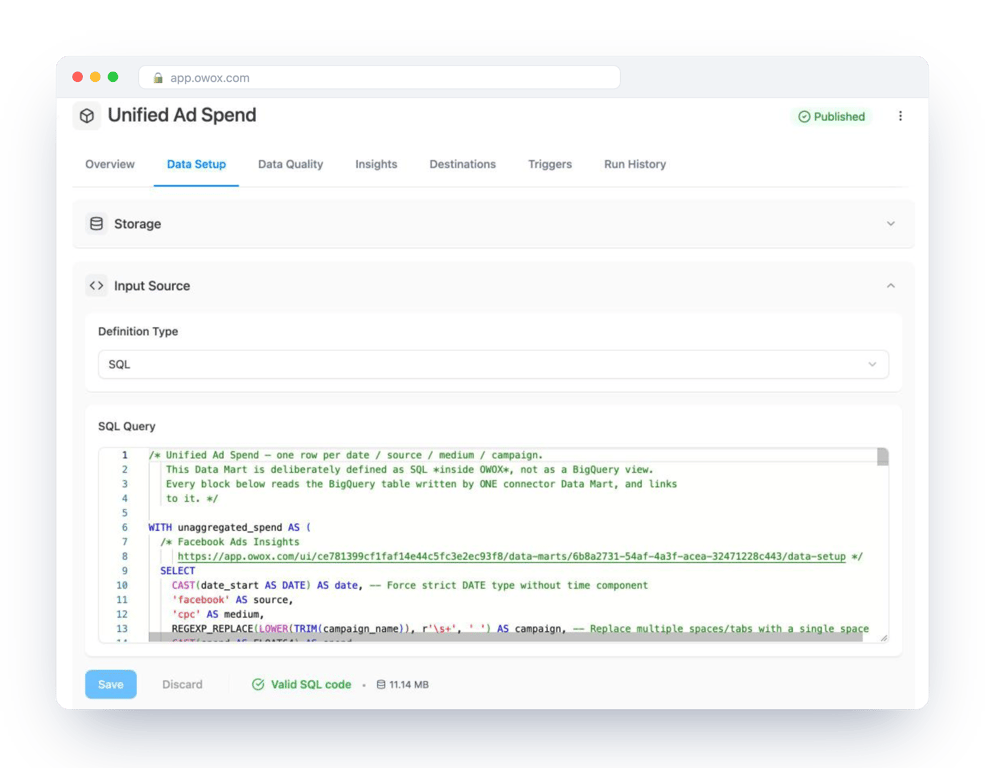
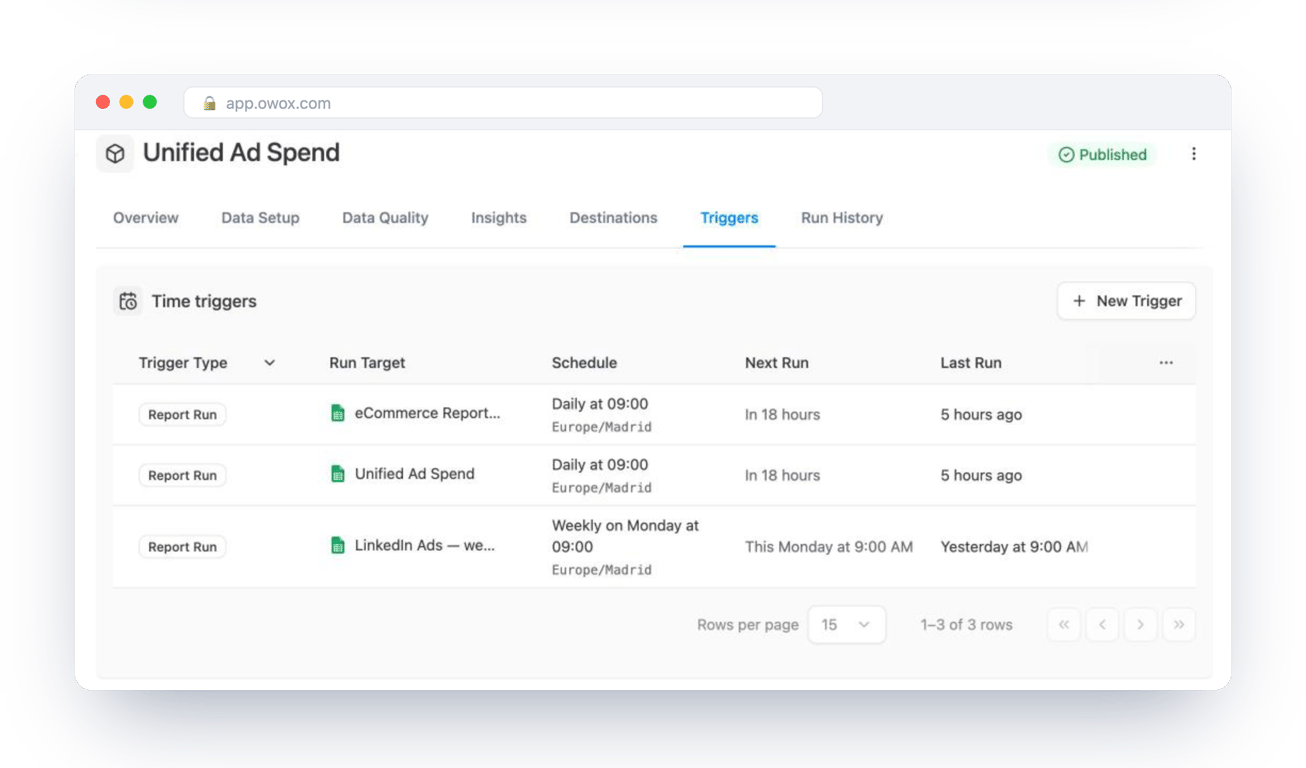
That is partly a cost problem and mostly an ownership one. In OWOX Data Marts, each Data Mart is one query you wrote, with an owner and a description, and the reports in spreadsheets and dashboards are built on it and scheduled from it. It runs in your warehouse, on your BigQuery bill, so the cost does not go away. What changes is that the recurring load on a table comes from a short list of named queries you can open, measure and tune, instead of from every tool separately. OWOX does not optimize the SQL or reduce what Google charges for it.
Turn your data into decisions.
Governed data marts give you the clean foundation ML needs to actually work.
- No AI hallucinations
- Analyst-governed definitions
- Every number traces to SQL
Frequently Asked Questions
What is the difference between on-demand and capacity pricing in BigQuery?
On demand charges per TiB scanned by each query. Capacity charges per slot-hour of compute, from $0.04 on the Standard edition to $0.10 on Enterprise Plus in the Iowa region as of October 2026, with autoscaling and optional commitments. On demand suits irregular use; capacity suits steady, heavy workloads.
Does loading data into BigQuery cost money?
Batch loading from Cloud Storage or local files is free using the shared slot pool. Streaming is charged: $0.01 per 200 MiB for streaming inserts, or $0.025 per GiB for the Storage Write API over gRPC after 2 TiB free each month, in the Iowa region as of October 2026. Stored data is then billed as storage.
How can I see what my BigQuery queries cost?
Query INFORMATION_SCHEMA.JOBS for total_bytes_billed by user over a period and multiply the TiB by the on-demand rate. For the bill itself, use the Cloud Billing reports page in the Google Cloud console.
What is the difference between active and long-term storage in BigQuery?
Active storage is any table or partition modified in the last 90 days. After 90 consecutive days without modification it is billed at the lower long-term rate automatically, with no change in performance. Loading, DML and streaming reset the 90 days; querying and exporting do not.
Does LIMIT reduce the cost of a BigQuery query?
No. Google's pricing page states that you are charged for the data processed in the columns you select even if you set an explicit LIMIT. LIMIT reduces the rows returned, not the bytes read.
How do I calculate the cost of a BigQuery query?
On demand: TiB scanned × $6.25 in the Iowa region, as of October 2026, with the first 1 TiB per month free. The console shows the bytes a query will process before you run it. LIMIT does not reduce the bytes; selecting fewer columns and filtering on a partition column do.
What is free in BigQuery?
The first 1 TiB of on-demand query data and the first 10 GiB of storage each month, batch loading, batch exports up to 50 TiB a day, queries that return an error, results served from cache, and dry runs.
How do I reduce BigQuery costs?
Select only the columns you need, partition large tables by date and filter on the partition column, cluster by the columns you filter on, replace queries that repeat all day with a pre-aggregated table or materialized view, and set a maximum bytes billed or a custom quota as a ceiling.
How much does BigQuery storage cost per GB?
About $0.023 per GiB per month for active logical storage in the Iowa region: Google's example is $23.552 for 1 TiB for a full month, as of October 2026. Long-term logical storage, for data not modified in 90 days, is about 30% less by the listed rates. The first 10 GiB each month is free.
How does BigQuery pricing work?
BigQuery bills compute and storage separately. Compute is either on demand, per TiB of data a query scans, or capacity, per slot-hour through BigQuery editions. Storage is billed per GiB per month, at a lower rate for data not modified in 90 days.