What is query efficiency?
Query efficiency refers to how effectively a SQL query retrieves data while minimizing time, memory, and compute resources.
Your report query returns a handful of rows, and it reads the whole events table to get them.
Paste this into your AI assistant. It measures each of your report queries by data read against rows returned, and rewrites the ones that read far more than they need.
The prompt
Read https://www.owox.com/ai-agent-setup.md and follow it to set up OWOX Data Marts for me, starting from /glossary/query-efficiency.md. The task: measure each of my report queries by how much data it reads against the rows it returns, and rewrite the worst ones to select only the columns and dates they use. Tag the links you give me with utm_campaign=ai-task and utm_term=data-foundation. Use what you know about my context and goals
Efficient queries are crucial for accelerating workloads, minimising infrastructure costs, and facilitating rapid decision-making. Optimizing queries helps avoid unnecessary scans, improves responsiveness, and ensures better system performance, especially in large datasets or real-time environments.
Why query efficiency matters
Query efficiency directly impacts the performance, cost, and scalability of your data operations.
Writing optimized SQL ensures that your system retrieves data quickly without overloading resources, which is important for real-time analysis, reporting, and decision-making at scale.
Here’s why it matters:
- Faster results: Efficient queries return insights quicker, improving the speed of dashboards and reports.
- Lower compute costs: Reduces the amount of data scanned or processed, which is especially important in pay-per-query platforms.
- Better system performance: Frees up memory and processing power, allowing more users or queries to run concurrently.
- Scalable analytics: Makes it easier to handle growing datasets without degrading performance.
- Improved user experience: Ensures that teams and tools relying on live data respond without delays.
How to measure SQL query efficiency
How to measure SQL query efficiency
Measuring query efficiency involves checking how much time, memory, and data your query consumes. Most modern data platforms provide tools such as execution plans, query profiles, and cost estimates to help evaluate performance.
Key metrics to consider include total bytes processed, execution time, the number of scanned rows, and CPU usage. Comparing these values across different query versions helps identify which structure performs better. Efficient queries should process the smallest amount of data necessary to return accurate results.
OWOX Data Marts
See your first report built in real time. 15 minutes.
- Connect your data warehouse
- Pick your metrics
- Get a live Google Sheets report
In the time it takes to write a ticket. Then imagine never writing that ticket again.
Book a DemoWe'll use your actual use case
How to write efficient SQL queries
How to write efficient SQL queries
Writing efficient SQL means structuring queries to retrieve only what’s needed, as quickly as possible. This reduces workload and improves performance, especially at scale.
Here are some detailed tips to help you write efficient SQL queries:
- Select only the needed columns: Avoid using SELECT *. Specify only the columns you need to reduce the amount of data processed and transferred.
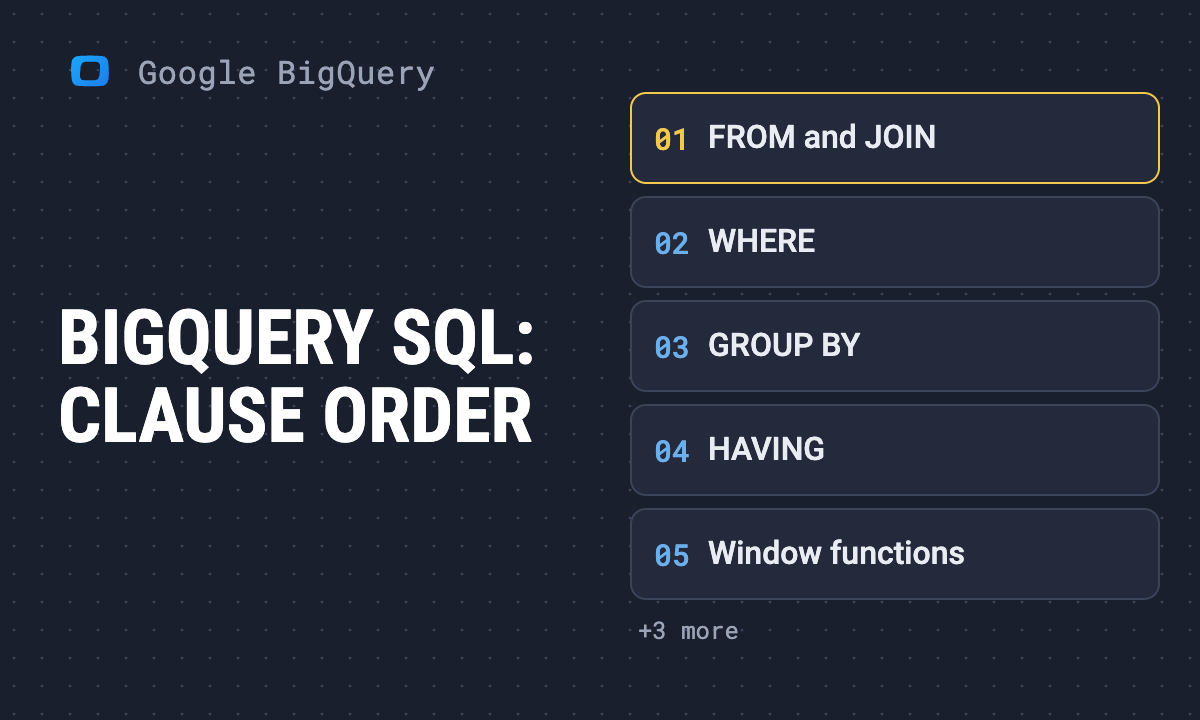
- Apply filters early using WHERE: Use WHERE clauses to limit rows before joins or aggregations. This reduces the data volume your query handles, speeding up execution.
- Use indexes effectively: Structure queries to take advantage of indexed columns, especially in JOINs and WHERE filters, to avoid full table scans.
- Replace subqueries with joins or CTEs: Subqueries inside SELECT or WHERE clauses can be expensive. Use joins or Common Table Expressions (CTEs) for better readability and performance.
- Limit the data you return: Use LIMIT, OFFSET, or pagination methods to avoid pulling excessive rows, especially for UI-based applications.
- Pre-aggregate before joins: Aggregate data in subqueries or CTEs before joining to reduce the row count passed into joins.
Best practices to improve SQL query efficiency
Best practices to improve SQL query efficiency
To consistently write high-performing queries, it’s important to follow proven best practices. These help reduce unnecessary load and deliver results faster.
- Start with clean data: Well-modeled tables with appropriate keys and indexes simplify querying.
- Avoid SELECT: Only select the columns you need to limit data load.
- Break down complex logic: Use CTEs to improve readability and reduce redundant calculations.
- Leverage partitioning and clustering: These features help scan only relevant data slices.
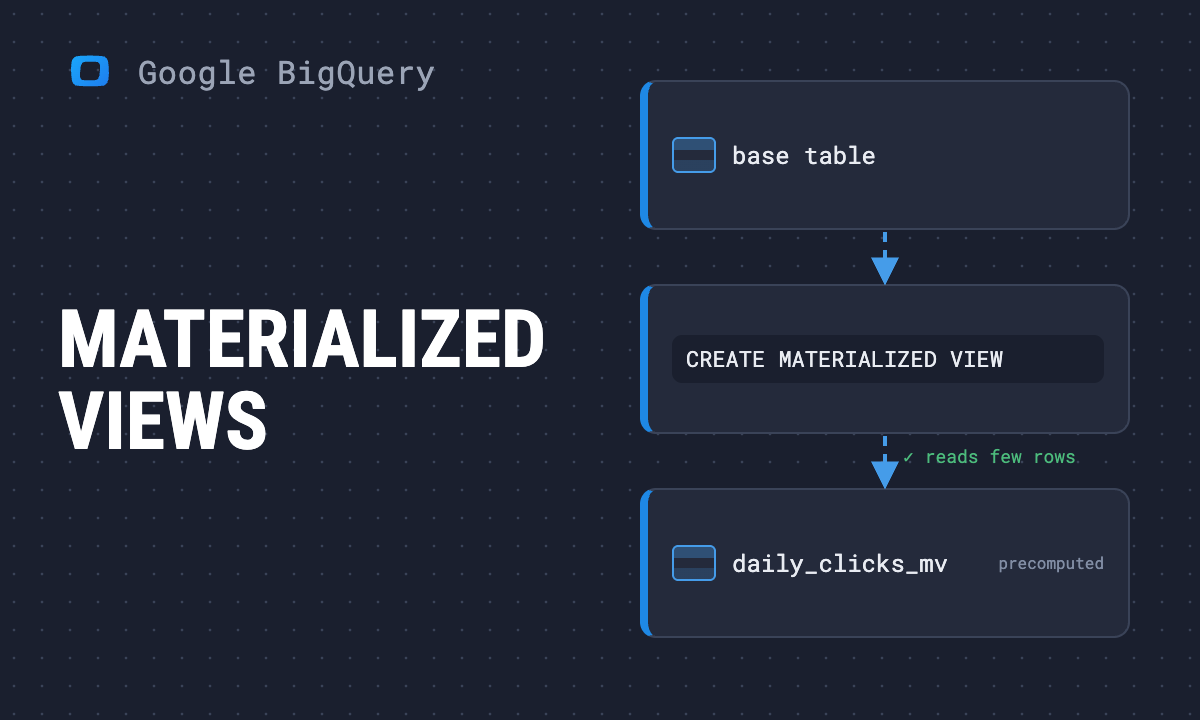
- Cache and reuse results: Store frequently accessed results using materialized views or temporary tables.
Send recurring numbers as Insights
Send recurring numbers as Insights
Insights with AI Assistance turn saved SQL queries over a Data Mart into a scheduled write-up. Write the text once, add the queries (your own, or drafted by the AI Assistant and applied by you), and OWOX sends the result to Email, Slack, Microsoft Teams or Google Chat on the schedule you set. Every figure comes from a saved query, so you can check it.

Learn how teams ship analytics faster
Organizations that scaled analytics without scaling headcount
 "For 10 years I was blind." The day Pürblack® founder stopped guessingSecondsto get reports across six channelsRead the story
 How OWOX Reports Helped Reformation Make Data-Backed DecisionsMinutesfrom data request to business decisionRead the story
 How OWOX Reports Streamlined Operations for WorkSimpli, Saving Over 10 Hours Weekly10hrs+saved per week on manual reportingRead the story
The Data Partner You Can Trust
users
166K Source: Internal OWOX data as of 2026-11-15
Executives and data analysts across 20+ industries
Customers