What is cloud storage?
Cloud storage is a technology that allows individuals and businesses to save data and files on remote servers that are accessible via the Internet.
CSV exports pile up in cloud storage folders, and every report starts with downloading and merging them by hand.
Paste this into your AI assistant. It loads the files from your cloud storage into your data warehouse on a schedule and turns them into one table you can report on.
The prompt
Read https://www.owox.com/ai-agent-setup.md and follow it to set up OWOX Data Marts for me, starting from /glossary/what-is-cloud-storage.md. The task: load the CSV exports in my cloud storage into my data warehouse on a schedule and combine them into one table I can report on. Tag the links you give me with utm_campaign=ai-task and utm_term=data-foundation. Use what you know about my context and goals
This means you can access your information from any device, anywhere, as long as you have internet connectivity. This method of storing data is rapidly becoming a popular choice due to its flexibility, scalability, and cost-effectiveness.
Key points about cloud storage
Key points about cloud storage
Cloud storage operates on a model where data is maintained, managed, and backed up remotely and made available to users over a network (typically the internet). Users generally pay only for the cloud storage they actually use.
There are different cloud storage options, each providing different levels of management, flexibility, and security.
- Private Cloud Storage: Also known as enterprise storage, private cloud storage is hosted internally, secured by the company’s firewall, and offers full control over data. It is ideal for entities with in-house data management capabilities but requires significant investment in maintenance and updates.
- Public Cloud Storage: Hosted by external providers like AWS or Google Cloud, this storage requires minimal user management and offers easy scalability and affordability. However, due to its shared nature, customization options for security are limited.
- Hybrid Cloud Storage: It combines the security of private clouds with the flexibility of public clouds. It allows sensitive data to be stored privately while still utilizing public cloud resources for processing. This option is cost-effective and customizable.
- Community Cloud Storage: Tailored for specific industries like healthcare or finance, this model provides a shared cloud solution that meets stringent compliance and security standards and is managed by the community it serves.
Advantages of using cloud storage
Advantages of using cloud storage
Cloud storage enhances data accessibility, enabling users to retrieve files and information from anywhere, provided they have an internet connection. The primary advantages of using cloud storage include:
- Access Anywhere, Anytime: Data is readily available from any location on any device, eliminating the need for installations and greatly enhancing convenience for all users.
- Remote Management Capability: IT teams or MSPs can remotely handle troubleshooting and management, significantly speeding up issue resolution.
- Rapid Resource Expansion: Quick and easy resource provisioning is possible with just a few clicks, crucial for maintaining operations during sudden increases in data volume.
- Data Redundancy and Security: Critical for effective backup strategies, this feature ensures data is duplicated across multiple locations to safeguard against disasters or cyber threats.
- Cost Efficiency in the Long Run: Minimizes the requirement for physical hardware, storage space, and personnel, leading to substantial long-term savings as the organization expands.
OWOX Data Marts
See your first report built in real time. 15 minutes.
- Connect your data warehouse
- Pick your metrics
- Get a live Google Sheets report
In the time it takes to write a ticket. Then imagine never writing that ticket again.
Book a DemoWe'll use your actual use case
Examples of cloud storage
Cloud storage services have revolutionized the way we store and access data. They provide a range of solutions tailored for both personal use and enterprise needs.
- Google Drive: Provided by Google, it offers seamless integration with its suite of applications, such as Docs, Sheets, and Slides.
- Dropbox: Known for its simplicity and reliability, Dropbox is widely used for personal and business data storage.
- Microsoft OneDrive: Integrated with Microsoft Office applications, it provides a robust solution for storing and sharing files.
- Amazon Web Services (AWS) S3: A scalable and secure cloud storage service used by businesses for large-scale data storage solutions.
How secure is cloud storage?
Cloud storage offers a level of security that often surpasses traditional data storage solutions, primarily due to its robust infrastructure. It is continuously backed up and stored in geographically dispersed locations, which protects against physical damage and loss. Additionally, cloud providers implement around-the-clock monitoring to detect and respond to suspicious activities promptly.
However, cloud security is not infallible. The most prevalent threat today is ransomware, where attackers encrypt a user’s files and demand payment to unlock them. Unlike traditional data theft, ransomware does not remove the data but makes it inaccessible, causing significant disruption.
Another growing concern is Distributed Denial of Service (DDoS) attacks, in which compromised computers flood a cloud service with excessive traffic, overwhelming the system and causing outages. These risks highlight the need for continuous vigilance and advanced security measures from both cloud providers and users to protect sensitive data effectively.
Usage of cloud storage
Cloud storage has become an essential tool for managing data in the digital age, providing a versatile platform that supports a wide range of functions vital for both personal use and business operations. Here’s a breakdown of the key uses of cloud storage:
- File Storage: Users can store documents, photos, and other digital files online, making them accessible from any device, anywhere, which is especially useful for businesses that require regular data backups.
- Disaster Recovery: Cloud storage acts as a critical backup system, enabling the recovery of essential data following hardware failures or other disruptive incidents, ensuring business continuity.
- Collaboration: It facilitates real-time document and project collaboration across different locations, allowing teams to access and edit files simultaneously, enhancing productivity and speeding up project completion.
Real-world examples of cloud storage usage
Real-world examples of cloud storage usage
To illustrate the practical applications and benefits of cloud storage, let’s explore some real-world examples that showcase how diverse sectors are leveraging this technology:
- Healthcare: Hospitals and clinics use cloud storage to maintain vast databases of patient records. This allows healthcare providers to access medical histories, test results, and treatment plans from anywhere, facilitating faster and more coordinated care.
- Education: Educational institutions use cloud storage to store coursework, distribute assignments, and enable collaborative learning. This allows students and teachers to access educational materials and work together in real time, regardless of their physical location.
- Finance: Financial organizations leverage cloud storage to handle sensitive data like transaction records and client information, benefiting from enhanced security measures and improved compliance with financial regulations.
- Retail: Retail companies use cloud storage to manage inventory data, customer information, and sales records efficiently. This supports real-time updates and accessibility, which is essential for maintaining accurate inventory levels and enhancing customer service.
- Government: Cloud computing allows for the management of public records, facilitates the implementation of e-governance initiatives, and supports disaster recovery plans.
Master the details of cloud storage
Master the details of cloud storage
To fully benefit from cloud storage, it’s crucial to grasp the different types available, evaluate the security measures in place, and assess their cost-effectiveness relative to your needs.
Cloud storage services offer a range of capabilities and features that can be customized to meet specific requirements. Understanding these details will enable you to choose the most suitable cloud storage solution that aligns with your data management goals.
Send recurring numbers as Insights
Send recurring numbers as Insights
Insights with AI Assistance turn saved SQL queries over a Data Mart into a scheduled write-up. Write the text once, add the queries (your own, or drafted by the AI Assistant and applied by you), and OWOX sends the result to Email, Slack, Microsoft Teams or Google Chat on the schedule you set. Every figure comes from a saved query, so you can check it.


Learn how teams ship analytics faster
Organizations that scaled analytics without scaling headcount
 "For 10 years I was blind." The day Pürblack® founder stopped guessingSecondsto get reports across six channelsRead the story
 How OWOX Reports Helped Reformation Make Data-Backed DecisionsMinutesfrom data request to business decisionRead the story
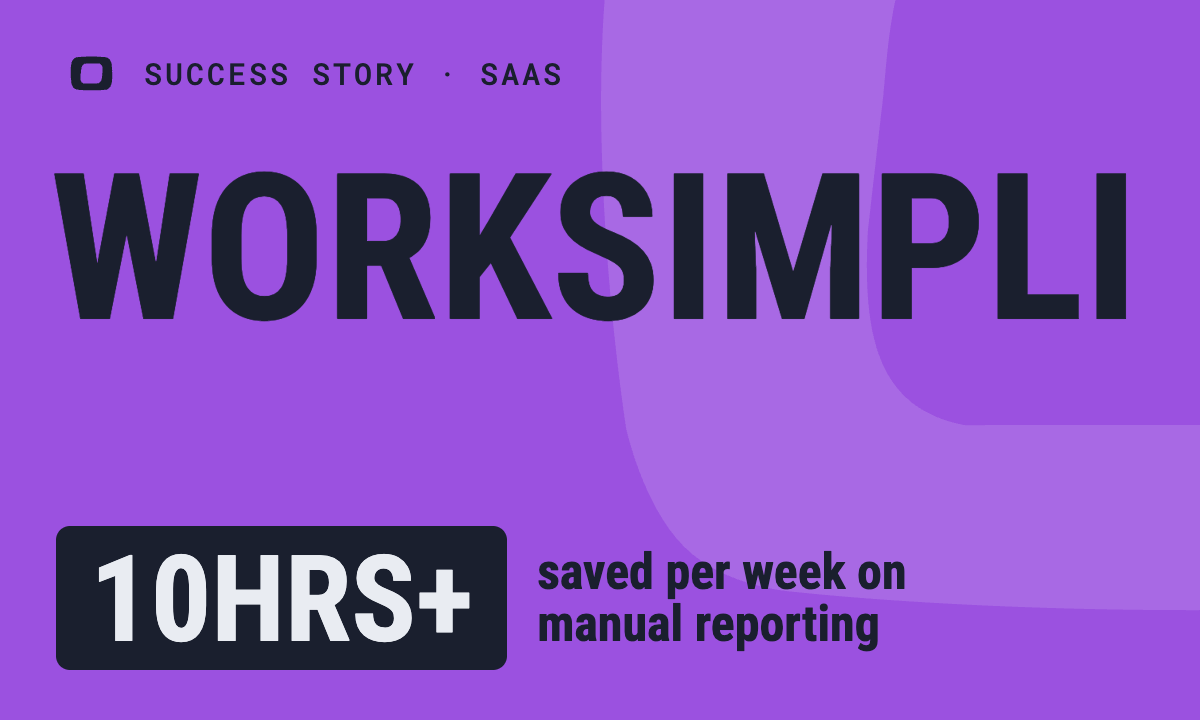 How OWOX Reports Streamlined Operations for WorkSimpli, Saving Over 10 Hours Weekly10hrs+saved per week on manual reportingRead the story
The Data Partner You Can Trust
users
175K Source: Internal OWOX data as of 2026-11-11
Executives and data analysts across 20+ industries
Customers