

Collect Open Exchange Rates Data into Google BigQuery
Own your Open Exchange Rates data in Google BigQuery with OWOX Data Marts. Collect up-to-date and historical currency exchange rates directly into BigQuery, control schema and refresh logic, and reuse the data across BI tools and AI Insights.
Open Exchange Rates Endpoints
1 Open Exchange Rates endpoints you can import. Each lands in its own table in your warehouse.
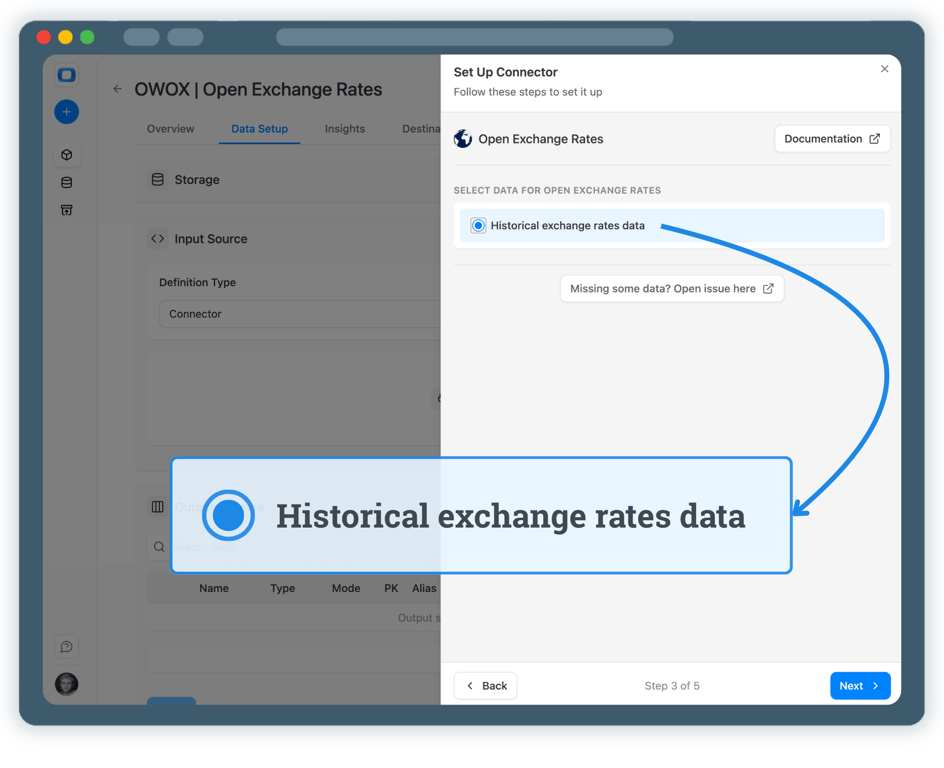
Historical exchange rates data
Contains historical exchange rates for different currencies relative to a base currency
4 fieldsTime series
Step 1: Create a Google BigQuery Data Storage
Start by connecting your own Google BigQuery project as a data storage.
- Use your own BigQuery project and datasets
- Keep full ownership of exchange rate data
- No third-party data warehouses
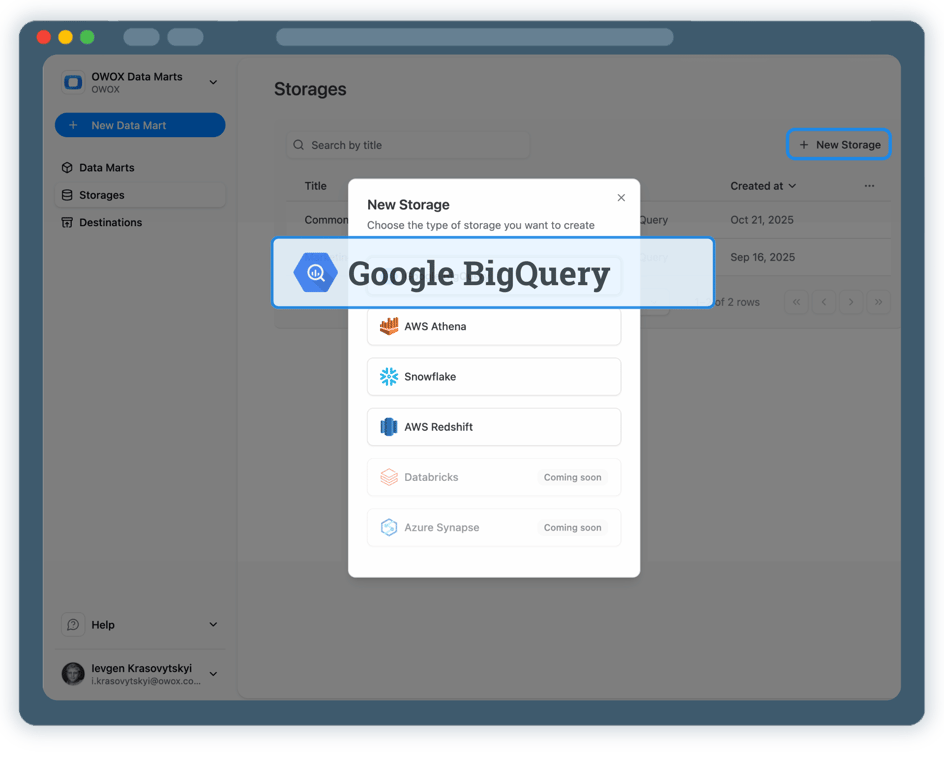
Step 2: Create an Open Exchange Rates Data Mart
Create a new Data Mart and choose Connector as the definition type.
- Select Open Exchange Rates as the data source
- Provide the required API access details
- No API coding or engineering required
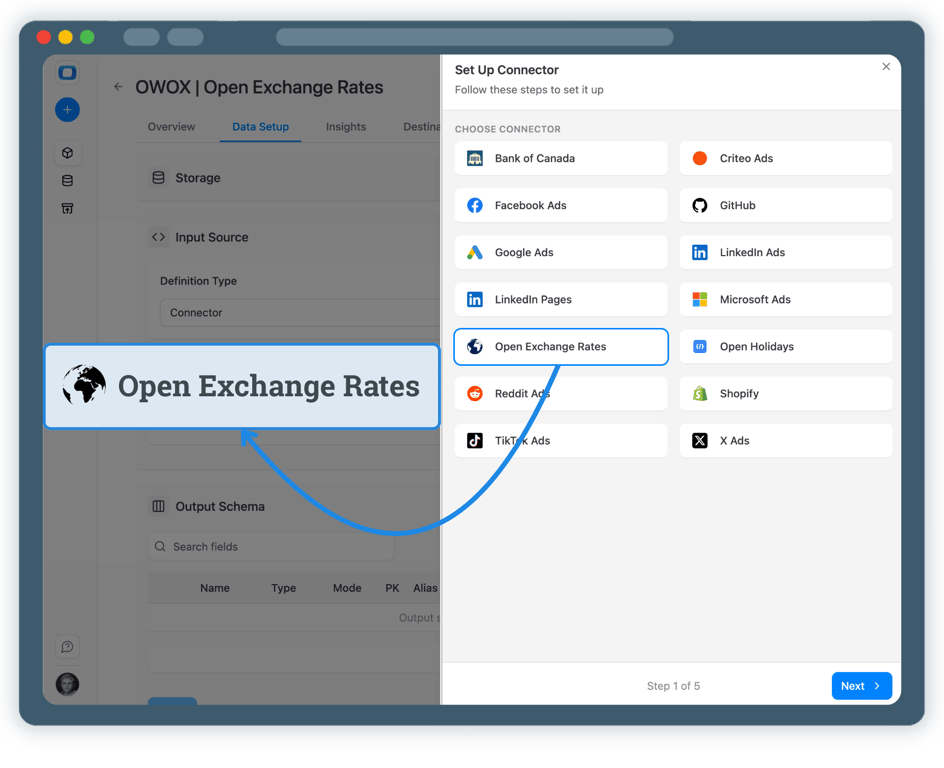
Step 3: Select Fields & Configure Data Import
Choose exactly which exchange rate data you want to store in BigQuery.
- Select the appropriate Open Exchange Rates endpoint
- Choose base currency, target currencies, and rate fields
- Define the destination dataset and table name in BigQuery
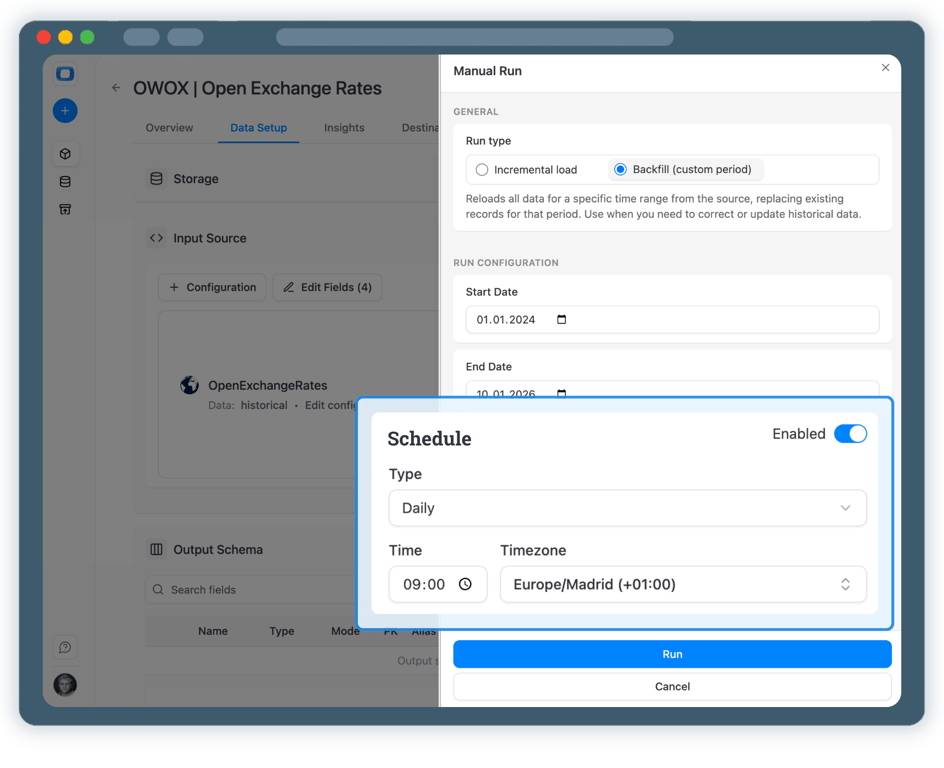
Step 4: Run & Schedule Exchange Rates Data Collection
Once published, control how and when exchange rate data is imported.
- Incremental load to import the latest rates
- Backfill (custom period) to load historical FX data
- All runs are logged and visible in Run History
Step 5: Use Exchange Rates Data Across BI Tools & AI Insights
Your Open Exchange Rates data is now available in Google BigQuery.
- Convert revenue, costs, or ad spend using trusted FX rates
- Analyze data in Google Sheets or Looker Studio
- Join currency data with marketing, sales, or finance datasets


Every claim has a receipt.
Real things real customers said — each quote pinned to a specific claim, straight from the quotes database.
 Nodari RizunFounder & CEO, Pürblack®
“AI, by the nature of the models, will hallucinate. And because of that, you need something which will create guardrails to ensure that there are no hallucinations, that you can trust your data.”
 Mark SimmonsCMO, Pürblack®
“We had six or seven different channels and no single source of truth — it was almost impossible, a lot of guesswork.”
Nodari RizunFounder & CEO, Pürblack®“We regained time. And time is the one resource that never comes back.”
Turn Exchange Rate Data into Business Decisions
Schedule a quick walkthrough to see how OWOX Data Marts helps you collect Open Exchange Rates data in BigQuery and build consistent, currency-aware analytics at scale.
Get Started FreeData Partner You Can Trust
users
176K
Executives and data analysts across 20+ industries
G2 rating
4.9★
“A trusted data analytics partner” — verified review
Customers