OWOX Model Canvas vs dbdiagram.io: ERD Tools Compared
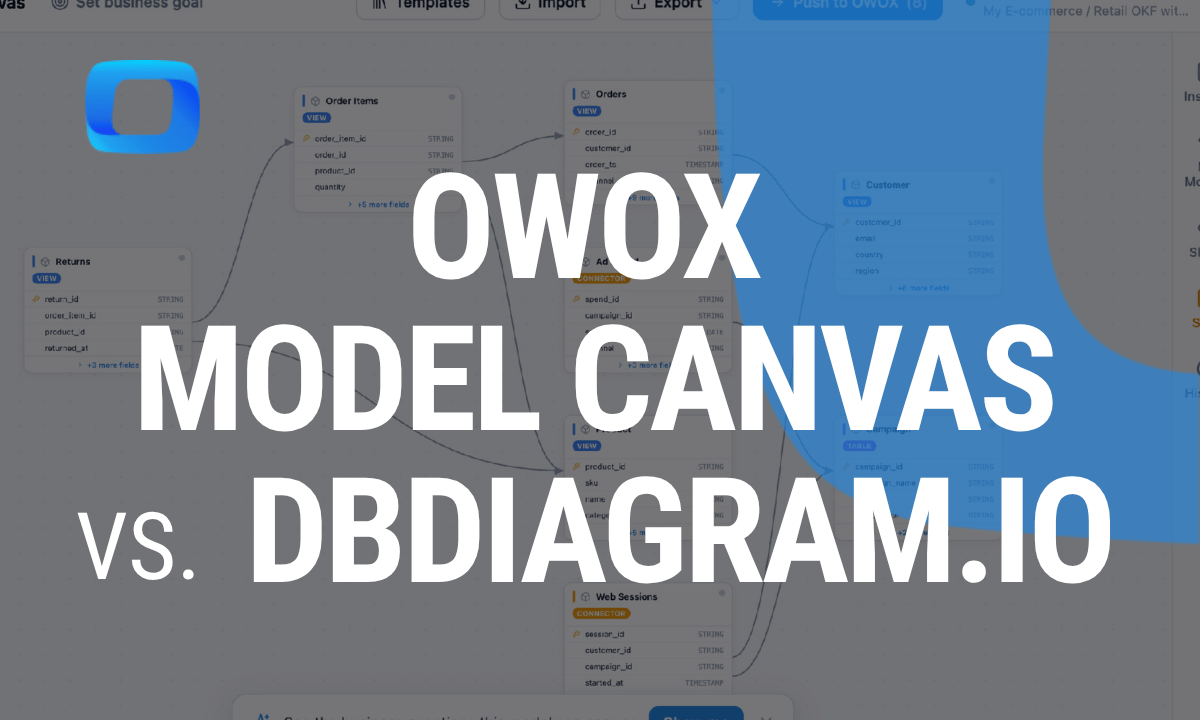
If you searched for this comparison, you probably want a free way to draw a database or warehouse schema – and you’re deciding between dbdiagram.io, the code-first favorite, and OWOX Model Canvas, a visual canvas that exports an open, portable model.
Both are free and both are genuinely good.
They just optimize for different things: dbdiagram.io is the fastest way to turn code into a diagram; OWOX Model Canvas turns a diagram into a portable, AI-readable model. Here’s the honest breakdown.
New to the space? Our roundup of the best free ERD tools covers the wider field; this page is the head-to-head.
TL;DR
- Pick dbdiagram.io if you think in code, want to type a schema in DBML and get a clean diagram instantly, and mainly need SQL or an image out the other end.
- Pick OWOX Model Canvas if you want a visual (or AI-drafted) model, and – more importantly – you want the output to be a portable spec you can keep in git and hand to an LLM, not just a picture.
Side by side
| dbdiagram.io | OWOX Model Canvas | |
|---|---|---|
| Approach | Code-first (DBML syntax) | Visual canvas + AI drafting |
| Learning curve | Learn DBML | Drag-and-drop; no syntax |
| Output | Diagram image, SQL, DBML | OKF (portable markdown), image |
| AI drafting | – | Describe it, AI drafts the model |
| AI-readable output | Not really | Yes – OKF is agent-readable |
| Open samples | – | Opens Google’s GA4 / Stack Overflow / Bitcoin |
| Open-source | – | Yes (Apache-2.0) |
| Sign-up | Account for saving | None needed |
| Price | Free tier + paid | Free |
OWOX Data Marts
See your first report built in real time. 15 minutes.
- Connect your data warehouse
- Pick your metrics
- Get a live Google Sheets report
In the time it takes to write a ticket. Then imagine never writing that ticket again.
Book a DemoWe'll use your actual use case
Where dbdiagram.io wins
dbdiagram.io is beloved for a reason. If you’re comfortable defining tables as text, DBML is fast – you type, the diagram updates live, and you never touch a mouse. It round-trips to SQL cleanly, it’s great for developers who treat the schema as code, and the free tier is generous. For a quick, precise, keyboard-driven diagram of a schema you already understand, it’s hard to beat.
If DBML-as-code fits your brain, that’s a real advantage OWOX Model Canvas never tried to replicate.
Where OWOX Model Canvas wins
OWOX Model Canvas optimizes for two things dbdiagram.io doesn’t:
- Visual + AI authoring. You draw the model directly, or describe it in plain language and let AI draft the tables and joins – no syntax to learn. Good when you’re figuring the model out, not just transcribing one.
- A portable, AI-readable output. Instead of only an image or DDL, it exports OKF – Google’s Open Knowledge Format – a plain-markdown description of your model. That file lives in git, gets reviewed in a pull request, and can be handed to an LLM as context so text-to-SQL stops guessing your schema.
- It also opens Google’s official GA4, Stack Overflow, and Bitcoin sample bundles, needs no sign-up, and can push a finished model into OWOX Data Marts for self-service analytics.
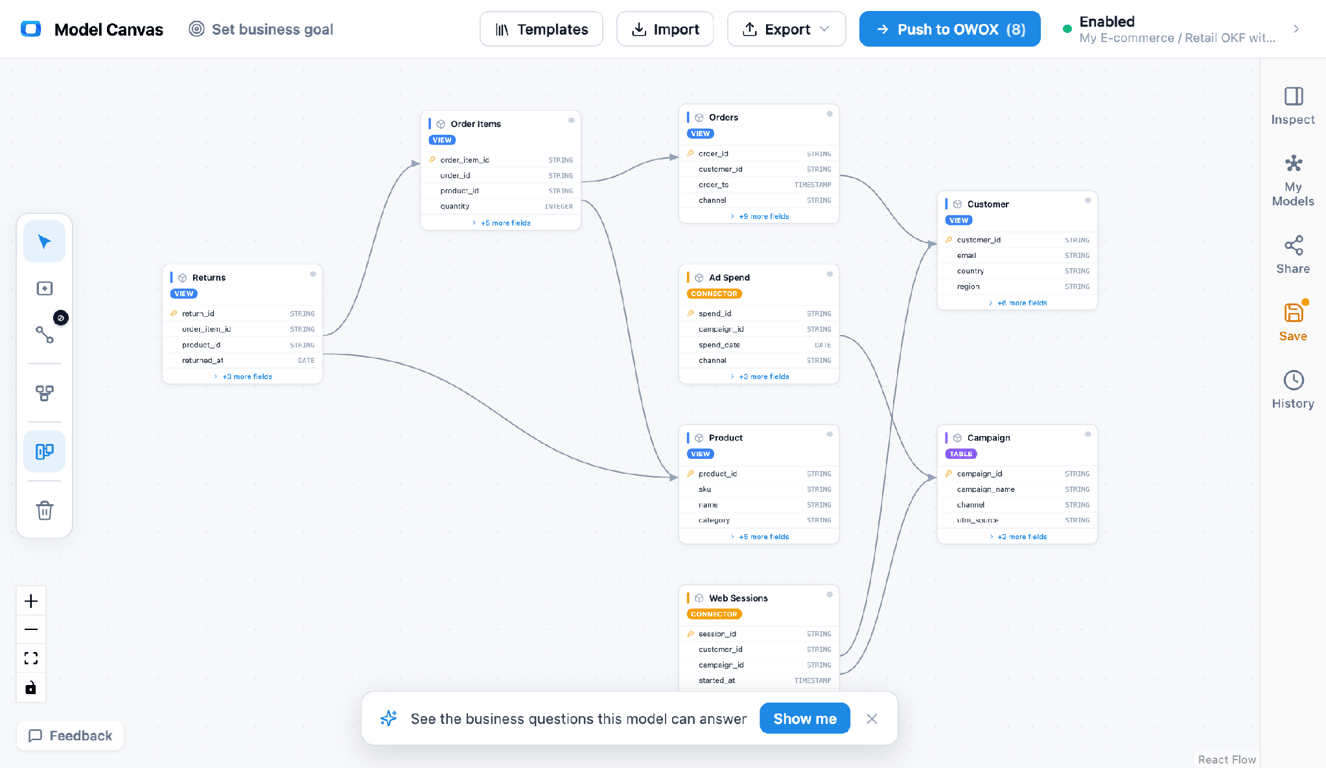
Draw or AI-draft the model, then export OKF (portable markdown) or an image – a spec you can version and hand to an LLM.
The real difference: what comes out
The real difference: what comes out
Both tools draw a nice diagram. The distinction is what you can do with the output afterward.
dbdiagram.io’s output is a picture or SQL – perfect for a human reading a doc or spinning up tables. OWOX Model Canvas’s output is a model – an open, machine-readable spec describing every table, column, and join. In 2026 that matters more than it used to, because there’s a new consumer of your schema: the assistant. A PNG is a dead end for an LLM; an OKF file is context it can read directly. If your diagram only ever needs to be looked at, that difference won’t move you. If it needs to feed an agent, keep it in git, or travel between tools, it’s the whole ballgame.
Which should you choose?
- You define schemas as code and want a fast diagram + SQL → dbdiagram.io.
- You want to design or AI-draft a model visually, with no sign-up → OWOX Model Canvas.
- You want the model to be portable and AI-readable (git, PRs, LLM context) → OWOX Model Canvas.
Honestly? Many teams use both – sketch quickly in whichever fits, then export OKF when the model needs to be shared, versioned, or fed to an AI.
For the fundamentals behind either choice, see our guide to data modeling, and grab a starting point from the template gallery.
Turn your data into decisions.
Governed data marts give you the clean foundation ML needs to actually work.
- No AI hallucinations
- Analyst-governed definitions
- Every number traces to SQL
Frequently Asked Questions
Do I have to sign up?
Not for OWOX Model Canvas — it runs anonymously in the browser. dbdiagram.io lets you draw without an account but wants one to save your work.
Can both export SQL?
dbdiagram.io exports SQL DDL directly. OWOX Model Canvas focuses on OKF (a portable spec) plus a diagram image; you model there and generate the physical tables downstream (e.g., via OWOX Data Marts).
Which is better for AI / text-to-SQL?
OWOX Model Canvas, because it outputs OKF — a spec an LLM can read as context. dbdiagram.io outputs a diagram or SQL, which doesn't give an agent a portable model to reason over.
Does OWOX Model Canvas support a text/code syntax like DBML?
Its focus is visual editing plus AI drafting rather than a bespoke text syntax, and it imports/exports OKF (open markdown). If code-first DBML is your priority, dbdiagram.io is the better fit for that specific workflow.
What's the main difference between dbdiagram.io and OWOX Model Canvas?
dbdiagram.io is code-first (you write DBML and get a diagram + SQL). OWOX Model Canvas is a visual/AI canvas whose key output is OKF — a portable, machine-readable model you can keep in git and hand to an LLM, not just an image.
Is dbdiagram.io free?
Yes, it has a generous free tier (with paid plans for private diagrams and more). OWOX Model Canvas is also free, open-source, and needs no sign-up to draw or export a model.